
Nano Banana Upscale — Enhance Any Image with AI Magic
Upload any image and let AI do the rest. Nano Banana AI upscale takes your photos from blurry to sharp — recovering details with stunning accuracy. From 64px all the way up to 13,000px (176 megapixels), get the highest-resolution AI upscaling available today.
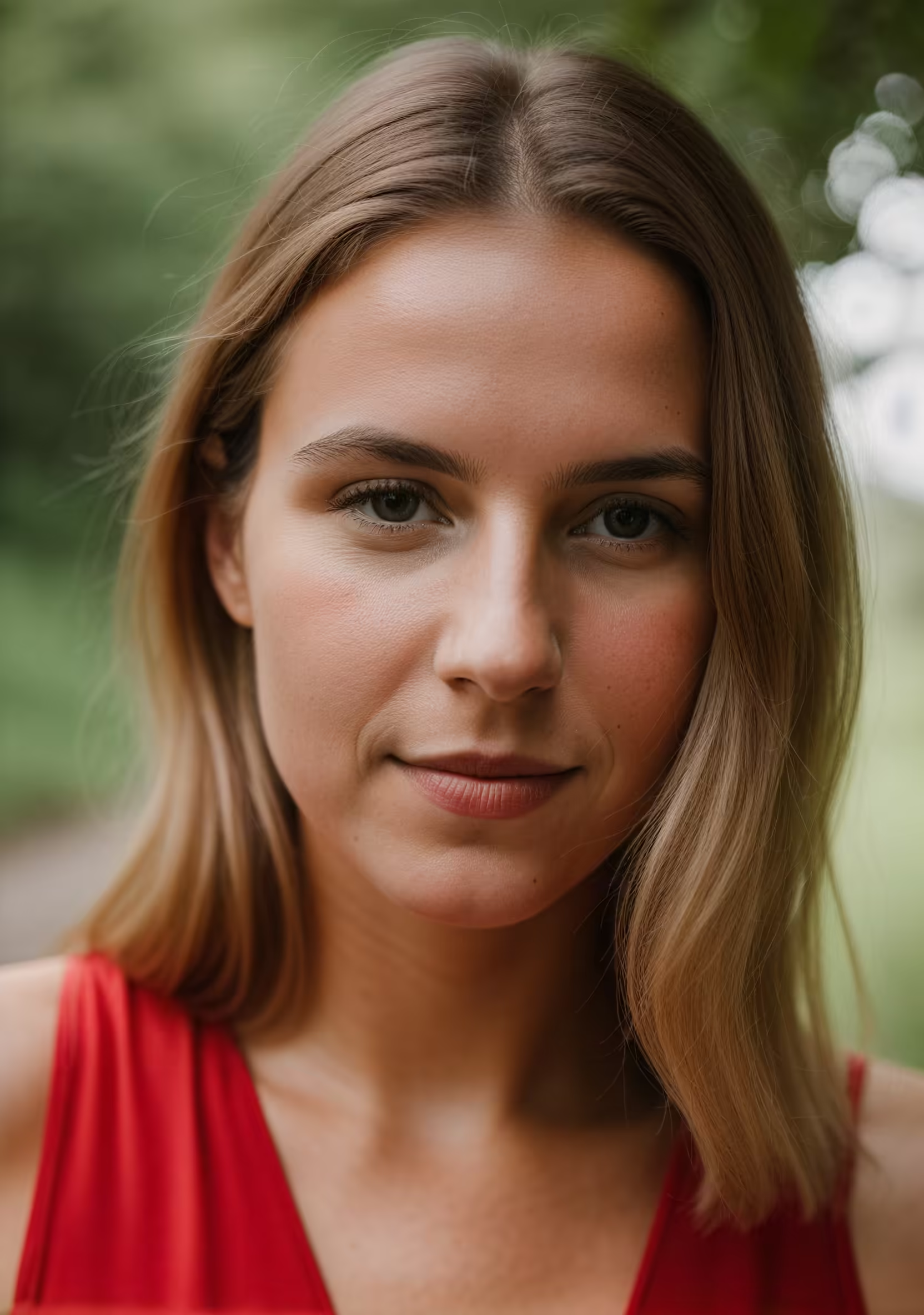
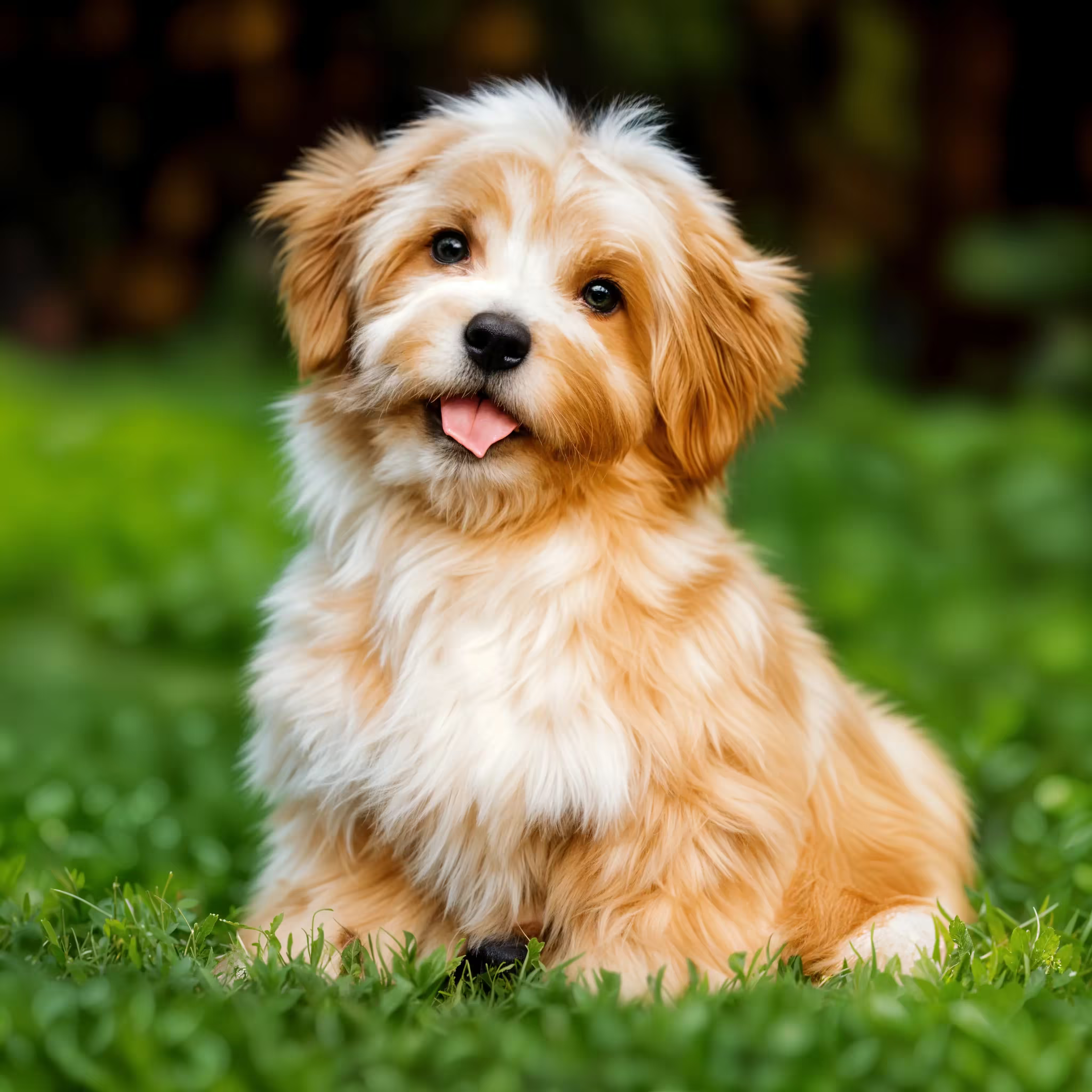
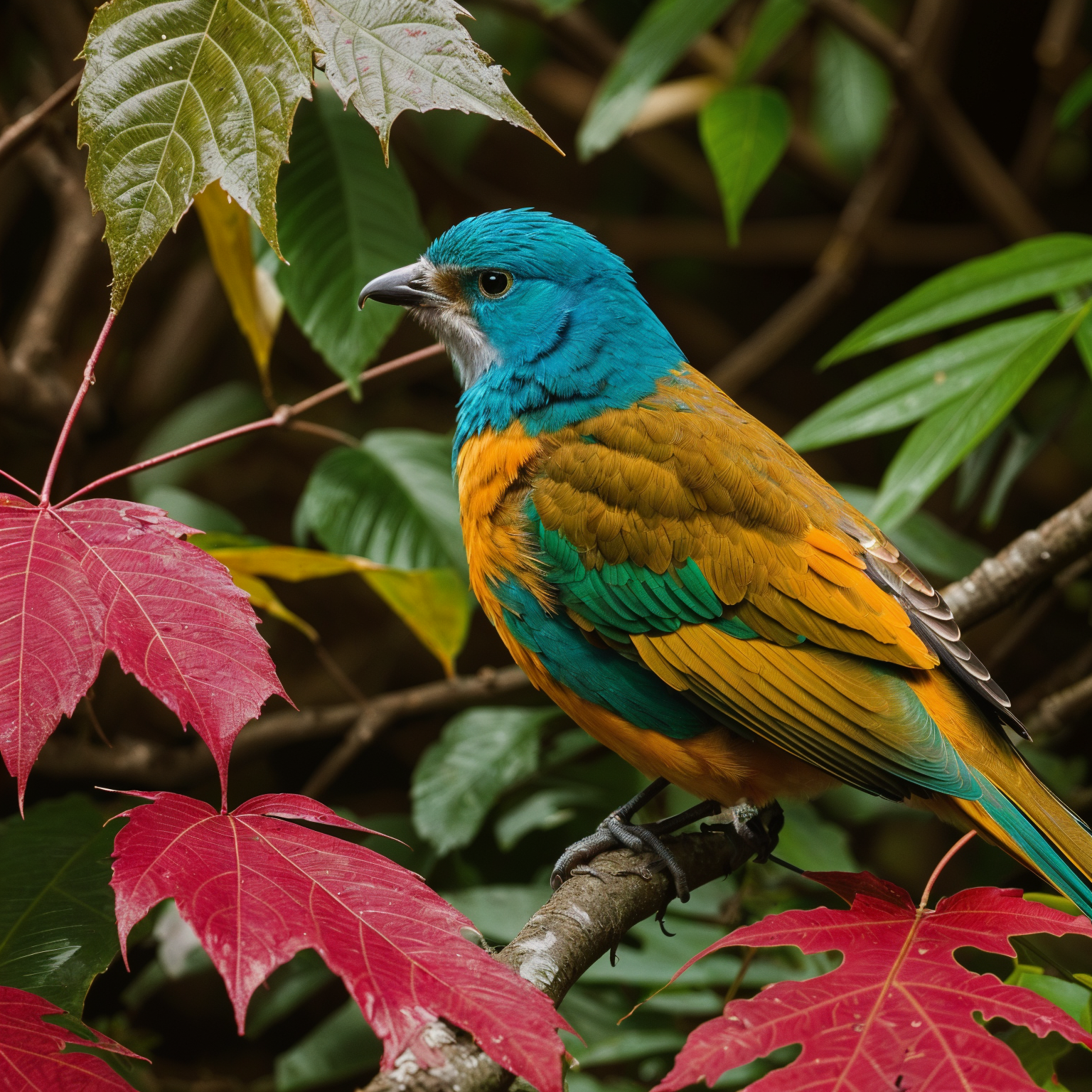
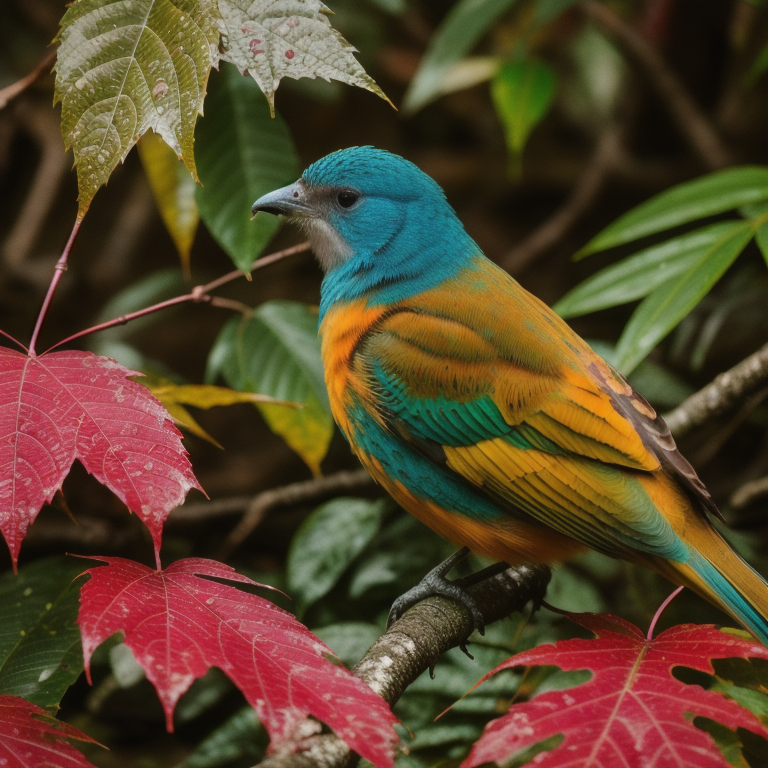
Example results — drag the slider to compare
Real Before & After Results
Drag the slider to see the difference. Every pixel is enhanced with AI-powered super-resolution — sharper details, cleaner textures, and zero artifacts.
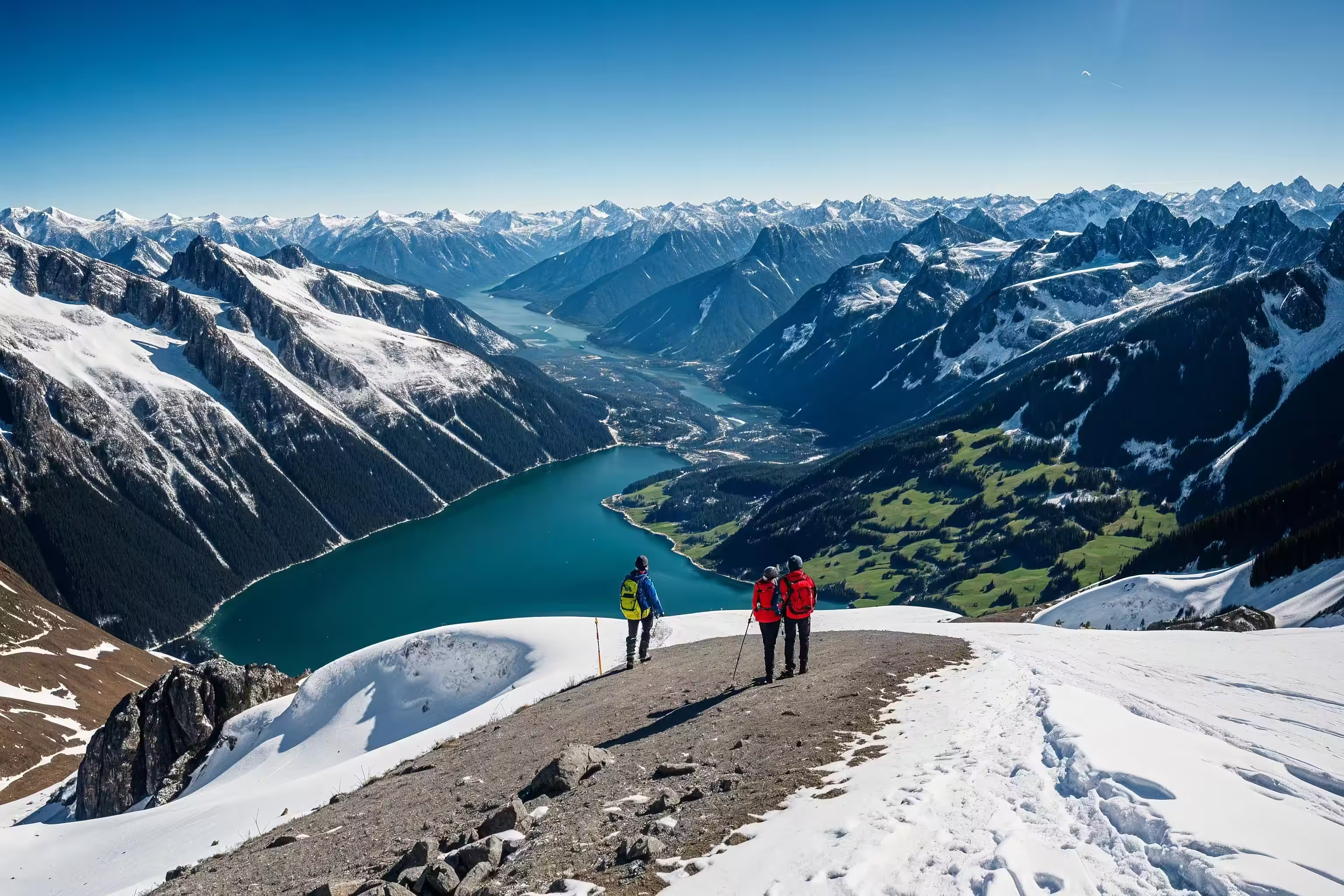
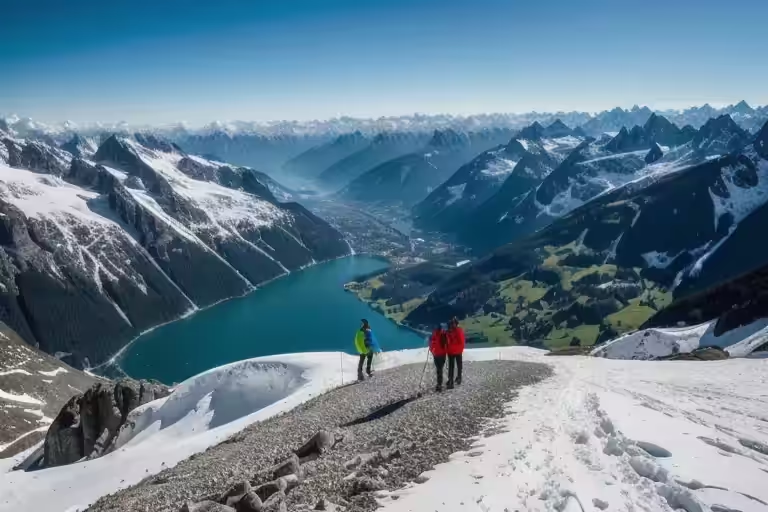
Landscape — sweeping scenery upscaled with incredible clarity
Fashion — fabric textures and facial features sharpened
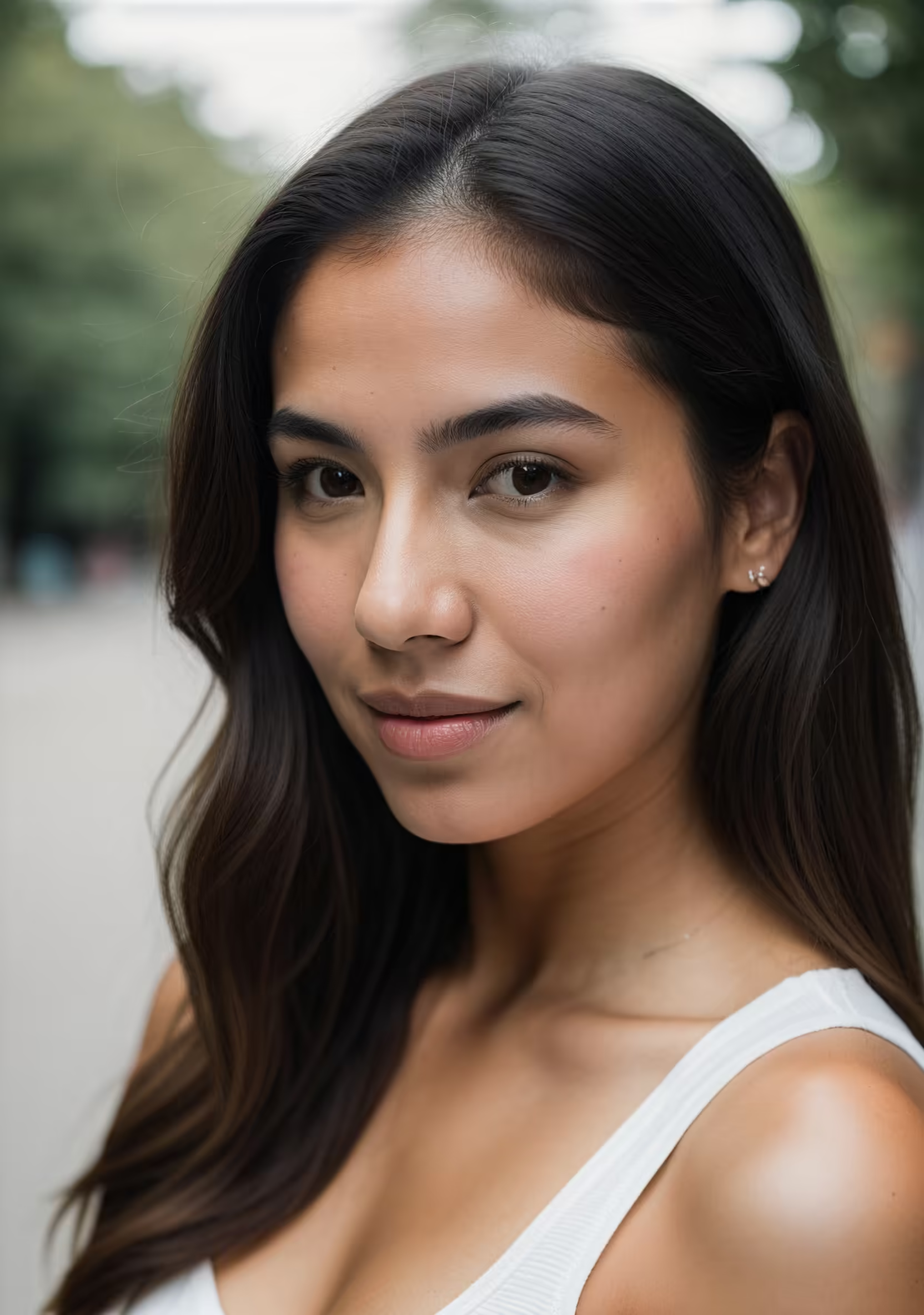
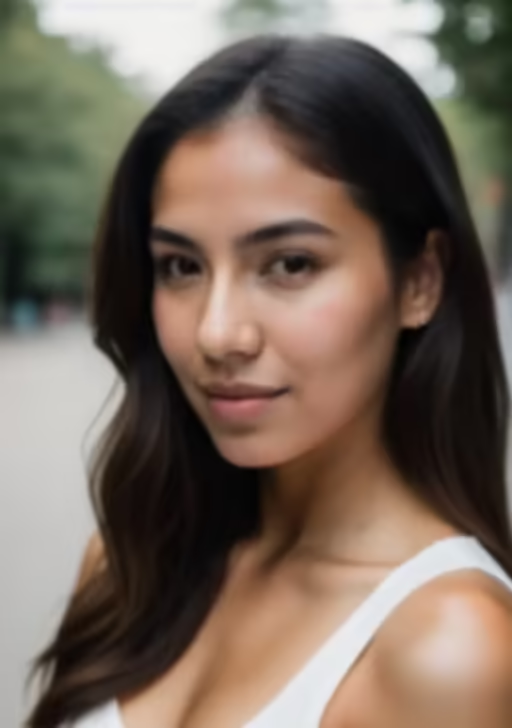
Portrait — skin textures and hair restored naturally
Pet photography — fur detail recovered beautifully
Wildlife — feather patterns and colors restored in vivid detail
Why Choose Nano Banana Image Upscale
More than a simple upscaler — AI-powered image enhancement that delivers professional-quality results every time.
Upscale Up to 176 Megapixels
Go from a 64px thumbnail to a 13,000px high-resolution image. Our AI infers high-frequency details that traditional upscaling simply cannot reproduce. Print-ready quality from any source.
Recover Lost Details with AI
This isn't simple interpolation — the AI generates new, realistic details based on learned patterns. Textures, edges, and fine structures appear as if the photo was taken at full resolution from the start.
Faces That Look Naturally Perfect
Blurry, low-res faces become sharp and lifelike. The AI restores facial features, skin textures, and expressions with high accuracy — no uncanny valley, just natural results.
Crystal-Clear Results, Zero Artifacts
Old photos, compressed JPEGs, screenshots — our AI strips away noise, compression artifacts, and blur while enhancing the actual image content. Cleaner than the original.
Dial In Exactly the Look You Want
Adjust the balance between faithful upscaling and creative enhancement. Whether you want photorealistic accuracy or artistic flair, you have full control over the output style.
Lightning-Fast Processing
No waiting around — get your upscaled image in seconds, not minutes. Optimized AI inference means you can process images at scale without bottlenecks.
Who Needs Nano Banana Image Upscale
From photographers rescuing old shots to businesses needing print-ready assets — AI image upscaling transforms every workflow.
Photographers
Rescue underexposed or low-resolution shots. Upscale old digital photos to modern standards and create print-ready enlargements from any source file.
E-Commerce Sellers
Turn supplier-provided thumbnails into high-resolution product images. Crisp, detailed listings drive higher conversion rates on every marketplace.
Designers & Creatives
Upscale textures, stock photos, and reference images to fit any canvas size. Never let source resolution limit your creative vision again.
Print & Publishing
Scale web-resolution images to 300 DPI and beyond for magazines, posters, and large-format prints without any visible quality loss.
Game & App Developers
Upscale textures, sprites, and UI assets for high-DPI displays. Ship retina-quality graphics without re-creating every asset from scratch.
Photo Archivists
Breathe new life into decades-old family photos, historical archives, and scanned documents. Recover detail that time and technology had stolen.
Image Upscale FAQ
Everything you need to know about Nano Banana AI image upscaling and enhancement.
How much can I upscale an image?
You can upscale images from as small as 64px up to 13,000px on the longest side — that's up to 176 megapixels. The AI handles any scaling factor while maintaining excellent quality.
What makes this different from regular upscaling?
Traditional upscaling just stretches pixels, creating blur. Our AI uses super-resolution technology that actually generates new, realistic details — textures, edges, and patterns that weren't in the original image.
Does it work on old or blurry photos?
Absolutely. The AI excels at restoring old, compressed, and blurry images. It removes noise and artifacts while recovering sharp details, making it perfect for rescuing cherished memories.
How does face restoration work?
The model includes specialized face enhancement that detects and restores facial features, skin textures, and expressions. Even tiny, pixelated faces become sharp and natural-looking.
What image formats are supported?
Upload JPG, JPEG, PNG, WebP, and AVIF files. The output is a high-quality image at your chosen resolution, ready for any use case from web to print.
Is there a file size limit?
We recommend images under 10 MB for the fastest processing. Larger files are supported but may take a bit longer. The minimum input size is 64px on any side.
Can I use upscaled images commercially?
Yes. The output images are yours to use for any purpose — product listings, marketing materials, prints, publications, or any other commercial application.
How long does upscaling take?
Most images are processed in seconds. Larger upscaling factors or very high target resolutions may take slightly longer, but you'll typically have your result in under a minute.
Ready to Transform Your Images?
Upload an image above and experience AI-powered upscaling. Sharper details, cleaner textures, and impressive resolution — in seconds.