BananaAI
The Most Powerful Image Generator and Editor. Edit Images With Natural Language. Just describe what you want and watch the magic happen.
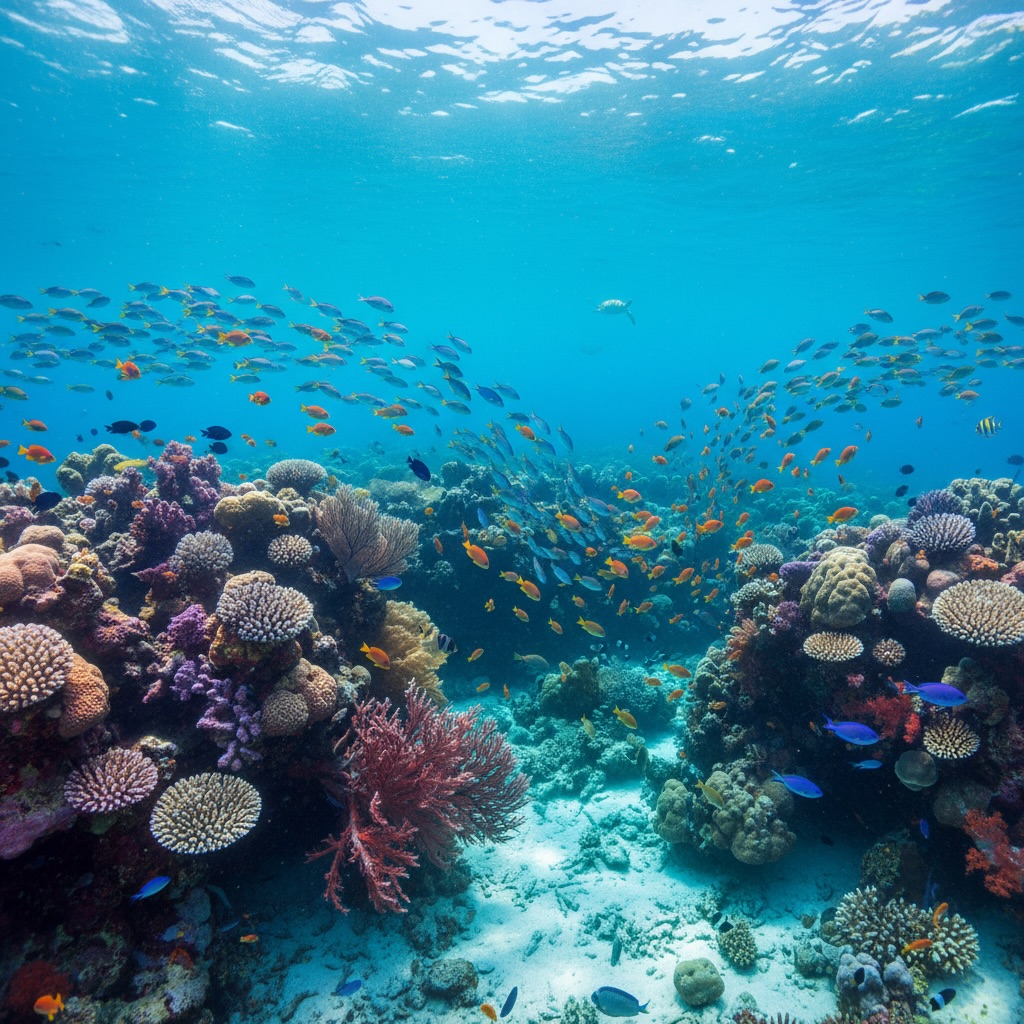
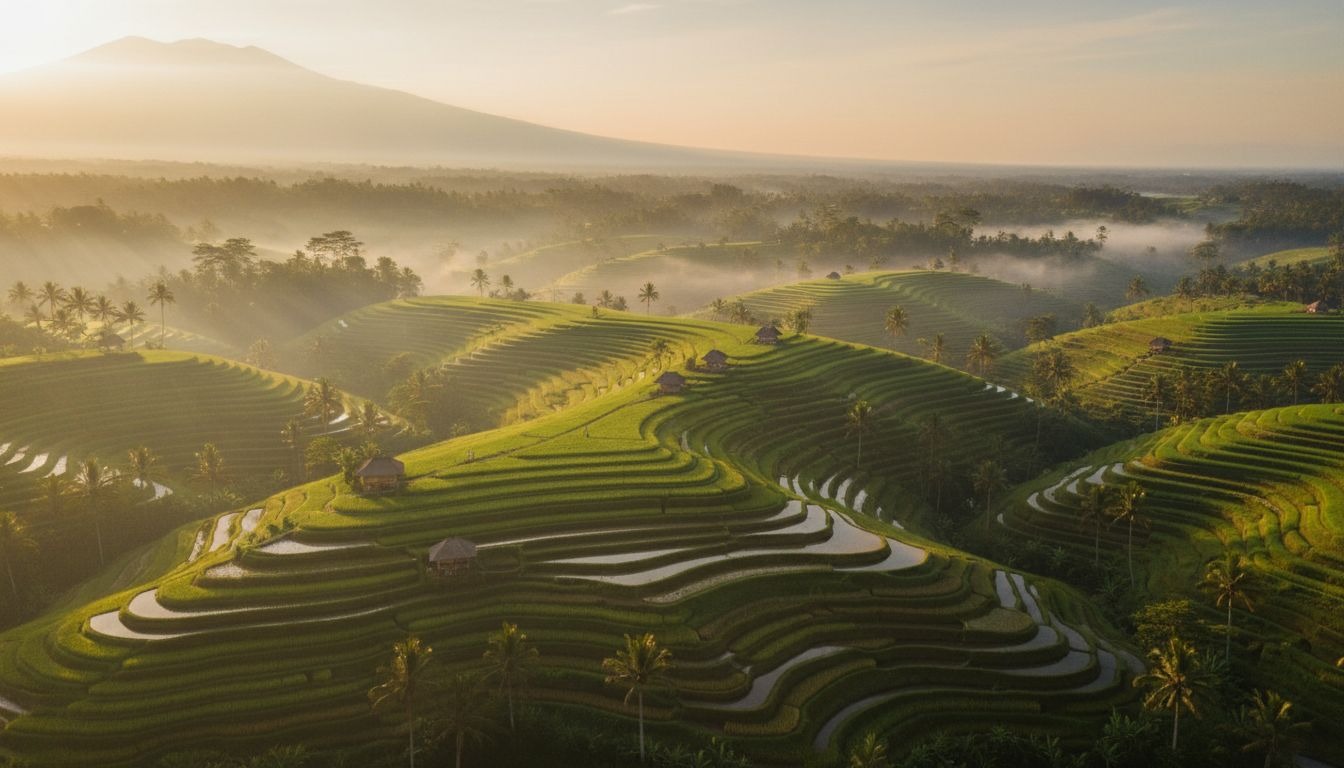
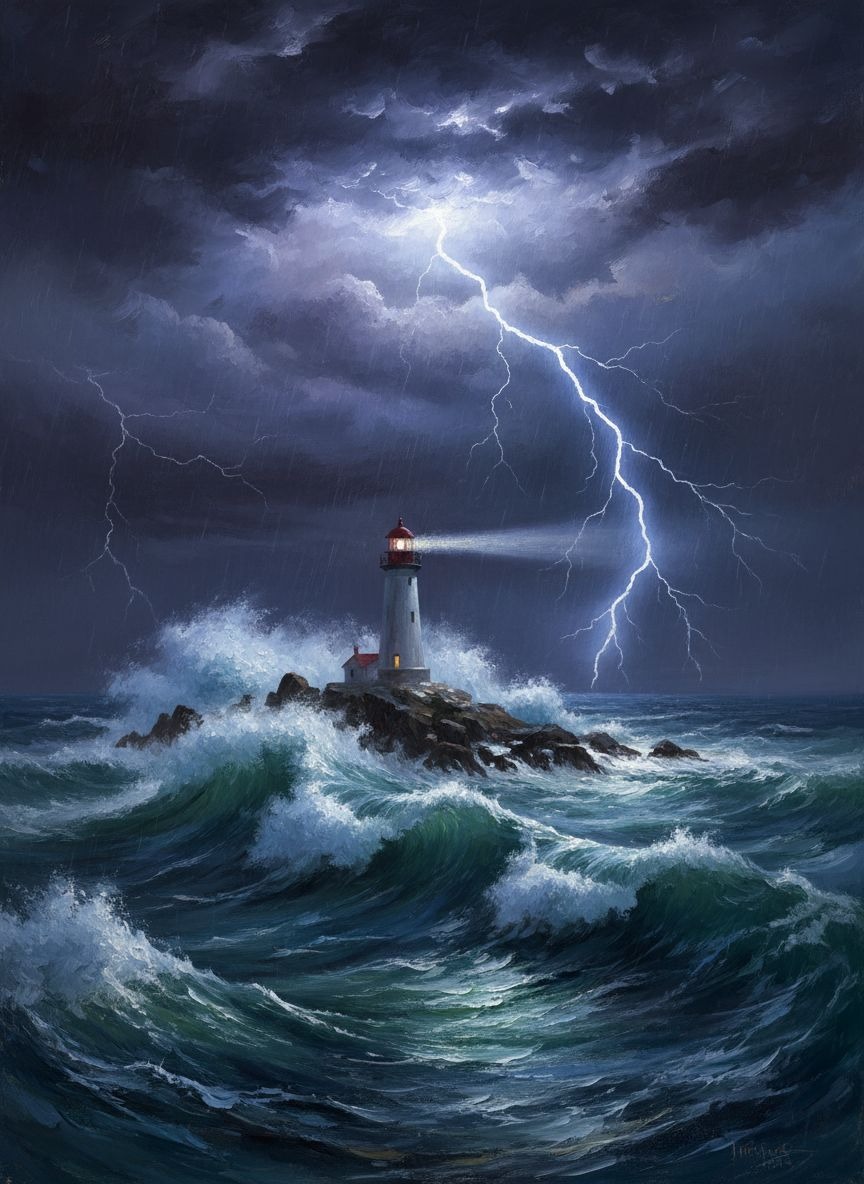
Example results — your generated image will appear here
See Nano Banana What It Can Do
Background removal, style transfer, text rendering, character consistency, multi-image blending, and more — all through simple text descriptions.
Apply Real-World Knowledge
Generate accurate infographics, diagrams, and educational visuals by pulling from a vast knowledge base.
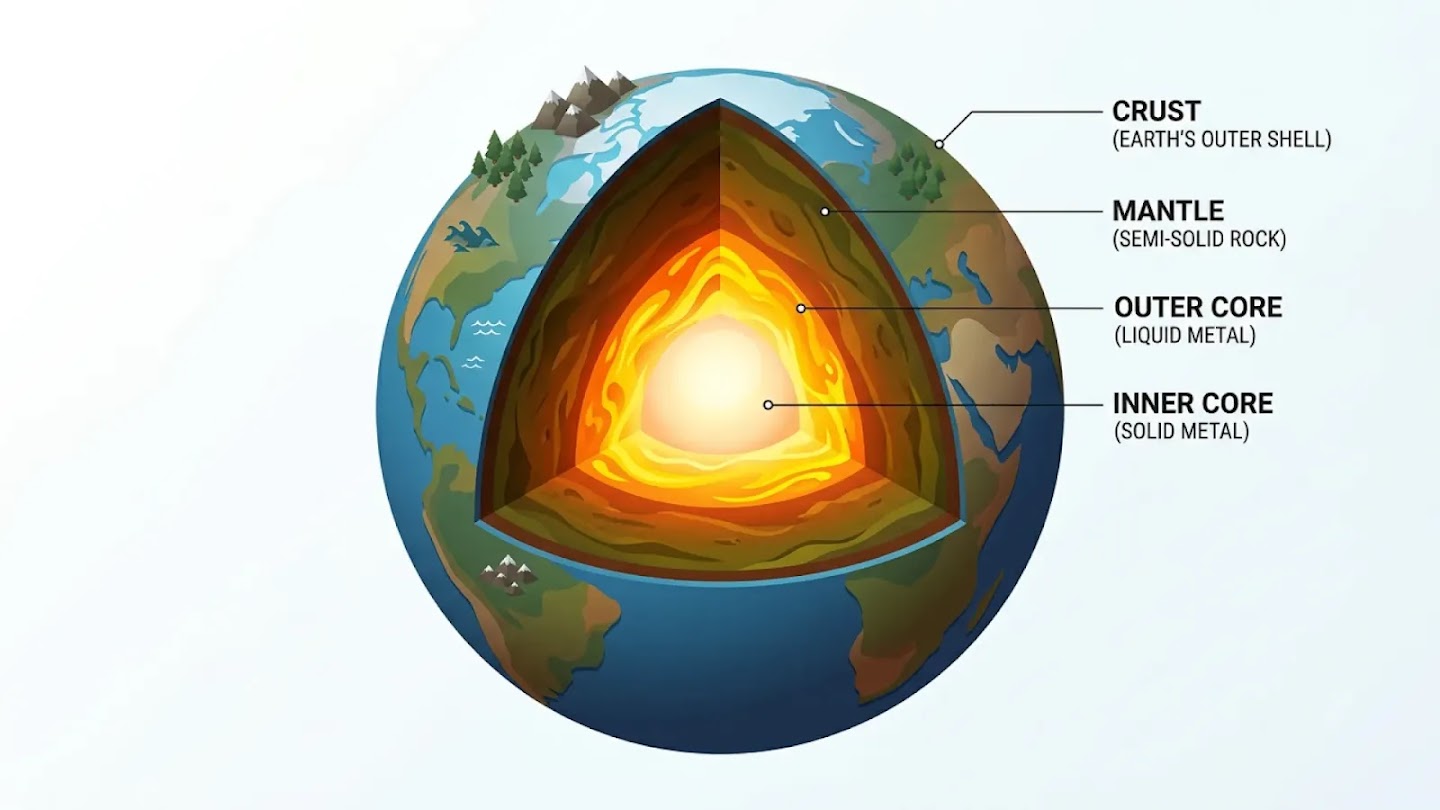
Earth's Internal Layers — Isometric Infographic
The Layers of the Earth, depicted as a clean, isometric cutaway illustration. Showcase the distinct layers—Crust, Mantle, Outer Core, and Inner Core—with clear labels and texture variations. Include small icons on the crust representing mountains and oceans. The Inner Core should have a subtle, radiant glow. The style is Modern Isometric Infographic, characterized by clean lines, sharp angles, and a minimalist feel.
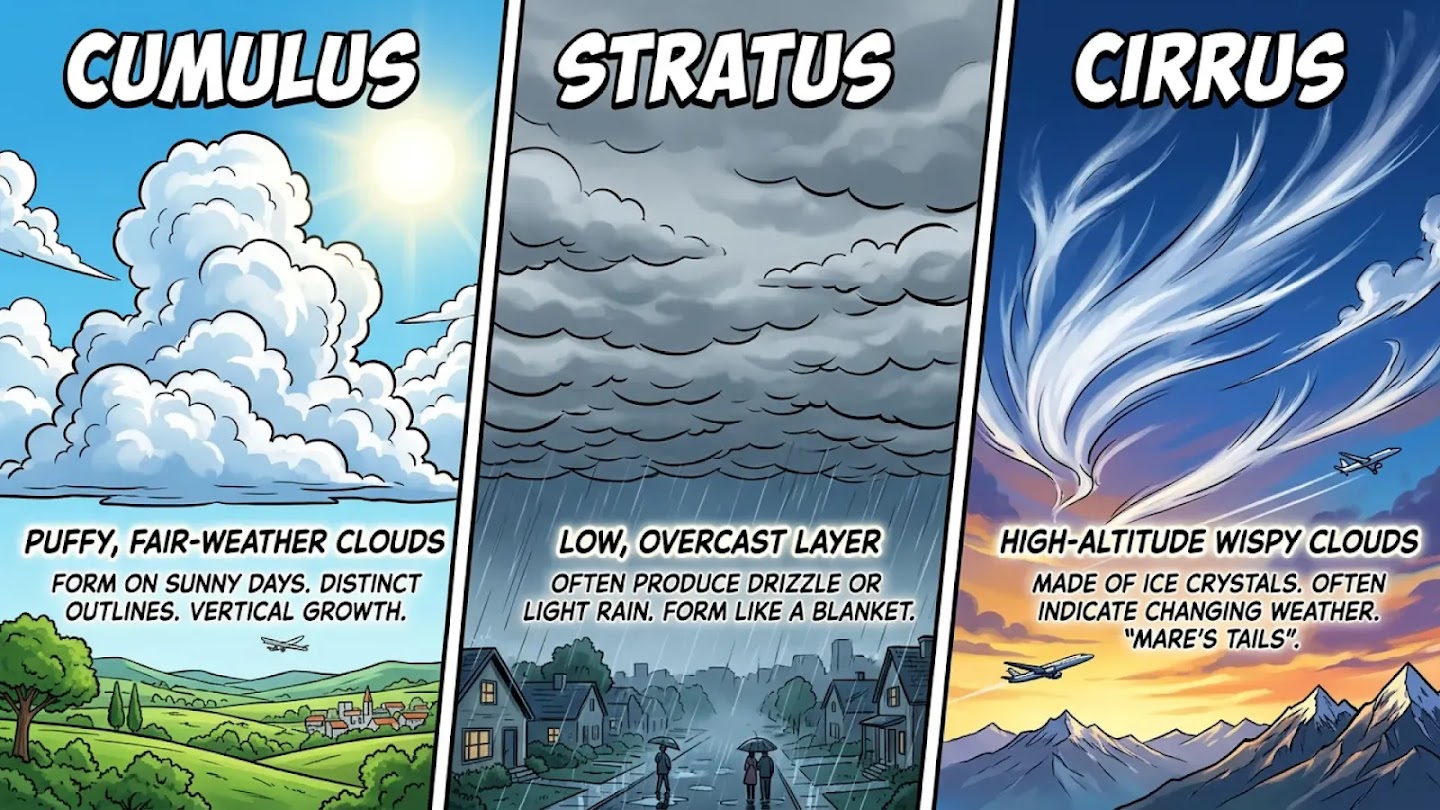
Cloud Types — Triptych Comparison
Triptych infographic comparing three types of clouds: Cumulus, Stratus, and Cirrus. Each panel shows the cloud type in a dramatic sky with a bold label. High-contrast comic style.
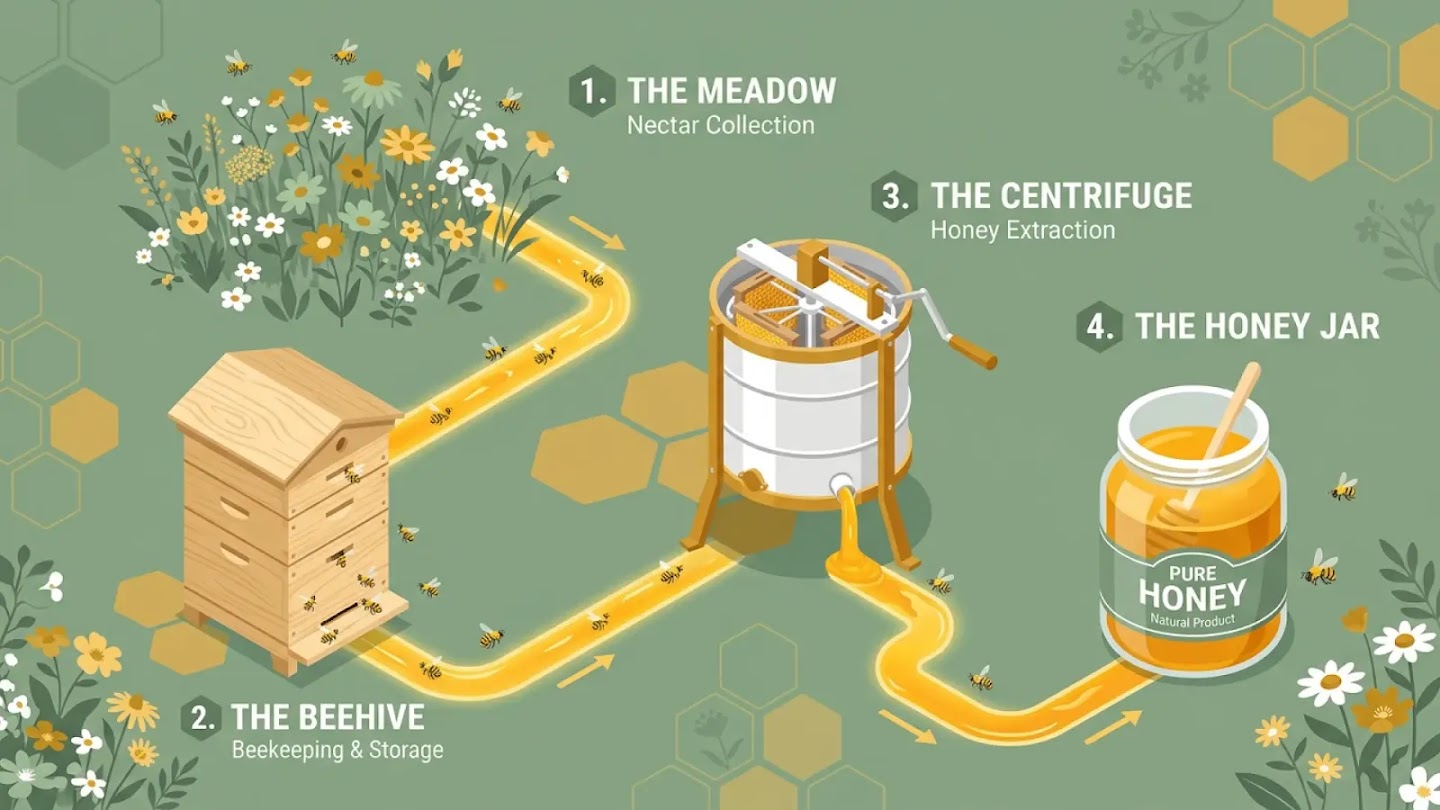
The Honey Production Process — Isometric Infographic
A golden-yellow path connects a flowered meadow to a wooden beehive, then to a honey-spinning centrifuge, and finally a glass jar. Small stylized bees fly along the path. Palette: Honey gold, white, and sage green. 16:9 aspect ratio, isometric infographic.
Generate Precise Text
Render legible text directly into images. Create greeting cards, marketing mockups, and posters with beautiful typography.
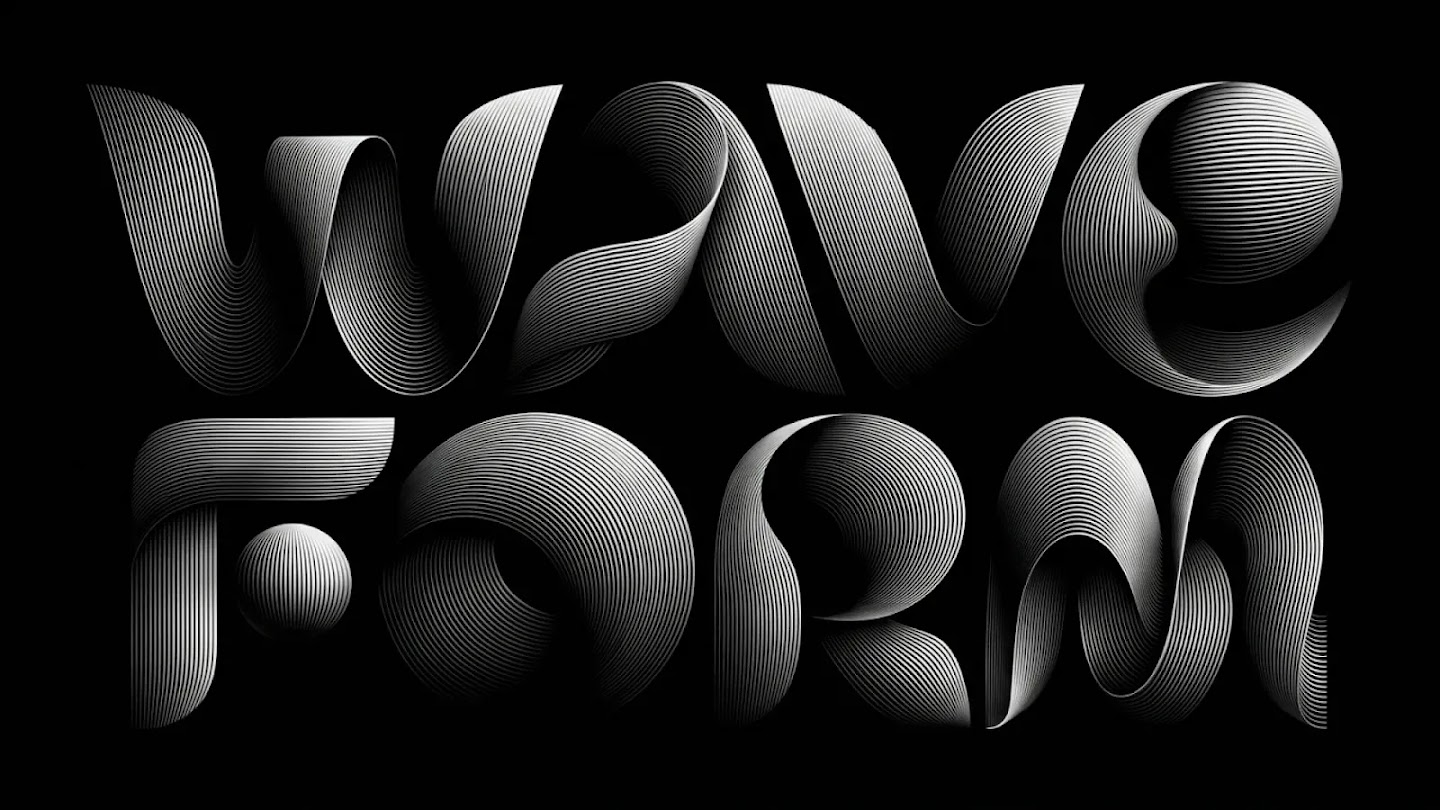
"WAVE FORM" — 3D Ribbon Typography
This visual presents a stark dichotomy, a bold interplay of light and profound shadow, where geometric and organic shapes emerge from the darkness with an almost sculptural quality. The image employs a meticulously crafted linear texture, where fine, closely packed parallels define the contours and suggest volume. These intricate striations create an optical illusion of three-dimensionality. The forms hint at an arrangement of characters, "Wave" above and "Form" below, rendered in abstract, avant-garde typography. Aspect ratio 16:9.
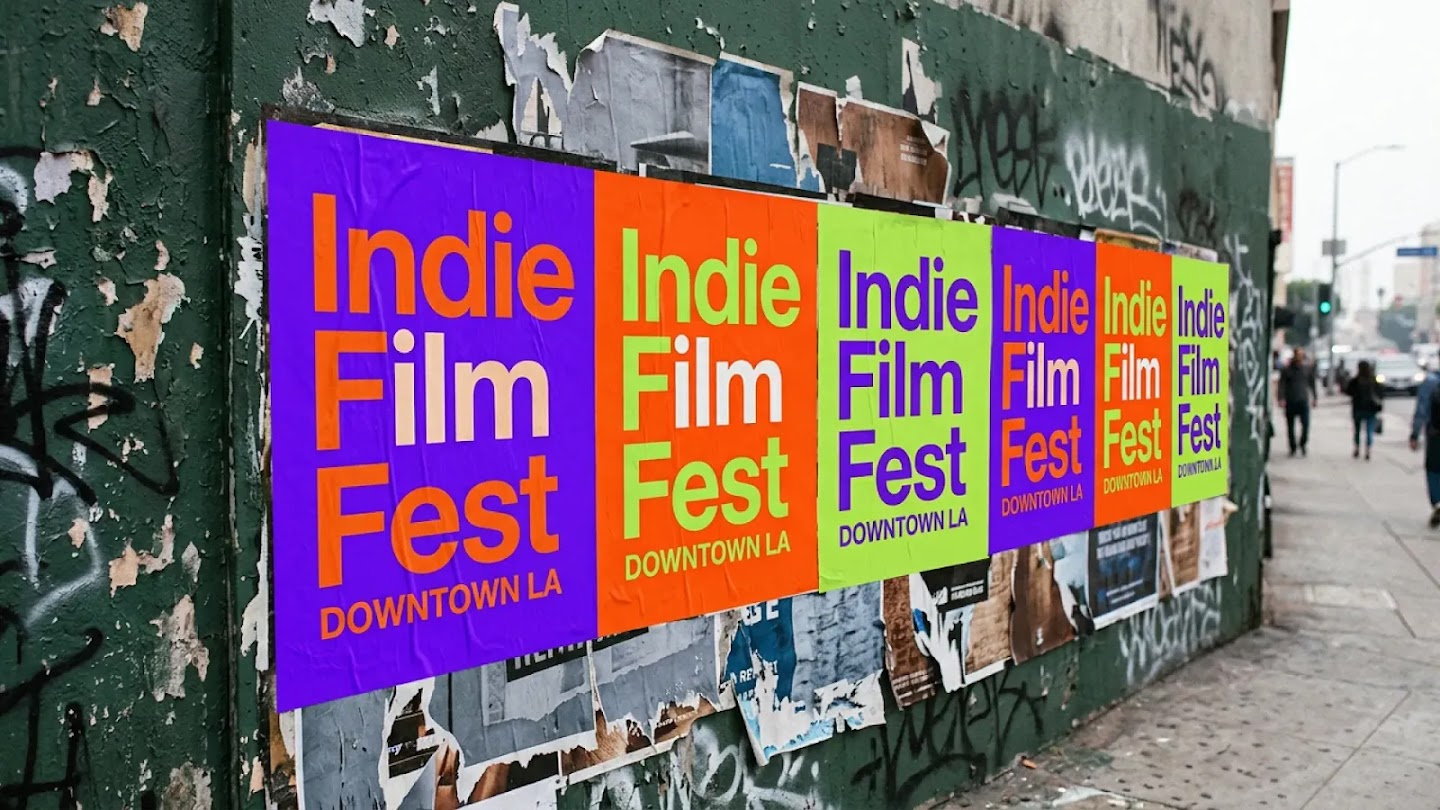
Indie Film Fest — Wheat-Pasted Posters
A candid photograph captures a vibrant row of freshly wheat-pasted posters adhered to a heavily textured, dark green urban wall in Downtown Los Angeles. The posters are for an "Indie Film Fest," with "DOWNTOWN LA" printed in smaller letters directly below. The bold design alternates across three distinct color palettes: electric purple with orange text, blazing orange with lime green text, and lime green with purple text, creating a pulsating visual rhythm.
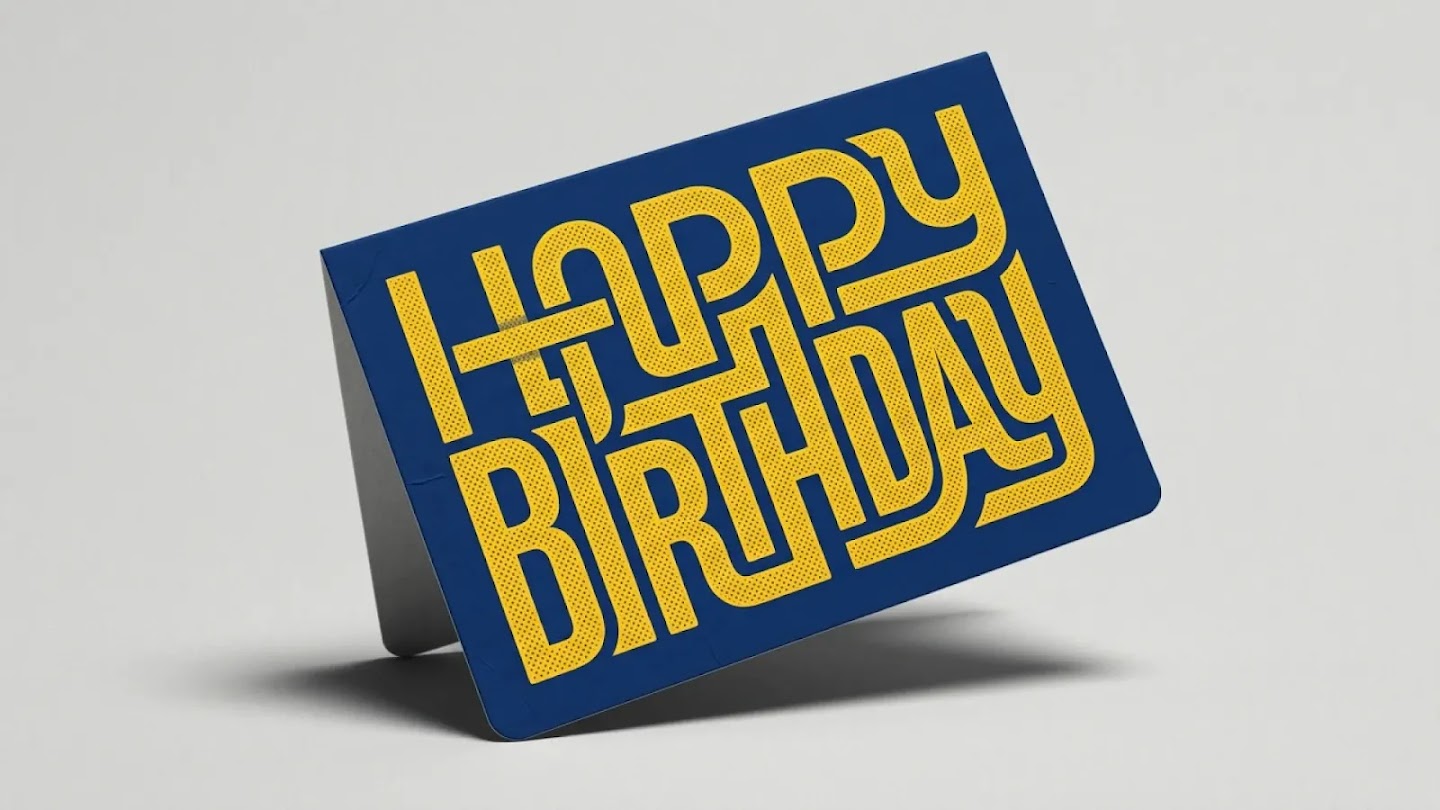
Happy Birthday — Retro Typography Card
A high-quality studio photograph of a vibrant and modern "Happy Birthday" greeting card. The card is positioned at a dynamic diagonal angle. The surface of the robust characters is adorned with an intricate pattern of small, uniformly spaced dark circles, lending a tactile quality. This stippled effect, reminiscent of vintage printing techniques, provides a subtle contrast against the vibrant yellow. The individual components form an interconnected, almost labyrinthine structure.
Localize Your Creations
Translate text into different languages, or localize what's already inside your image — including the environment and context.
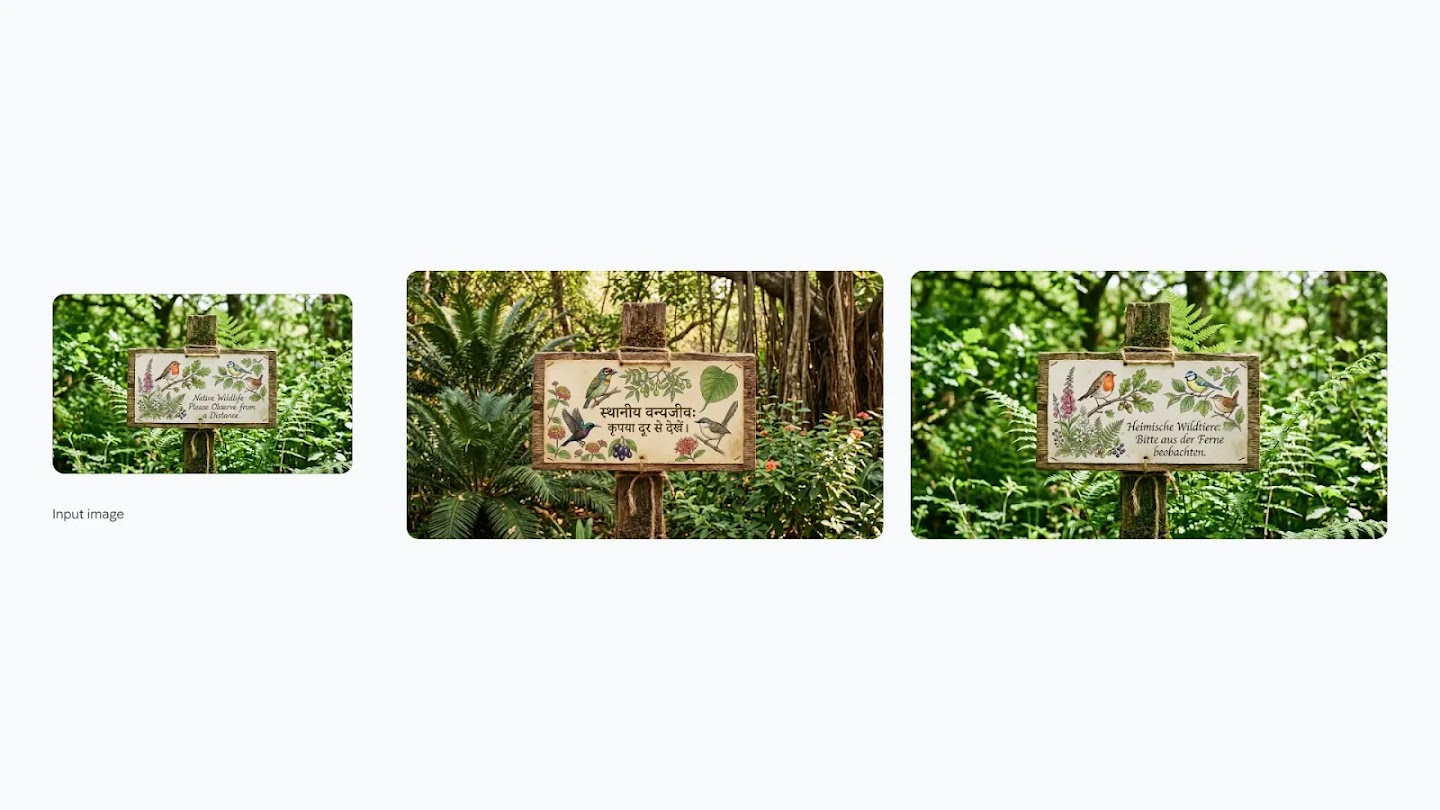
Wildlife Sign — Localized to Hindi & German
Step 1: Create a naturalistic sign showing drawings of local birds and flowers with text "Native Wildlife: Please Observe from a Distance." Step 2: Localize it to an Indian setting, translating all text to Hindi. Step 3: Localize to a German environment, translating all text to German.
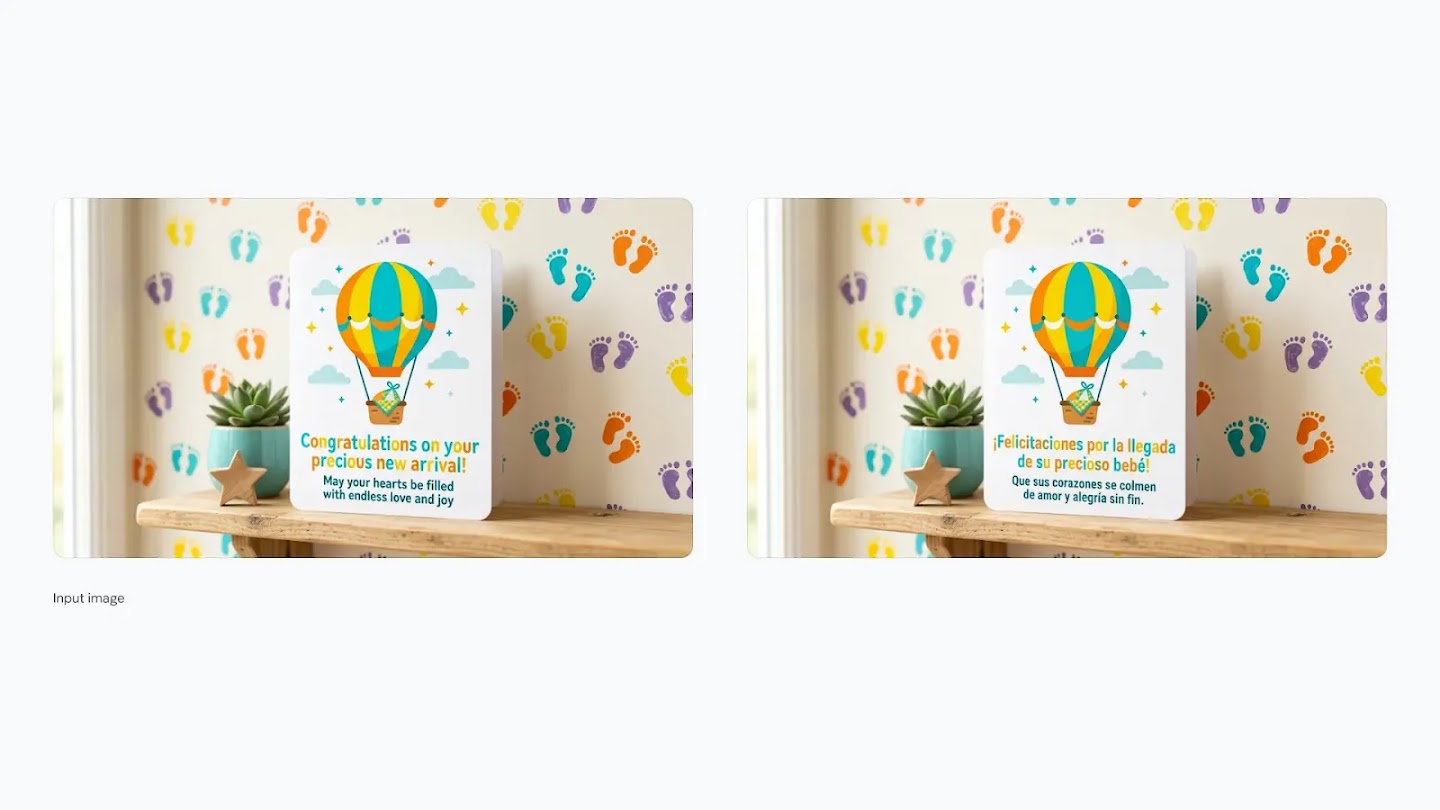
Baby Card — English to Spanish
Step 1: Create a vibrant new baby card with a hot air balloon illustration and the text "Congratulations on your precious new arrival! May your hearts be filled with endless love and joy." Step 2: Translate text to Spanish, keep the same text style.
Upscale with Precision
Upscale images into 2K and 4K in seconds to keep visuals sharp, vibrant, and production-ready.
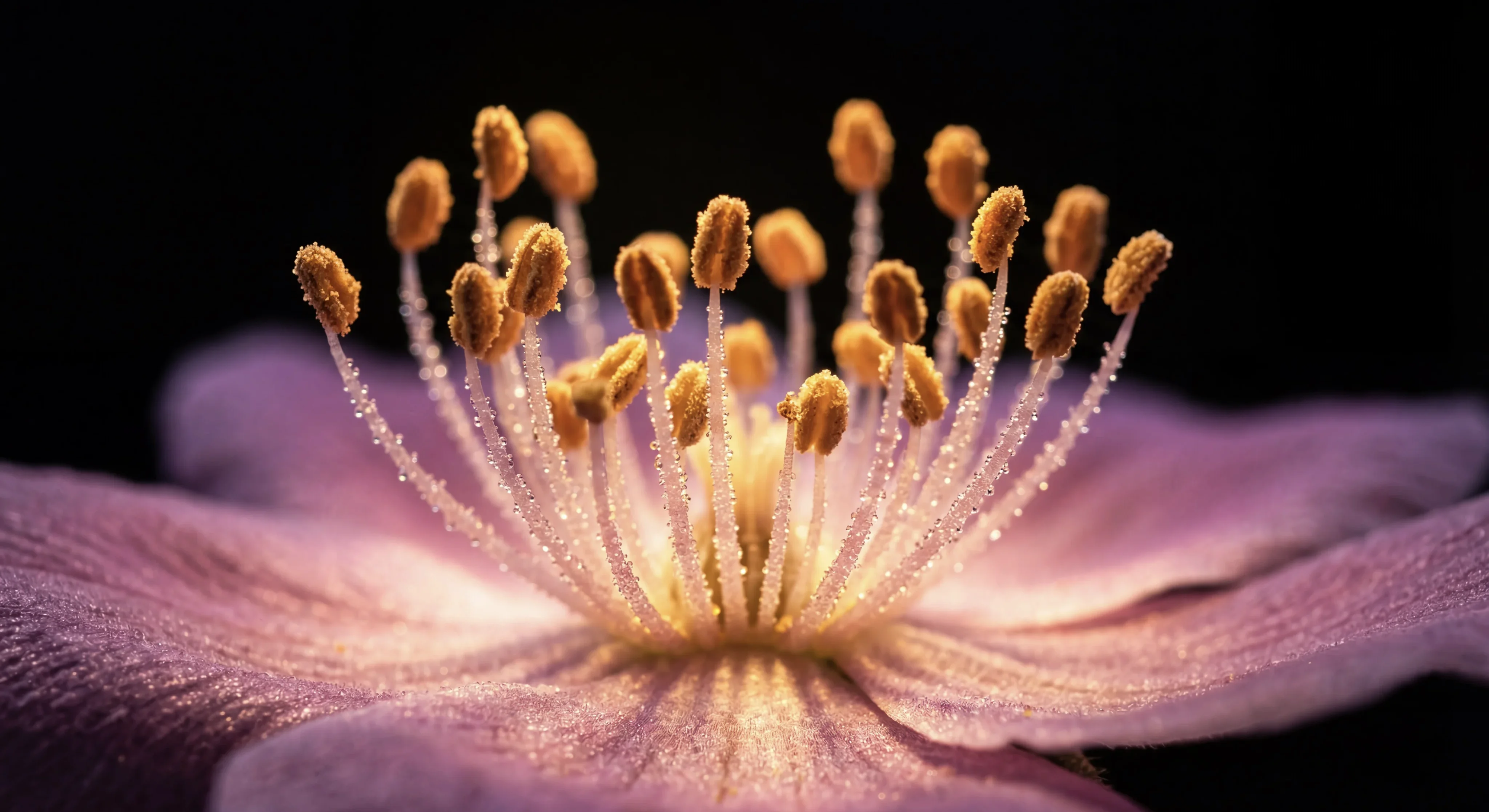
Flowers — Upscaled to 4K
Original image upscaled to 4K resolution while preserving fine details, color accuracy, and natural textures.
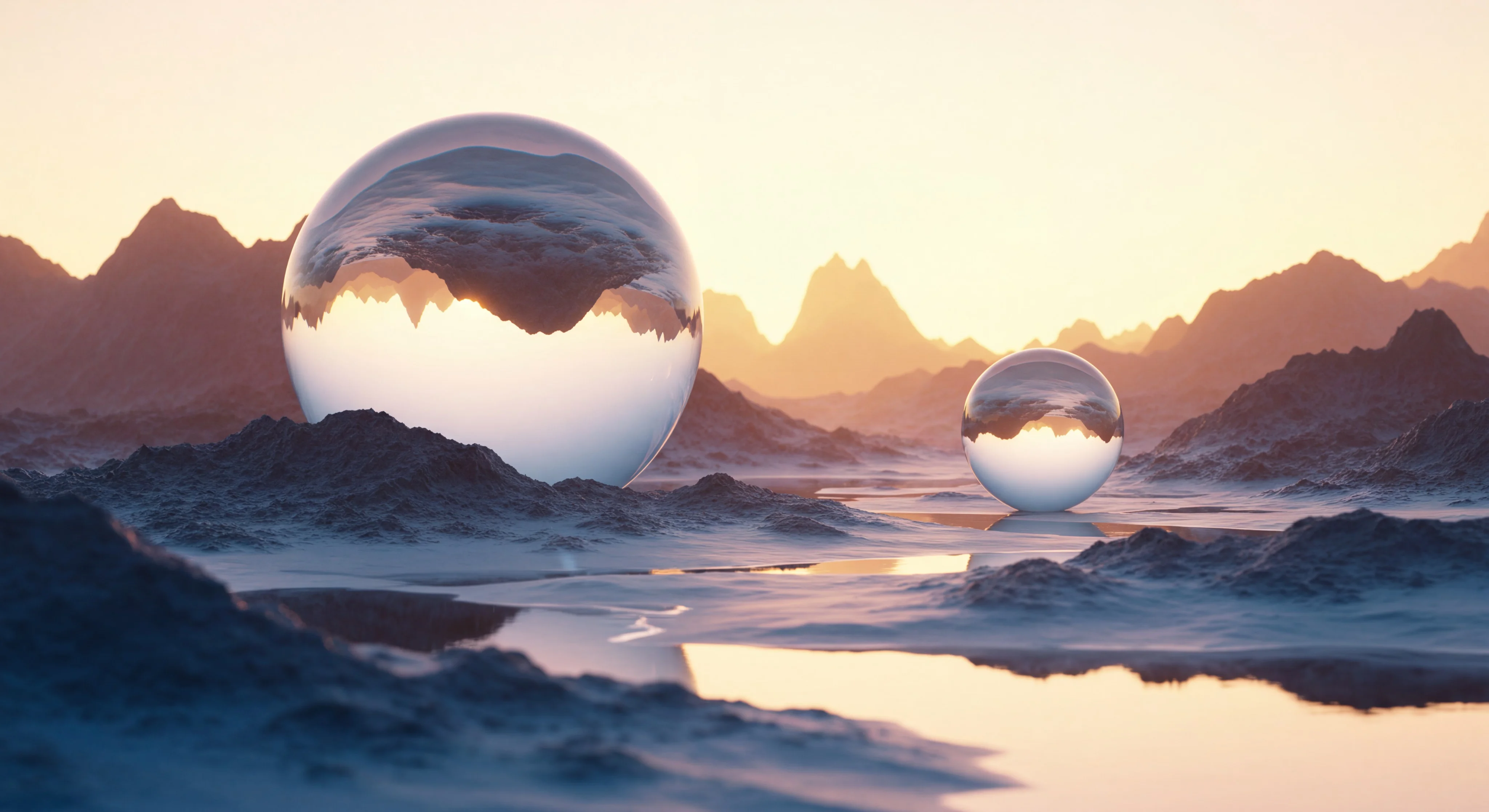
Glass Orb — Upscaled to 4K
Original image upscaled to 4K resolution with enhanced clarity on reflections, light refractions, and surface details.
Keep Subjects Consistent
Carry the consistency of up to five characters and fourteen objects across a single workflow. Build narratives with visual continuity.
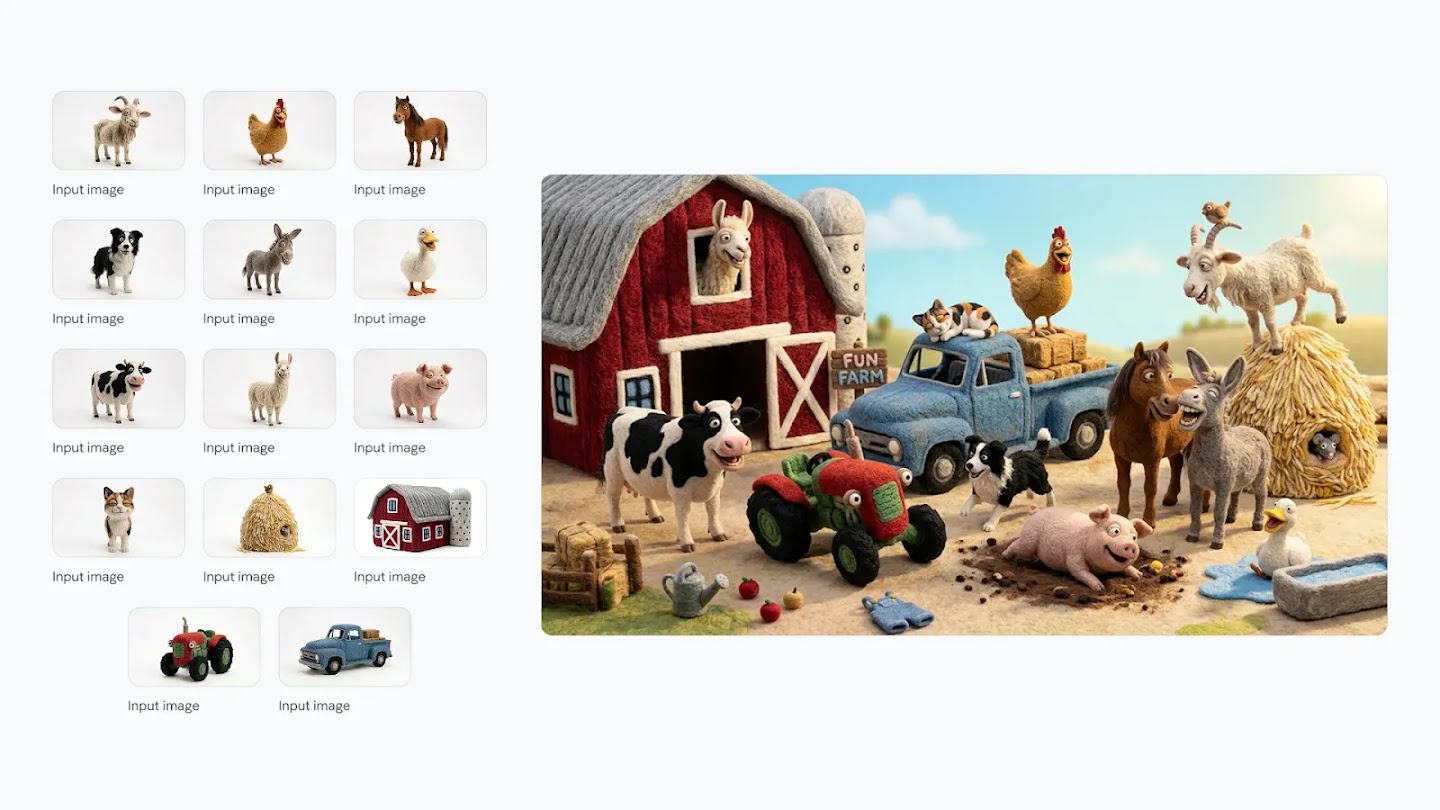
Felt Farm Characters — 14 Subjects in One Scene
Create an image of these 14 characters and items having fun at the farm. The overall atmosphere is fun, silly and joyful. It is strictly important to keep identity consistent of all the 14 characters and items.
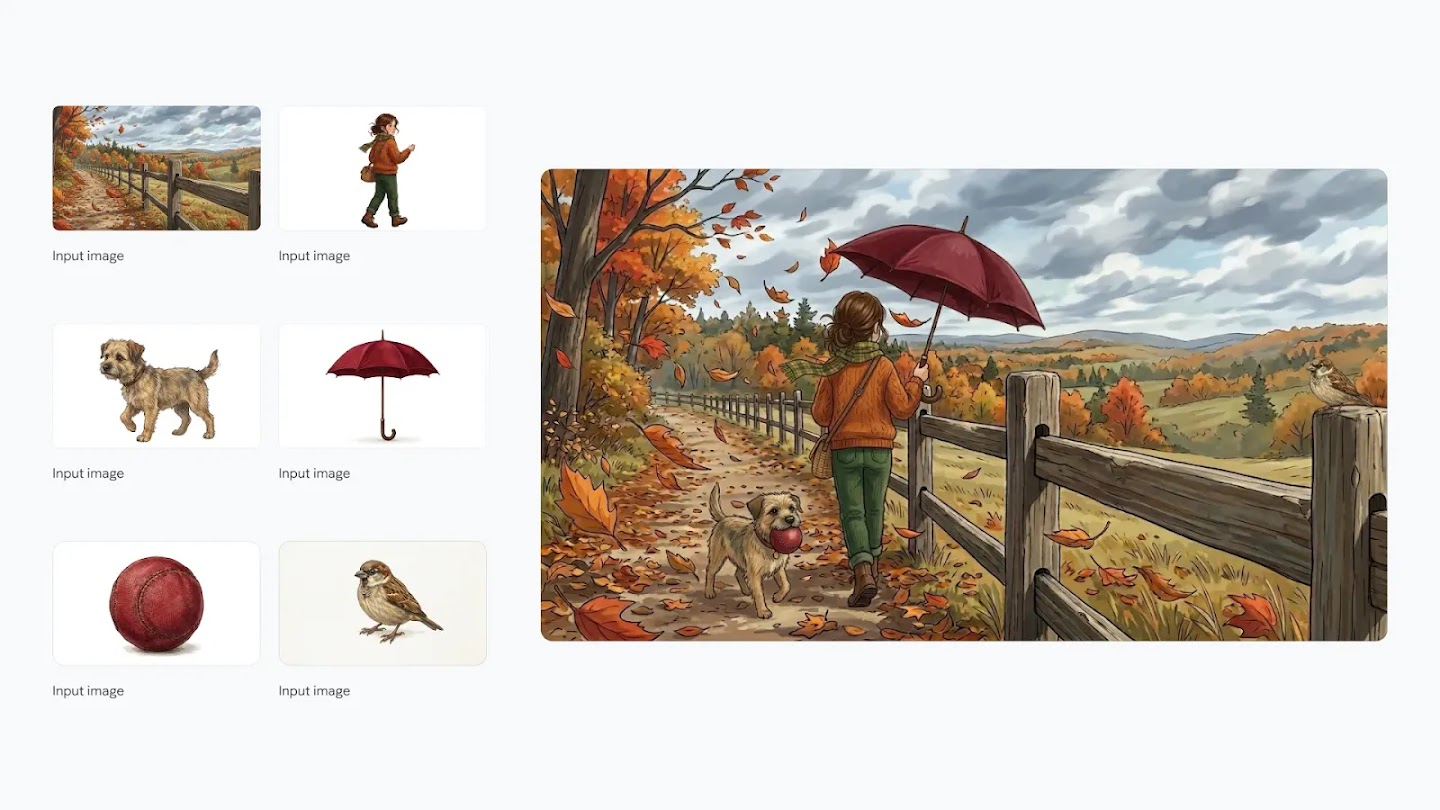
Autumn Walk — Girl, Dog & Sparrow
The girl walking ahead on the path with her umbrella and her dog trailing behind her with a red ball. The small bird observes the girl from the fence.
High-Speed, High-Quality
Get what you ask for — however you ask for it. Fast, accurate image generation with fine-grained creative control.
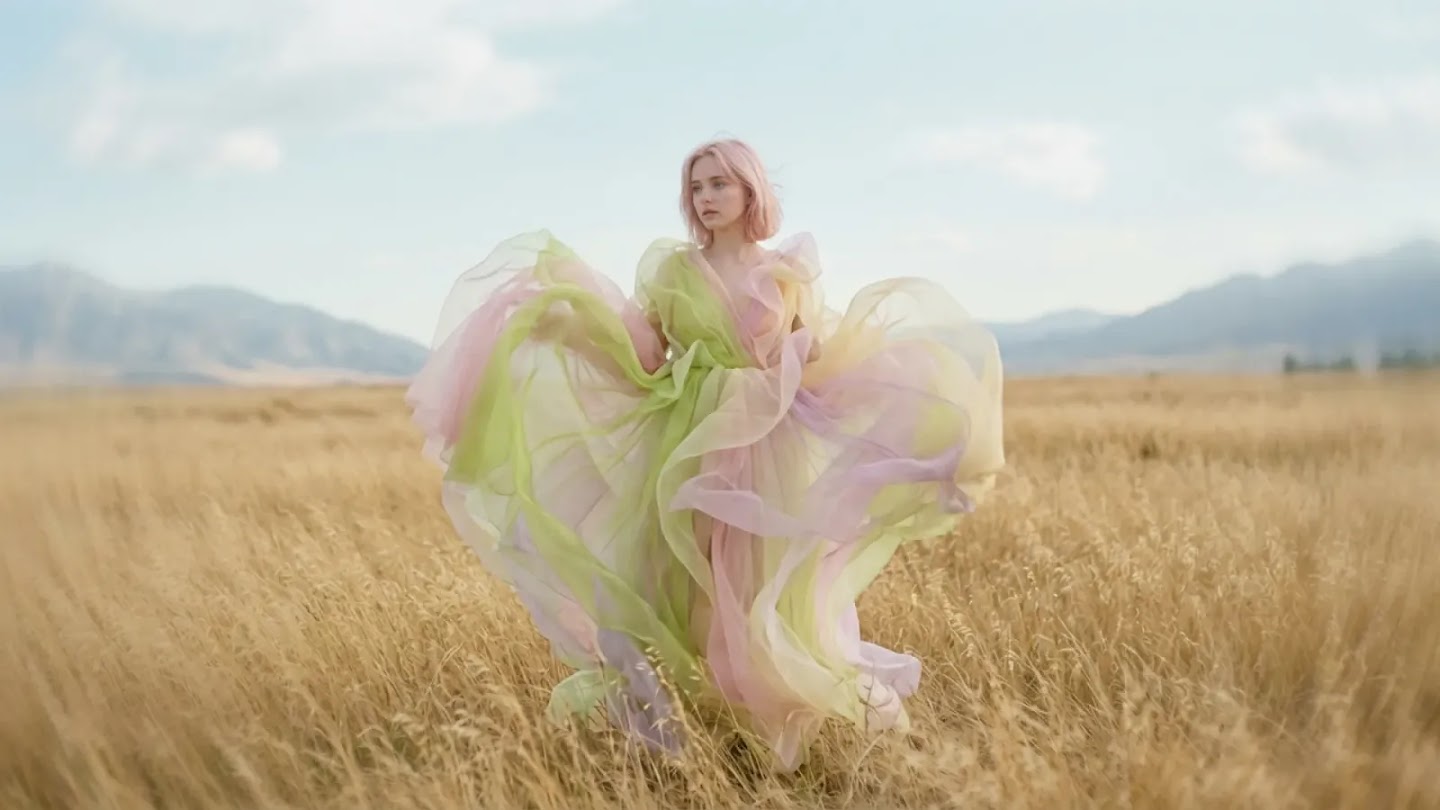
Ethereal Fashion — Wheat Field Portrait
Cinematic still in the style of a surreal dream sequence with a full shot of a woman standing in a field. The dress is a multi-layered creation of sheer fabrics in pastel shades of lime green, pale pink, and soft yellow, billowing around her as if caught in a gentle breeze. The background consists of a vast, golden grassland stretching towards distant mountains under a clear, light sky.
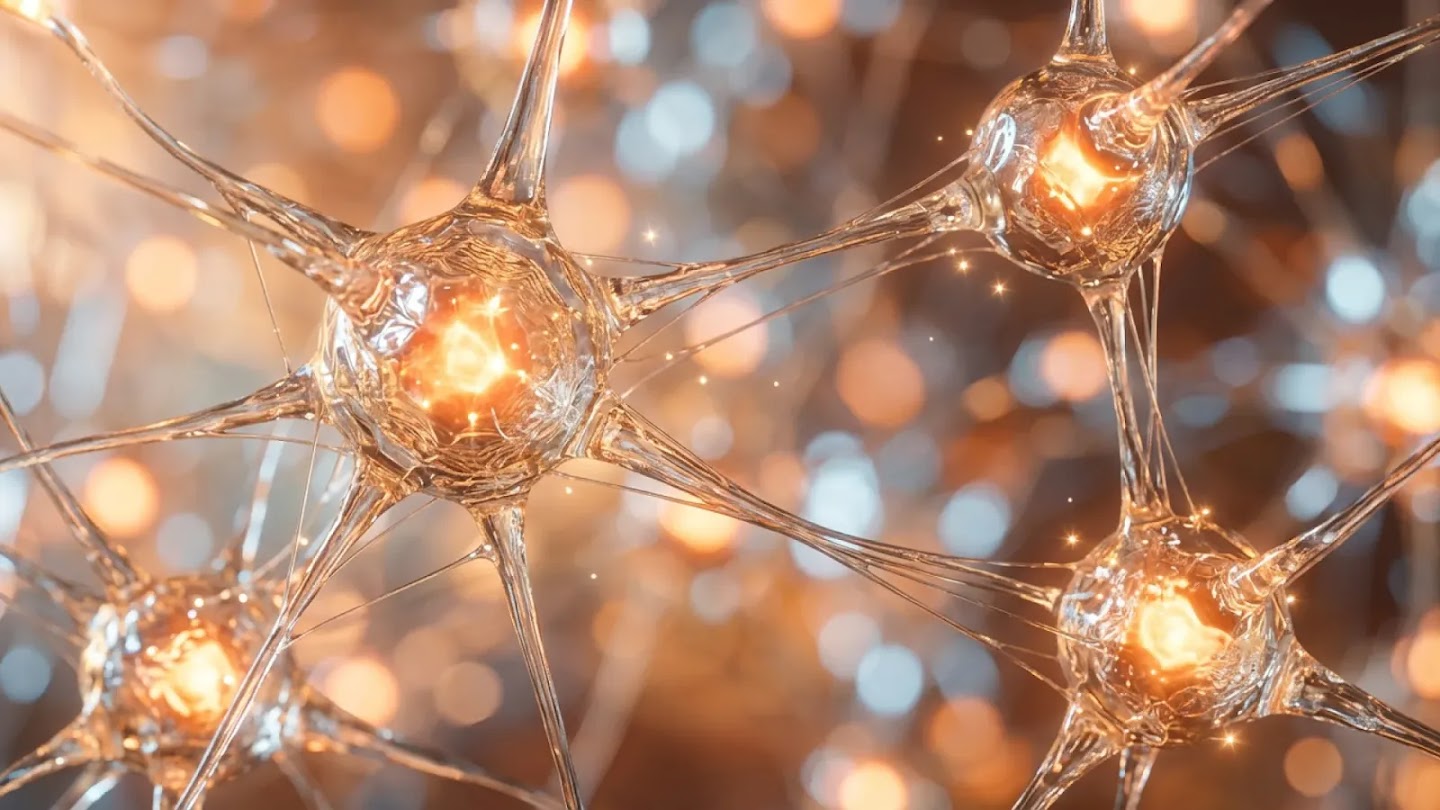
Neural Network — Microscopic Macro
A close-up, dreamlike photograph of a neural network, bathed in warm, golden light. Translucent, glass-like structures resembling neurons, interconnected by thin, stretching filaments. Inside each neuron-like sphere is a bright, glowing core of orange light, casting a radiant glow. The depth of field is very shallow, creating a soft, blurry bokeh of warm orange and cool blue-white lights.
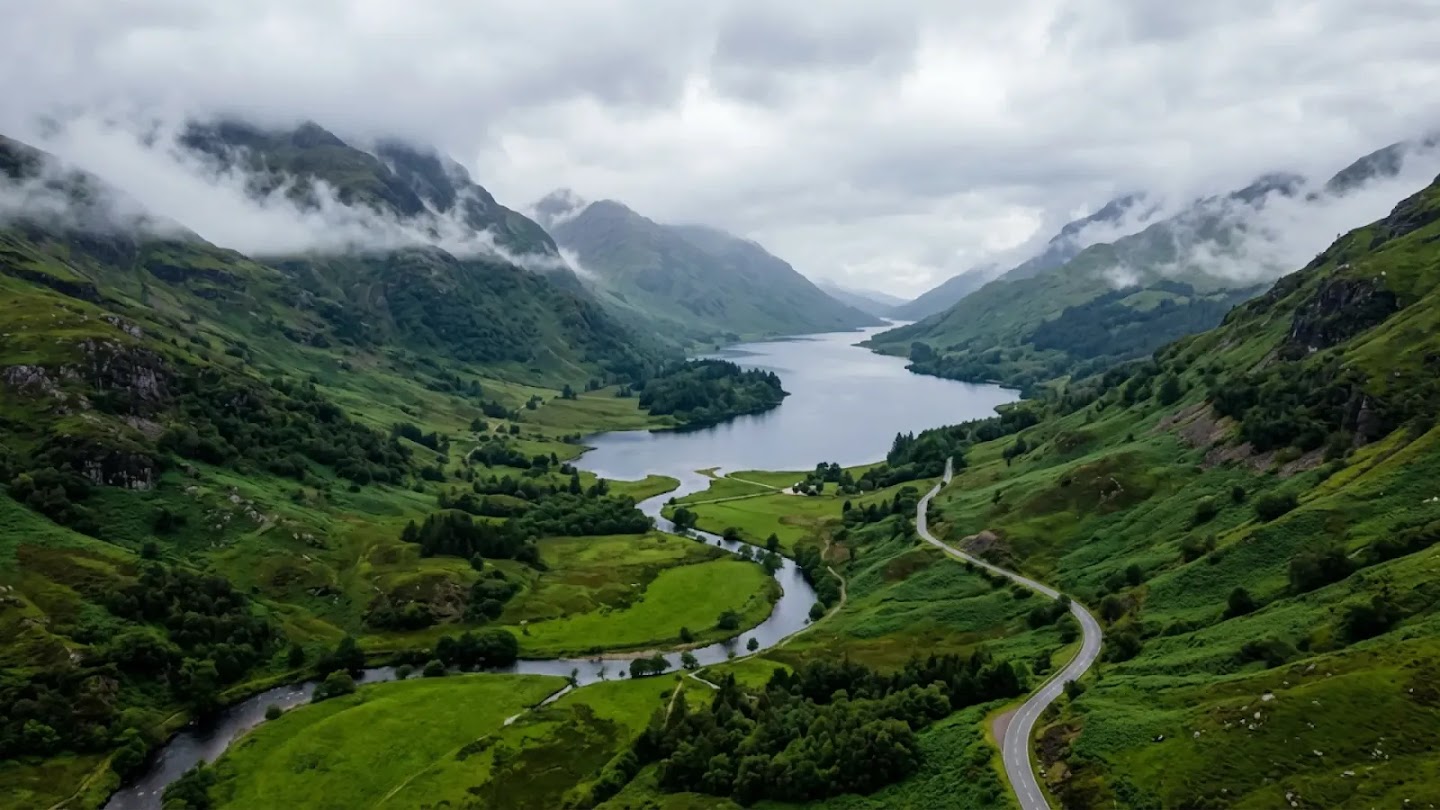
Misty Valley — Aerial Landscape
An aerial shot capturing a dramatic, misty landscape — a valley characterized by rolling, verdant hills and a winding river. The dominant colors are various shades of deep green. The water appears as a serene, dark blue-grey, reflecting the overcast sky. Low-hanging mist clings to the mountain peaks, creating a sense of depth and mystery.
Why BananaAI Is So Powerful
BananaAI brings professional-grade image generation and editing to everyone. Just describe your vision in plain language — no design skills required.
Conversational Editing
Just describe what you want in plain language. Remove backgrounds, change lighting, swap outfits, or redesign a room — all through simple conversation, with iterative multi-turn editing.
Real-World Intelligence
Create accurate infographics, educational diagrams, and data visualizations. The model draws on deep world knowledge and real-time web search to render specific subjects faithfully.
Precise Text Rendering
Generate legible, beautifully styled text directly in your images. Create greeting cards, marketing mockups, and posters — then translate or localize them into any language.
Subject Consistency
Maintain the identity of up to 5 characters and 14 objects across an entire workflow. Build storyboards, product series, or brand campaigns with visual continuity.
Multi-Image Fusion
Combine multiple photos into a single cohesive scene. Blend products into lifestyle settings, merge sketches with real textures, or create composite portraits from separate inputs.
Studio-Quality Controls
Export at up to 4K resolution with full aspect ratio control. Adjust camera angles, depth of field, and lighting — from day-to-night transforms to precise bokeh effects.
Nano Banana vs Nano Banana 2 vs Pro: What's the Difference?
Not sure which model to choose? Here's how Nano Banana, Nano Banana 2, and Nano Banana Pro differ — so you can pick the right one for your workflow.
Nano Banana
Jump in and start creating. Generate images in seconds — perfect for exploring ideas without any fuss.
What it does well
- Generates images in seconds
- Great for exploring and testing ideas
- Easy to use — just describe what you want
- Upload photos to combine or change them
- Edit specific parts of an image
Best For
Nano Banana 2
Edit, iterate, and create without limits. Picks up right where you left off — no matter how many changes you make.
What it does well
- Full image editor — generate and change photos from one place
- Remembers your edits across long, back-and-forth sessions
- Crisp results up to 4K
- Clear, readable text inside images
- Works in multiple languages
- More shape options for different platforms
Best For
Nano Banana Pro
When only the best will do. Studio-level results for your most important, client-facing work.
What it does well
- Sharpest, most detailed output of any model
- Most accurate text in images — every letter, every language
- Handles complex scenes with many people or objects
- Fine-tune lighting, focus, and camera angle
- Consistent style across a full set of images
- Built for final, polished, publish-ready assets
Best For
All three models include
How to Write Better Prompts for Nano Banana 2
Master these five prompting frameworks to get the exact images you envision — every time.
Text to Image
Formula
[Subject] + [Action] + [Location/Context] + [Composition] + [Style]
Best Practices
- 1Be specific: describe the subject, lighting, and composition in detail
- 2Use positive framing — describe what you want, not what you don't want
- 3Think like a film director: set the scene narratively, not just with keywords
- 4Specify the mood, color palette, and overall aesthetic you're aiming for
Example Prompt
A striking fashion model wearing a tailored brown dress, sleek boots, and holding a structured handbag. Posing with a confident, statuesque stance, slightly turned. A seamless, deep cherry red studio backdrop. Medium-full shot, center-framed. Fashion magazine style editorial, shot on medium-format analog film, pronounced grain, high saturation, cinematic lighting effect.
Made for Everyday Creators
You don't need design skills. Just describe what you want — BananaAI handles the rest.
Personal Photos
Fix and enhance your everyday photos using plain language — no editing skills needed.
- Remove the stranger in the background
- Make the sky bluer and the lighting warmer
- Change my hair color to auburn
E-commerce & Selling
Polish product photos and localize content for global buyers — without a studio.
- Replace the background with a clean white studio
- Translate all text on the packaging to Spanish
- Show the same product in 3 different color variants
Content Creators
Generate illustrations, covers, and visuals that match your content in seconds.
- Create a blog cover image for my article on mindfulness
- Generate 3 thumbnail options for this YouTube video
- Make a Pinterest-style infographic from my recipe notes
Students & Teachers
Turn notes and ideas into clear diagrams, infographics, and study materials instantly.
- Turn my handwritten notes into a clean labeled diagram
- Create an infographic explaining the water cycle
- Make a step-by-step visual for this science experiment
Workplace Professionals
Create polished visuals for reports, presentations, and team communication.
- Visualize this month's sales data as a clean chart
- Design a professional cover slide for my presentation
- Turn this text summary into a one-page visual report
Social Media
Create scroll-stopping visuals for Instagram, TikTok, and beyond — in seconds.
- Design an Instagram post with bold text and a vibrant background
- Make a 9:16 Story template for my coffee shop promotion
- Create a profile banner that matches my brand colors
Frequently Asked Questions about BananaAI
What makes BananaAI different from other image editors?
BananaAI lets you edit and generate images using plain, everyday language — no Photoshop skills required. Just describe what you want, and it handles the complexity automatically. It also draws on real-world knowledge to generate accurate infographics, diagrams, and data visualizations that other tools can't match.
How fast is BananaAI image processing?
Most generations complete in 10–30 seconds depending on the model, with some models delivering even faster results. Just describe what you want, and your image is ready in moments — fast enough to try different prompts and find the look you love.
Can I keep characters and objects consistent across multiple edits?
Yes — subject consistency is one of BananaAI's standout capabilities. You can maintain the identity of up to 5 characters and the fidelity of up to 14 objects across an entire workflow. Whether you're building a storyboard, a product series, or a brand campaign, your subjects stay recognizable from scene to scene.
What types of edits can I perform with BananaAI?
BananaAI supports a wide range of tasks: background replacement, style transfer, multi-image blending, object removal and addition, color adjustments, text rendering, translation and localization, aspect ratio resizing, and 4K upscaling — all driven by simple text descriptions.
Can BananaAI generate text inside images?
Yes — BananaAI renders legible, styled text directly within your images. You can create greeting cards, marketing mockups, posters, and infographics with precise typography. It can also translate and localize existing text in an image into other languages.
What output quality and sizes does BananaAI support?
BananaAI supports resolutions from 512px up to 4K, with full control over aspect ratios — from square and portrait to widescreen. Whether you need a vertical social Story or a wide presentation backdrop, your visuals will stay sharp and perfectly sized for any platform.