
Nano Banana Transparent Background Remover
Remove backgrounds from any image with Nano Banana's AI-powered tool. Whether it's product shots, portraits, or creative projects, get a clean transparent background with crisp edges — completely free and lightning fast.


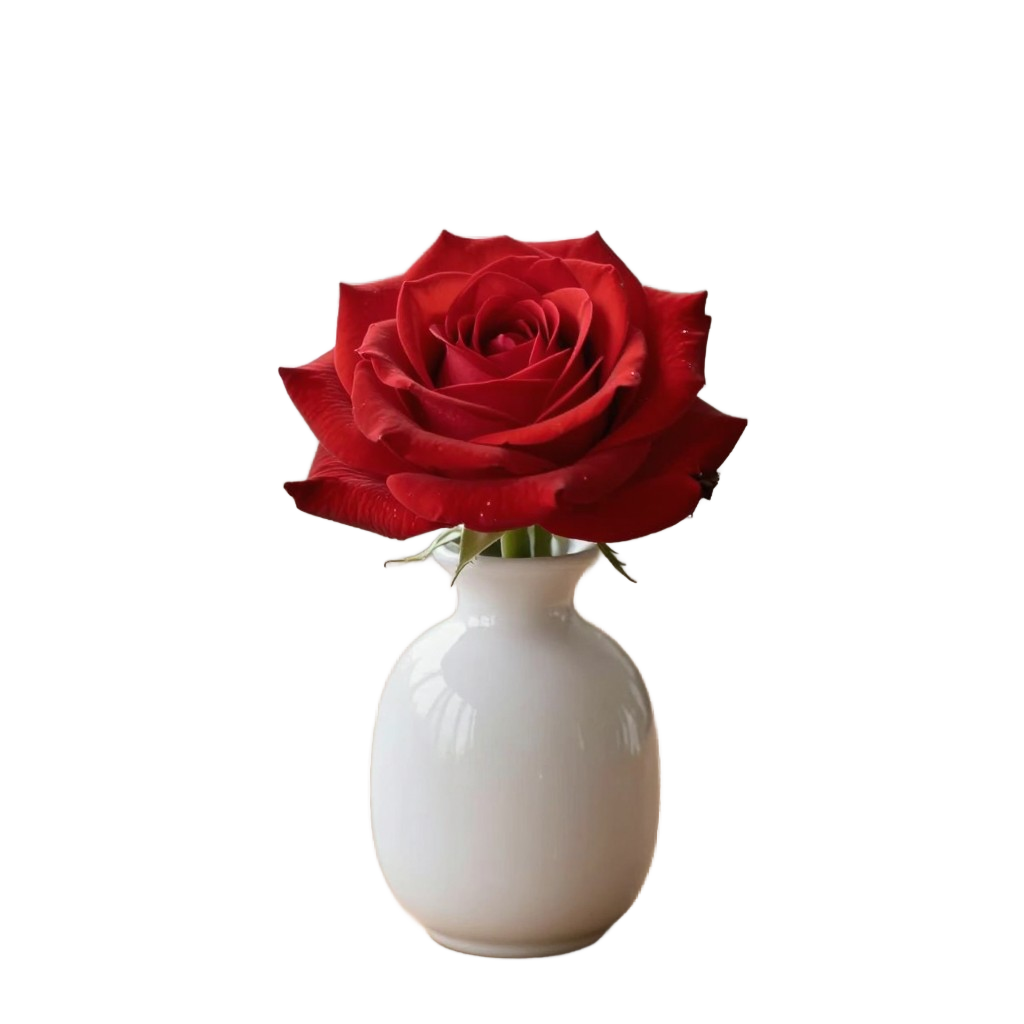
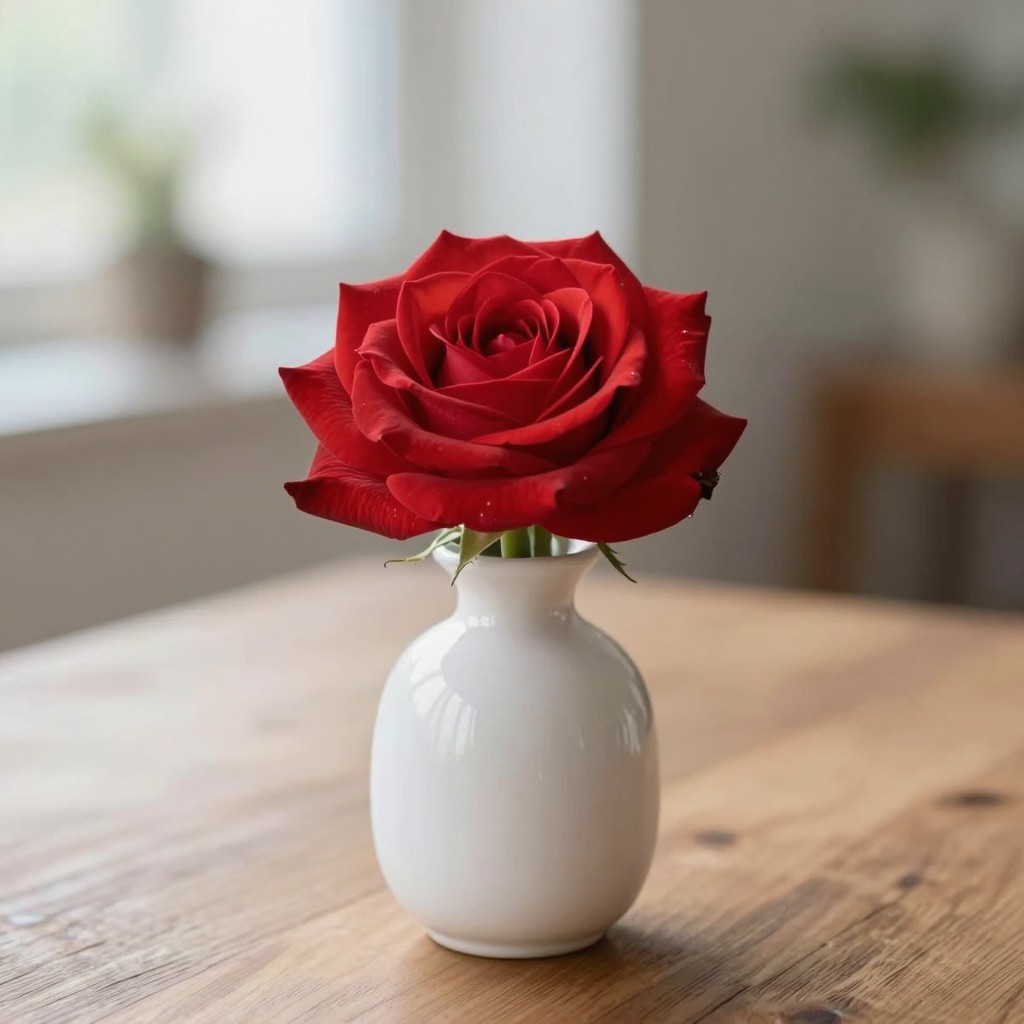
Example results — drag the slider to compare
Nano Banana Remove Background Results
Check out how Nano Banana handles different types of images — from pets and portraits to products and more. Clean edges, fine detail preservation, and instant transparent backgrounds.
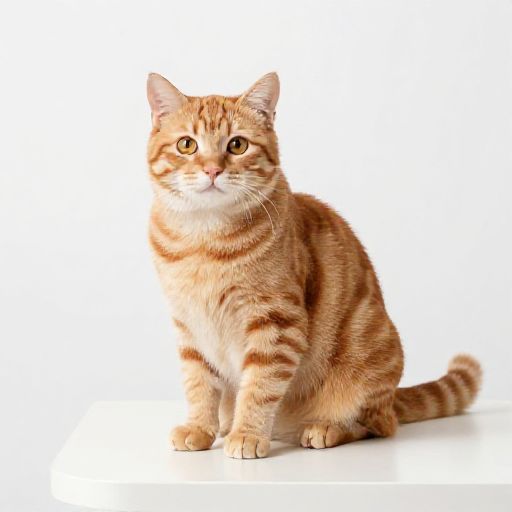 Original
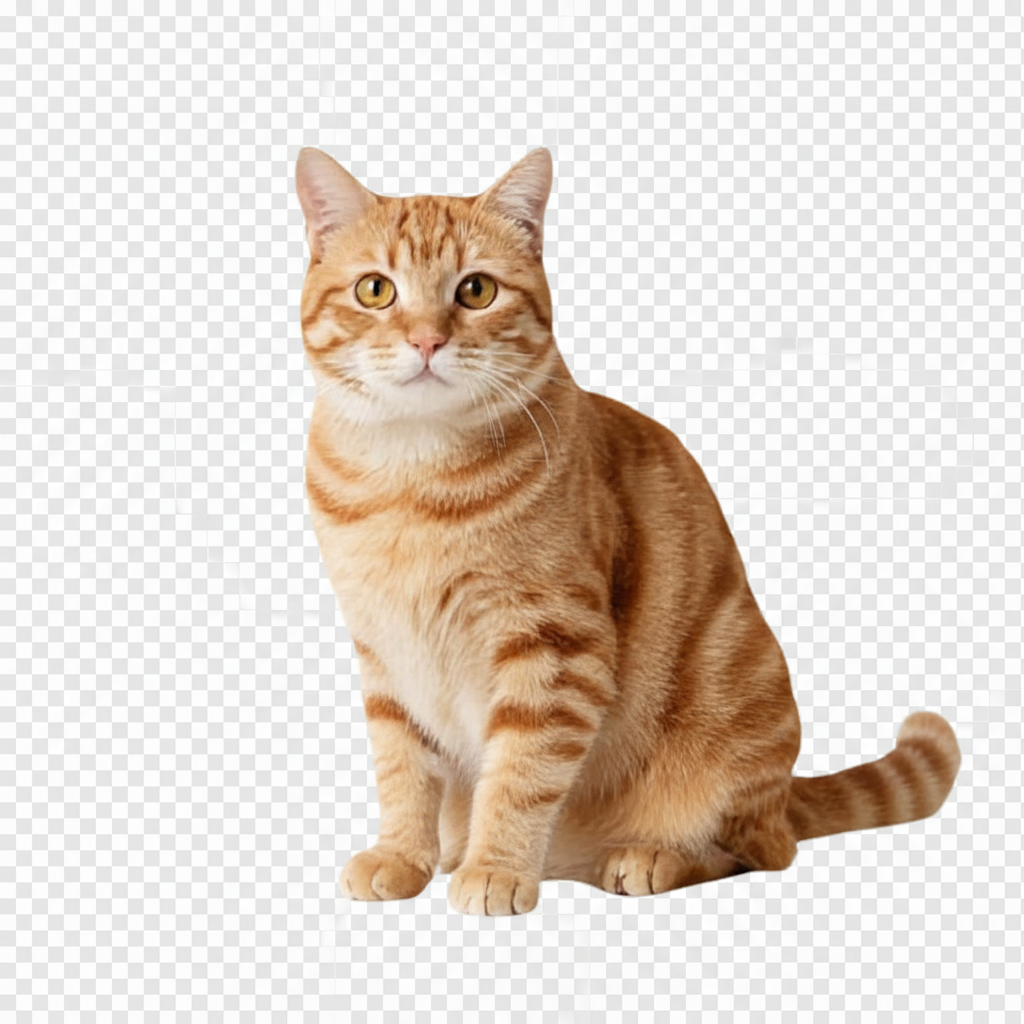 BG Removed
Pet Photography — fur detail preserved
OriginalBG RemovedPortrait — hair edges handled cleanly
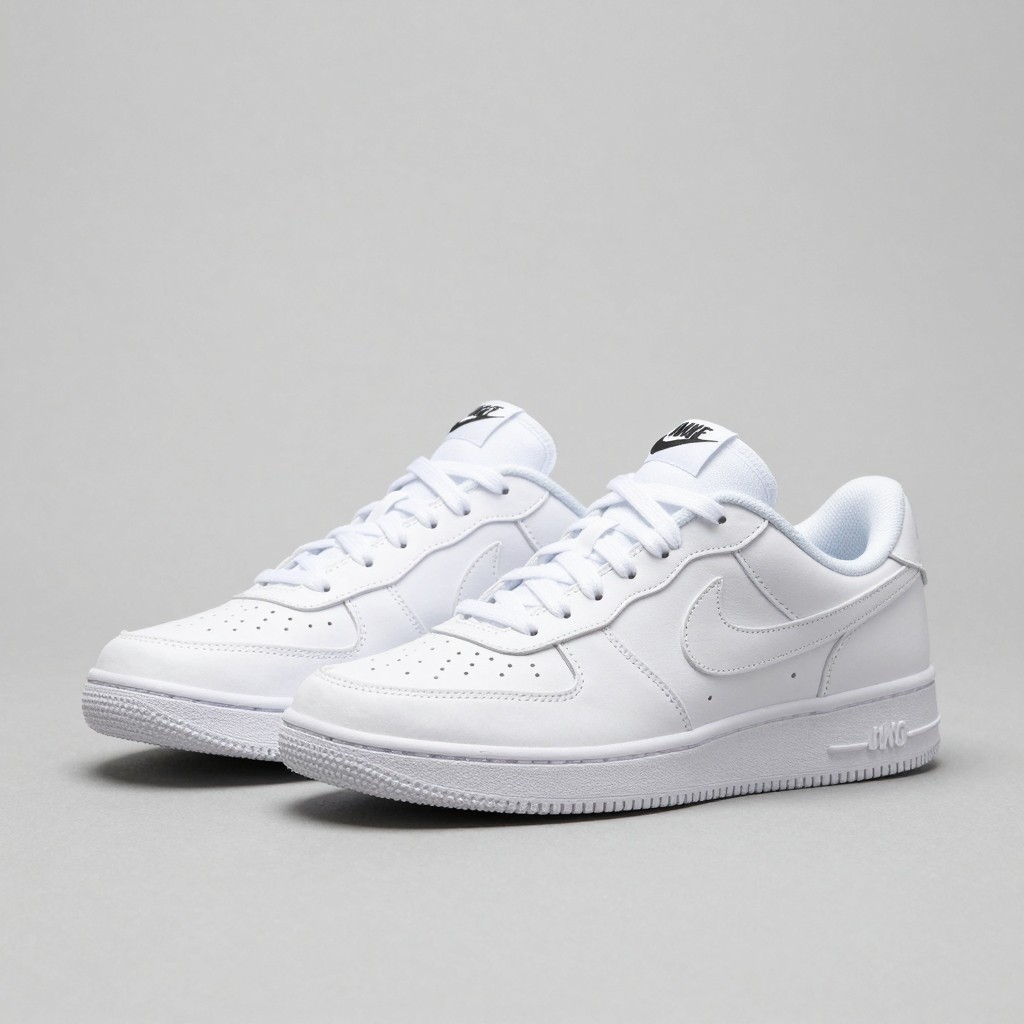 Original
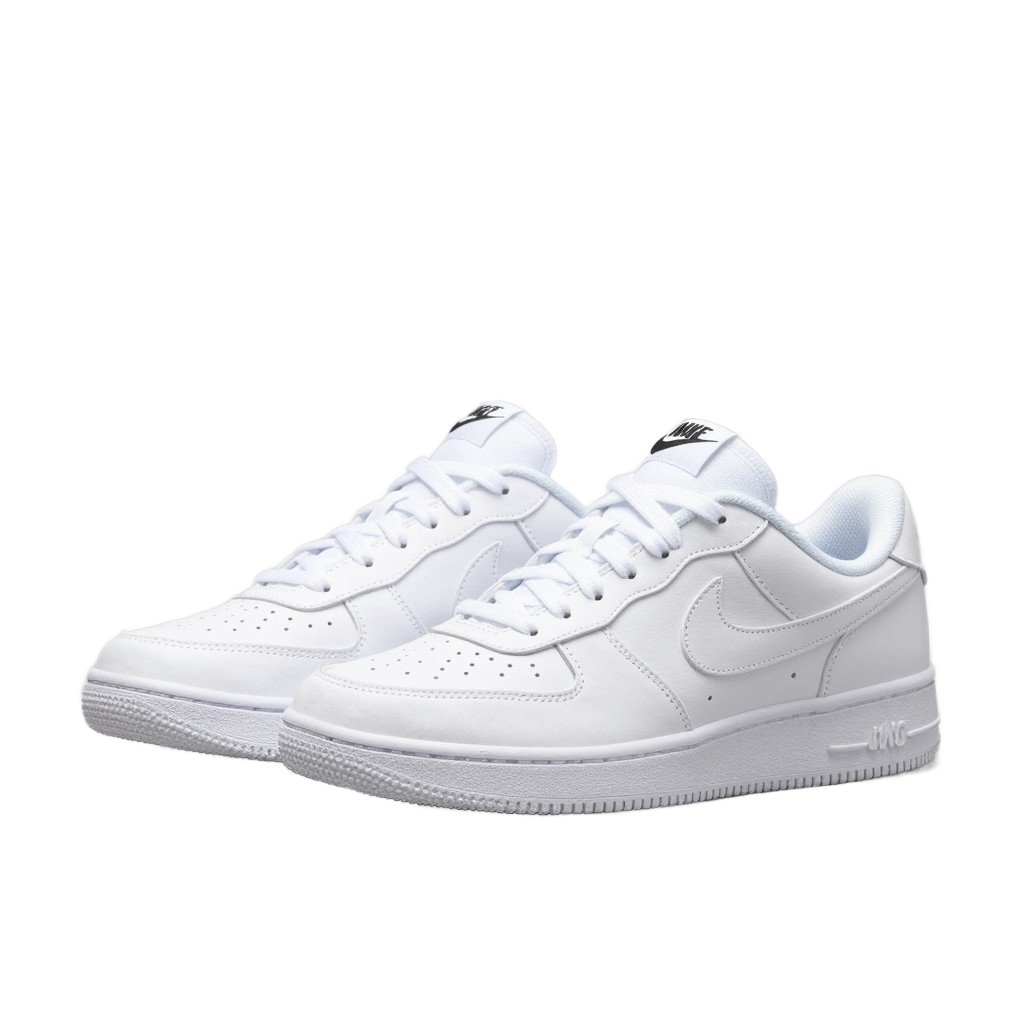 BG Removed
Product Shot — ready for e-commerce listing
OriginalBG RemovedStill Life — intricate shapes extracted
Why Use Nano Banana for Background Removal
A smarter, faster way to remove backgrounds and create transparent images — no signup, no cost.
Blazing Fast Processing
Get your transparent background in seconds, not minutes. Our AI model is optimized for speed so you can move on to what matters — your creative work.
100% Free, No Strings Attached
Use Nano Banana background removal without paying a cent. No hidden fees, no watermarks, no account required. Just upload and download.
Cleaner Edges, Fewer Artifacts
Advanced AI delivers sharper subject outlines than typical open-source alternatives. Fine details like hair and fur are handled with care for professional-quality cutouts.
Your Images Stay Private
Uploaded images are processed on the fly and never stored on our servers. Your photos and product shots remain yours — always.
Scale Without Limits
Need to process dozens or hundreds of images? The model's speed makes large-scale background removal practical for teams and businesses.
Transparent or Custom Backgrounds
Export with a transparent background (RGBA), or choose white, green screen, blur, or even a custom image as the new backdrop.
Who Benefits from Nano Banana Background Removal
From solo sellers to design studios, Nano Banana transparent background tools fit into any workflow.
E-Commerce Sellers
Prepare product photos with consistent white or transparent backgrounds for Amazon, Shopify, Etsy, and other marketplaces — in bulk.
Designers & Creatives
Extract subjects for mockups, composites, or marketing materials without tedious manual masking in Photoshop or Figma.
Social Media Marketers
Quickly swap backgrounds to create scroll-stopping ads, carousel posts, and promotional visuals across platforms.
Photographers
Speed up retouching by isolating subjects from studio or outdoor shots, then place them on any backdrop in seconds.
Developers & Startups
Integrate fast, reliable background removal into your own apps and pipelines via the Replicate API — no ML infra needed.
Students & Educators
Create clean visuals for presentations, school projects, and learning materials without expensive software.
Background Removal FAQ
Common questions about Nano Banana's AI background remover.
Can Nano Banana make a transparent background?
Yes. Upload a photo and Nano Banana removes the existing background, returning a clean transparent PNG with crisp subject edges.
Is Nano Banana background removal really free?
Yes. You can remove backgrounds and download transparent PNG images at no cost. There are no watermarks or signup requirements.
What image formats are supported?
You can upload JPG, JPEG, PNG, and WebP files. The output is always a high-quality PNG with a transparent background.
How does it handle fine details like hair or fur?
The AI model processes edges at a pixel level, preserving fine strands and complex outlines. Results are comparable to manual masking for most photos.
Can I choose a custom background instead of transparent?
The primary output is a transparent (RGBA) PNG. You can then composite it onto any background using standard image editors or design tools.
Are my images stored on your servers?
No. Images are processed in real-time and discarded immediately after you receive the result. We do not store, share, or train on your uploads.
Is there a file size or resolution limit?
For the best experience, we recommend images under 10 MB. Very large files may take slightly longer to process but are still supported.
Can I use the transparent images commercially?
Absolutely. The output images are yours to use however you like — for product listings, marketing, social media, or any other purpose.
Ready to Remove Backgrounds?
Upload an image above and get a perfect transparent background in seconds. No signup, no payment — just results.