
Gemini Polaroid Photo Generator with Nano Banana AI

Upload a solo portrait or two permitted photos, choose an instant-film look, and turn the image into a believable keepsake. Nano Banana Pro follows your choices for film character, border color, decade, and flash while preserving the people who matter.

413 / 2000
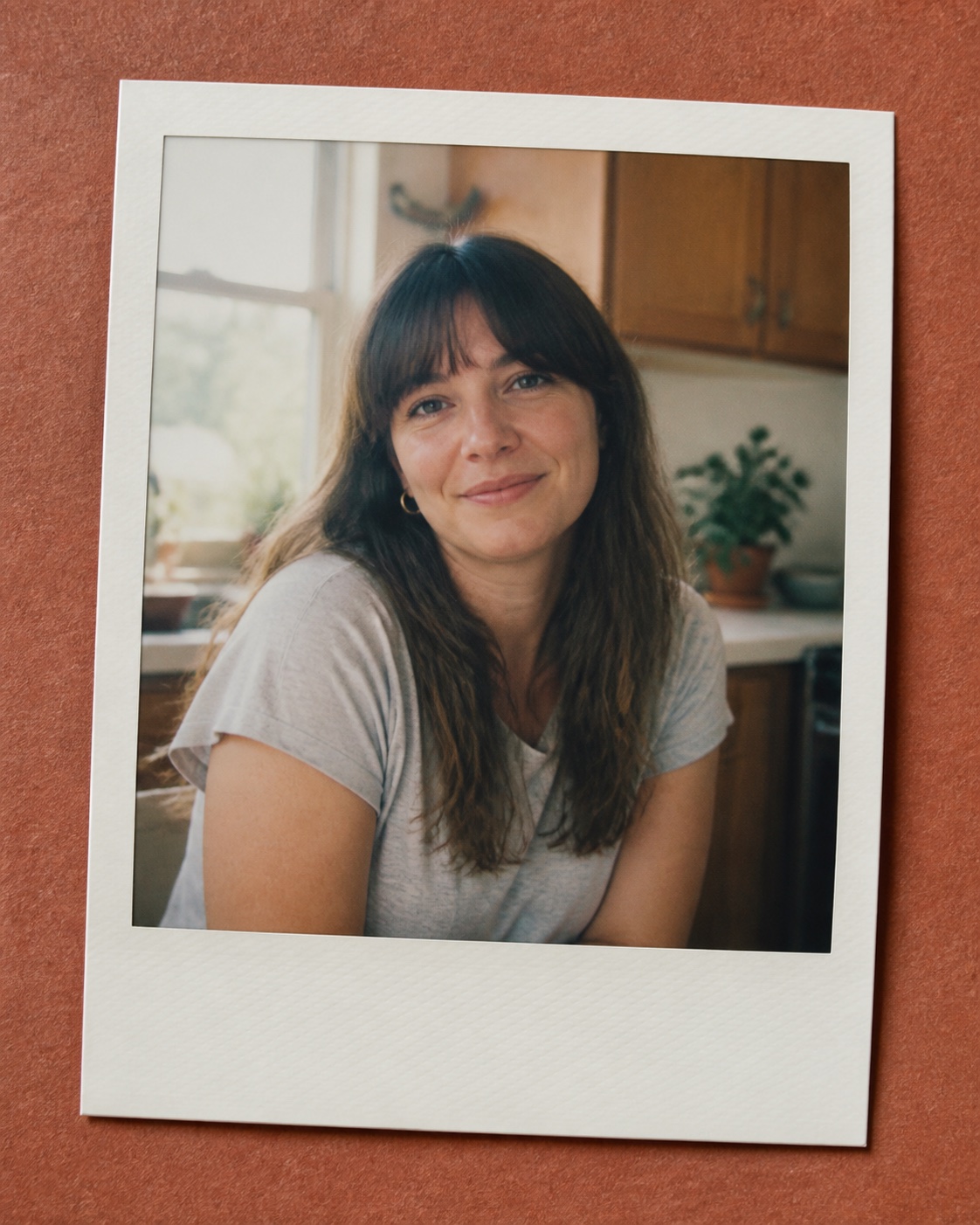
Example 1
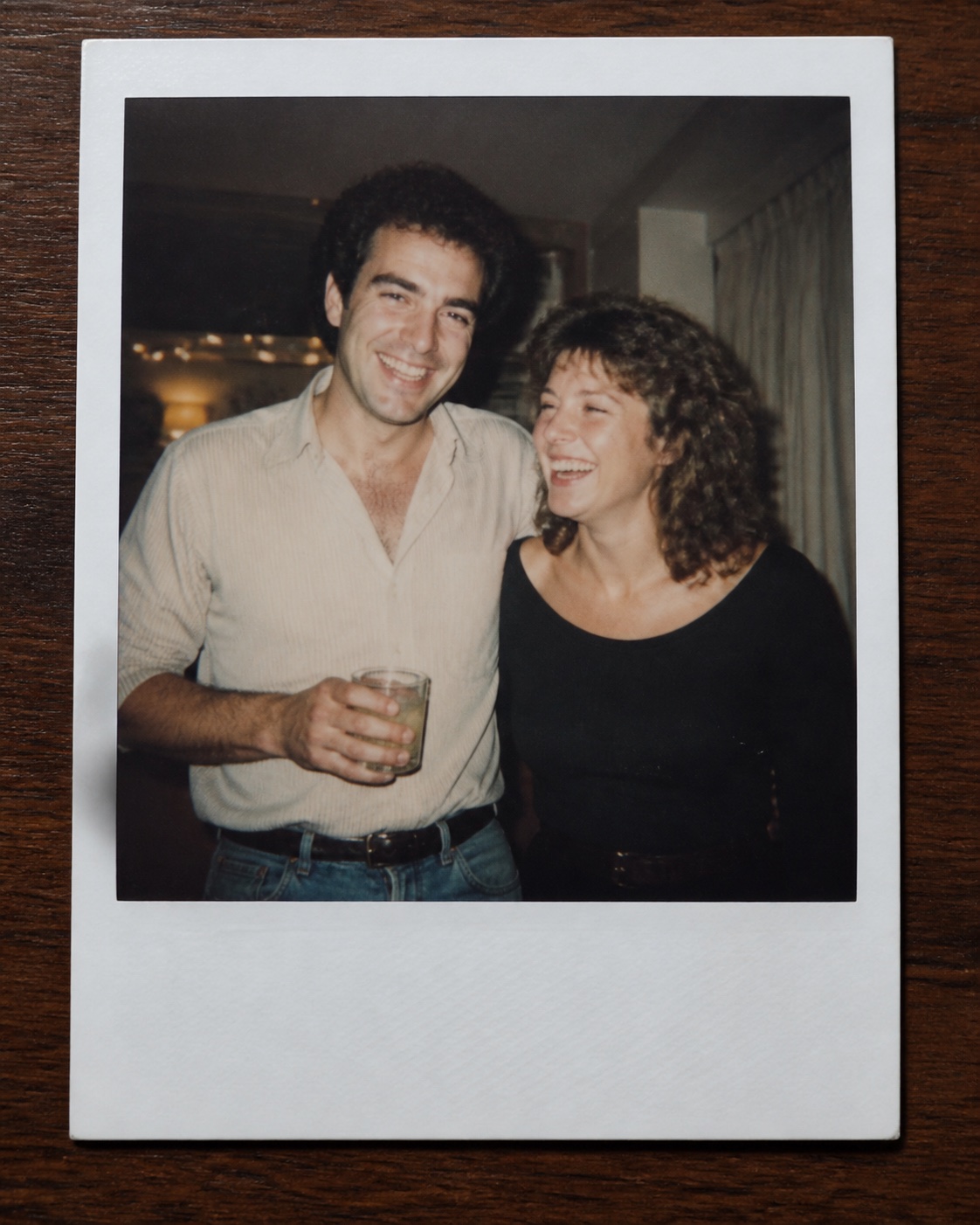
Example 2
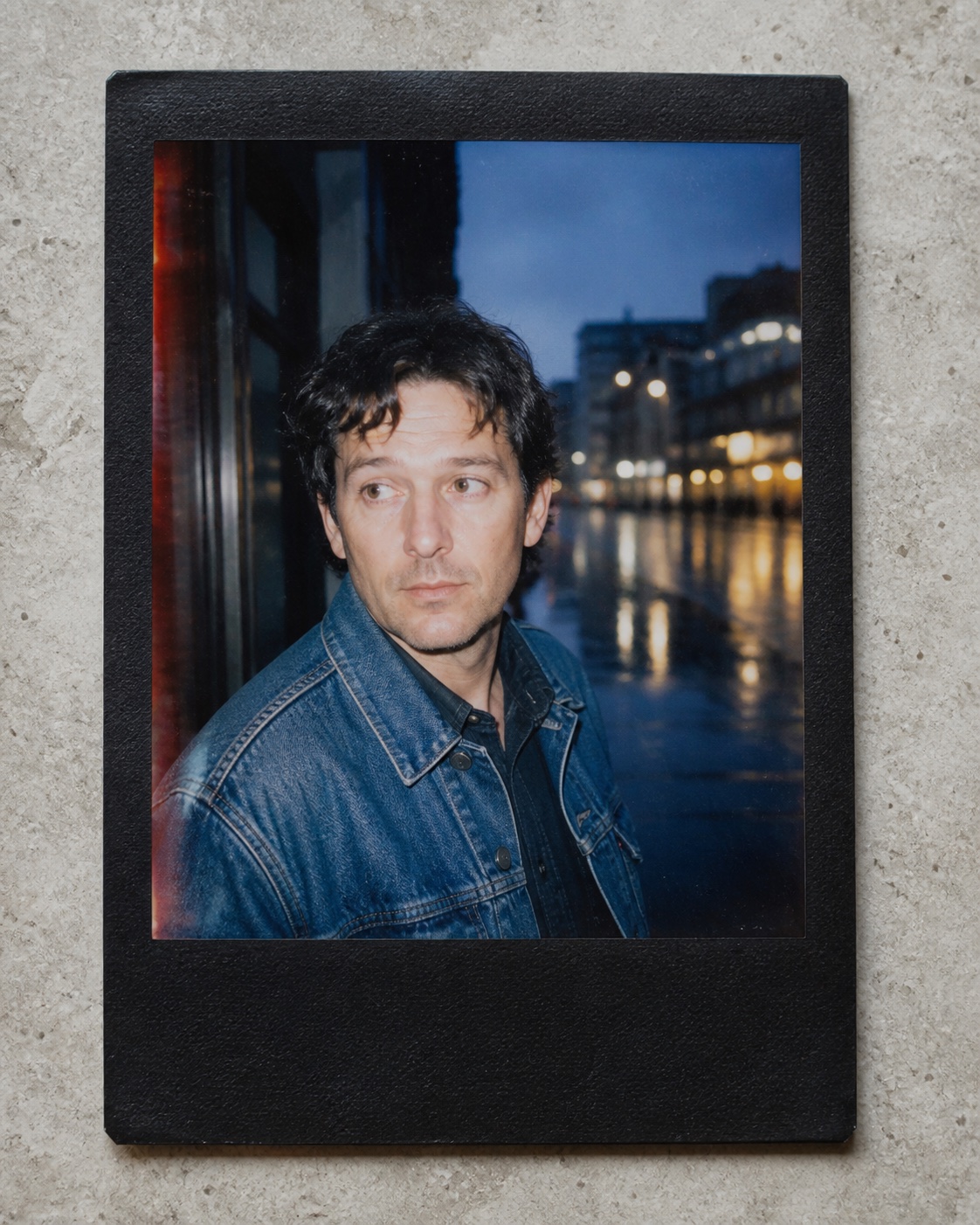
Example 3
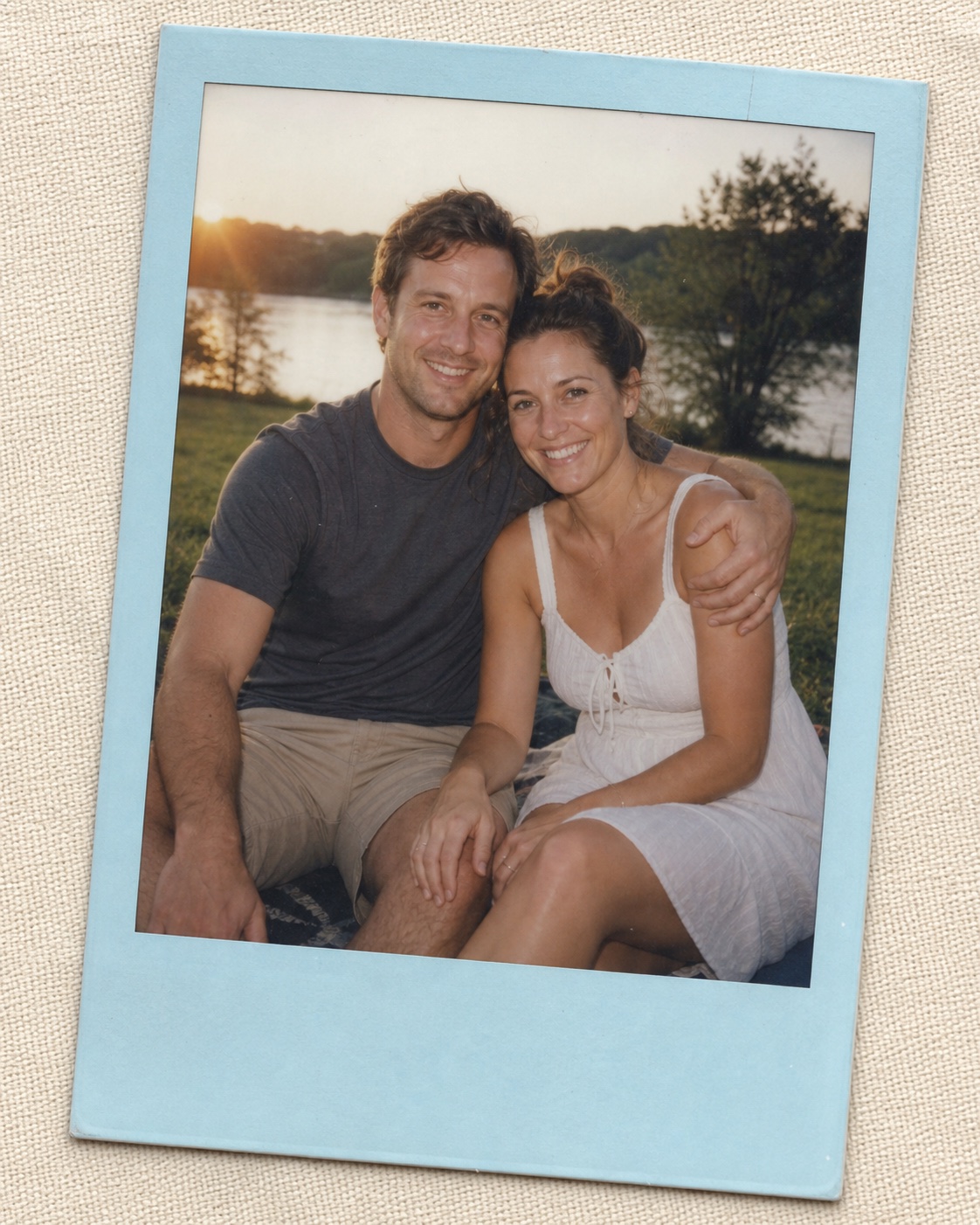
Example 4

Example results — your generated image will appear here

How to Make a Polaroid Photo with Gemini AI

Start with a clear reference, describe four style choices, then check the details that make the result feel like a real instant print.

01

Upload One or Two Photos

Add one clear solo portrait or one photo for each consenting adult. Keep faces unobstructed and large enough to inspect.

For couples, similar camera angles and image quality help both people fit one scene.

Only use photos you own or have permission to edit.

02

Choose the Polaroid Look

Pick a film character, frame color, decade, and flash treatment from the examples, then copy or customize its prompt.

Name concrete traits such as warm faded film, black border, 1990s grain, or direct flash.

Ask for a blank lower border when you do not want generated handwriting.

03

Generate and Review

Create the edit, then compare faces, hands, frame edges, light direction, grain, and color with your request.

If a face drifts, simplify the scene and repeat the identity details that must stay unchanged.

Refine one visual choice at a time for more predictable results.

Copy and Customize

Gemini Polaroid Photo Prompt Examples

Use these focused prompts when you want to change one part of the instant-photo look without rewriting the entire edit instruction.

1

Choose the Film

Keep the uploaded person's identity and composition unchanged. Apply a realistic warm instant-film emulsion with creamy highlights, softly faded blacks, fine organic grain, slight edge softness, and restrained color variation. Make it look like a scanned physical print, not a digital filter. No text, logo, or watermark.

2

Choose the Border

Keep the photo content unchanged and place it inside a physical instant-film frame with a clean cream-white border and a noticeably thicker blank bottom margin. Show subtle paper texture and very light edge wear. Keep every border edge visible. Do not add handwriting, dates, captions, logos, or watermarks.

3

Choose the Era

Transform the uploaded photo into an authentic 1990s instant-camera print while preserving identity, pose, and expression. Use slightly cool faded blacks, restrained grain, mild imperfect focus, subtle scan texture, and period-neutral color rendering. Avoid modern filters, dramatic teal grading, text, logos, and watermarks.

4

Choose the Flash

Preserve every person's identity, pose, clothing, and background layout. Make the image feel captured with direct on-camera flash in a dim room: crisp central exposure, natural light falloff, soft background shadows, mild highlight bloom, and believable instant-film grain. Avoid blown skin tones, red eyes, text, logos, and watermarks.

Build Your Polaroid Look from Four Choices

Treat the style as a small recipe. Clear, compatible choices give Nano Banana more useful direction than asking for a generic vintage filter.

Film Character

Choose warm, cool, faded, high-contrast, soft pastel, or monochrome emulsion, then specify grain and highlight behavior.

Frame and Border

Use classic white, cream, black, or pastel borders, and say whether the bottom margin should stay blank or show subtle wear.

Photo Era

Anchor the result in the 1970s, 1980s, 1990s, or early 2000s with restrained period color and camera imperfections.

Flash Style

Select soft daylight, direct party flash, gentle fill flash, or no flash, then describe the expected shadow and falloff.

Why Use Nano Banana for Polaroid Photo Editing

The right model and a precise edit prompt help the analog treatment feel intentional while the original people remain recognizable.

Preserve Who Is in the Photo

State which facial features, skin tones, ages, hairstyles, poses, and expressions must remain unchanged during the style edit.

Control Analog Details

Direct the film response, frame material, grain, light leak, softness, and flash instead of accepting one fixed vintage preset.

Start with Useful Prompts

Copy a complete example or combine the four focused prompt blocks to build a solo or couple photo treatment quickly.

Gemini Polaroid Photo Generator FAQ

Answers about uploads, prompts, borders, film eras, flash, identity preservation, and responsible photo editing.

1

How do I make a Polaroid photo with Gemini AI?

Upload a clear photo, choose Nano Banana Pro, and describe the instant-film emulsion, physical border, decade, and lighting. Add instructions to preserve identity and keep the lower border blank if you do not want generated writing.

2

What is a good Gemini Polaroid photo prompt?

A useful prompt separates what must stay unchanged from what should change. Preserve identity, pose, and expression first; then specify film color, grain, border, era, flash, paper texture, and unwanted elements. The examples above are ready to copy.

3

Can I upload two photos for a couple Polaroid?

Yes. Upload one permitted reference for each adult, label them separately in the prompt, and ask the model to preserve both identities without blending features. Similar angles and image quality usually produce a more coherent result.

4

How do I stop Gemini from changing the face?

Use a sharp reference and explicitly preserve face shape, eyes, nose, mouth, skin tone, hairstyle, age, pose, and expression. Keep the scene simple, avoid extreme camera angles, and regenerate if identity drifts.

5

Can I choose a white, black, or colored Polaroid border?

Yes. Name the border color, material, thickness, bottom-margin size, surface underneath, and whether you want clean paper or subtle wear. Asking for a blank border also reduces unwanted captions.

6

Which flash style looks most authentic?

Direct on-camera flash works well for candid night and party photos, while window light or no flash suits softer daytime portraits. Describe falloff, shadows, highlight bloom, and ambient light so the effect stays believable.

7

May I use photos of other people?

Only edit photos you own or have permission to use, and get consent from everyone shown. Do not create deceptive, intimate, harassing, or impersonating images. Review the result before sharing or printing it.

Create Your Nano Banana Polaroid Photo

Upload a permitted solo or couple photo, choose a ready-made style prompt, and turn it into a believable instant-film keepsake.