Nano Banana 2: State-of-the-Art AI Image Generation and Editing
A powerful AI image generator and editor grounded in real-world knowledge. Render precise typography, maintain character consistency, and edit any part of your image — from a single prompt.
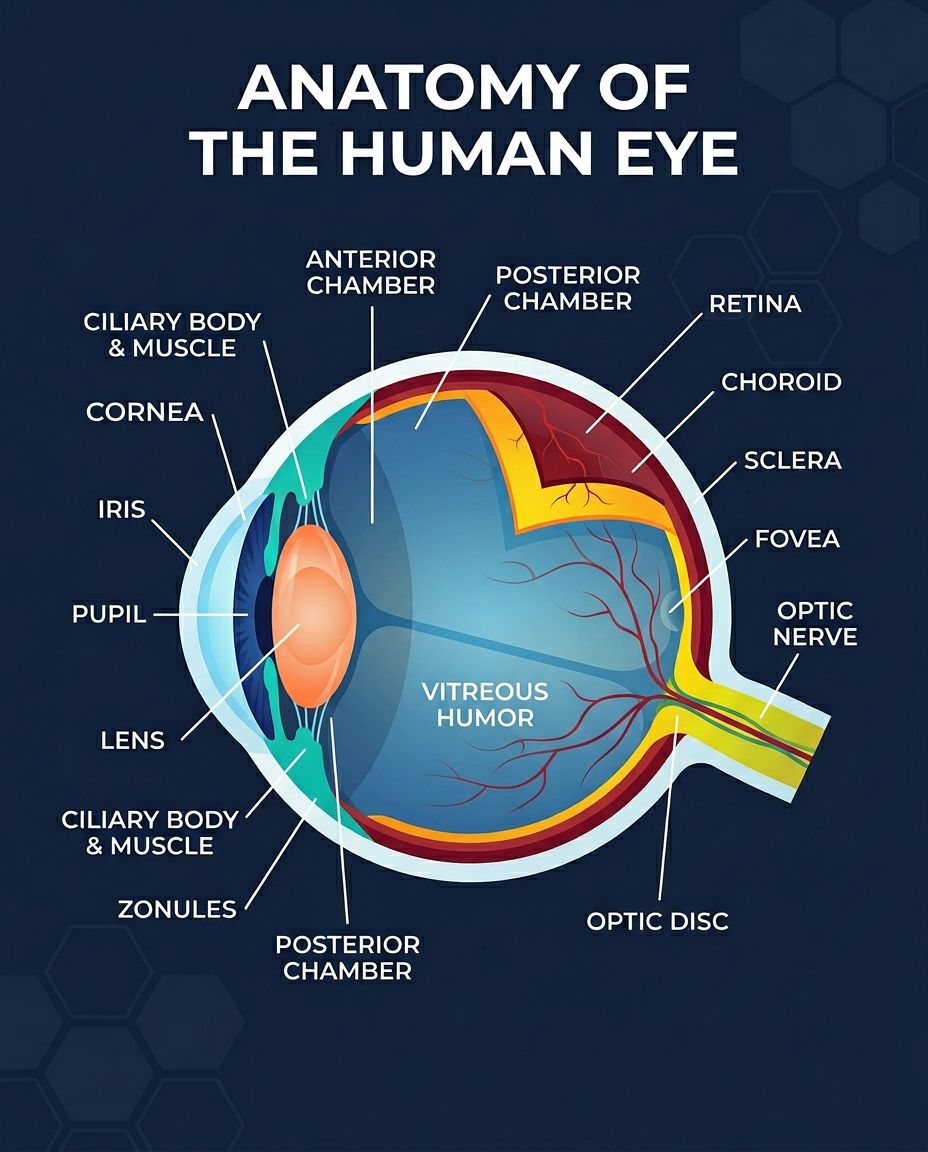
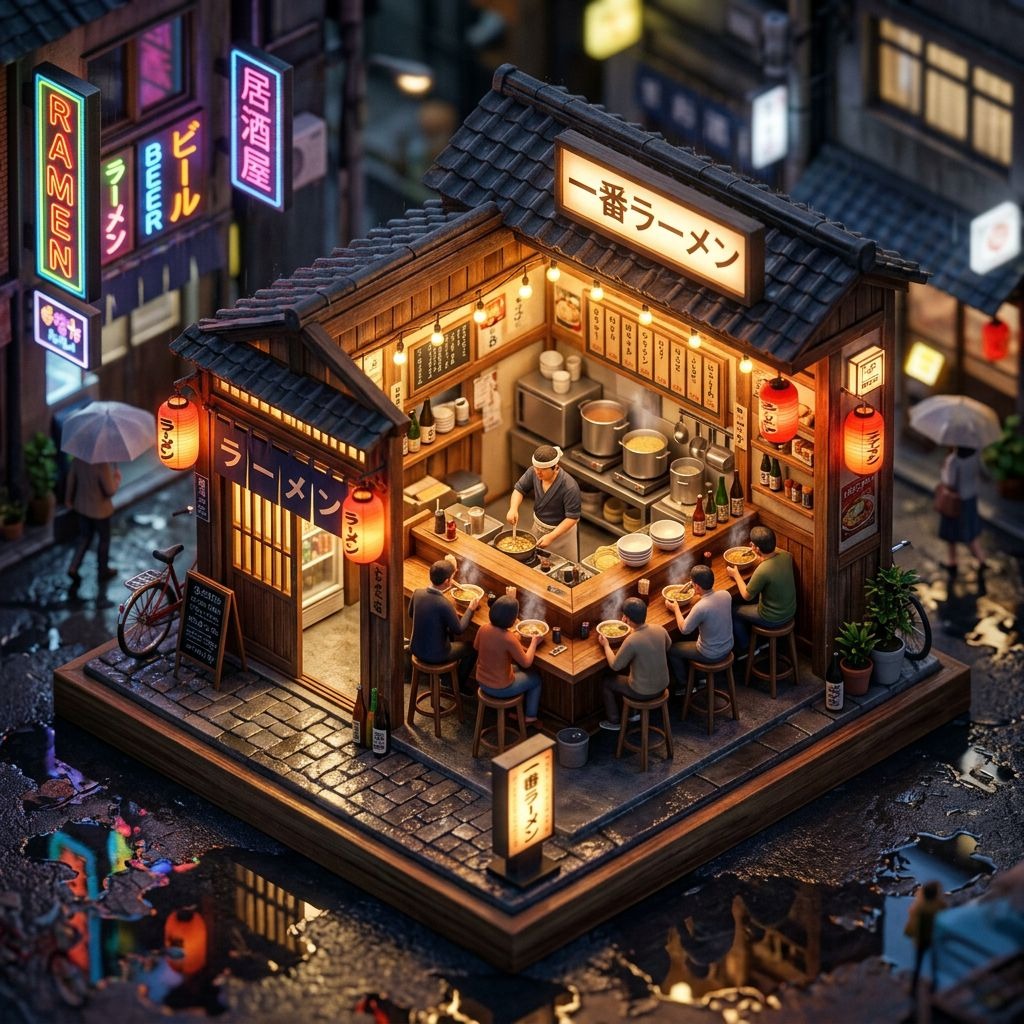
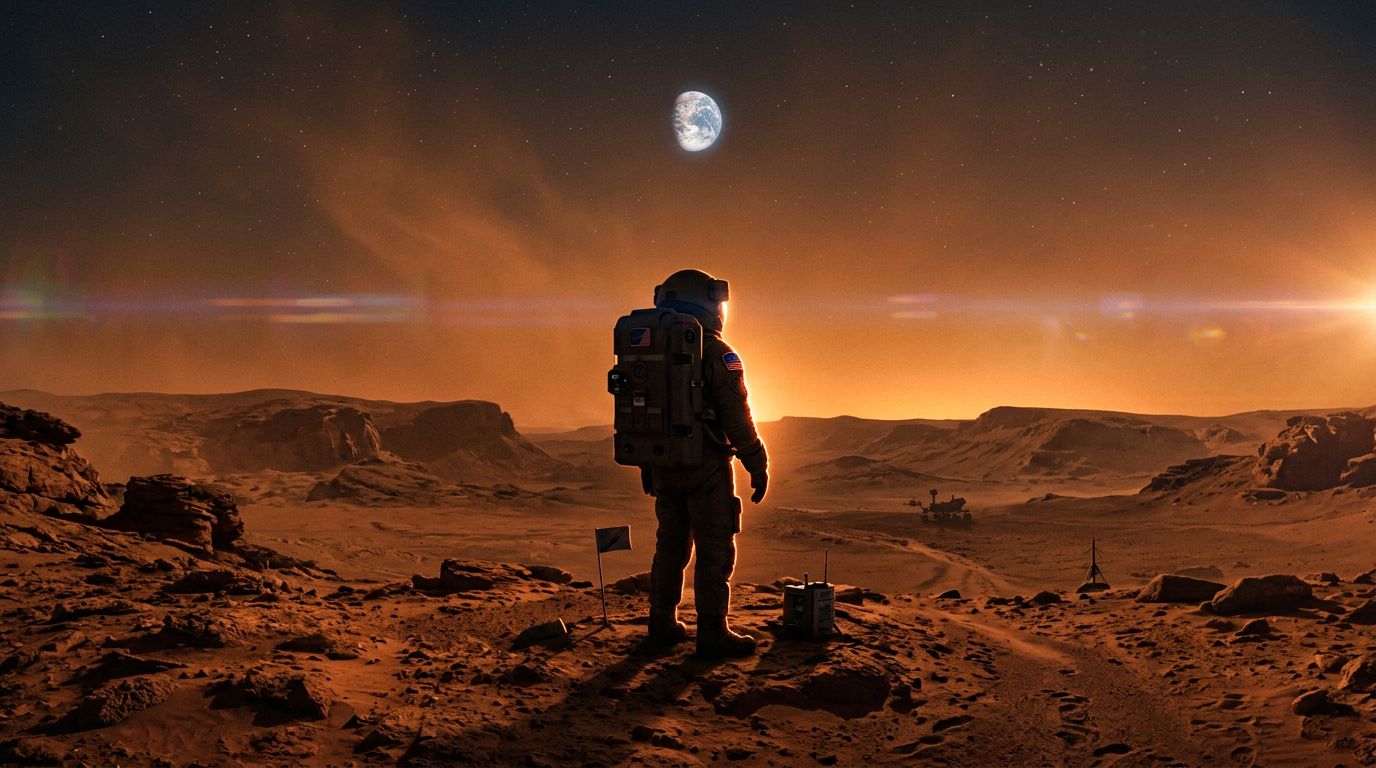
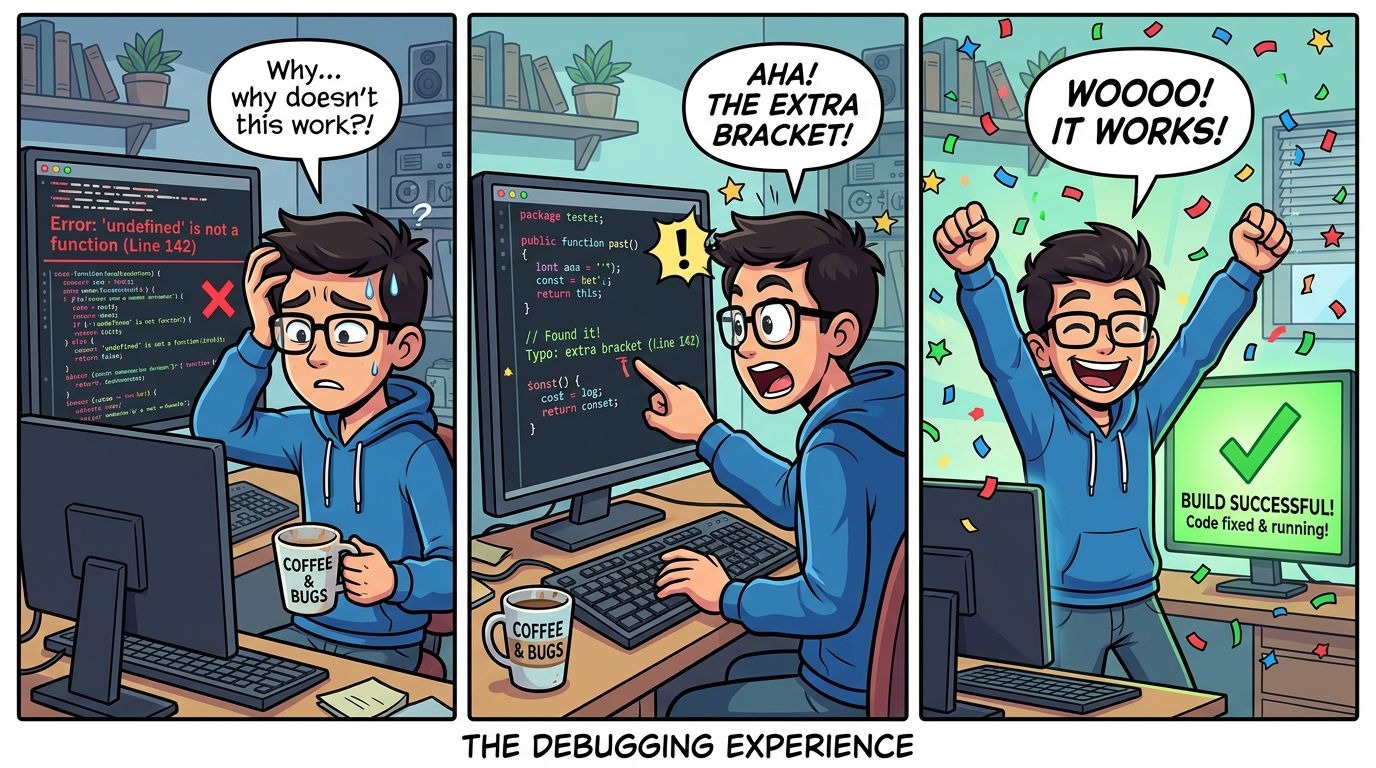
Example results — your generated image will appear here
What can Nano Banana 2 do for you?
Nano Banana 2 is not just an image generator — it's a full-featured AI image editor. With deep real-world knowledge and precise instruction-following, it handles complex creative work from generation to final polish.
Real-World Knowledge, Built In
Generate from facts, not just imagination
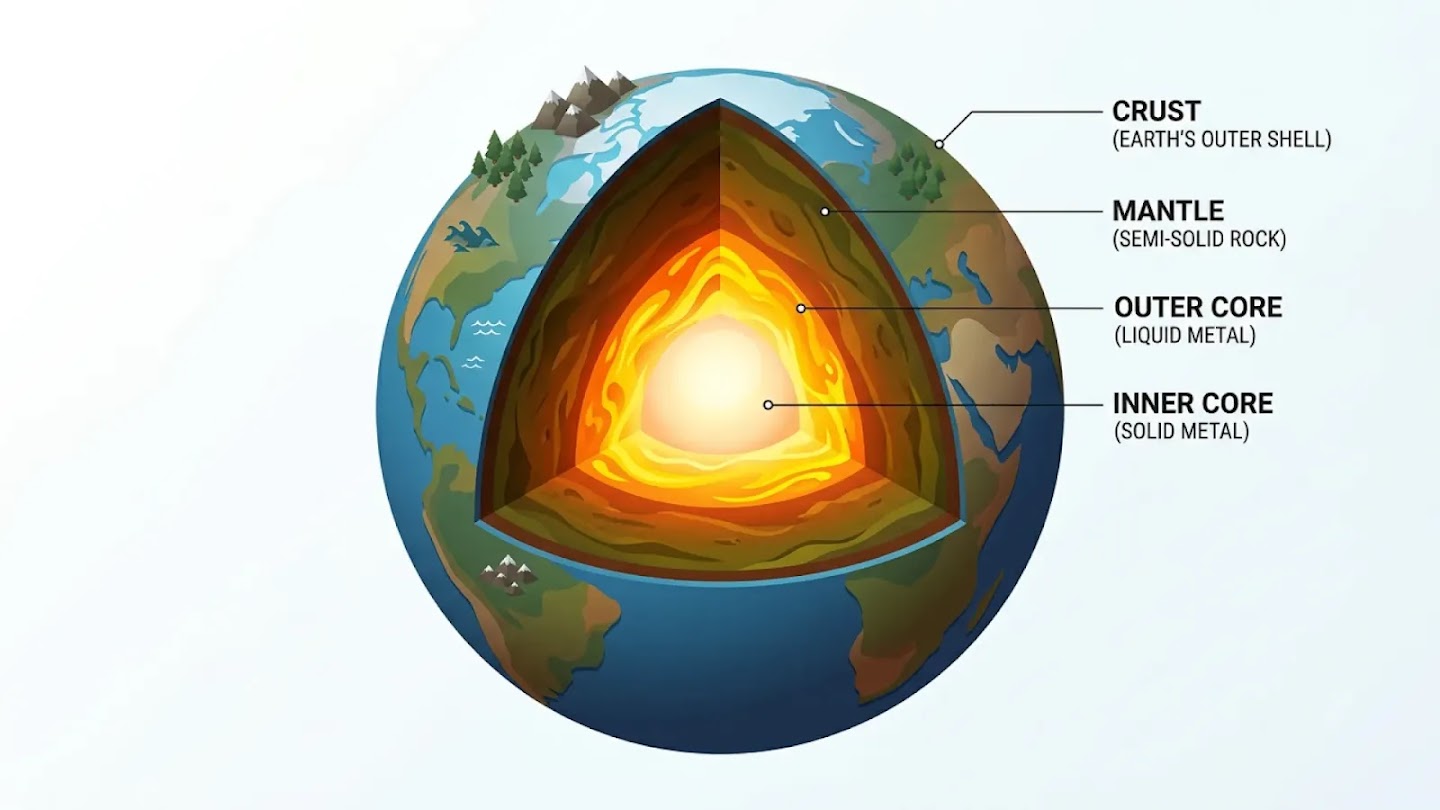
Nano Banana 2 pulls directly from Gemini's real-world knowledge base and live web search to render specific subjects with accuracy. Ask it to illustrate the layers of the Earth, map the water cycle, or visualize current weather data — and it will get the details right.
Features:
- Grounded in real-time web search and live data
- Accurately renders real places, people, and concepts
- Turn notes, data, and research into visual diagrams
- Create educational infographics that are factually correct
Powerful Image Editing, Instruction-Driven
Edit any part of your image with natural language
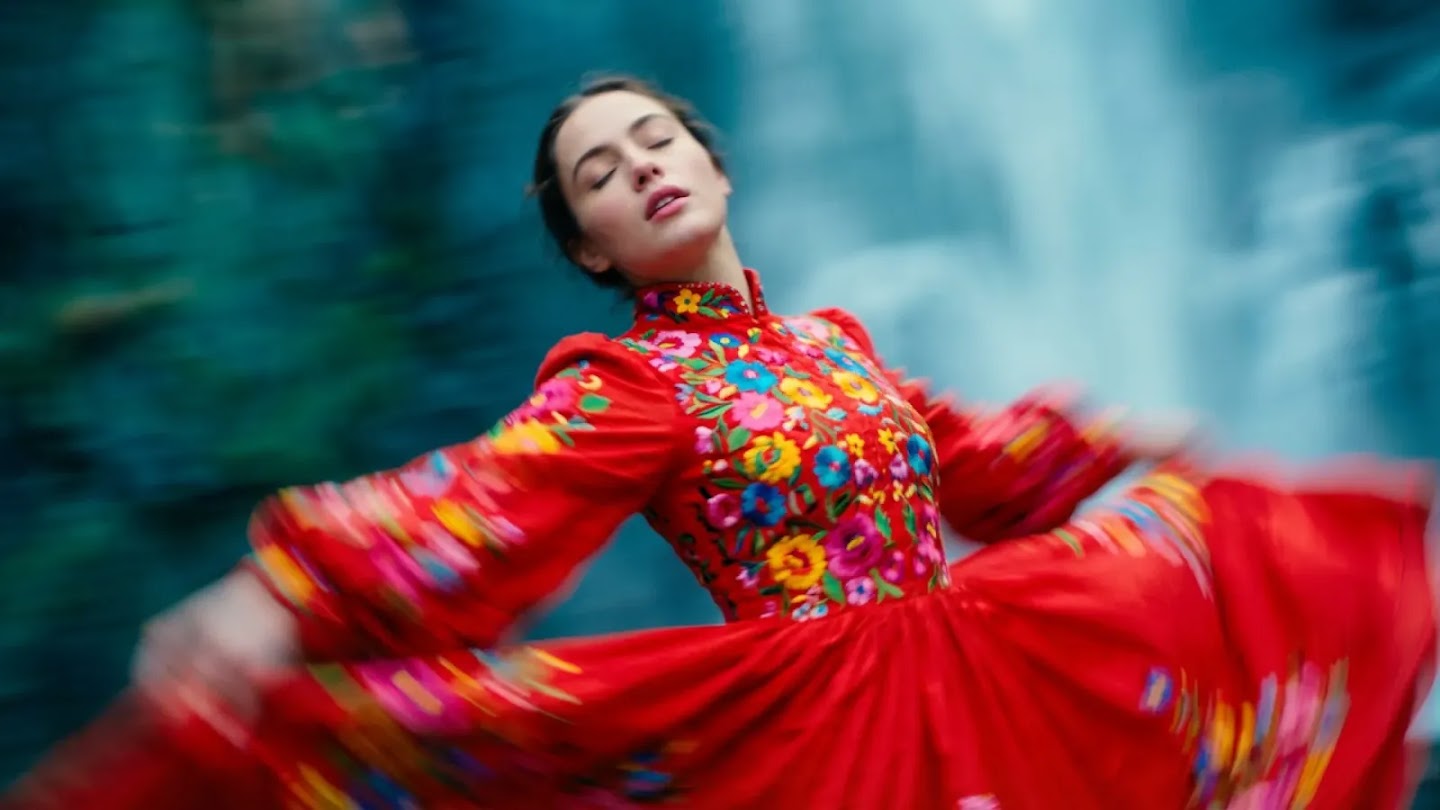
Nano Banana 2 is a full-featured AI image editor. Describe the change you want — remove an object, swap a background, adjust lighting, apply a style — and the model handles the rest. It remembers every detail of your image across multiple rounds of edits, so nothing gets lost no matter how many changes you make.
Features:
- Remove, replace, or recolor any element via text prompt
- Apply style transfers, lighting adjustments, and background swaps
- Localized editing: change one region while preserving the rest exactly
- Remembers full image context across long, multi-step editing sessions
Text That Actually Reads
Legible, styled text in 10+ languages
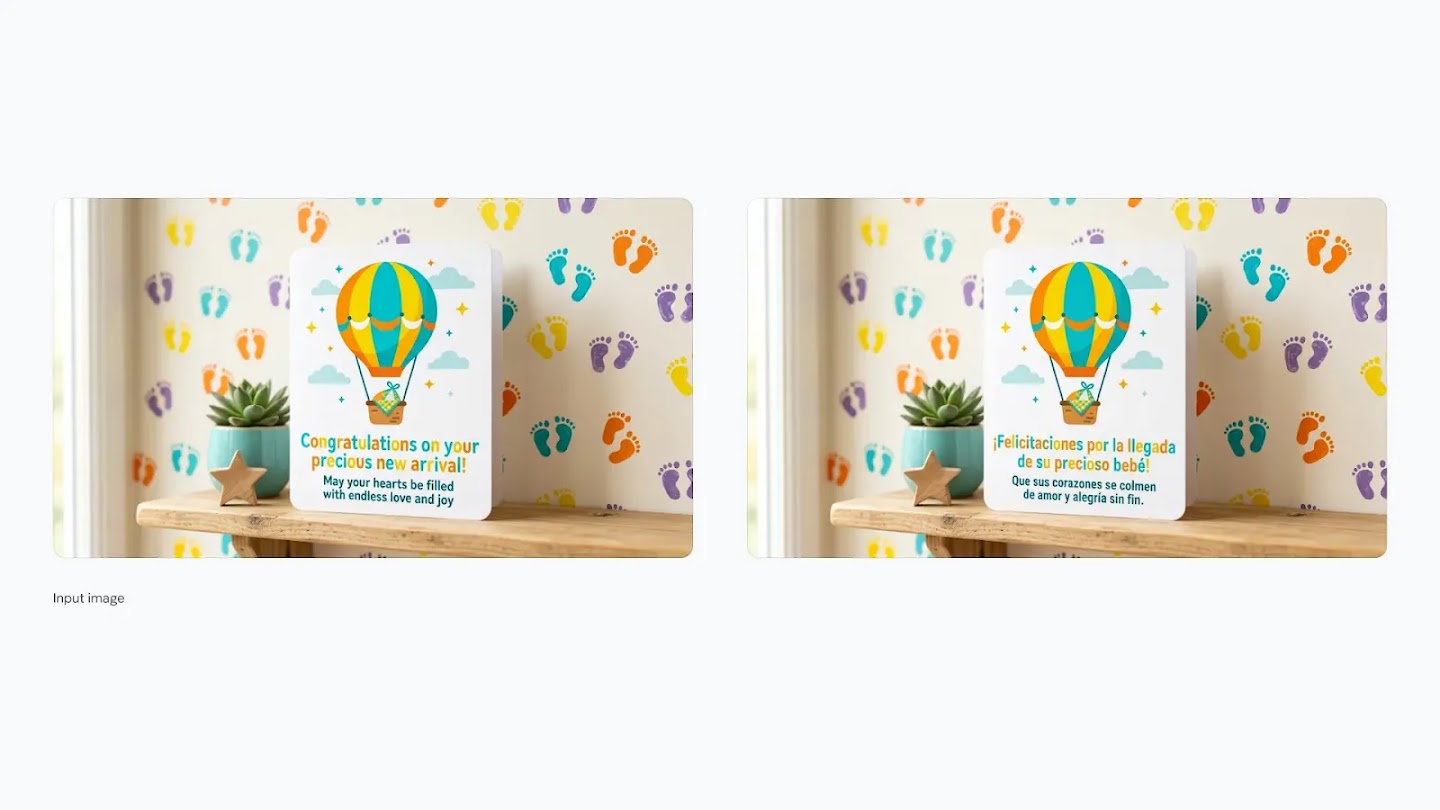
Most image models struggle with text. Nano Banana 2 doesn't. Render sharp, accurate typography directly into your images — from bold poster headlines to fine-print labels. Then localize it: translate the text inside your image into Hindi, German, Spanish, or any of 10+ supported languages without regenerating the scene.
Features:
- Accurate text rendering for posters, cards, and mockups
- Supports 10+ languages including Arabic, Hindi, and Japanese
- Translate and localize text within an existing image
- Control font style, weight, size, and layout via prompt
Characters That Stay Themselves
Up to 5 characters, 14 objects — scene after scene
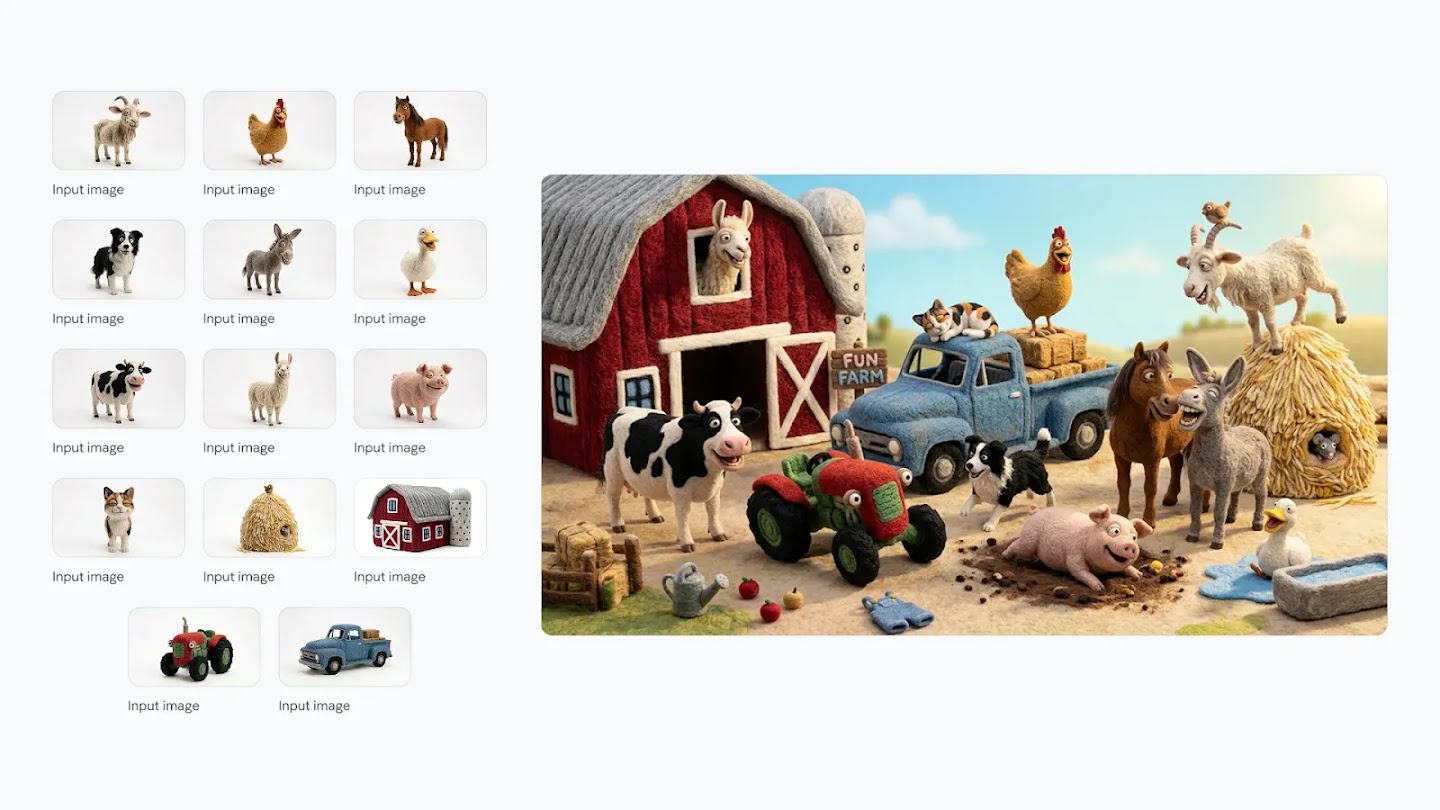
Building a story means your characters need to look the same in every frame. Nano Banana 2 maintains the identity and appearance of up to 5 characters and the fidelity of up to 14 objects across an entire workflow — so your storyboard, comic strip, or product narrative stays visually coherent from start to finish.
Features:
- Consistent character identity across multiple generated images
- Track up to 14 reference objects in a single workflow
- Ideal for storyboards, comics, and multi-scene narratives
- Blend up to 14 reference images into one cohesive output
4K Output. Every Aspect Ratio.
From 1K drafts to print-ready 4K
Nano Banana 2 gives you full control over resolution and format. Generate quick 1K drafts for rapid iteration, then upscale to 2K or 4K for final delivery. Choose from standard ratios like 16:9 and 9:16, or go extreme with 1:4, 4:1, 1:8, and 8:1 — formats not available in Nano Banana Pro.
Features:
- Resolutions from 1K up to 4K — including 2K and 3K
- Exclusive ultra-wide ratios: 1:4, 4:1, 1:8, 8:1
- Upscale existing images to 2K or 4K
- Vibrant lighting, richer textures, and sharper fine details
Nano Banana vs Nano Banana 2 vs Pro: What's the Difference?
Not sure which model to choose? Here's how Nano Banana, Nano Banana 2, and Nano Banana Pro differ — so you can pick the right one for your workflow.
Nano Banana
Jump in and start creating. Generate images in seconds — perfect for exploring ideas without any fuss.
What it does well
- Generates images in seconds
- Great for exploring and testing ideas
- Easy to use — just describe what you want
- Upload photos to combine or change them
- Edit specific parts of an image
Best For
Nano Banana 2
Edit, iterate, and create without limits. Picks up right where you left off — no matter how many changes you make.
What it does well
- Full image editor — generate and change photos from one place
- Remembers your edits across long, back-and-forth sessions
- Crisp results up to 4K
- Clear, readable text inside images
- Works in multiple languages
- More shape options for different platforms
Best For
Nano Banana Pro
When only the best will do. Studio-level results for your most important, client-facing work.
What it does well
- Sharpest, most detailed output of any model
- Most accurate text in images — every letter, every language
- Handles complex scenes with many people or objects
- Fine-tune lighting, focus, and camera angle
- Consistent style across a full set of images
- Built for final, polished, publish-ready assets
Best For
All three models include
How to Write Better Prompts for Nano Banana 2
Master these five prompting frameworks to get the exact images you envision — every time.
Text to Image
Formula
[Subject] + [Action] + [Location/Context] + [Composition] + [Style]
Best Practices
- 1Be specific: describe the subject, lighting, and composition in detail
- 2Use positive framing — describe what you want, not what you don't want
- 3Think like a film director: set the scene narratively, not just with keywords
- 4Specify the mood, color palette, and overall aesthetic you're aiming for
Example Prompt
A striking fashion model wearing a tailored brown dress, sleek boots, and holding a structured handbag. Posing with a confident, statuesque stance, slightly turned. A seamless, deep cherry red studio backdrop. Medium-full shot, center-framed. Fashion magazine style editorial, shot on medium-format analog film, pronounced grain, high saturation, cinematic lighting effect.
Generate or Edit Your First Image in 3 Steps
From idea to polished visual — generate from scratch or upload an image and edit it directly.
See What Nano Banana 2 Can Create
Real images generated with Nano Banana 2. Hover over any image to see the exact prompt used — click to copy it.
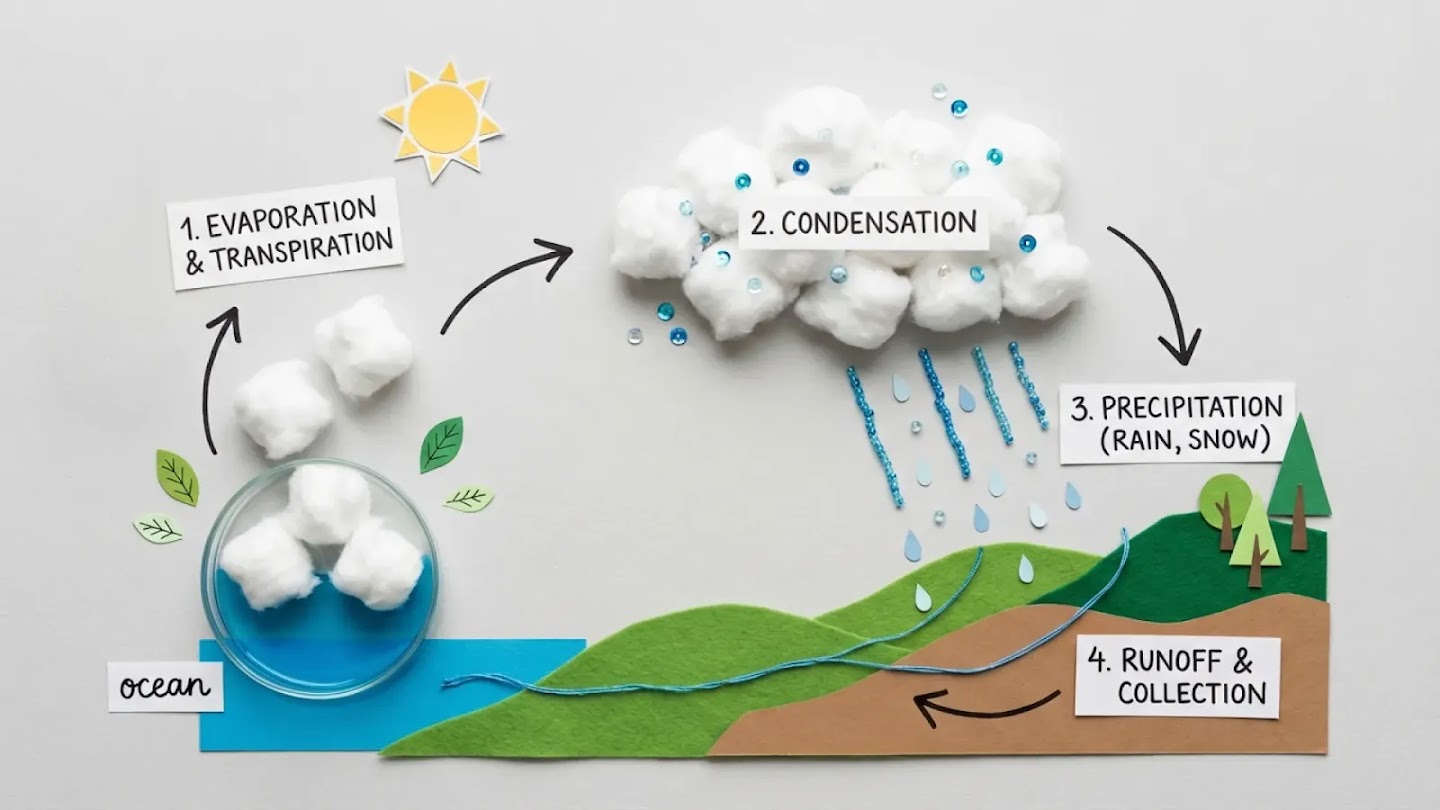
“High-quality flat lay photography creating a DIY infographic that simply explains how the water cycle works, arranged on a clean, light gray textured background. The visual story flows from left to right in clear steps. Simple, clean black arrows are hand-drawn onto the background to guide the viewer's eye. The overall mood is educational, modern, and easy to understand. The image is shot from a top-down, bird's-eye view with soft, even lighting.”
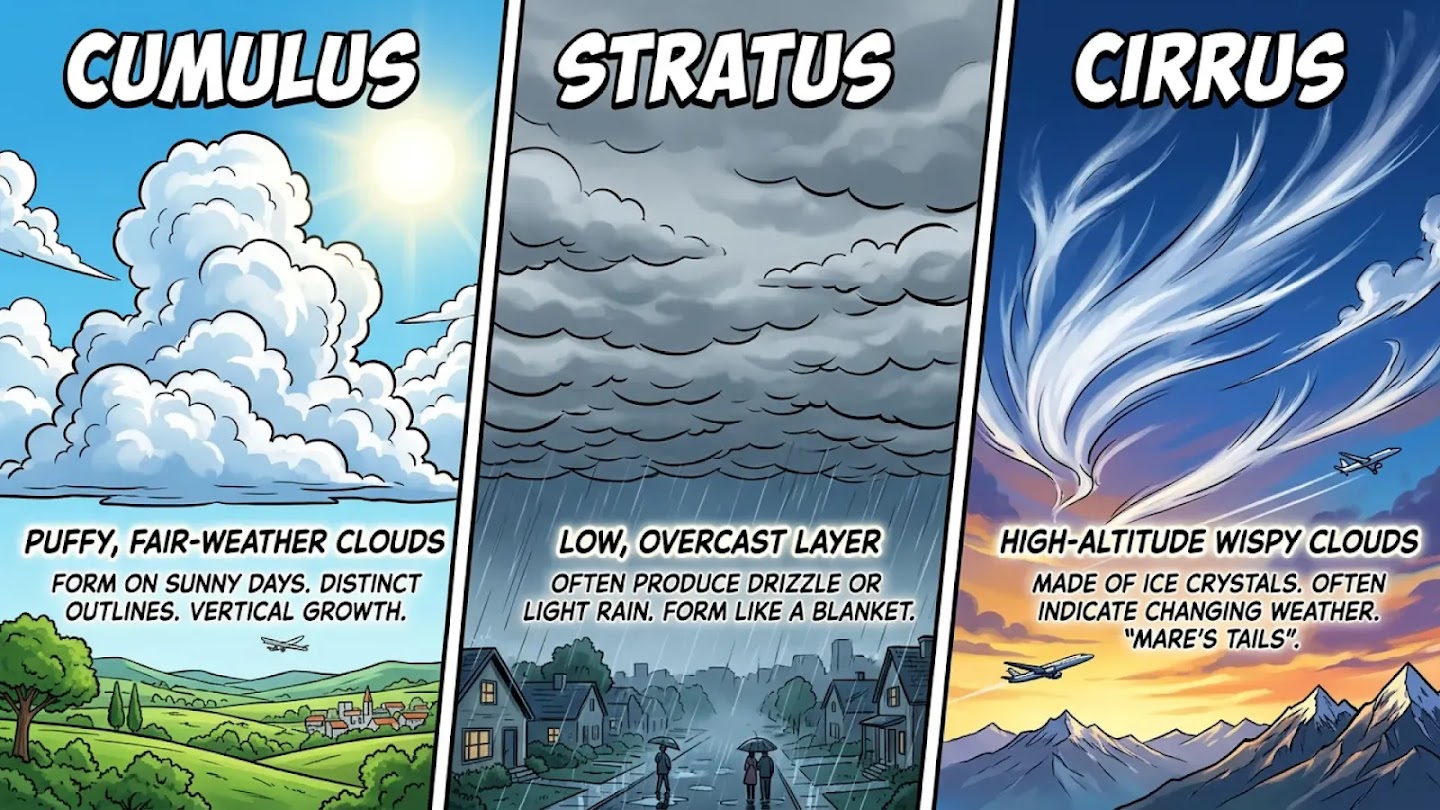
“Triptych infographic comparing three types of clouds: Cumulus, Stratus, and Cirrus. Each panel shows the cloud type in a dramatic sky with a bold label. High-contrast comic style. AR: 16:9”
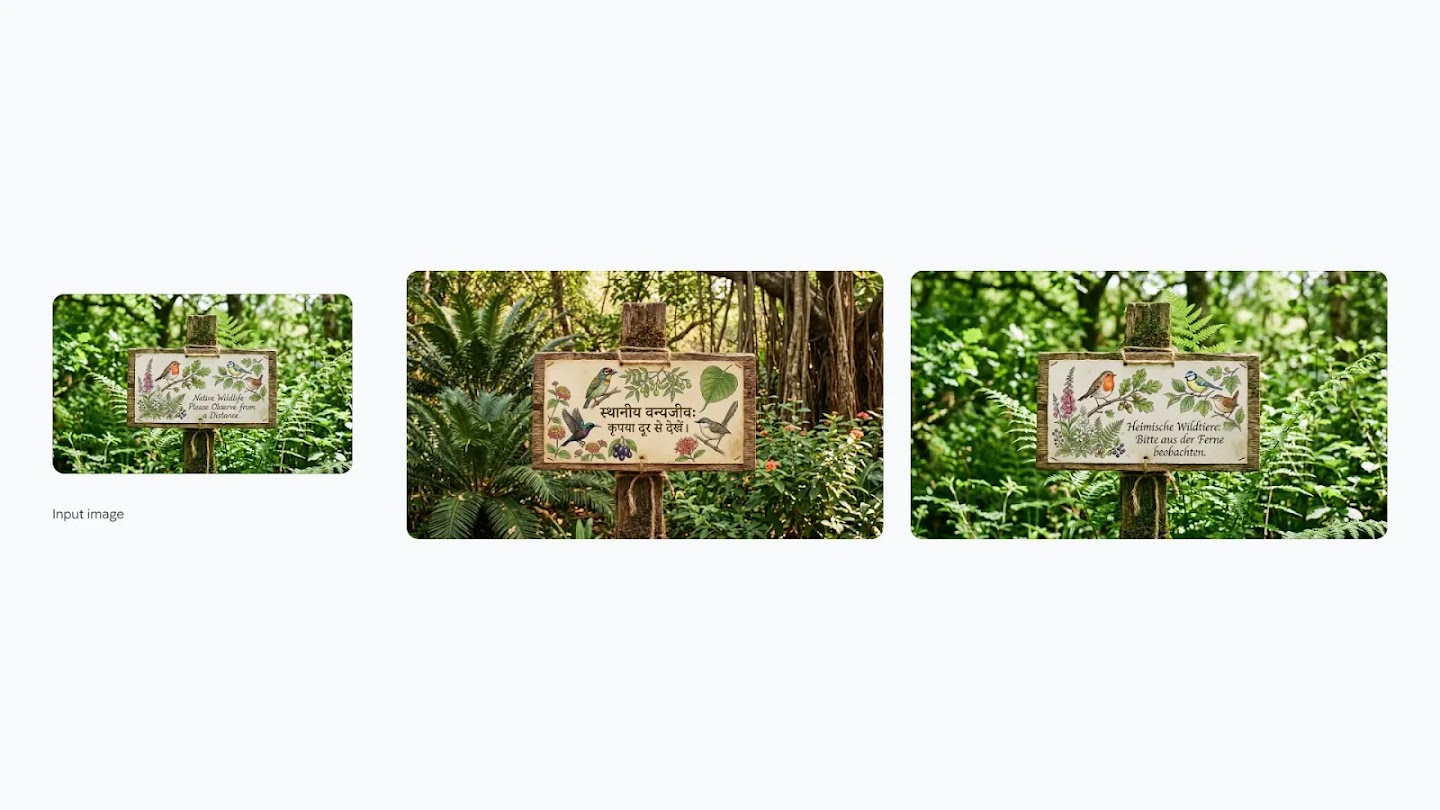
“An intimate, naturalistic cinematic close-up reveals a small, intricately illustrated sign made of recycled material, showing drawings of local birds and flowers. Delicate script below reads: 'Native Wildlife: Please Observe from a Distance.' Then: Take this concept and localize it to an Indian setting, including translation of all the text to Hindi.”
“Create an image of these 14 characters and items having fun at the farm. The overall atmosphere is fun, silly and joyful. It is strictly important to keep identity consistent of all the 14 characters and items.”
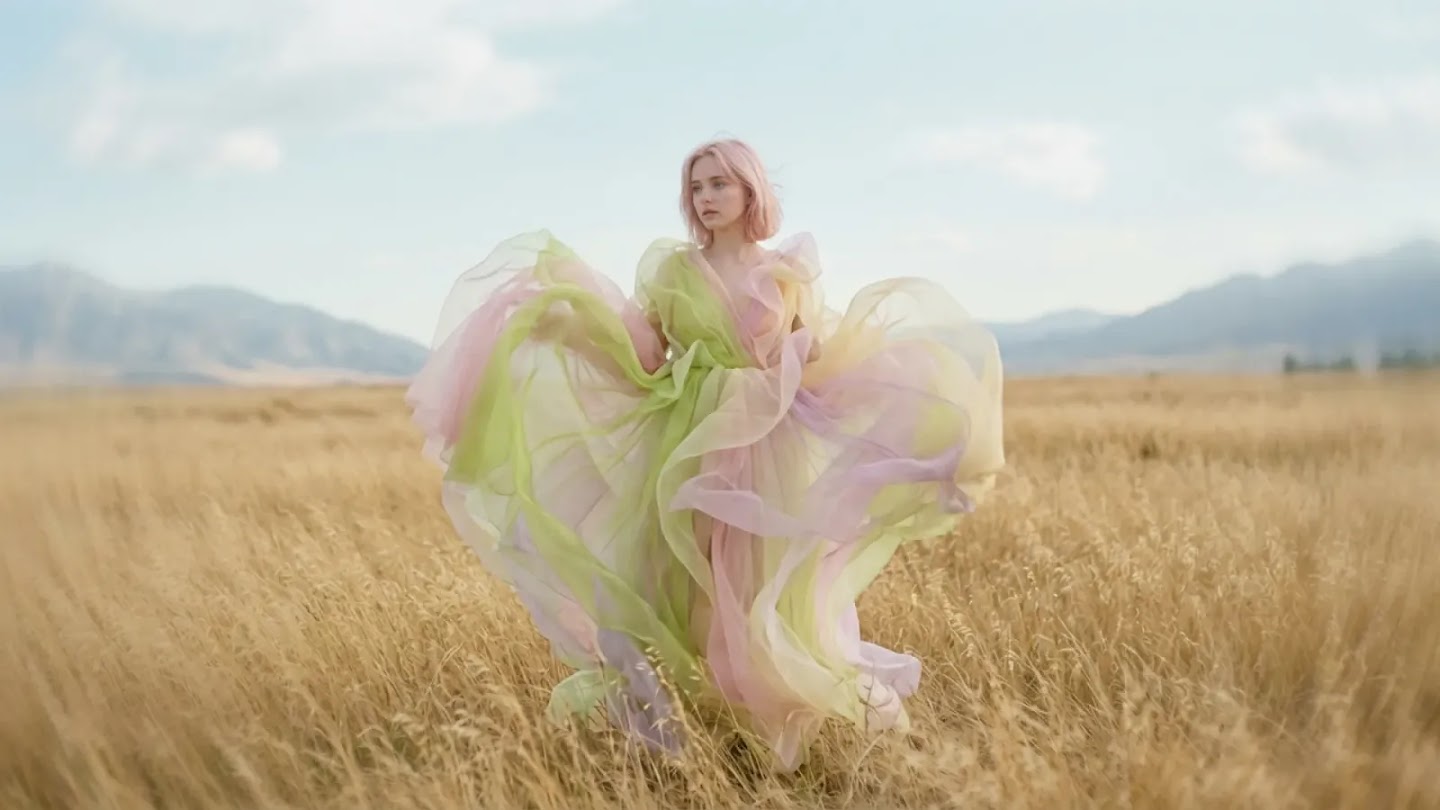
“Cinematic still in the style of a surreal dream sequence with a full shot of a woman standing in a field. The camera captures her from a slightly low angle, emphasizing the dramatic flow and volume of her fantastical garment. The dress is a multi-layered creation of sheer fabrics in pastel shades of lime green, pale pink, and soft yellow, billowing around her as if caught in a gentle breeze.”
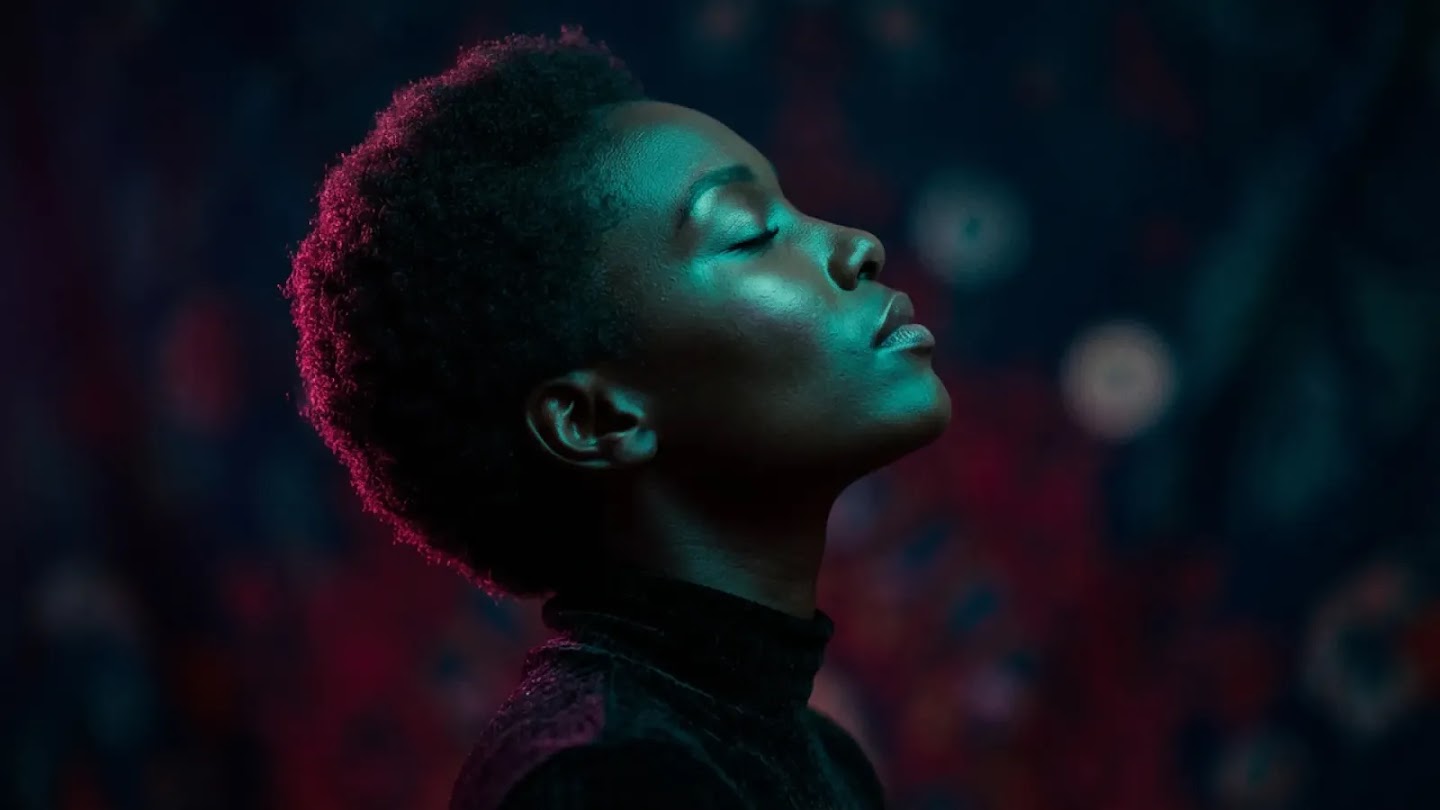
“A strikingly vibrant, highly stylized studio portrait. The subject, a woman with very dark skin and closely cropped, dark hair, is captured in profile, facing towards the upper right of the frame. Her head is tilted upwards, and her eyes are closed, lending an air of serene contemplation. Bold teal and magenta rim lighting against a dark, textured background.”
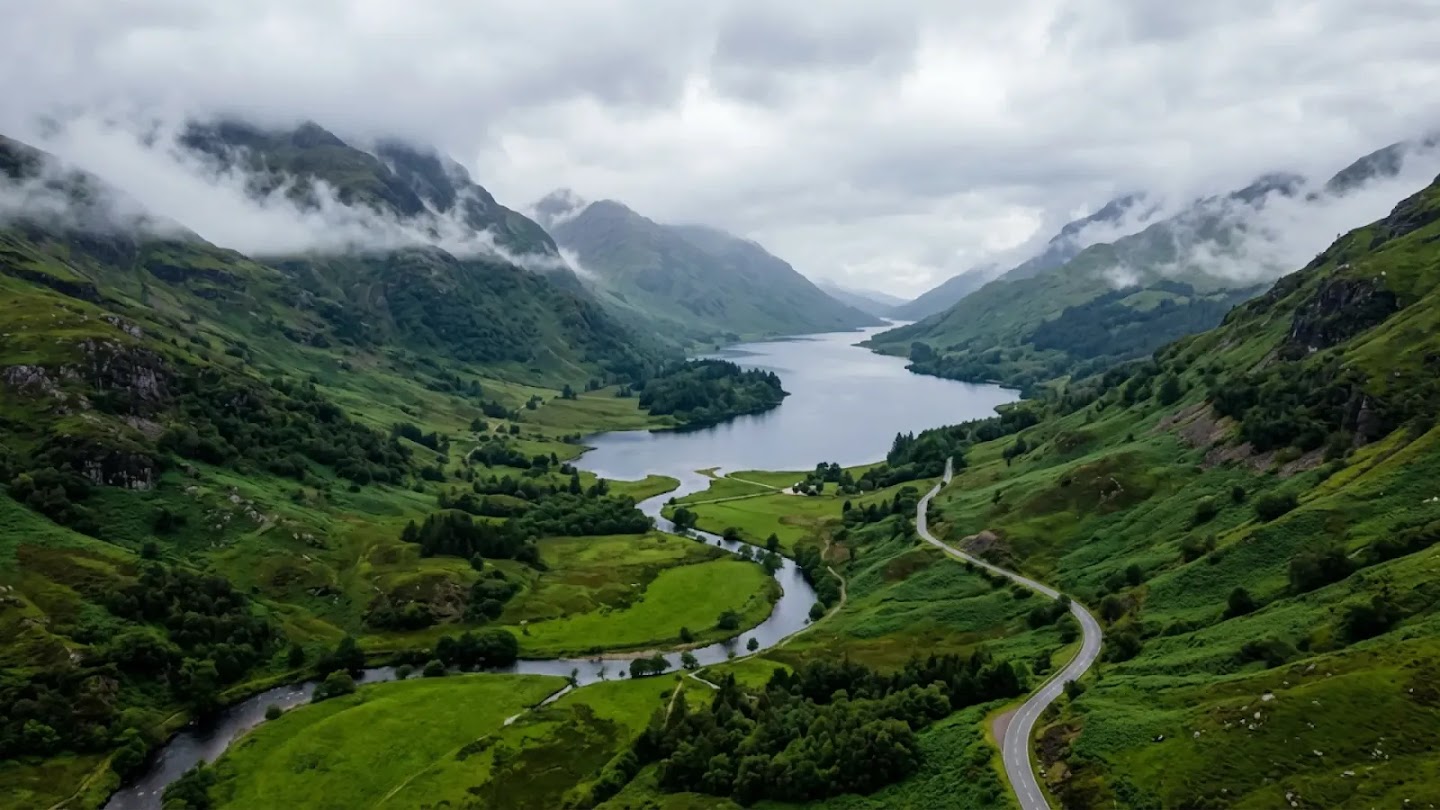
“This aerial shot captures a dramatic, misty landscape, likely a valley or glen, characterized by rolling, verdant hills and a winding river or loch. The photography style leans towards a moody and atmospheric aesthetic, emphasizing the grandeur and isolation of nature. The camera angle is high, looking down into the valley, providing a sweeping panoramic view.”
Frequently Asked Questions About Nano Banana 2
Everything you need to know about Nano Banana 2 and how it compares to other models.
What is Nano Banana 2?
Nano Banana 2 is a powerful AI image generator and editor. It can generate images from text, edit existing images through natural language instructions, and handle complex workflows using up to 14 reference images — all powered by Gemini's real-world knowledge.
Can Nano Banana 2 edit existing images?
Yes. Image editing is one of Nano Banana 2's core strengths. You can upload any image and use natural language to remove objects, swap backgrounds, apply style transfers, adjust lighting, or make localized changes to specific regions — all while preserving the rest of the image exactly as it is.
What is the difference between Nano Banana 2 and Nano Banana Pro?
Nano Banana 2 is optimized for generation, editing, and high-volume iteration. It supports more complex multi-step editing sessions, additional aspect ratios, and excels at handling longer, more detailed workflows. Nano Banana Pro prioritizes maximum output quality for complex, high-stakes creative work. For most everyday editing and generation tasks, Nano Banana 2 is the more versatile choice.
What resolutions does Nano Banana 2 support?
Nano Banana 2 supports resolutions from 1K up to 4K, including 2K and 3K. It also supports a wide range of aspect ratios including 1:1, 16:9, 9:16, 4:5, 21:9, and unique ratios like 1:4, 4:1, 1:8, and 8:1 that are not available in Nano Banana Pro.
Can Nano Banana 2 generate text in images?
Yes. Nano Banana 2 excels at precision text rendering — generating accurate, legible text in multiple languages directly within images. It supports multilingual text generation in over 10 languages and can translate and localize text within an existing image, making it ideal for international marketing and content creation.
How many reference images can I use with Nano Banana 2?
You can mix up to 14 reference images in a single prompt with Nano Banana 2. This enables powerful use cases like maintaining character consistency across scenes, combining product images with environments, and applying specific styles to new content.
Does Nano Banana 2 use real-time information?
Yes. Nano Banana 2 is powered by real-time information from web search, allowing it to generate images based on current events, weather, sports data, and other live information. This makes it uniquely capable of creating accurate, up-to-date infographics and data visualizations.
Is Nano Banana 2 free to use?
You can try Nano Banana 2 with free credits on this platform. Free users can generate images at up to 1K resolution. Paid plans unlock 2K and 4K resolution generation and additional monthly credits. View pricing plans for details.
Start Generating and Editing with Nano Banana 2
Join thousands of creators using AI to generate, edit, and iterate on images — with real-world knowledge and up to 14 reference inputs.