Nano Banana Pro: Studio-Quality AI Image Generator and Editor
Generate and edit images with unprecedented precision — accurate text rendering, up to 14 reference inputs, 4K resolution, and advanced creative controls.
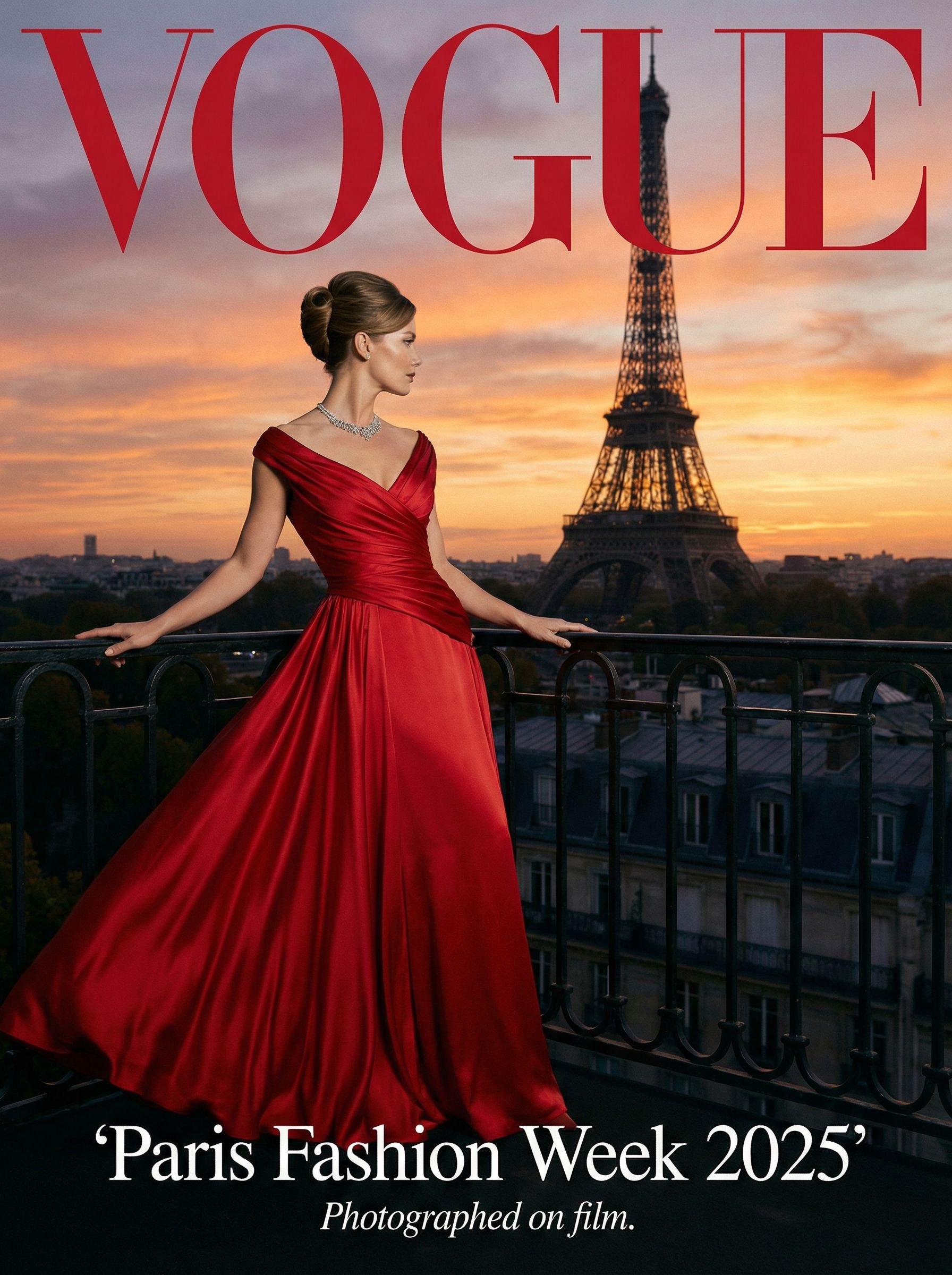
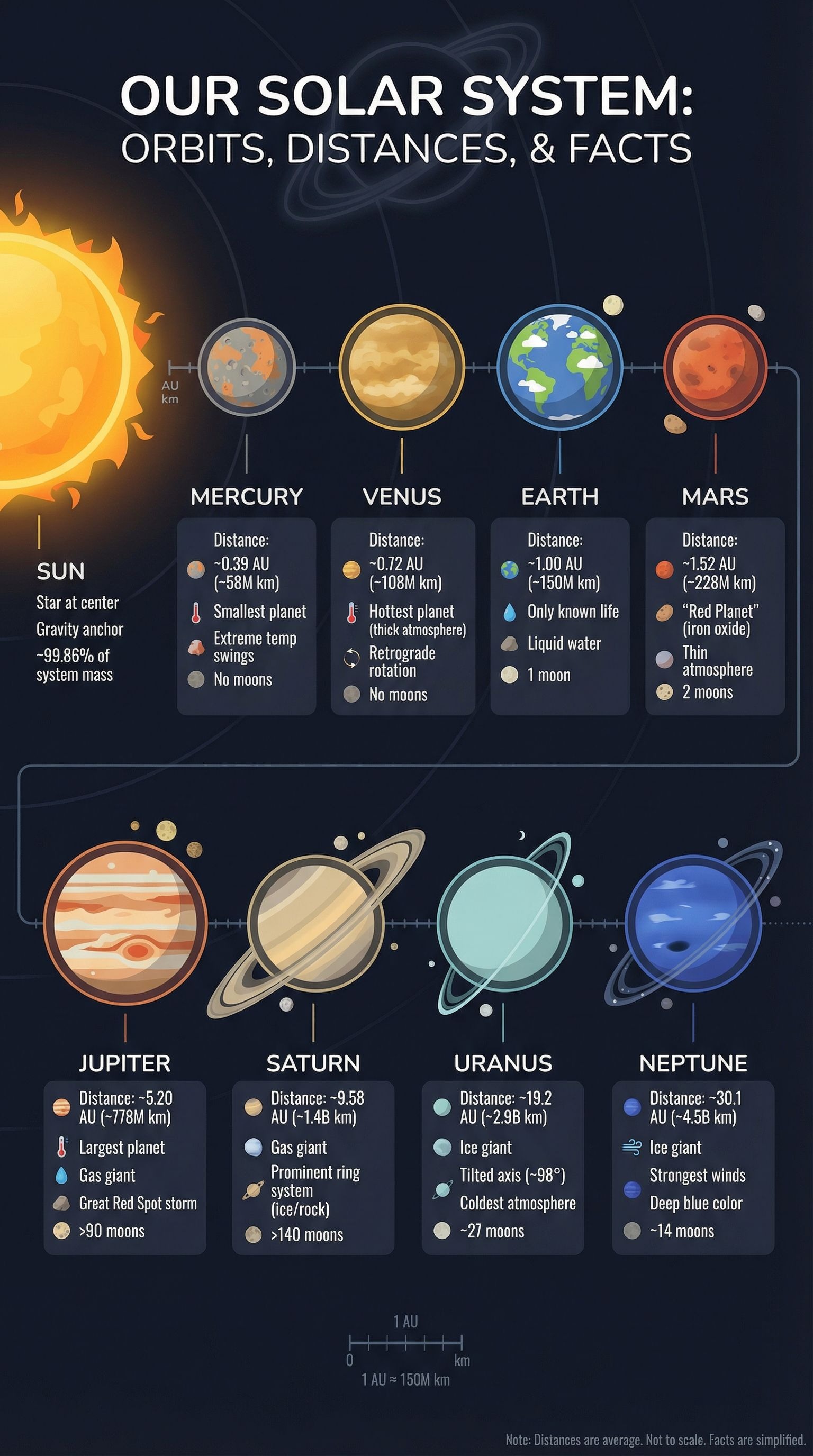
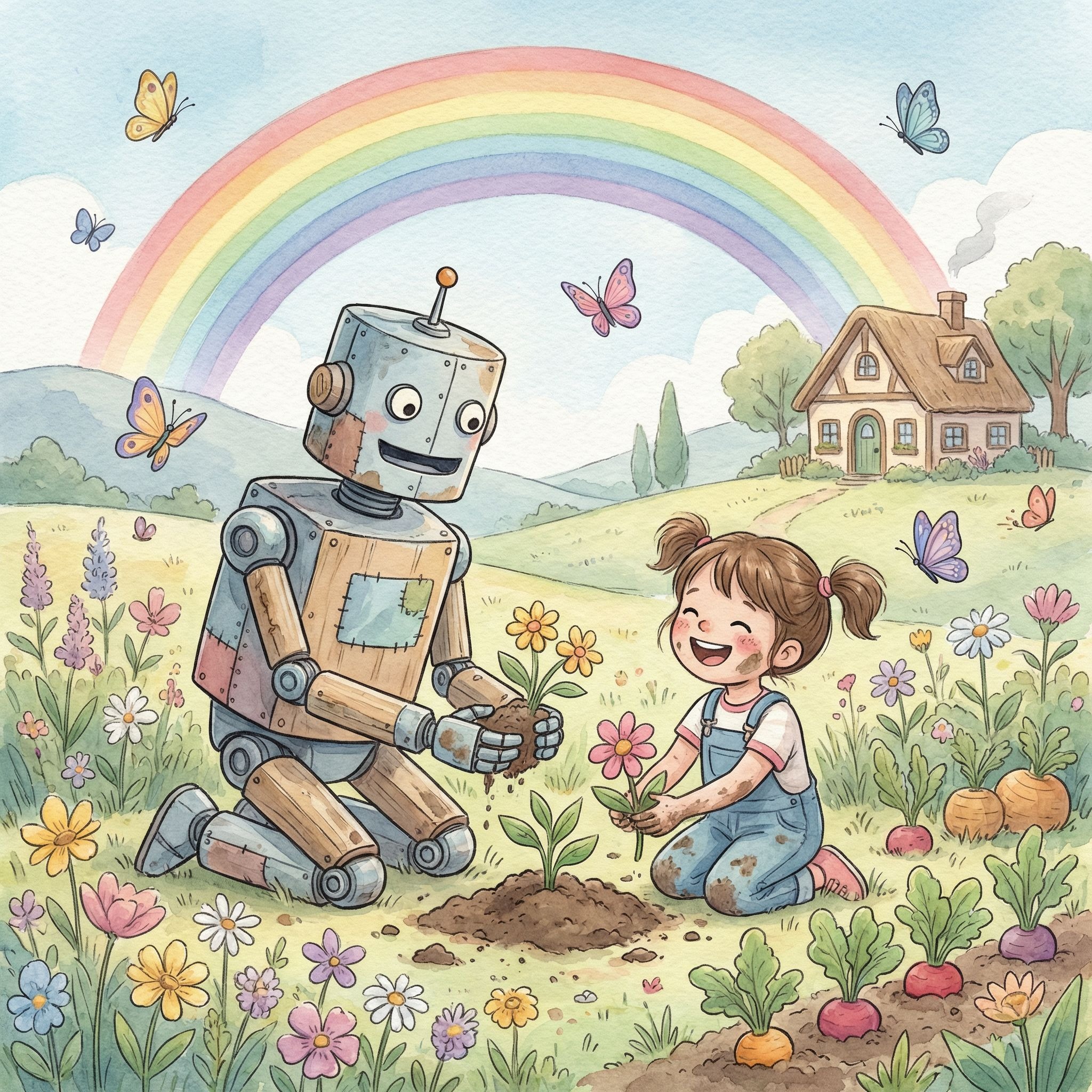
Example results — your generated image will appear here
What Nano Banana Pro Can Do for You
Nano Banana Pro brings studio-grade creative control to every image. With advanced reasoning and real-world knowledge, it closes the gap between what you imagine and what you create.
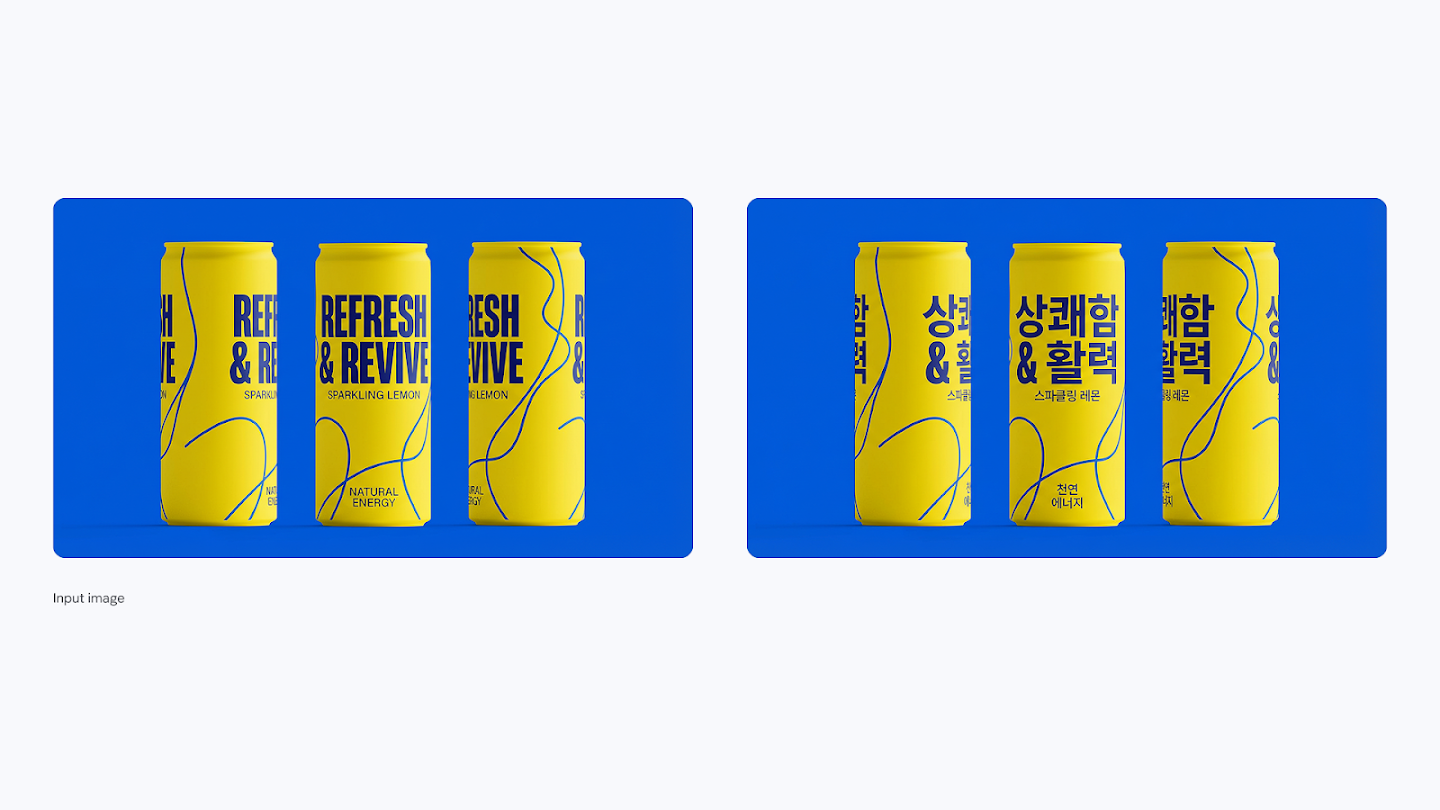
Precise Text Rendering in Any Language
Nano Banana Pro is the most accurate model for rendering text directly inside images. Generate sharp headlines, detailed labels, and multi-line paragraphs with full control over font style, weight, and layout. Translate text within existing images into 10+ languages — perfect for international campaigns and localized content.
- Best-in-class text accuracy for posters, mockups, and diagrams
- Supports 10+ languages including Korean, Arabic, and Hindi
- Translate and localize text inside existing images
- Control font style, calligraphy, and typographic layout via prompt
Real-World Knowledge & Reasoning
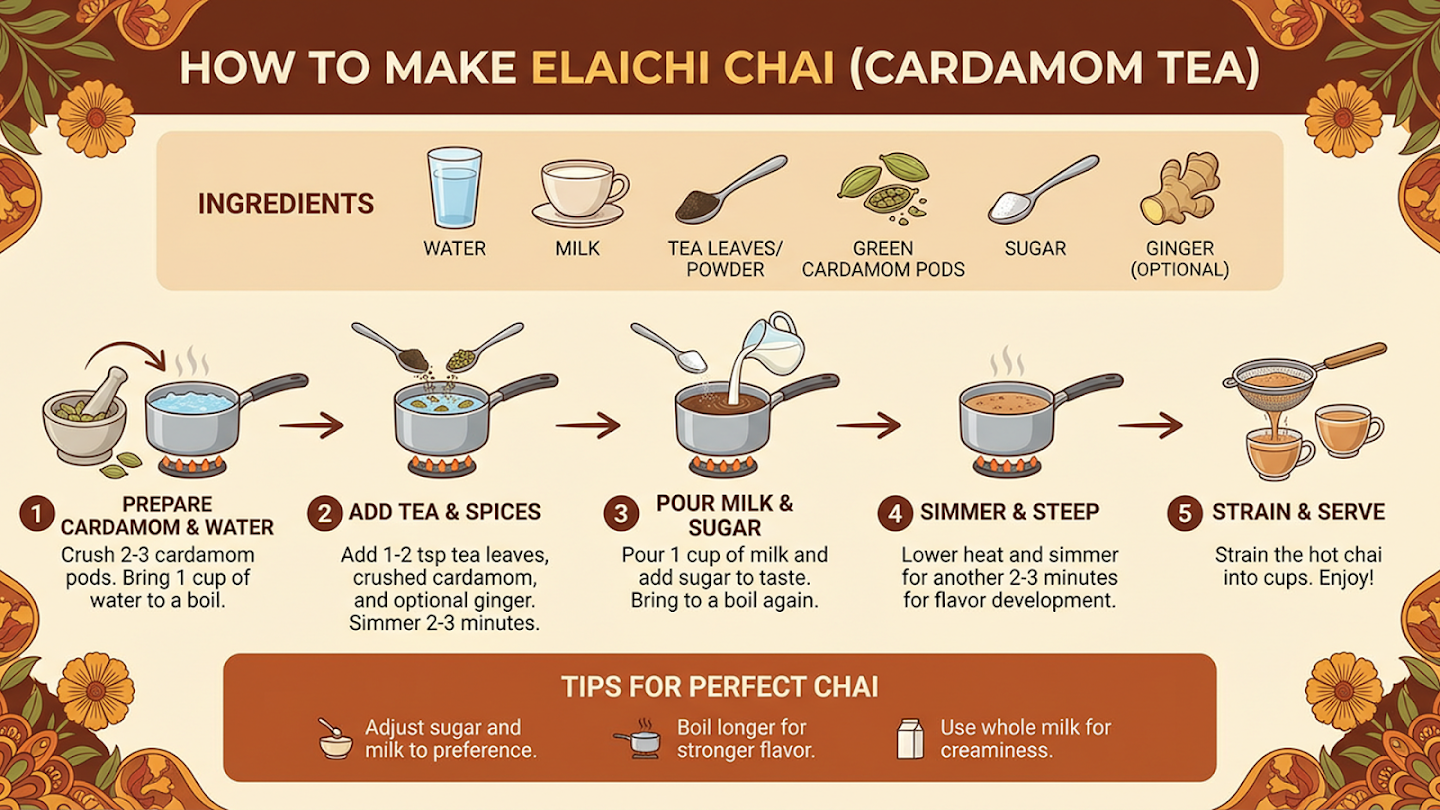
With advanced AI reasoning capabilities, Nano Banana Pro doesn't just create beautiful images — it creates accurate ones. Generate context-rich infographics, annotate diagrams with real data, or visualize live information like weather and sports via Google Search grounding.
- Grounded in real-time web search and live data
- Accurately renders real places, people, and scientific concepts
- Turn handwritten notes or data into polished visual diagrams
- Create factually correct educational infographics and explainers
Subject Consistency Across Scenes
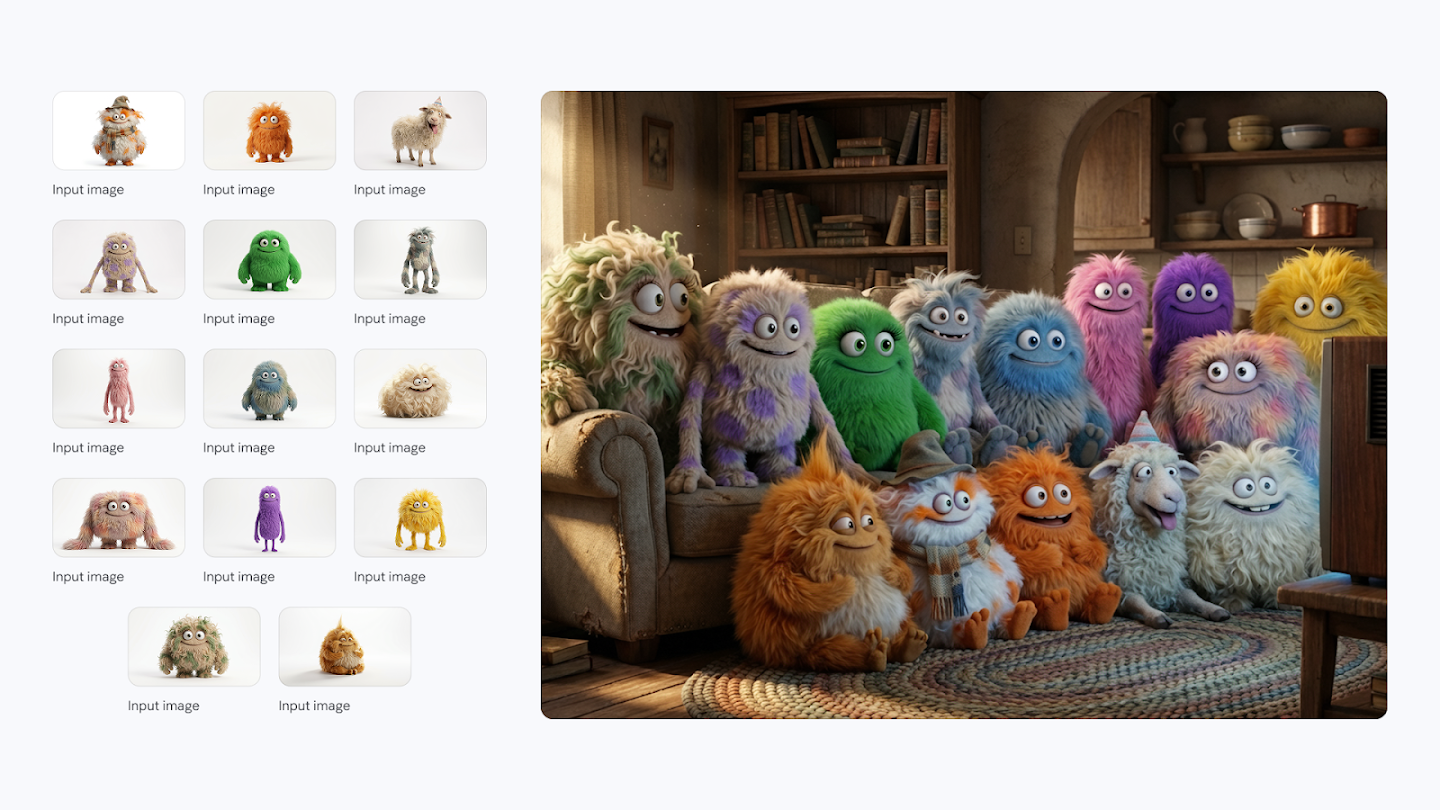
Maintain the identity and appearance of up to 5 characters and the fidelity of up to 14 objects across an entire creative workflow. Whether you're building a storyboard, brand campaign, or multi-scene narrative, Nano Banana Pro keeps every detail consistent from start to finish.
- Consistent character identity across multiple generated images
- Track up to 14 reference objects in a single workflow
- Blend up to 14 input images into one cohesive composition
- Ideal for brand visuals, storyboards, and editorial series
Studio-Quality Creative Controls
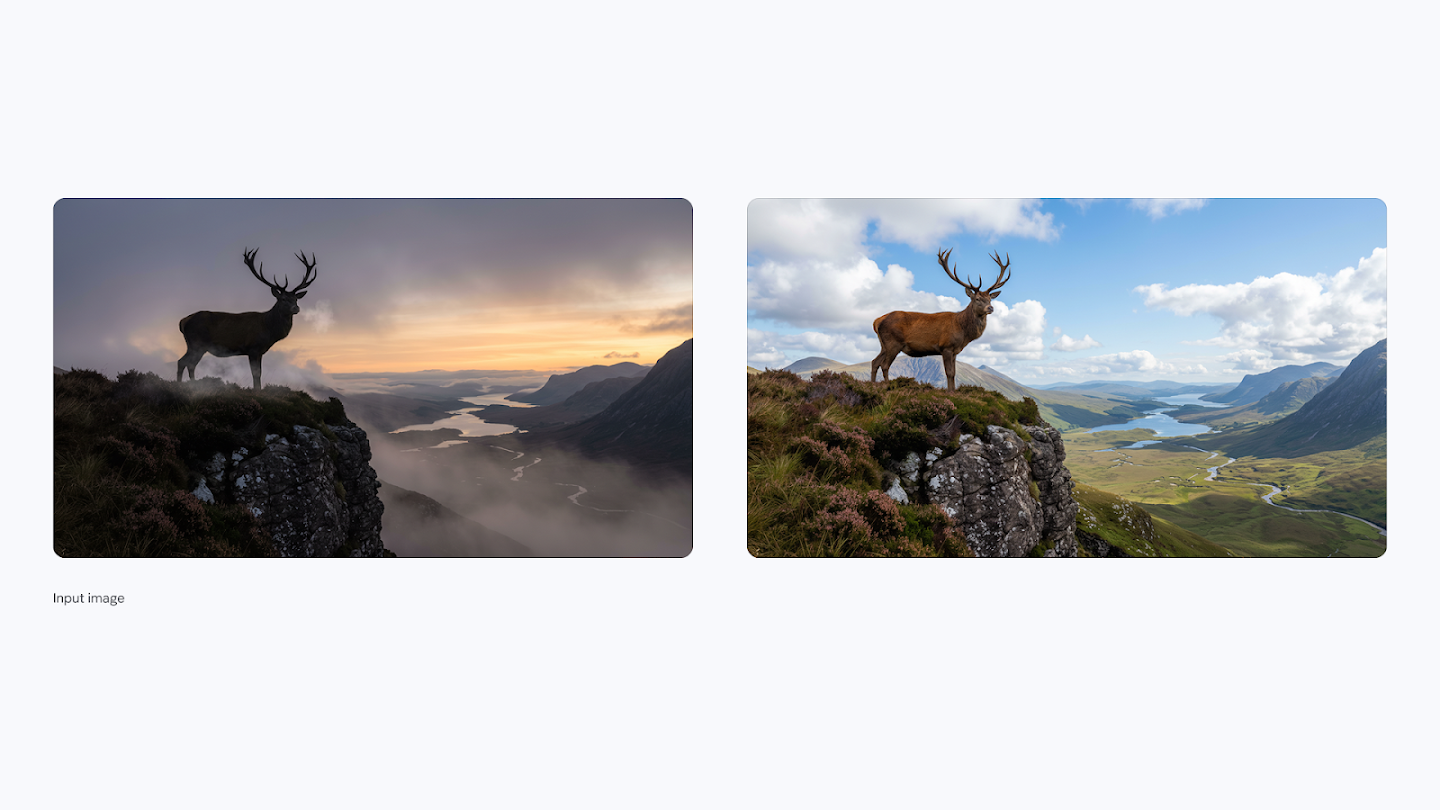
Nano Banana Pro puts advanced creative controls directly in your hands. Adjust camera angles, shift depth of field, change scene lighting from day to night, apply sophisticated color grading, or transform any part of an image with precise localized editing. Your output is ready for any platform at up to 4K resolution.
- Localized editing: refine any specific area of an image
- Control camera angles, focal point, and depth of field
- Change lighting conditions — day to night, bokeh effects, chiaroscuro
- Apply color grading and cinematic looks via prompt
4K Resolution. Any Aspect Ratio.
Generate crisp visuals at 1K, 2K, or 4K resolution. Choose from a full range of aspect ratios — 1:1, 16:9, 9:16, 4:5, 21:9, and more — to fit any platform or format. Nano Banana Pro delivers the sharpest fine details and richest textures in the Nano Banana family.
- Output at 1K, 2K, or 4K resolution
- Supports 1:1, 16:9, 9:16, 4:5, 21:9 aspect ratios
- Richest textures and sharpest fine details in the model family
- Production-ready assets for print, social media, and advertising
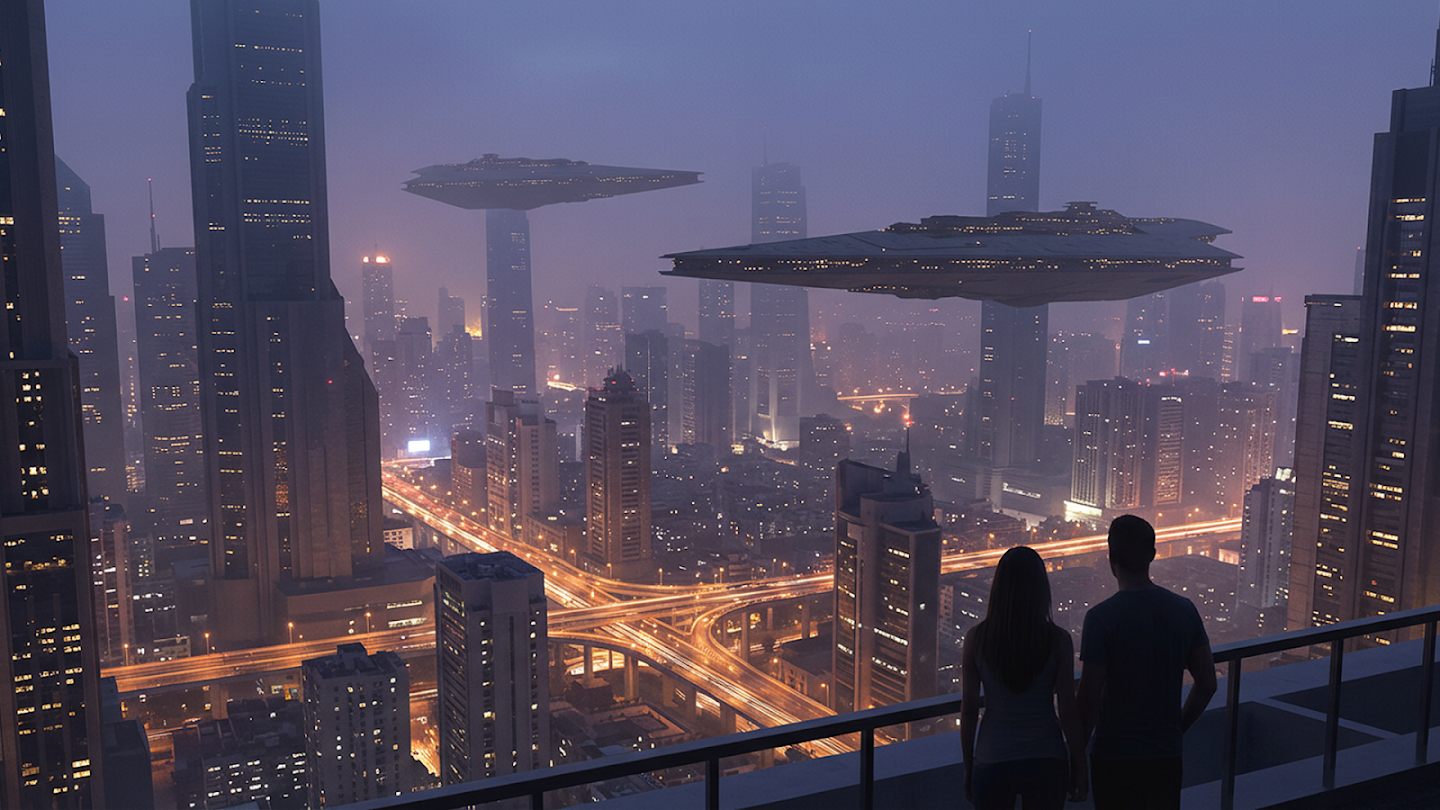
Nano Banana vs Nano Banana 2 vs Pro: What's the Difference?
Not sure which model to choose? Here's how Nano Banana, Nano Banana 2, and Nano Banana Pro differ — so you can pick the right one for your workflow.
Nano Banana
Jump in and start creating. Generate images in seconds — perfect for exploring ideas without any fuss.
What it does well
- Generates images in seconds
- Great for exploring and testing ideas
- Easy to use — just describe what you want
- Upload photos to combine or change them
- Edit specific parts of an image
Best For
Nano Banana 2
Edit, iterate, and create without limits. Picks up right where you left off — no matter how many changes you make.
What it does well
- Full image editor — generate and change photos from one place
- Remembers your edits across long, back-and-forth sessions
- Crisp results up to 4K
- Clear, readable text inside images
- Works in multiple languages
- More shape options for different platforms
Best For
Nano Banana Pro
When only the best will do. Studio-level results for your most important, client-facing work.
What it does well
- Sharpest, most detailed output of any model
- Most accurate text in images — every letter, every language
- Handles complex scenes with many people or objects
- Fine-tune lighting, focus, and camera angle
- Consistent style across a full set of images
- Built for final, polished, publish-ready assets
Best For
All three models include
How to Write Better Prompts for Nano Banana 2
Master these five prompting frameworks to get the exact images you envision — every time.
Text to Image
Formula
[Subject] + [Action] + [Location/Context] + [Composition] + [Style]
Best Practices
- 1Be specific: describe the subject, lighting, and composition in detail
- 2Use positive framing — describe what you want, not what you don't want
- 3Think like a film director: set the scene narratively, not just with keywords
- 4Specify the mood, color palette, and overall aesthetic you're aiming for
Example Prompt
A striking fashion model wearing a tailored brown dress, sleek boots, and holding a structured handbag. Posing with a confident, statuesque stance, slightly turned. A seamless, deep cherry red studio backdrop. Medium-full shot, center-framed. Fashion magazine style editorial, shot on medium-format analog film, pronounced grain, high saturation, cinematic lighting effect.
Generate Your First Pro Image in 3 Steps
From concept to studio-quality visual — no design experience required.
See What Nano Banana Pro Can Create
Real images generated with Nano Banana Pro. Hover over any image to see the exact prompt used — click to copy it.
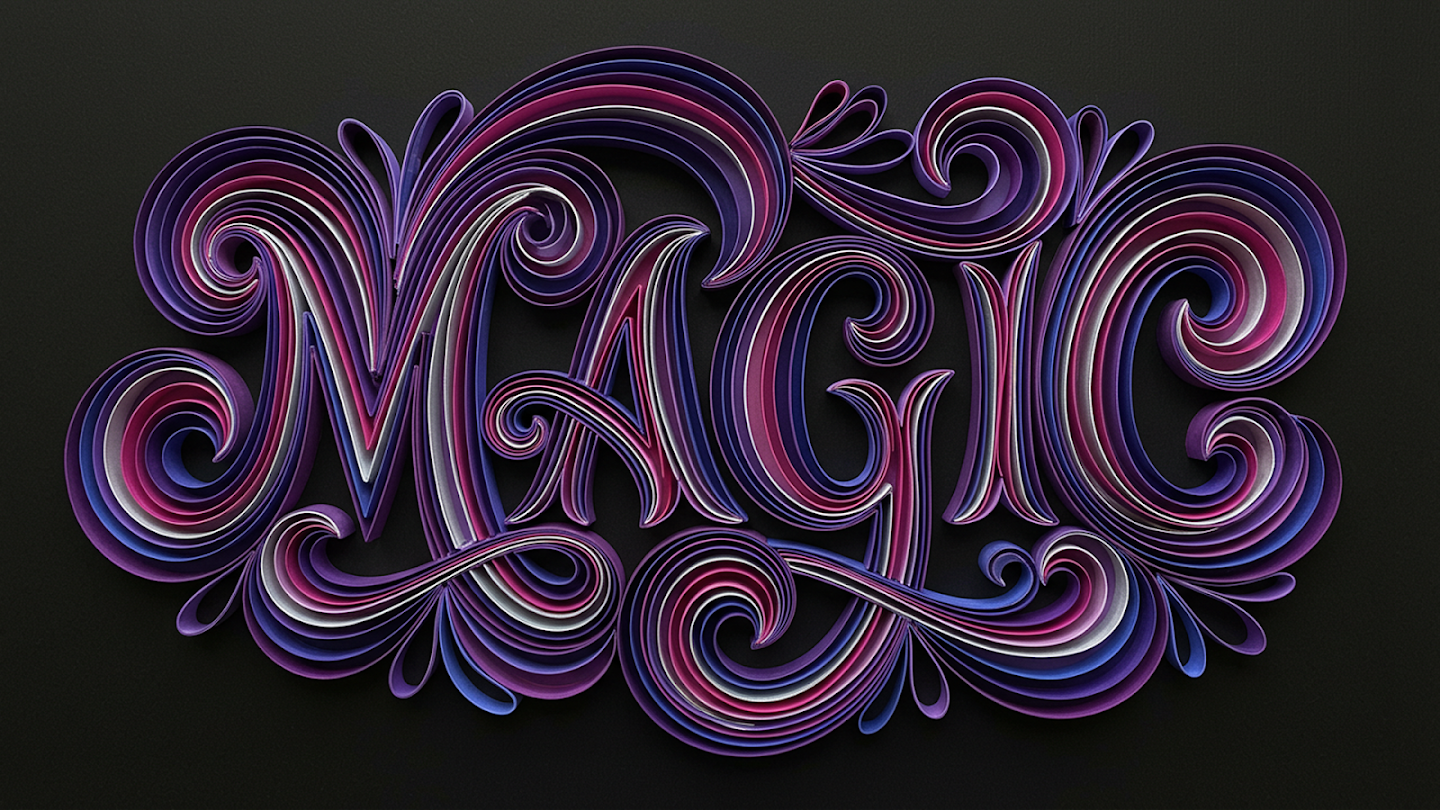
“A paper quilling artwork, rendered in the exact style, colors (purple, pink, magenta, white strips), and intricate swirl patterns depicting the word "MAGIC" in a elaborate, calligraphic script. The paper strips create depth and shadows on a dark grey textured background.”
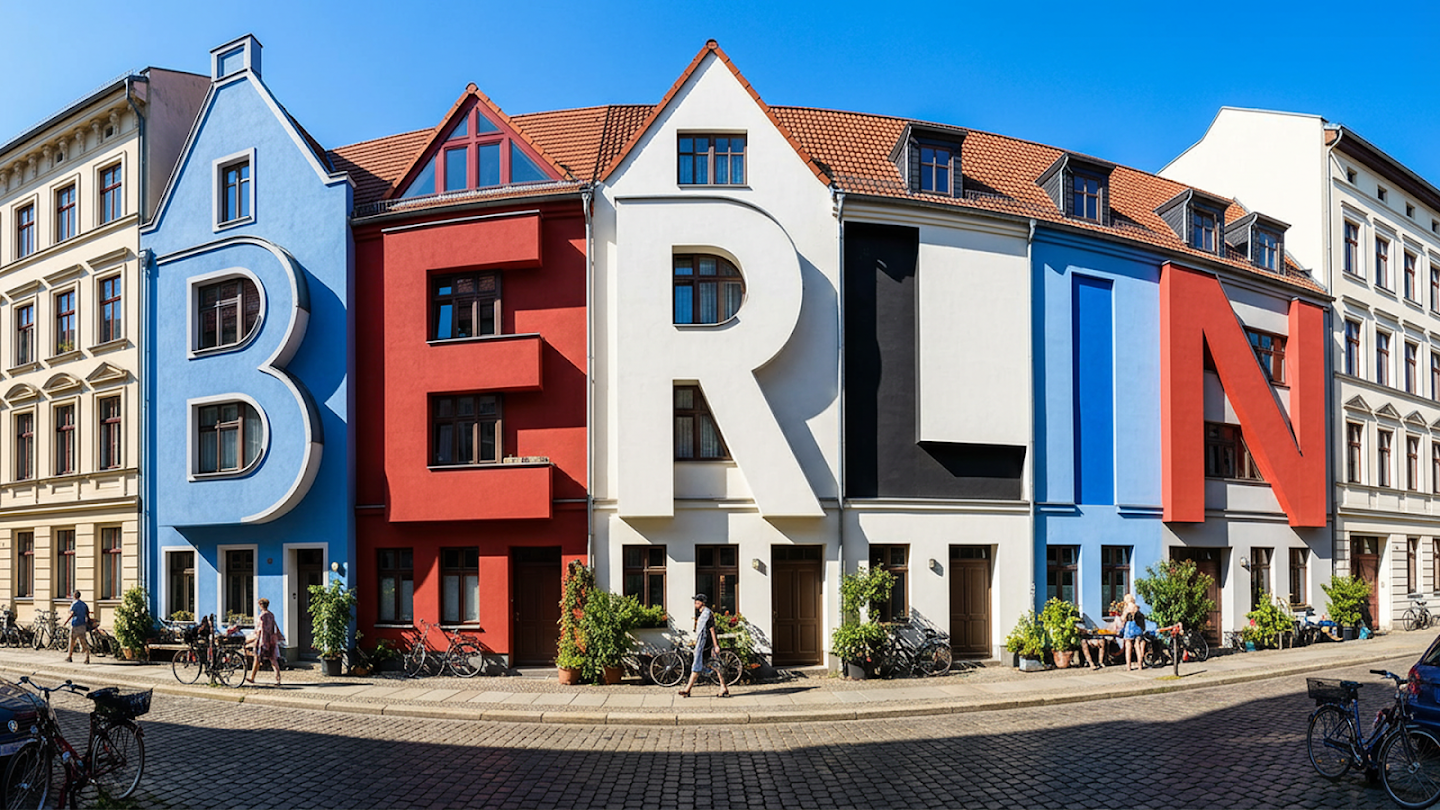
“View of a cozy street in Berlin on a bright sunny day, stark shadows. the old houses are oddly shaped like letters that spell out "BERLIN" Colored in Blue, Red, White and black. The houses still look like houses and the resemblance to letters is subtle”
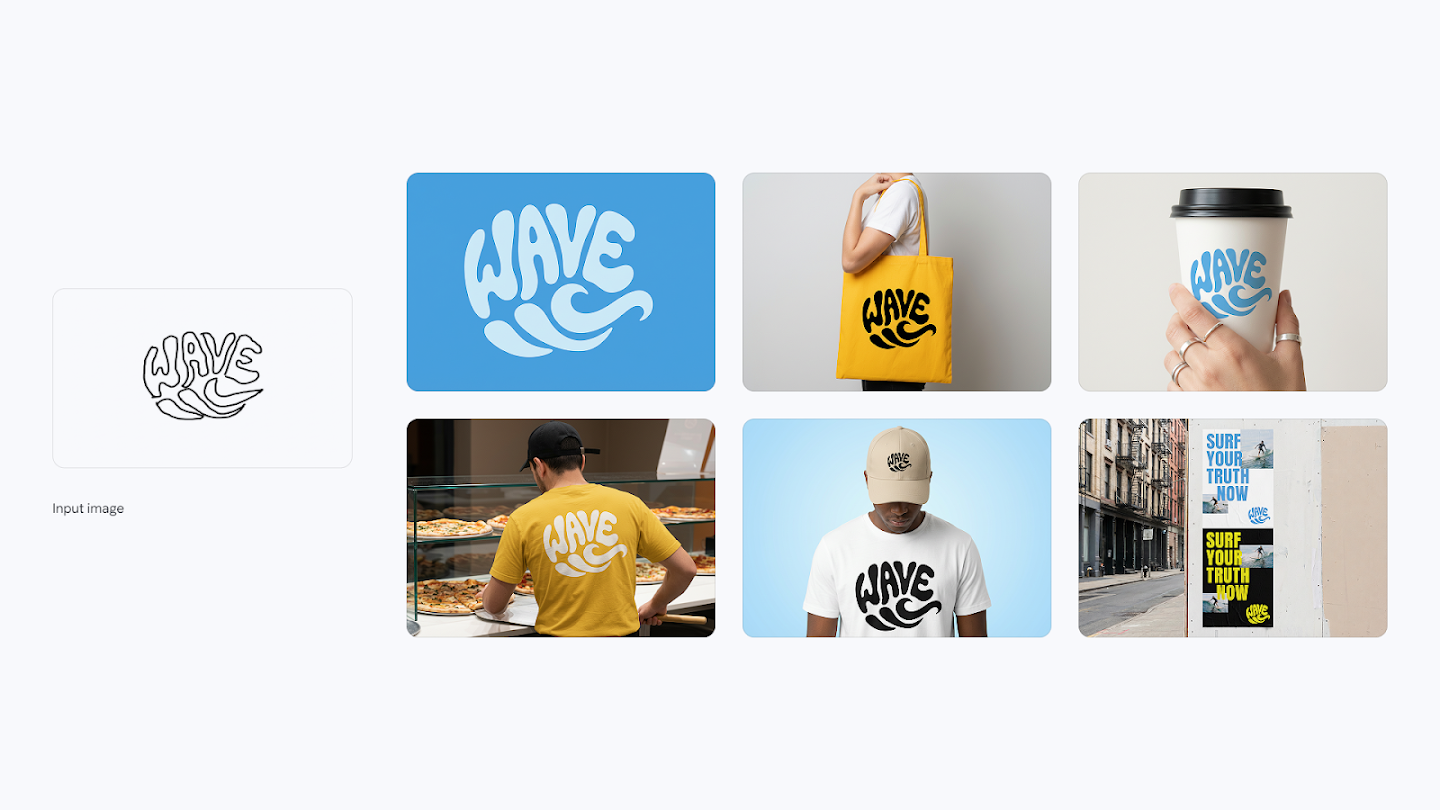
“Create a smooth logo in a graphic style is a vibrant and playful form of typographic illustration, deeply rooted in the retro aesthetics of the 1960s and 1970s. The word "WAVE" is artfully arranged into the fluid silhouette of a wave. Now create identity system one by one, use 10 high quality mockups with variety of relevant products.”
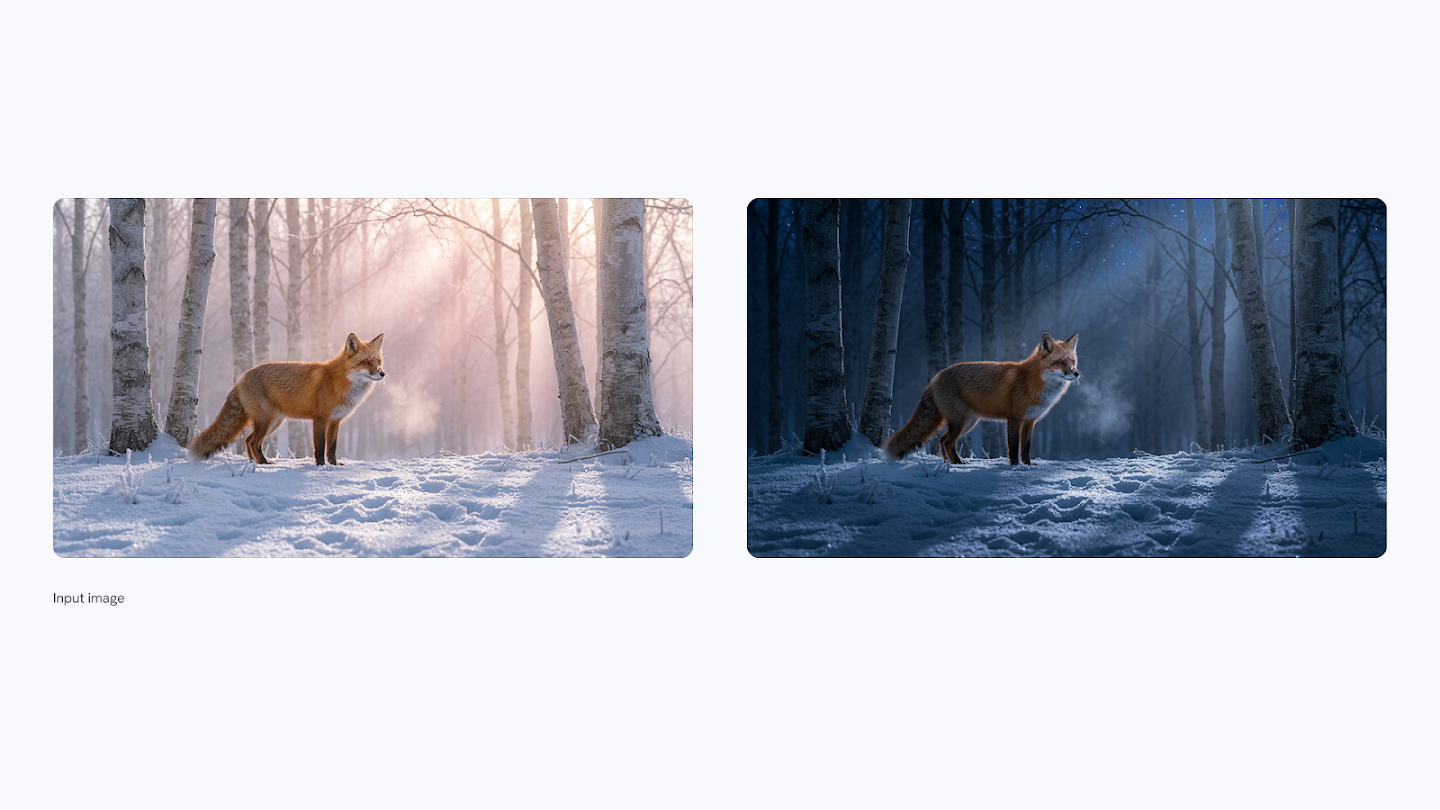
“Turn this scene into nighttime”
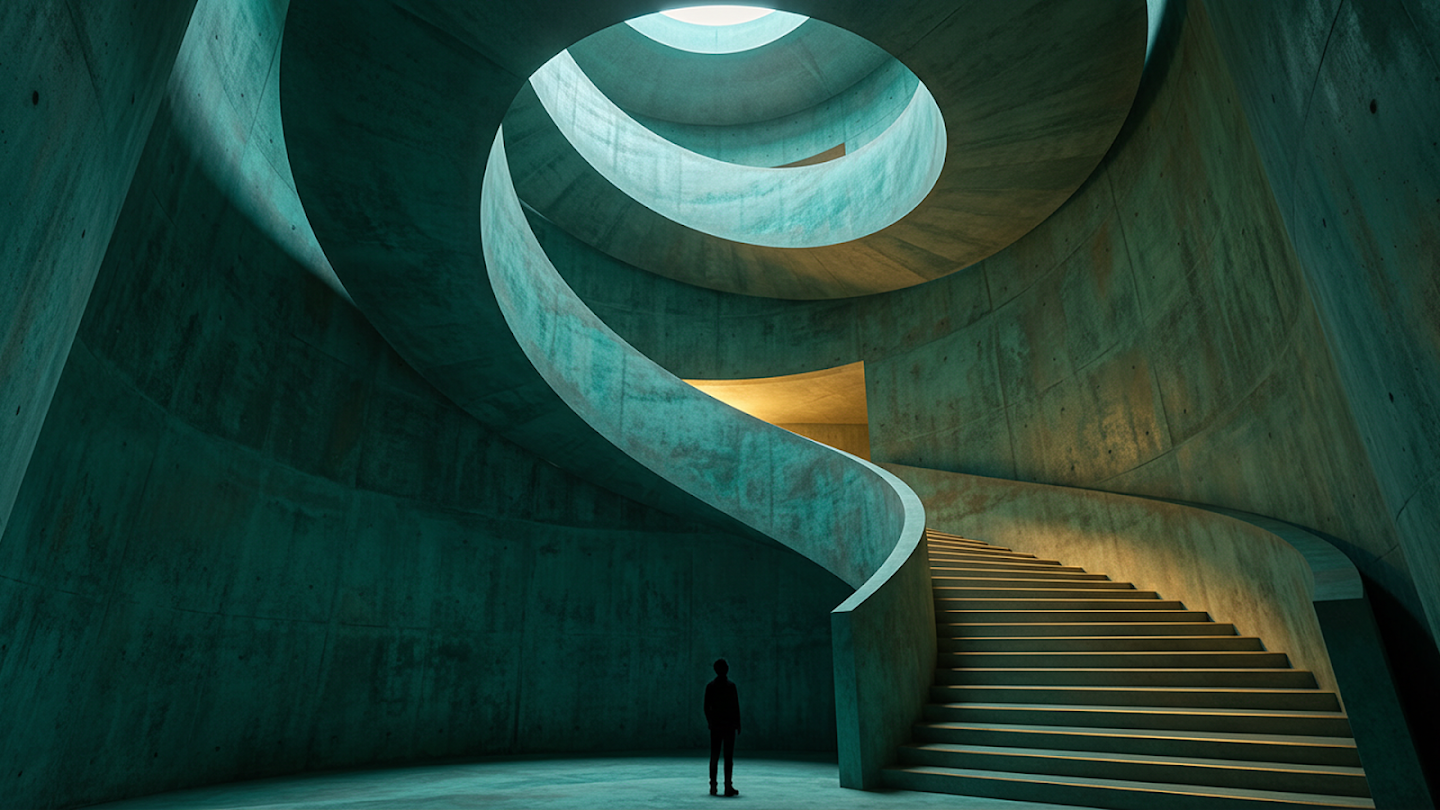
“A dramatic, spiraling interior space viewed from near the base of a majestic, curving staircase. The walls are rendered in a mottled, patinated teal concrete. A lone, dark figure stands in silhouette at the bottom, providing a stark sense of scale. Light enters dramatically from a warm glow above and a cool circular skylight.”
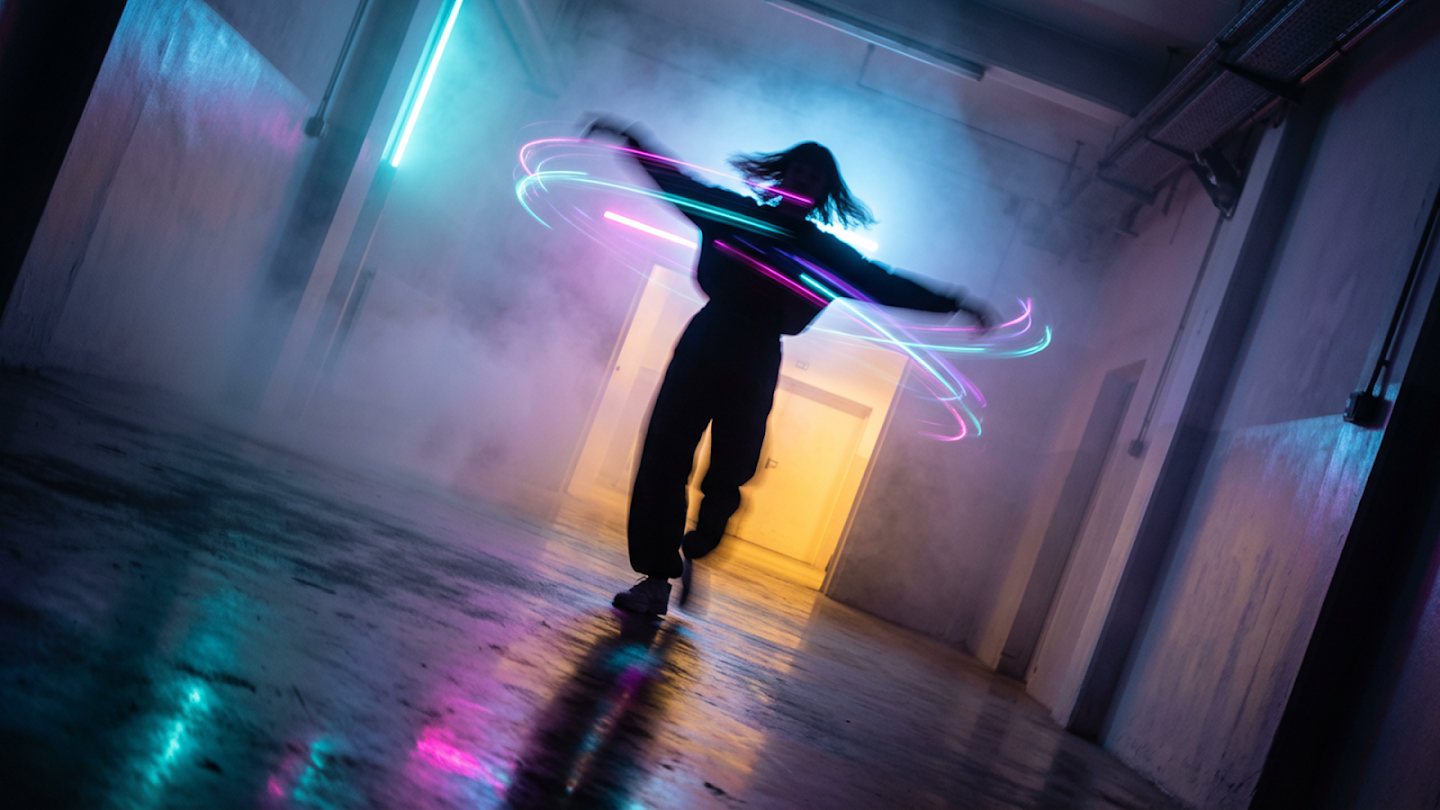
“A figure is captured mid-spin in a corridor of light and mist. The photography freezes the action at its peak, arms flung wide. This rapid twirl has visibly disturbed the dense, colored fog, creating eddies and vortices of cyan, magenta, and violet light around their silhouetted form.”
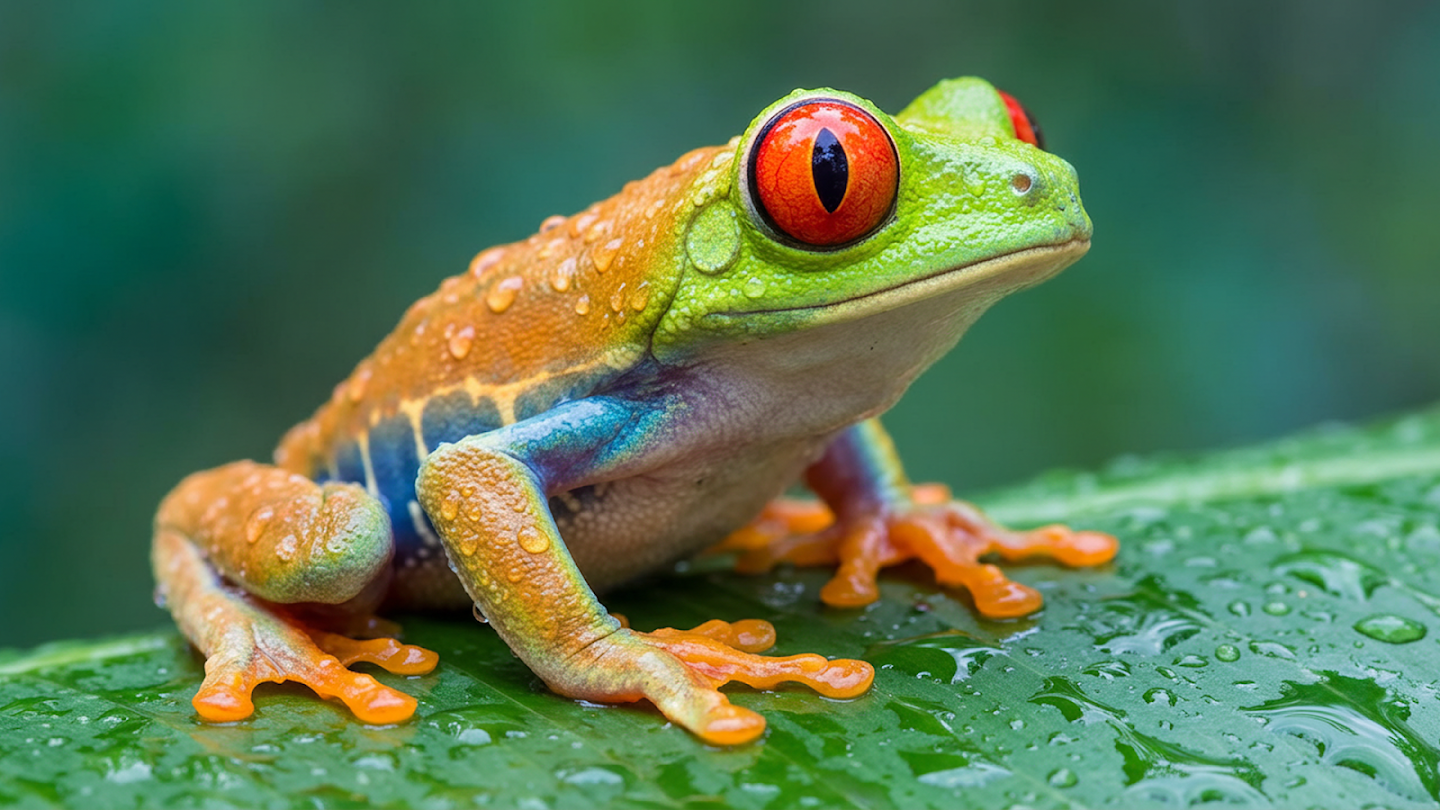
“A stunning close-up photograph of a red-eyed tree frog, capturing its vibrant colors with remarkable clarity. The frog's skin is a beautiful tapestry: bright lime green head transitioning into striking orange on its lower back, with a band of iridescent blue along its side. The entire surface is covered in glistening water droplets.”
Frequently Asked Questions About Nano Banana Pro
Everything you need to know about Nano Banana Pro and how it compares to other models.
What is Nano Banana Pro?
Nano Banana Pro is a state-of-the-art AI image generator and editor. It delivers studio-quality results with advanced reasoning, best-in-class text rendering, and precise creative controls — designed for high-stakes creative work.
What is the difference between Nano Banana Pro and Nano Banana 2?
Nano Banana Pro prioritizes maximum quality and precision for complex, final-use creative work — offering the best text rendering, deepest reasoning, and most advanced editing controls. Nano Banana 2 is optimized for speed and high-volume workflows with a larger context window and more aspect ratio options. Use Pro when quality is non-negotiable; use Nano Banana 2 for rapid iteration.
What resolutions does Nano Banana Pro support?
Nano Banana Pro supports 1K, 2K, and 4K output resolutions. It supports a range of aspect ratios including 1:1, 16:9, 9:16, 4:5, and 21:9 — ideal for social media, print advertising, and widescreen formats.
How good is Nano Banana Pro at rendering text in images?
Nano Banana Pro is the best model in the Nano Banana family for text rendering. It accurately generates legible text in multiple languages, handles complex typography and calligraphy, and can translate text within existing images — making it ideal for posters, branded mockups, and international content.
How many reference images can I use with Nano Banana Pro?
You can use up to 14 reference images in a single prompt with Nano Banana Pro. This enables powerful workflows like maintaining character consistency across scenes, combining multiple product images, and building complex compositions with consistent visual identity.
What creative controls does Nano Banana Pro offer?
Nano Banana Pro gives you fine-grained control over camera angles, depth of field, lighting conditions (including day-to-night transformations), color grading, and localized editing. You can refine any specific area of an image through descriptive prompts without affecting the rest of the scene.
Is Nano Banana Pro free to use?
You can try Nano Banana Pro with free credits on this platform. Paid plans unlock higher resolution generation and additional monthly credits. View pricing plans for details.
Start Creating with Nano Banana Pro Today
Join creators worldwide generating studio-quality images with the most precise AI image model available.