
Nano Banana Portrait Prompt & AI Portrait Generator

Upload a portrait or describe a person, then direct the lighting, lens, composition, background, and art style. Nano Banana keeps facial identity recognizable while creating editorial photos, artistic portraits, and stylized studio scenes.

313 / 2000
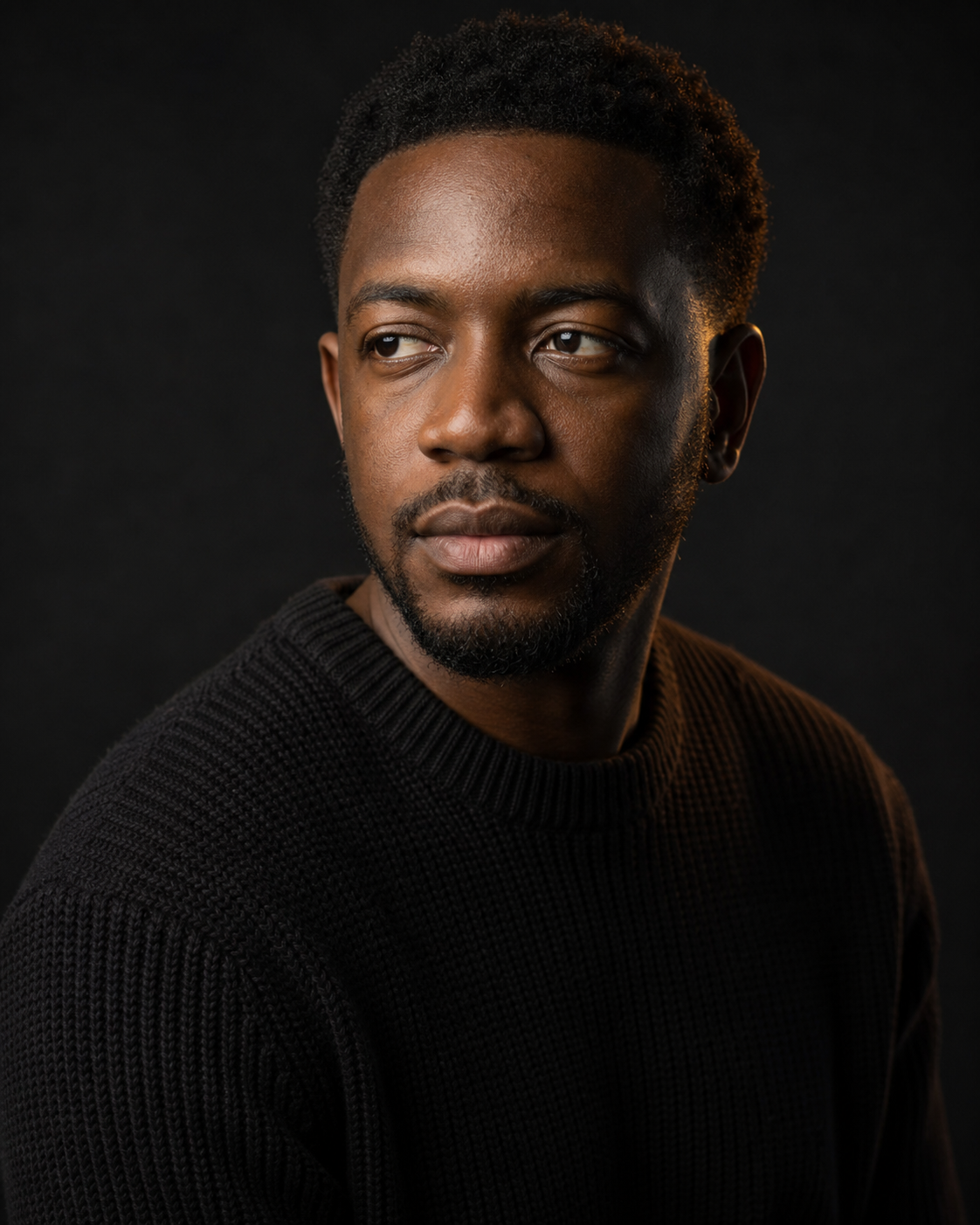
Example 1
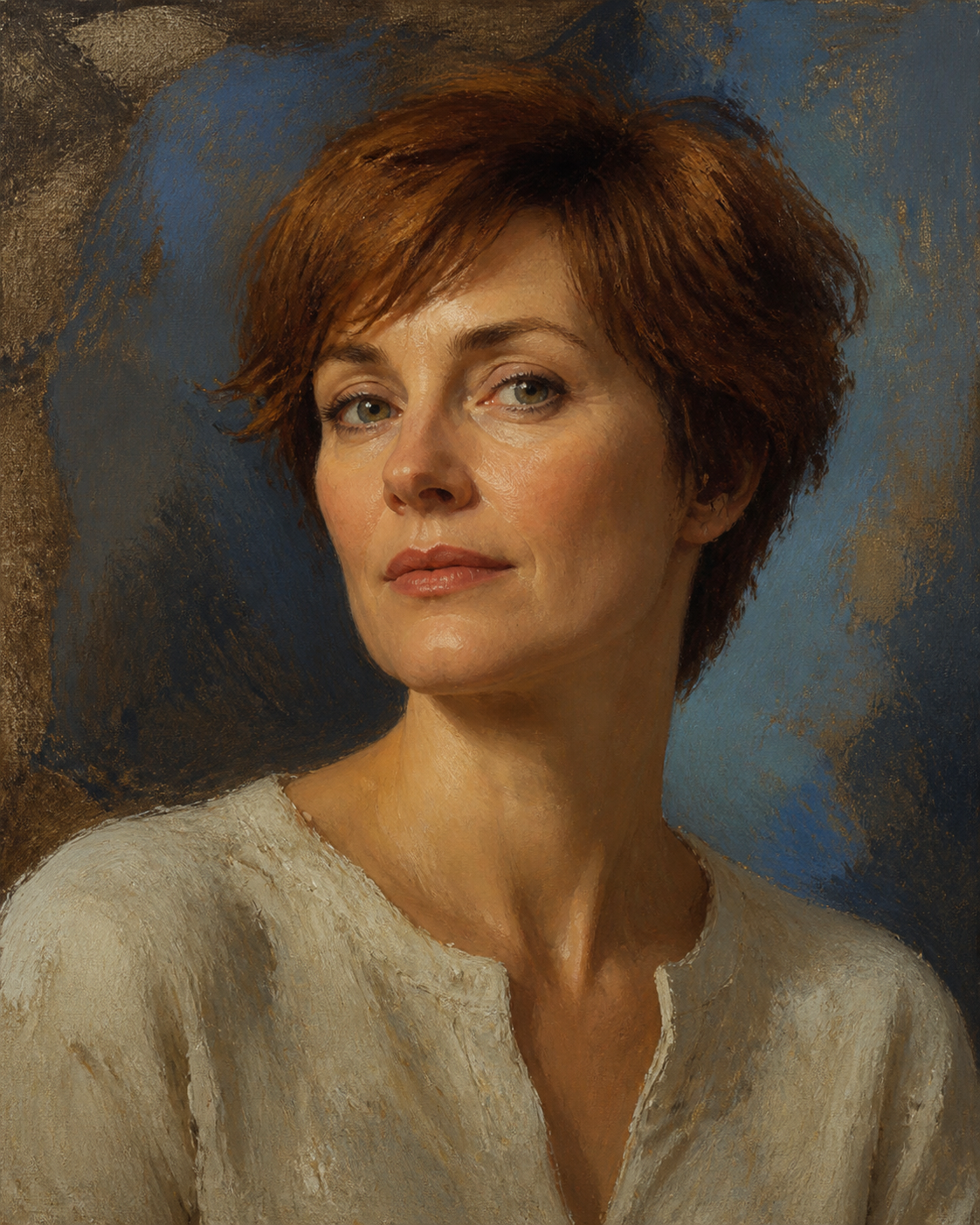
Example 2
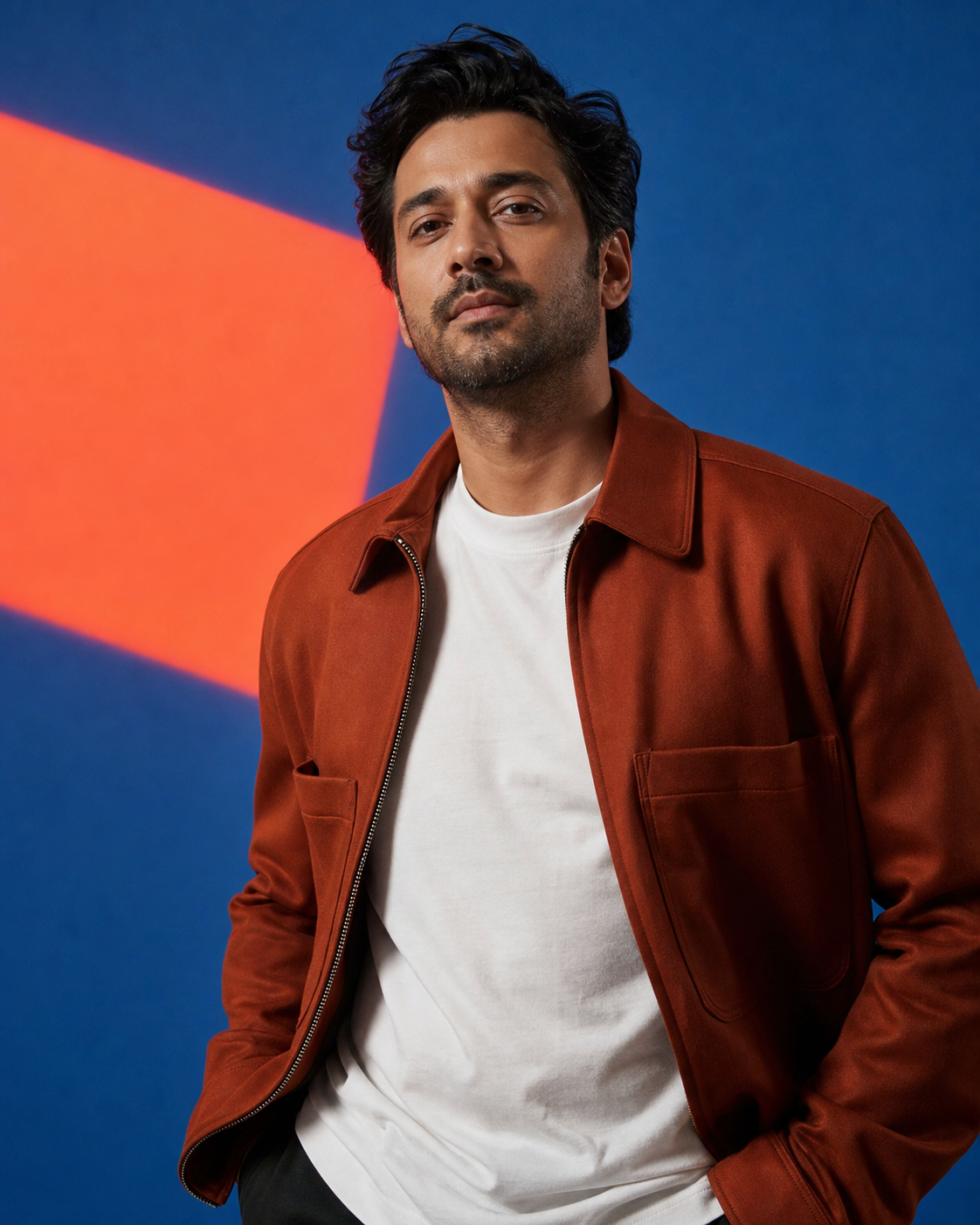
Example 3

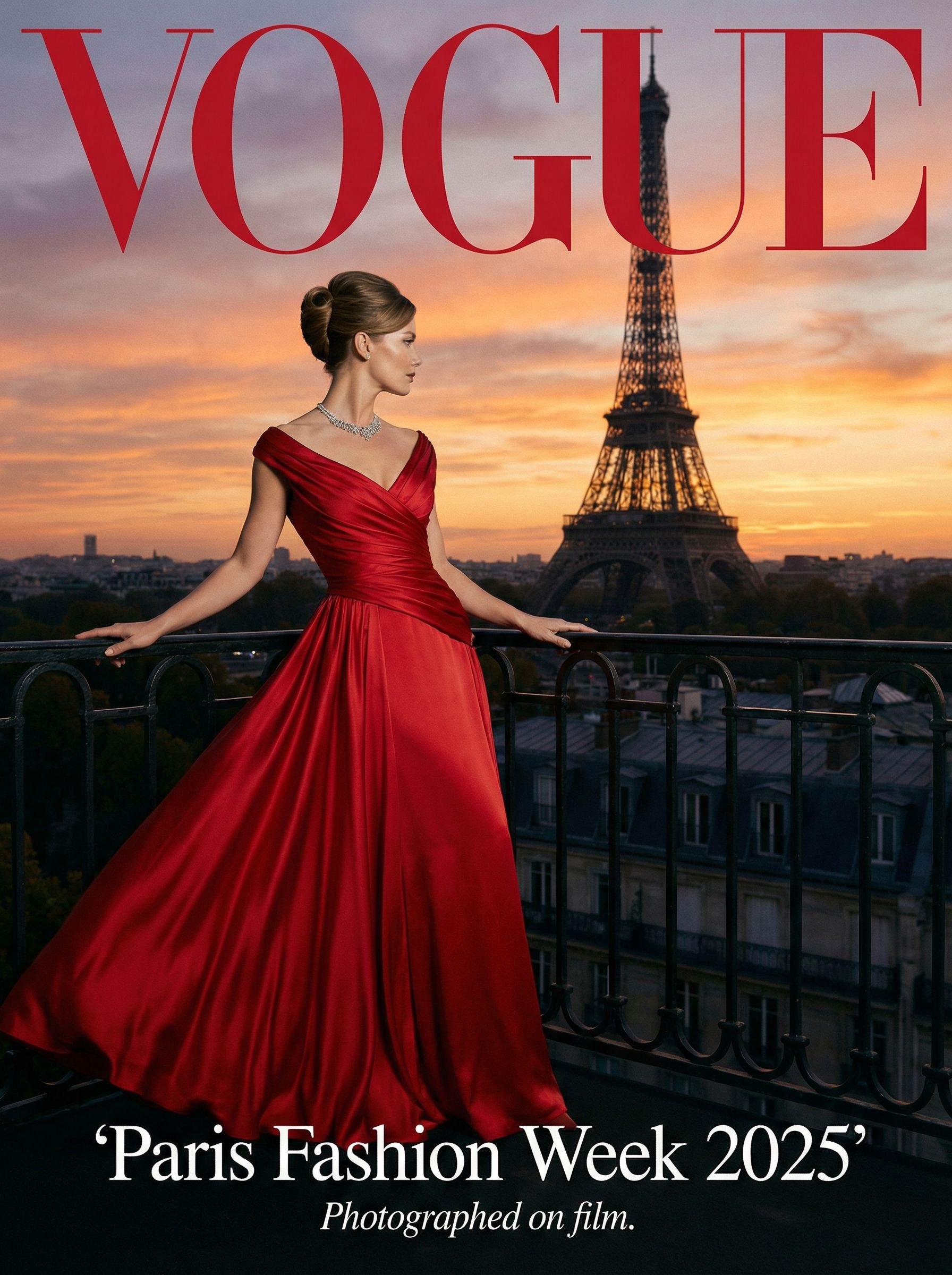
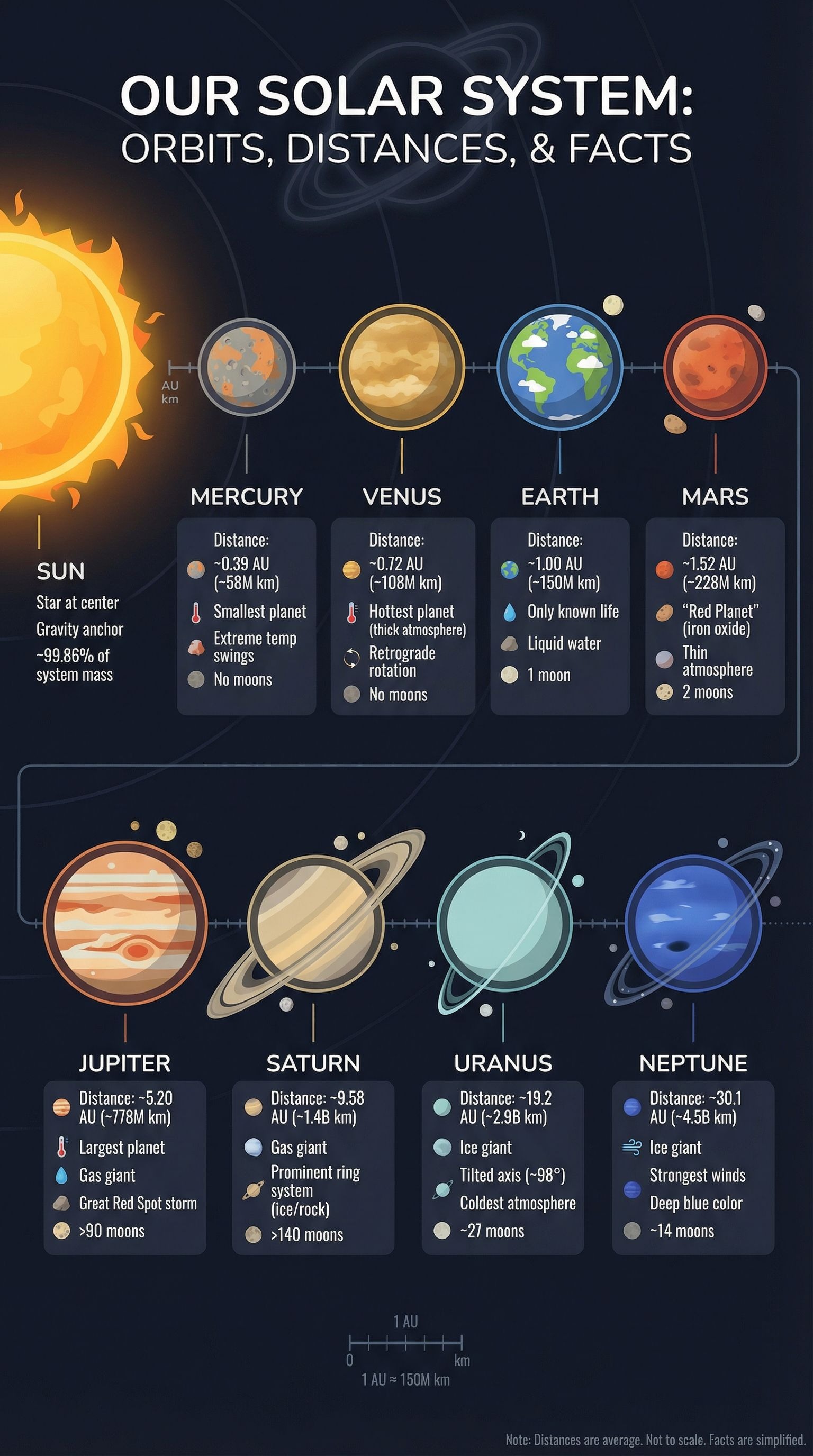
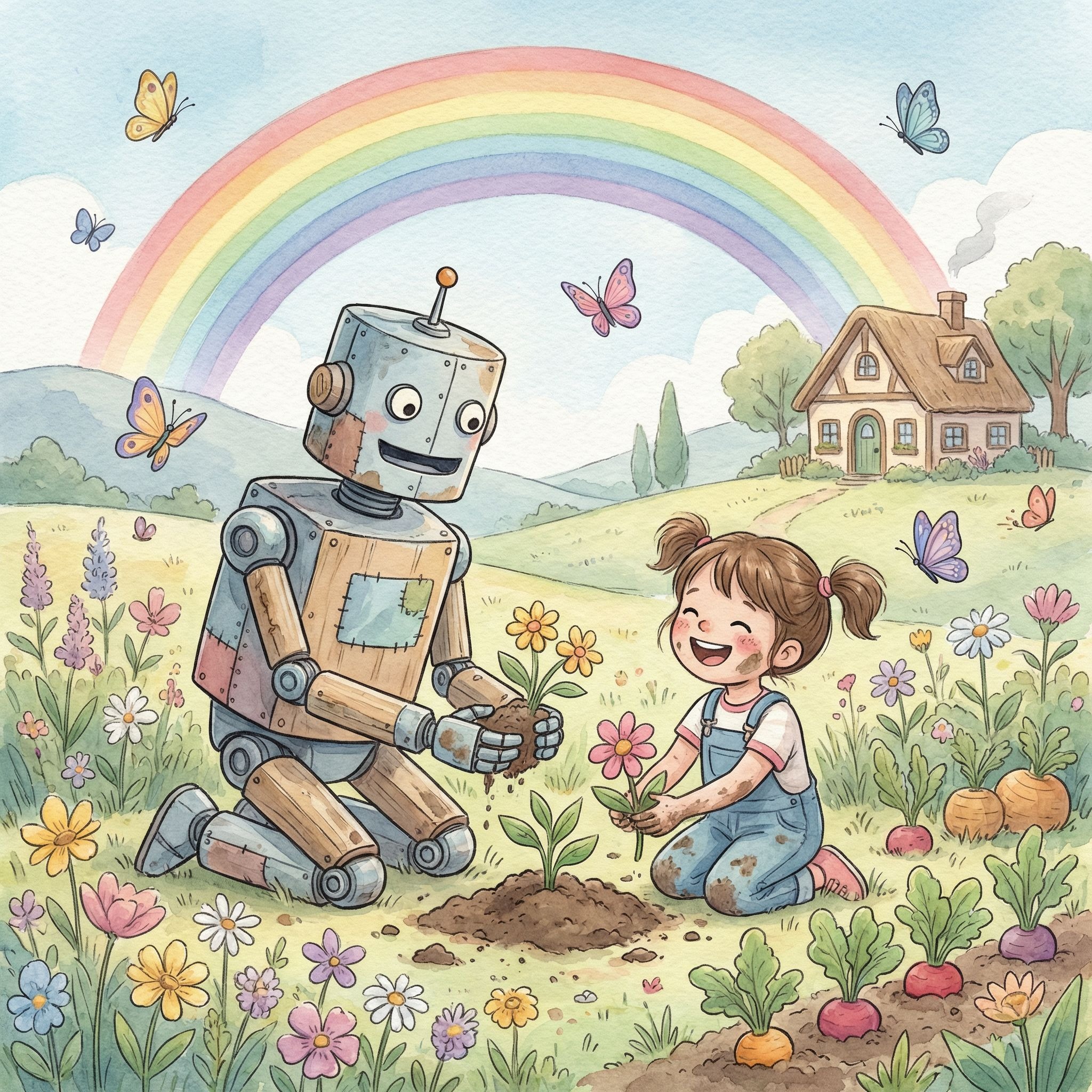
Example results — your generated image will appear here

How to Generate a Portrait with Nano Banana

Build a portrait from a reference photo or text description, then keep the prompt visible and refine the details that matter.

01

Upload or Describe

Add a clear portrait when identity must stay consistent, or describe the person when creating someone new.

Use a clear face with unobstructed eyes for reference-based edits.

02

Set the Portrait Direction

Specify lighting, lens feel, crop, pose, background, wardrobe, mood, and photographic or artistic style.

Choose close-up, head-and-shoulders, chest-up, or environmental portrait framing.

03

Generate and Review

Check identity, eyes, skin texture, facial anatomy, and the balance of the selected composition.

Compare the result with your reference before changing the style further.

04

Edit the Prompt

Keep the working prompt visible, change one detail at a time, and generate another version without losing your intent.

Refine light, background, crop, or art direction with precise follow-up instructions.

Portrait Controls That Protect the Person

Create expressive images without sacrificing the likeness, facial naturalness, or composition you intended.

Reliable Identity Preservation

Reference-based edits retain recognizable facial structure, eye shape, skin tone, hair, and other defining traits across style changes.

Natural Skin and Features

Ask for pores, expression lines, believable eyes, and anatomically natural details instead of waxy skin or over-smoothed beauty filters.

Portrait Ratio Presets

Direct square, 4:5, 3:4, or cinematic framing for profile art, editorial layouts, prints, and social posts.

Lens and Composition Control

Shape the result with close-up, chest-up, or environmental framing plus 50mm, 85mm, or large-format portrait character.

Lighting and Background Direction

Choose window light, Rembrandt light, softbox setups, colored studio scenes, textured walls, or natural environments.

Visible, Editable Prompts

Start from a useful portrait prompt, review every instruction, and edit the exact details before generating or refining an image.

Copy and Customize

Nano Banana Portrait Prompt Examples

These editable prompts cover common portrait photo and art directions. Replace the bracketed details or combine the controls you need.

1

Natural Editorial Portrait

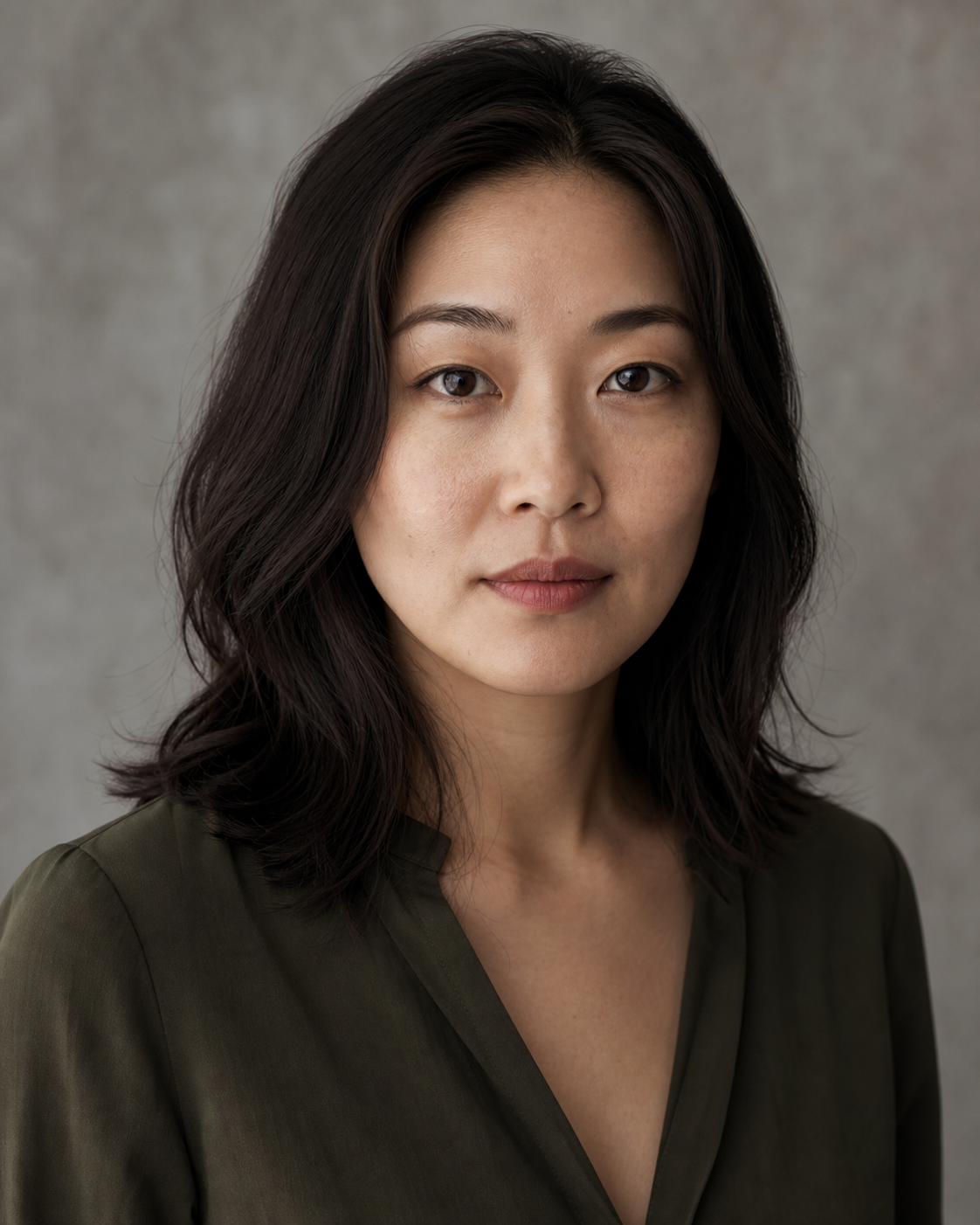
Create a natural editorial portrait of [person]. Preserve identity and defining facial features. Use an 85mm lens look, soft window light, a chest-up crop, a warm gray textured background, realistic pores, subtle expression lines, and restrained color grading.

2

Cinematic Studio Portrait

Create a cinematic studio portrait from the uploaded photo. Keep the face, skin tone, eye shape, hair, and expression recognizable. Use a three-quarter pose, Rembrandt key light, a soft rim light, a dark charcoal backdrop, and a 4:5 composition.

3

Painterly Fine Art Portrait

Transform the uploaded portrait into a contemporary oil painting while preserving facial identity and natural proportions. Use visible canvas texture, layered brushwork, soft atelier light, muted blue and umber colors, and a shoulders-up classical composition.

4

Color Fashion Portrait

Create a bold fashion editorial portrait of [person]. Use a slight low angle, crisp softbox lighting, a cobalt studio background with one coral geometric light shape, natural skin texture, clean wardrobe detail, and an asymmetrical 4:5 crop.

5

Black and White Character Study

Create an intimate black-and-white character portrait. Preserve the subject's identity, age, skin texture, and defining features. Use side window light, a 50mm lens feel, gentle film grain, deep tonal range, and a quiet off-camera gaze.

6

Environmental Artist Portrait

Create an environmental portrait of [person] in [location]. Keep the subject dominant and recognizable. Use natural late-afternoon light, a waist-up composition, shallow depth of field, believable background context, and authentic skin and fabric texture.

Creative Portrait Directions for Story and Style

Explore expressive portrait-making where art direction, mood, and visual storytelling matter.

Editorial Photography

Create magazine-style portraits with deliberate lens character, composition, wardrobe, color, and location choices.

Fine Art Portraits

Translate a face into oil, watercolor, charcoal, collage, or another visual medium while retaining recognizable features.

Cinematic Character Studies

Use motivated light, expressive poses, atmospheric backgrounds, and controlled color to build a narrative around a person.

Nano Banana Portrait Generator FAQ

Answers about portrait references, prompts, facial consistency, composition, and the right tool for each photo task.

1

What is a Nano Banana portrait prompt?

It is a text instruction for generating or editing a portrait with the Nano Banana image model. A useful prompt defines the subject, identity constraints, lighting, lens character, composition, background, mood, and visual style.

2

Can I generate a portrait from text only?

Yes. Describe the person and art direction when creating a new subject. Upload a clear reference portrait when the output must preserve a specific person's identity.

3

How do I keep the same face in an edited portrait?

Use a clear reference and explicitly ask to preserve facial structure, eye shape, skin tone, hair, age, and defining features. Change one visual dimension at a time when refining the result.

4

What should a prompt for a portrait photo in Gemini include?

Include the crop, camera angle, lens feel, lighting setup, background, expression, wardrobe, and texture. For reference edits, add a direct identity-preservation instruction before the stylistic details.

5

Which portrait aspect ratio should I choose?

Use 4:5 for editorial and social portraits, 3:4 for classic vertical compositions, square for profile art, and landscape framing for environmental portraits with more scene context.

6

Is this the right tool for LinkedIn headshots or selfies?

This page focuses on artistic, editorial, and stylized portrait creation. Use the dedicated Headshot tool for business profile photos and the Selfie Generator for arm's-length selfie scenes.

7

Can I view and change the portrait prompt?

Yes. The generator starts with an editable example, and every prompt card can be copied and customized. Adjust lighting, lens, crop, background, style, or identity constraints before generating again.

Create an Expressive Nano Banana Portrait

Upload a face or describe a subject, edit the prompt, and direct every detail from natural light to fine-art style.