
Nano Banana Photo Restoration for Old and Damaged Photos
Nano Banana photo restoration uses advanced AI to repair damaged, blurry, or faded photographs. Sharpen details, remove noise, add realistic color to black-and-white images, and restore faces — all in one tool, completely free.
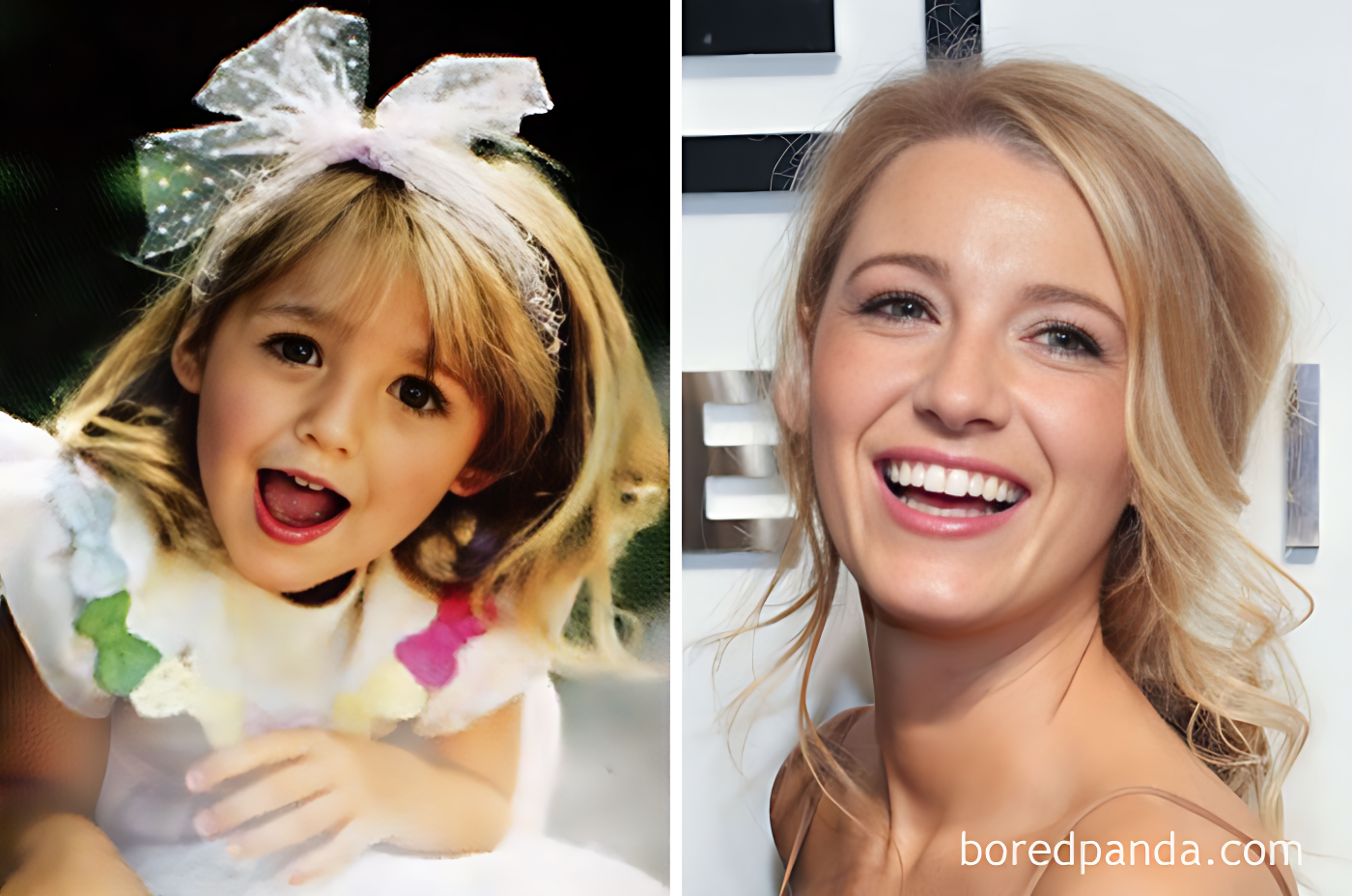
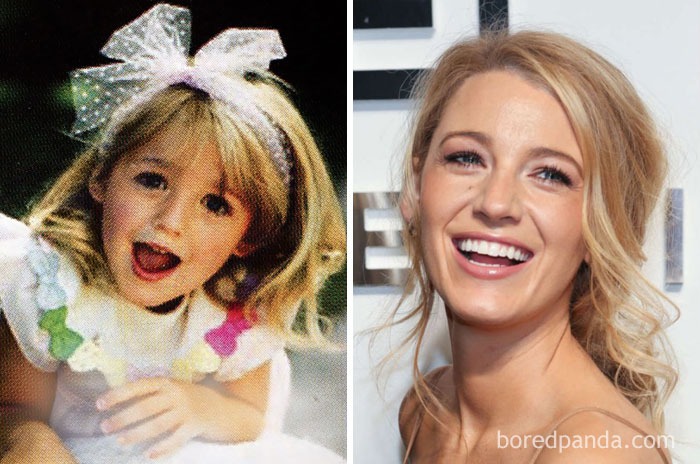
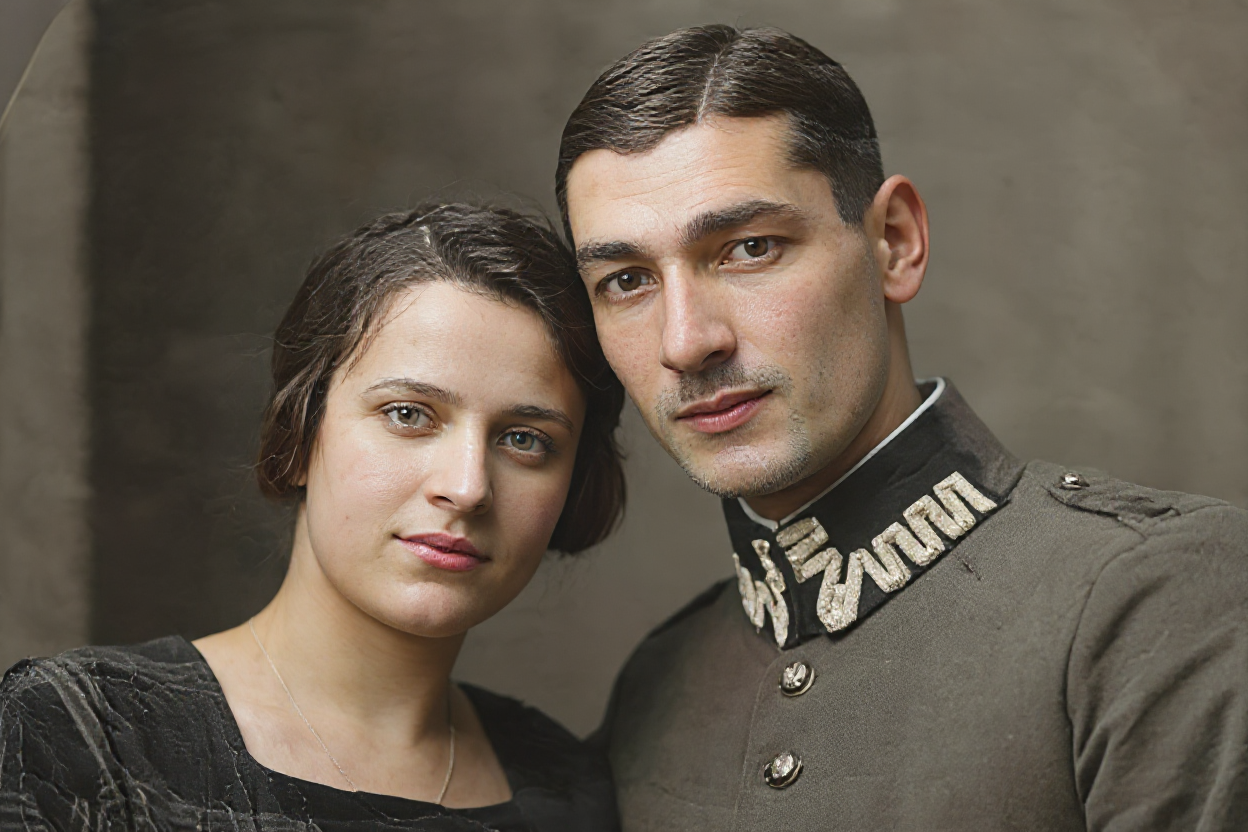
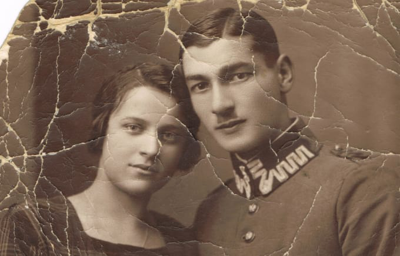
Example results — drag the slider to compare
See Nano Banana Restore Old Photos in Action
Drag the slider to compare originals with AI-restored versions. From faded family portraits to century-old snapshots, Nano Banana delivers sharp, colorful results.
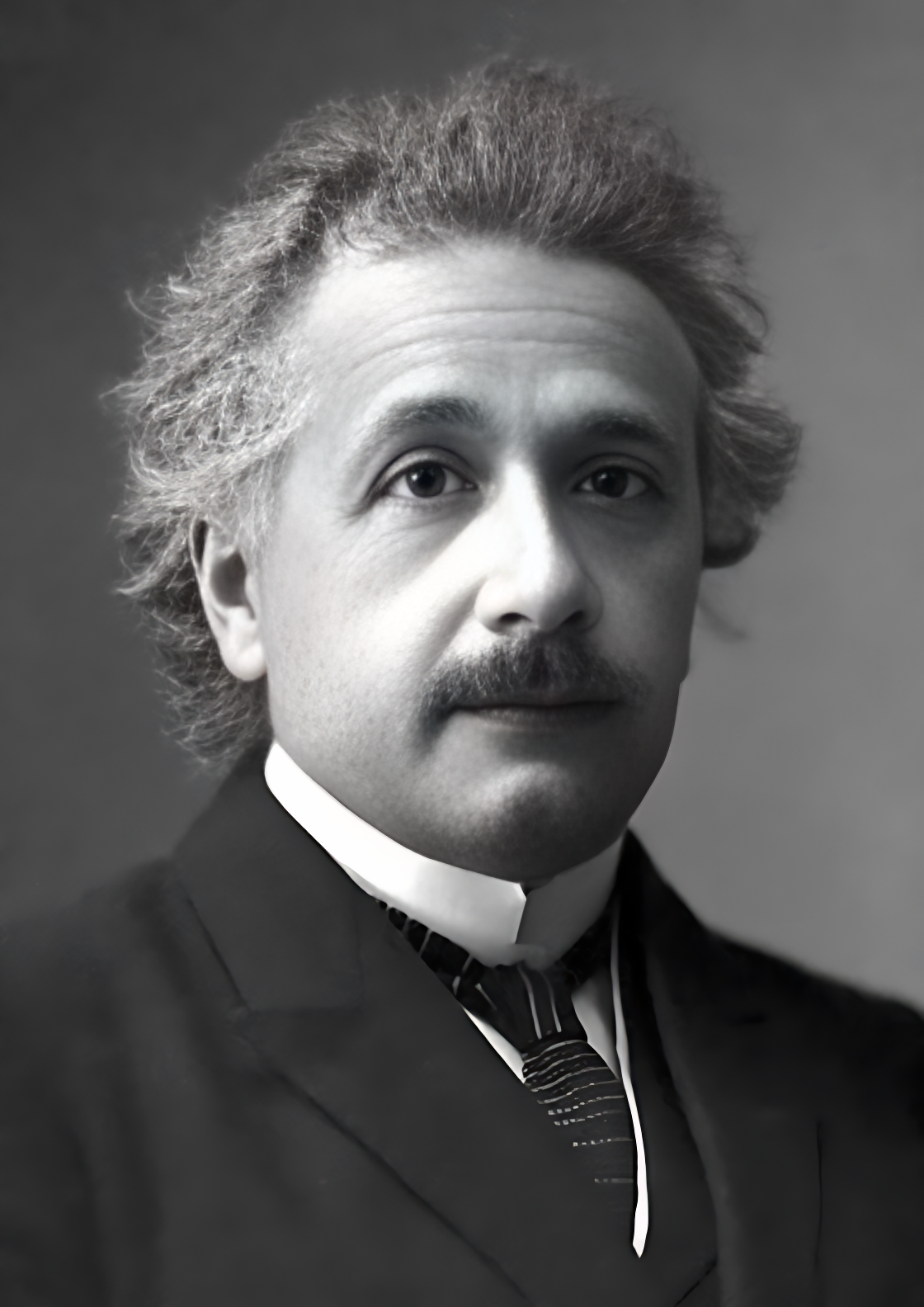
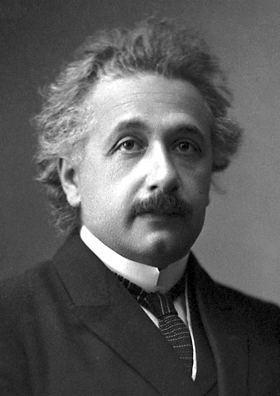
Historic portrait — face restoration and colorization
Family photo — denoising and face enhancement
Vintage couple — full colorization and sharpening


Portrait — detail recovery and clarity boost
Why Choose Nano Banana for Photo Restoration
A faster, smarter way to restore old photos and damaged images — no Photoshop skills required.
Results in Seconds
Upload a damaged or faded photo and receive a fully restored version within seconds. No waiting, no queues — our AI processes images on the fly so you can keep moving.
100% Free to Use
Nano Banana photo restoration is completely free. No hidden charges, no watermarks, and no account needed. Just upload your old photo and download the restored result.
Intelligent Face Restoration
Our AI is specially trained to reconstruct facial features in old or low-quality photos. Eyes, skin textures, and expressions are enhanced to look natural and lifelike.
Automatic Colorization
Turn black-and-white photos into vivid, full-color images. The AI analyzes scene context — clothing, skin tones, landscapes — to apply historically plausible colors.
Deblurring and Denoising
Remove motion blur, camera shake artifacts, and film grain in a single pass. The result is a sharper, cleaner image that preserves the original composition.
Your Photos Stay Private
Images are processed in real time and never stored on our servers. Your family memories and personal photos remain entirely yours.
Who Uses Nano Banana Photo Restoration
From genealogy enthusiasts to professional archivists, anyone with old or damaged photos can benefit from AI-powered restoration.
Families Preserving Memories
Restore faded wedding photos, childhood snapshots, and grandparent portraits. Give every generation a chance to see family history in vivid detail.
Genealogists and Historians
Digitize and enhance century-old photographs for family trees, archives, and historical research without damaging the original prints.
Photographers and Retouchers
Speed up restoration workflows by letting AI handle denoising, sharpening, and colorization — then apply your own creative finishing touches.
Print Shops and Frame Studios
Offer photo restoration as an add-on service. Upload a customer's damaged print and deliver a high-resolution restored file in minutes.
Content Creators and Filmmakers
Enhance archival footage stills and vintage imagery for documentaries, social media storytelling, or video thumbnails.
Students and Educators
Bring historical visuals to life for class projects, presentations, and museum exhibits — no expensive software licenses needed.
Photo Restoration FAQ
Common questions about restoring old photos with Nano Banana.
What types of photo damage can Nano Banana fix?
Nano Banana photo restoration handles blur, noise, grain, low resolution, faded colors, and degraded facial features. It can also colorize black-and-white images automatically.
Is Nano Banana photo restoration really free?
Yes. You can restore old photos and download the enhanced images at no cost. There are no watermarks, no signup requirements, and no usage limits for basic restoration.
How does the AI colorize black-and-white photos?
The model analyzes contextual clues in the image — such as objects, textures, and lighting — to predict and apply realistic colors. Results are often surprisingly accurate, though manual adjustment is always possible if you prefer a different palette.
Can Nano Banana restore old photos with damaged faces?
Yes. Our face restoration model is specifically trained to reconstruct facial details from low-quality or damaged source images. It enhances eyes, skin, and contours while keeping the likeness natural.
What image formats are supported?
You can upload JPG, JPEG, PNG, and WebP files. Restored images are returned in high-quality PNG format.
Are my uploaded photos stored on your servers?
No. Photos are processed in real time and discarded immediately after you receive the result. We never store, share, or use your images for training.
How is this different from Photoshop restoration?
Manual Photoshop restoration can take hours per image and requires expert retouching skills. Nano Banana automates the heavy lifting — deblurring, denoising, colorization, and face enhancement — in seconds. You can still fine-tune the result afterward if needed.
Ready to Restore Your Old Photos?
Upload a faded, blurry, or black-and-white photo and watch AI bring it back to life — in seconds, for free.