
Nano Banana 3D Figurine Generator
Upload a clear photo of a person or pet, then turn it into a collectible-style 3D figurine image. Start with a ready-made preset for a display figure, action figure package, miniature pet, or collector shelf instead of writing a long prompt from scratch.
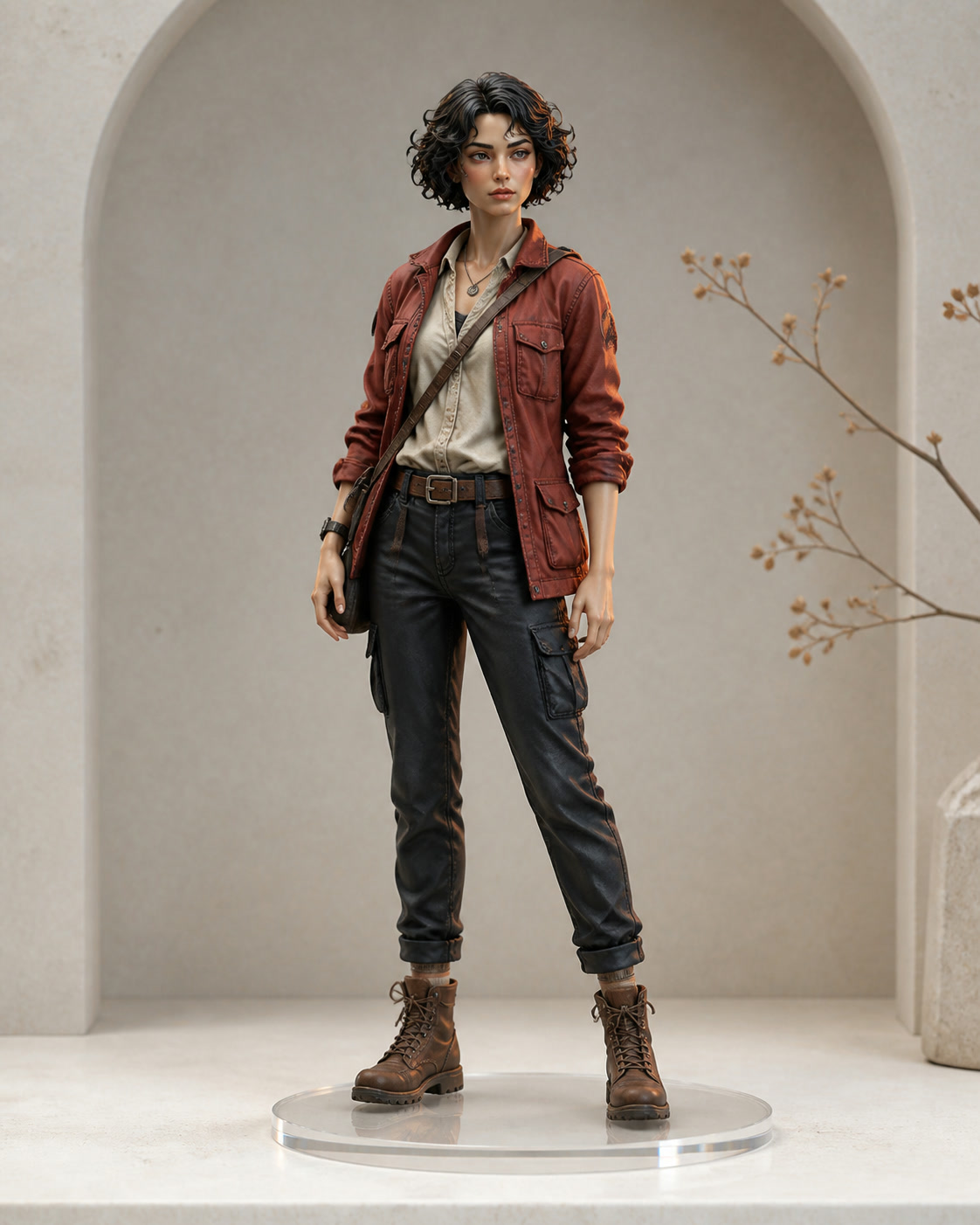
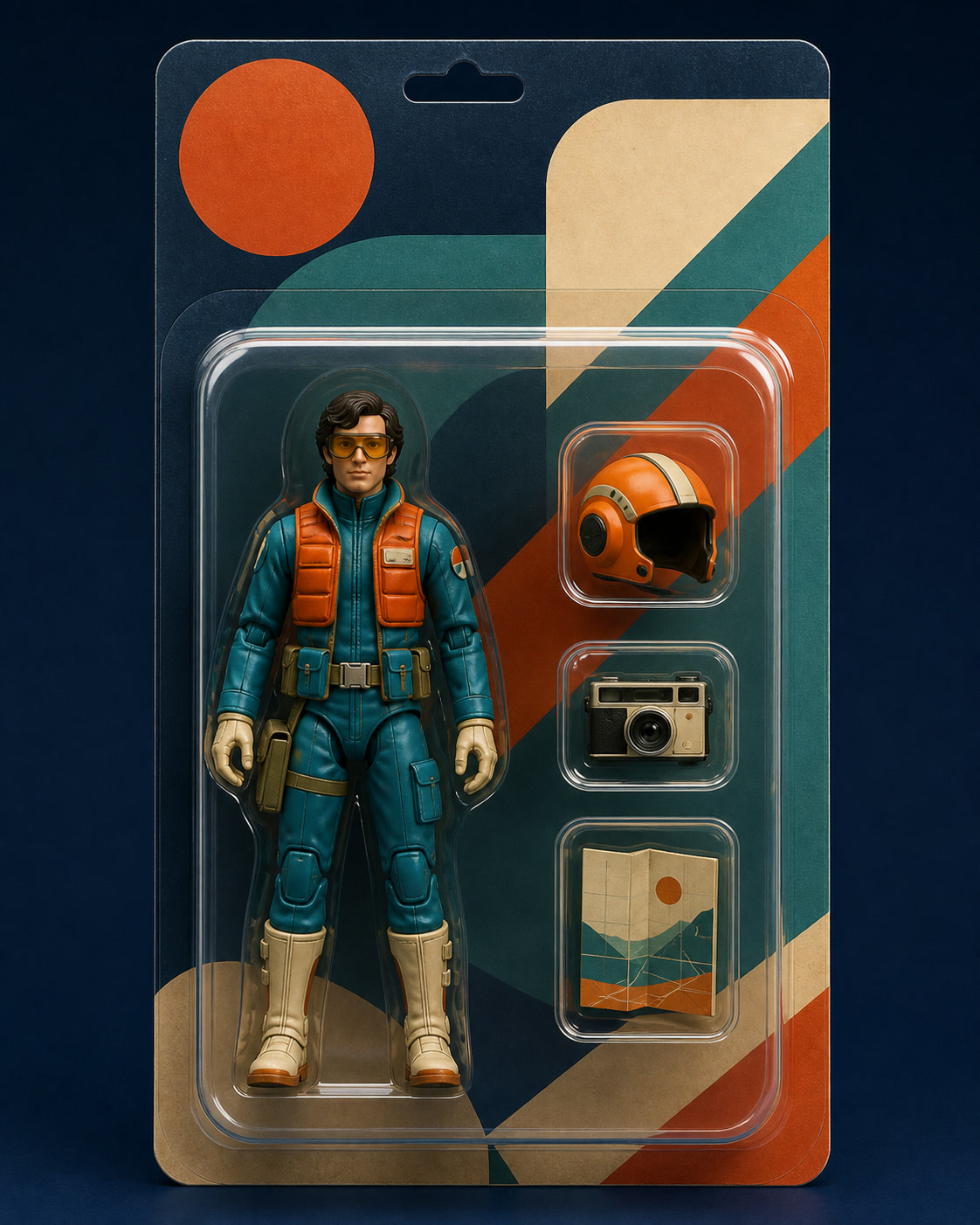
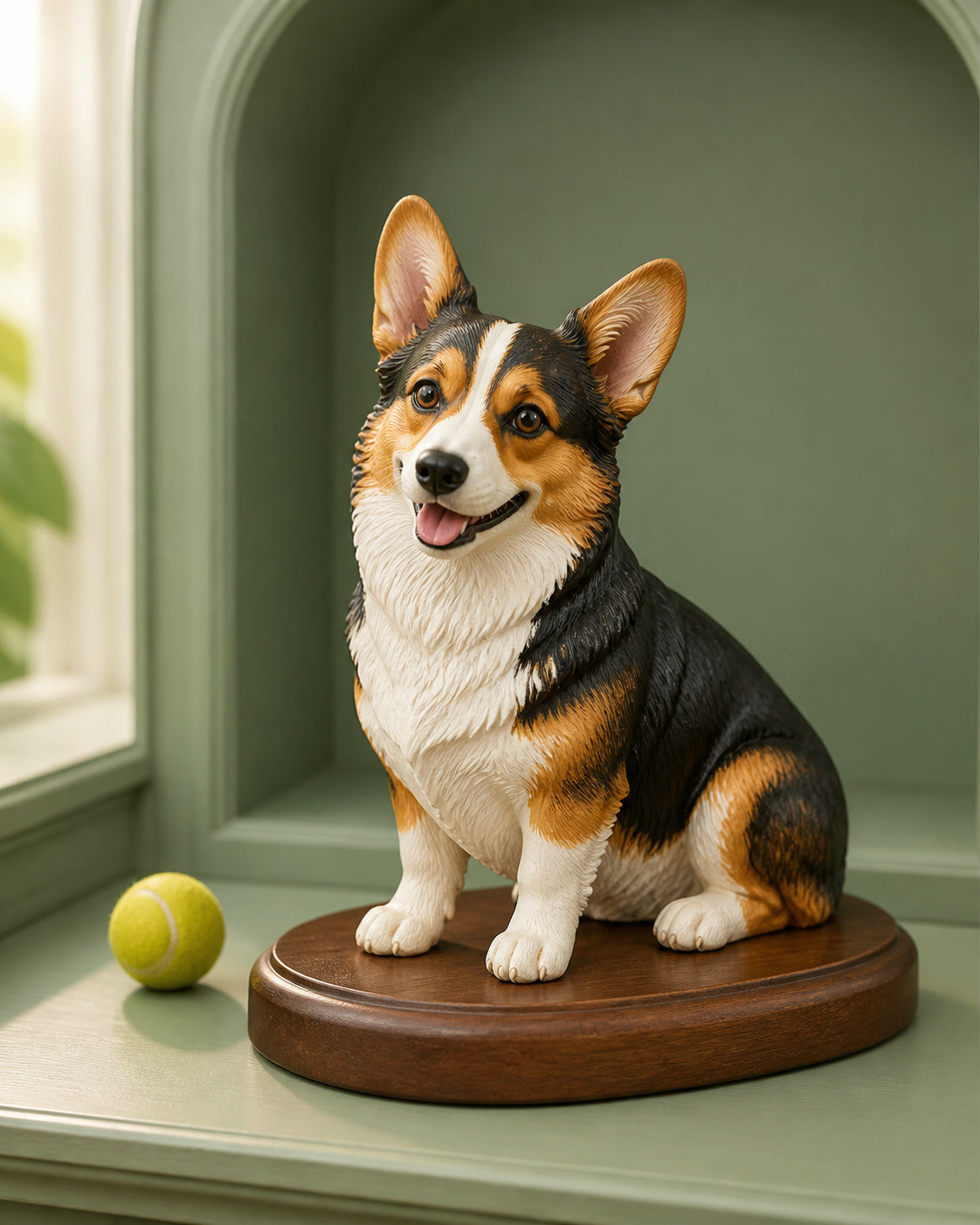
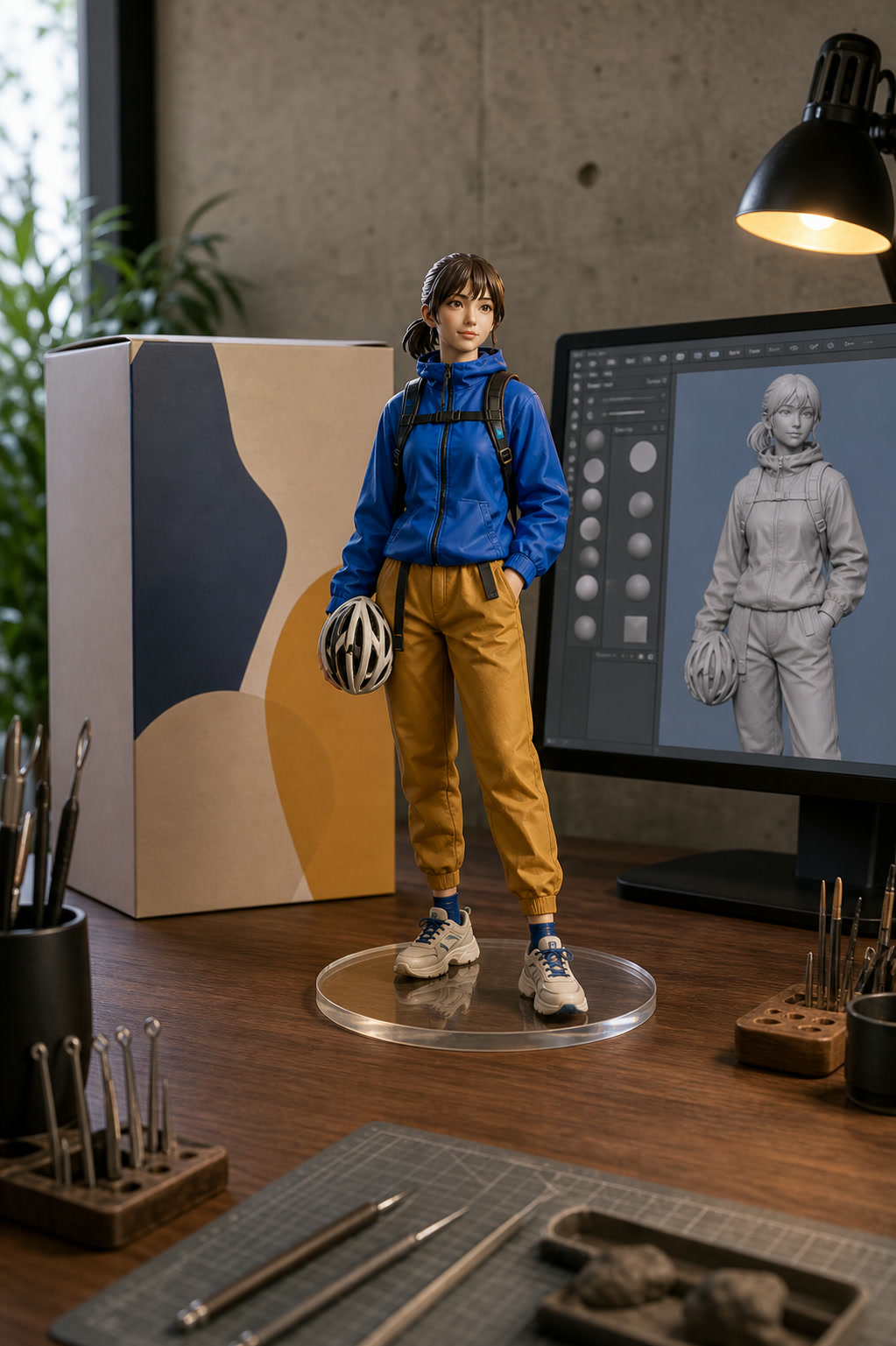
Example results — your generated image will appear here
Nano Banana Figurine Prompt Presets
Copy a complete prompt for the look you want, then change the details in brackets. Each preset is written to preserve the uploaded subject while controlling scale, material, packaging, and scene.
“Transform the subject in the uploaded photo into a premium 1/7 scale collectible figurine. Preserve the subject's recognizable face, hairstyle, outfit colors, body proportions, and defining details. Render the figure as finely painted resin on a clear round acrylic base, photographed on a clean collector's desk with soft studio lighting and shallow depth of field. Show the complete figure, realistic materials, crisp edges, and careful anatomy. No extra limbs, no watermark, and no text on the base.”
“Turn the person in the uploaded photo into a premium articulated action figure inside retail display packaging. Preserve the person's recognizable face, hairstyle, clothing palette, and overall identity. Arrange [three accessories] in separate fitted compartments beside the figure. Use a [color] package with the title [NAME OR ROLE] clearly placed at the top, realistic molded plastic, balanced product lighting, and a straight-on catalog composition. Keep hands and accessories complete. Avoid brand logos and watermarks.”
“Create a small hand-painted collectible figurine of the pet in the uploaded photo. Preserve the pet's exact coat colors, markings, face shape, ear position, eye color, and recognizable expression. Place the full miniature in a natural [sitting or standing] pose on a simple museum-style base with a tiny [favorite toy] beside it. Use detailed resin texture, soft daylight, realistic product photography, and a warm neutral background. No collar text, no extra legs, no watermark.”
“Convert the uploaded subject into a detailed 1/7 scale character figurine while preserving identity, hairstyle, outfit, colors, and pose. Place the figure on a clear circular base in front of a collector box featuring an original illustration of the same character. Add a nearby computer monitor showing a generic digital sculpting workflow for the figure, with no software logo or readable interface text. Use a realistic indoor hobby desk, premium product lighting, coherent scale, clean anatomy, and believable resin and cardboard materials. No watermark.”
How to Make a Nano Banana Figurine from a Photo
Choose a sharp reference, copy the closest preset, and personalize only the details that matter to your figure.
Upload a Clear Photo
Add a well-lit portrait, full-body photo, or pet photo with the subject clearly visible.
A full-body image helps preserve clothing, proportions, and pose.
Use a photo you own or have permission to edit.
Pick a Figurine Preset
Choose a collectible, action figure package, pet miniature, or display scene prompt below.
Replace bracketed details such as accessories, scale, colors, and setting.
Keep the identity and material instructions when editing the preset.
Generate and Refine
Paste the preset into the generator, create the image, and adjust one detail at a time if needed.
Ask for a different camera angle, base, package, or shelf without changing the subject.
Review faces, paws, hands, accessories, and any package text before downloading.
Create More Than One Kind of AI Figurine
Use the same source photo to explore collectible formats built for different characters, pets, gifts, and display concepts.
Realistic 3D Figurines
Create a painted resin figure with a chosen scale, pose, transparent base, and product-photo finish while keeping the person recognizable.
Action Figure Boxes
Place a stylized character and personalized accessories inside organized blister packaging for a collectible retail concept.
Pet Collectibles
Turn a dog, cat, or other pet into a miniature that preserves coat patterns, ear shape, expression, and favorite accessories.
Modeling Desk Scenes
Recreate the popular setup with a figure, display box, acrylic base, and a screen showing the digital sculpting process.
Personalized Gift Concepts
Preview a birthday, anniversary, team, or family keepsake before deciding how to present or produce it.
Collector Shelf Displays
Stage one figure or a coordinated series in a cabinet, on a desk, or in a cinematic miniature environment.
Why Make AI Figurines with Nano Banana Pro
Photo understanding and precise instructions help keep the subject consistent while you change material, scale, packaging, and presentation.
Recognizable Identity
Tell the model which facial features, hairstyle, pet markings, clothing colors, and signature details must remain unchanged.
No Prompt Writing Required
Start from a complete preset with scale, material, composition, lighting, and quality constraints already included.
Flexible Art Direction
Switch between realistic resin, stylized vinyl, boxed action figures, pet miniatures, and collector displays from one photo.
Nano Banana Figurine Generator FAQ
Answers about photos, prompts, identity, packaging, and what the generated result contains.
How do I make a Nano Banana 3D figurine?
Upload a clear photo, choose a prompt preset above, paste it into the generator, and replace any bracketed details. For a person, a full-body image usually gives the model better guidance for clothing and proportions.
What is the best Nano Banana figurine prompt?
A useful prompt names the subject details to preserve, then specifies scale, pose, material, base, scene, camera angle, and lighting. It should also exclude unwanted text, extra limbs, logos, and watermarks. The presets above include that structure.
Can I turn a pet photo into a figurine?
Yes. Use a sharp photo where the face, ears, coat pattern, and body shape are visible. The pet preset asks the model to keep those identifying details while changing the subject into a painted miniature.
Can the generator create action figure packaging?
Yes. You can request blister packaging, a collector box, accessory compartments, colors, and a custom title. AI-rendered lettering can still contain errors, so inspect package text carefully and refine it before use.
Does this create a printable 3D model or OBJ file?
No. This tool generates a 2D image that looks like a photographed 3D figurine or action figure concept. It does not output geometry, an OBJ or STL file, manufacturing plans, or a physical product.
How can I keep the person recognizable?
Use a clear, well-lit reference and explicitly preserve face shape, hairstyle, clothing palette, and defining features. If the first result drifts, simplify the scene and repeat which identity details must not change.
Can I use any photo?
Use photos you own or have permission to edit. Avoid misleading impersonation, copyrighted brand packaging, and commercial use of a person's likeness without the appropriate rights.
Turn Your Photo into a Nano Banana Figurine
Upload a person or pet photo, choose a complete preset, and create a collectible-style figure image with Nano Banana Pro.