
Nano Banana 2.1 AI Image Generator
Create and edit images with Nano Banana 2.1 by describing what you want or uploading reference images to transform existing visuals.
Ready to generate
Your generated image will appear here
Nano Banana 2.1 Image Examples
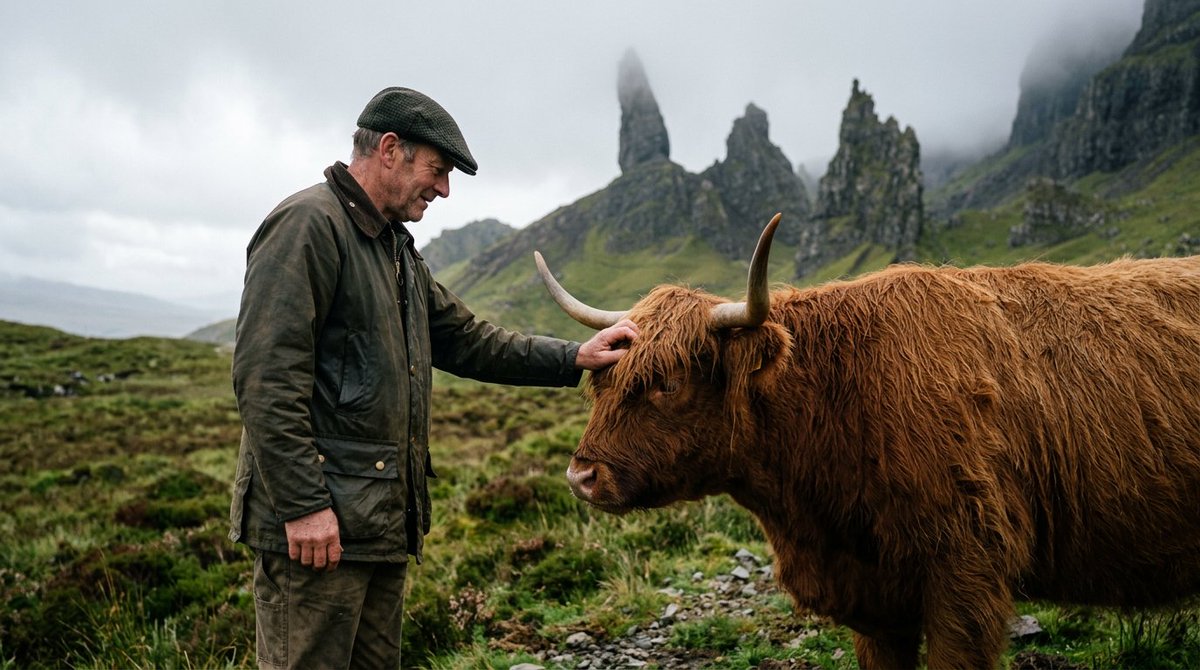
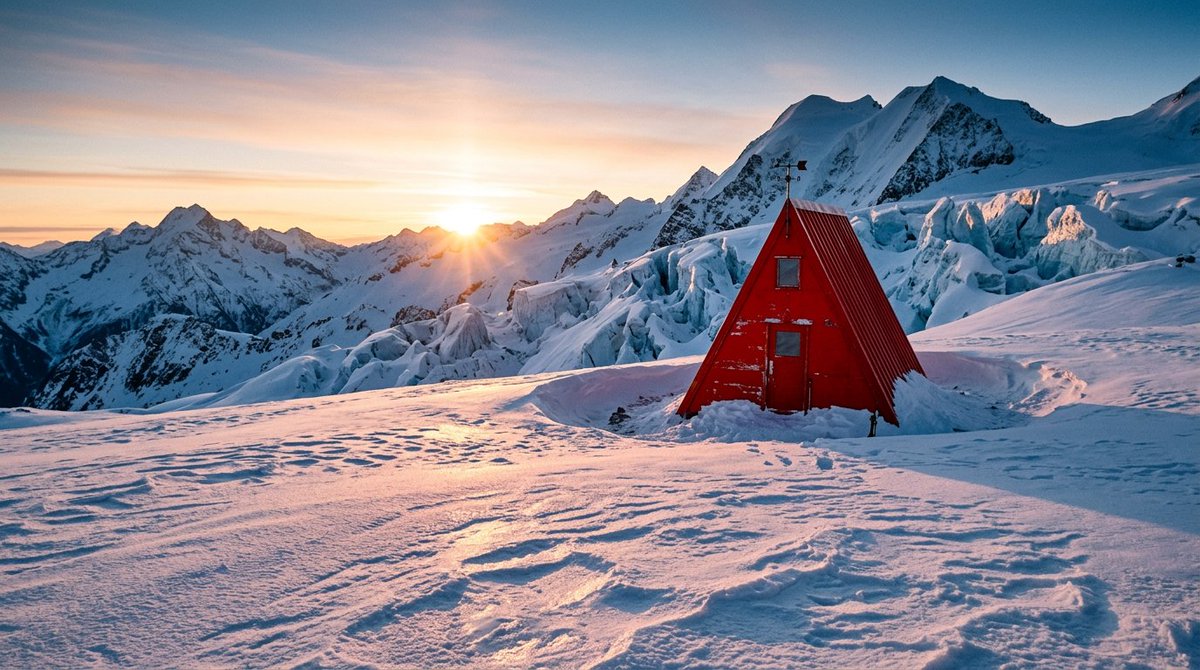
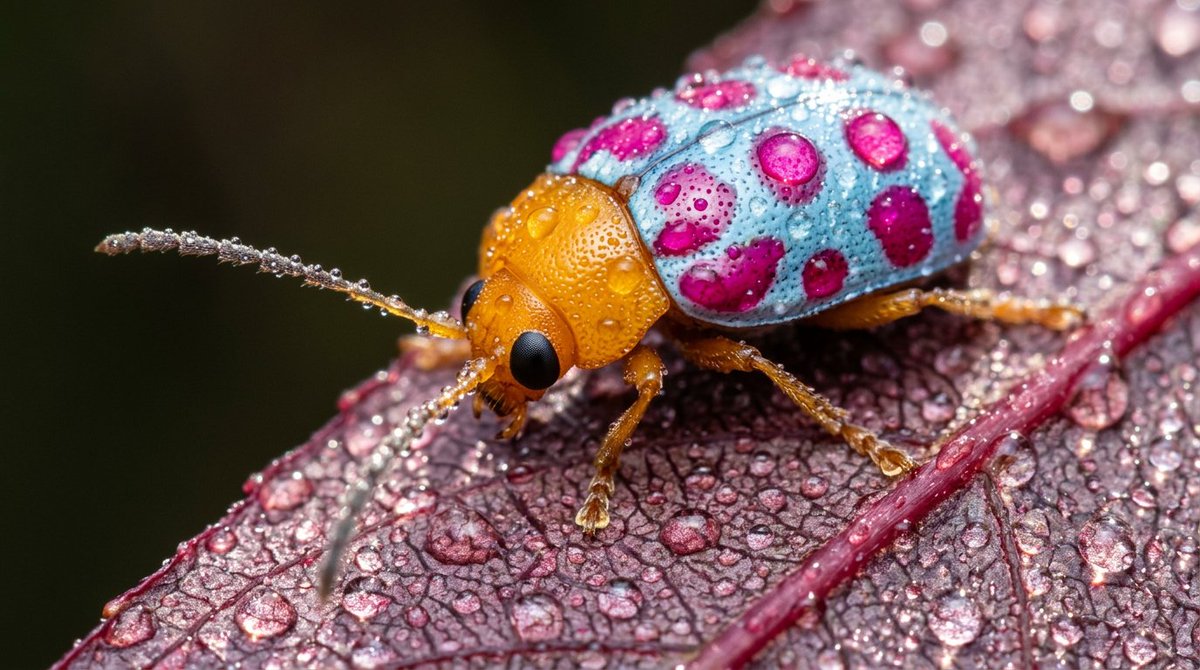
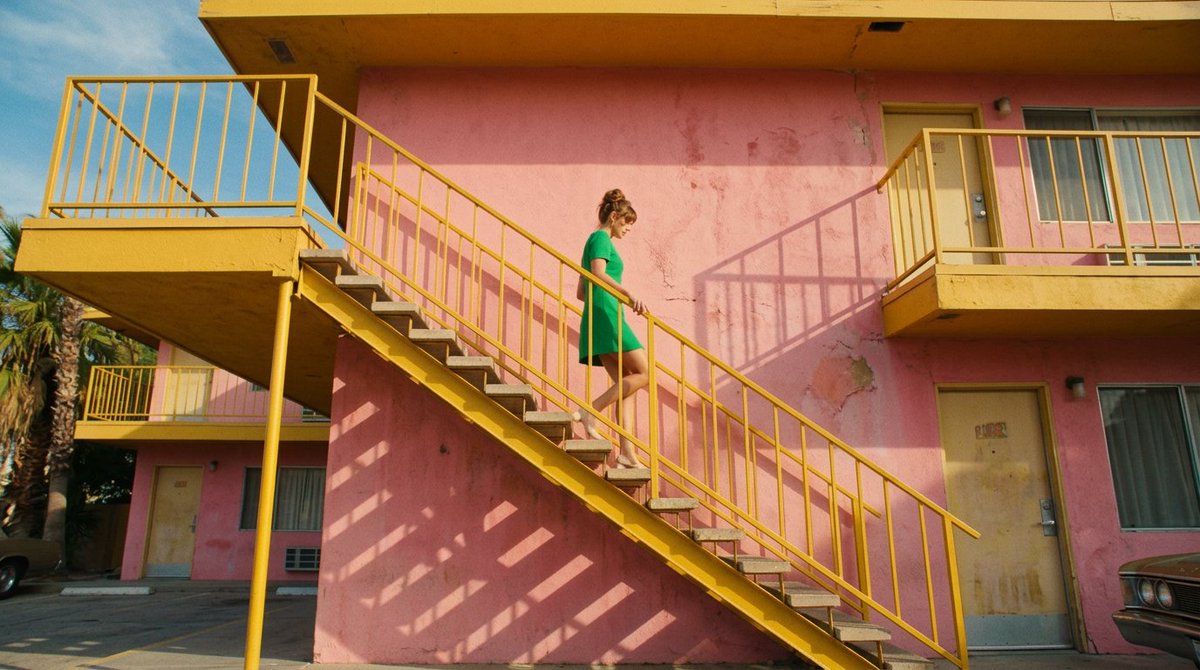
Explore Nano Banana 2.1 images with natural scenes, fine textures, and detailed compositions.
What Is Nano Banana 2.1?
Nano Banana 2.1 is Google’s latest image generation and editing model, with improved visual design, mask-based editing, and subject consistency for more natural-looking images.
- Rich visual designCreate detailed compositions with natural lighting, textures, and a cohesive visual style.
- Improved image generation and editingThe update focuses on visual design, mask-based editing, and keeping subjects consistent across images.
- More natural-looking resultsRealistic landscapes, expressive people, and intricate textures bring your creative ideas to life.
Creative Workflows for Nano Banana 2.1
Nano Banana 2.1 improves visual design, mask-based editing, and subject consistency. Use these workflows to plan your next image project.
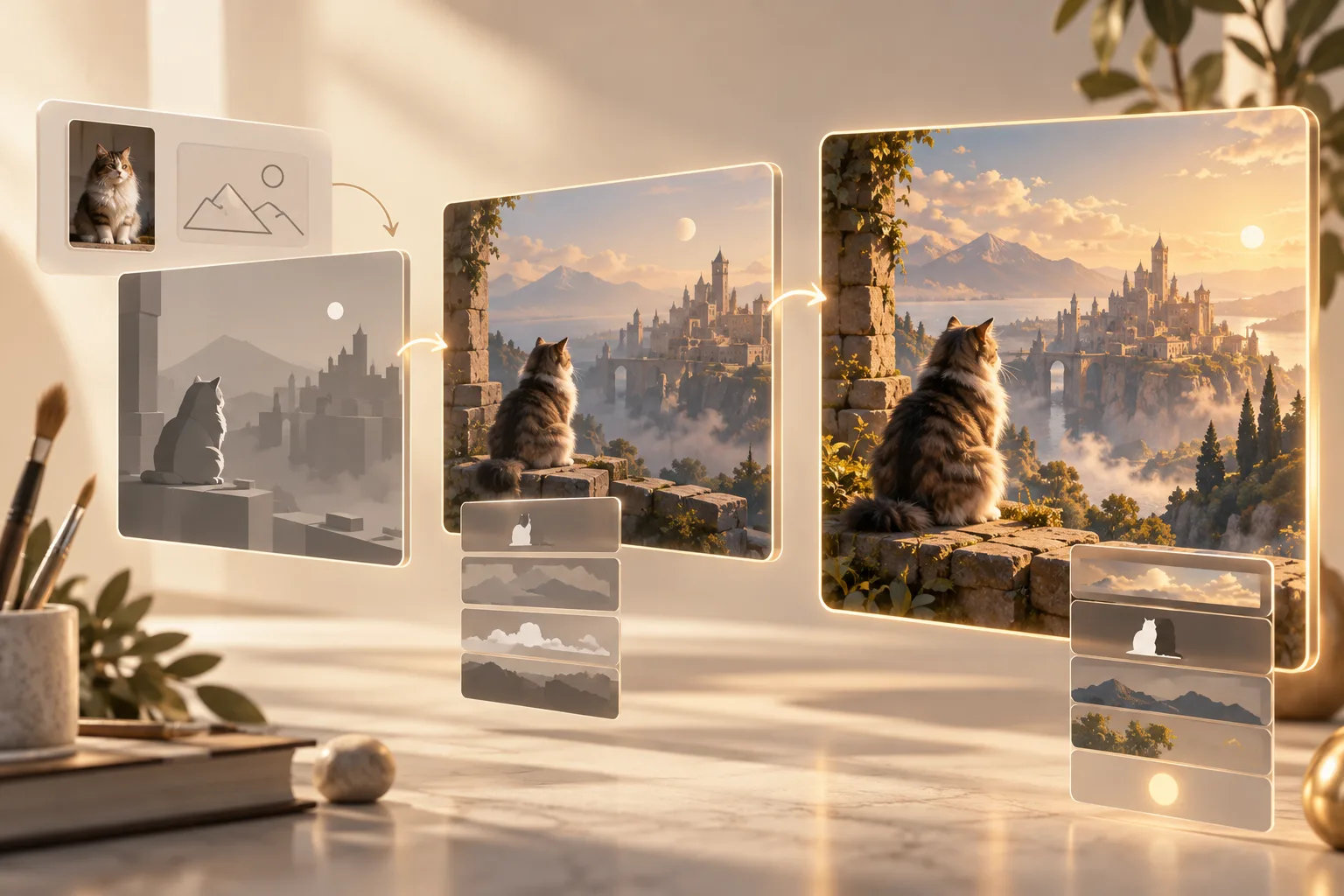
Hold every constraint in the composition
Define the subject, object count, materials, placement, light, and exclusions in one brief, then judge whether the final frame keeps the complete direction intact.
- Coordinate several visual requirements in one prompt
- Preserve deliberate counts and spatial relationships
- Reduce correction rounds on art-directed scenes
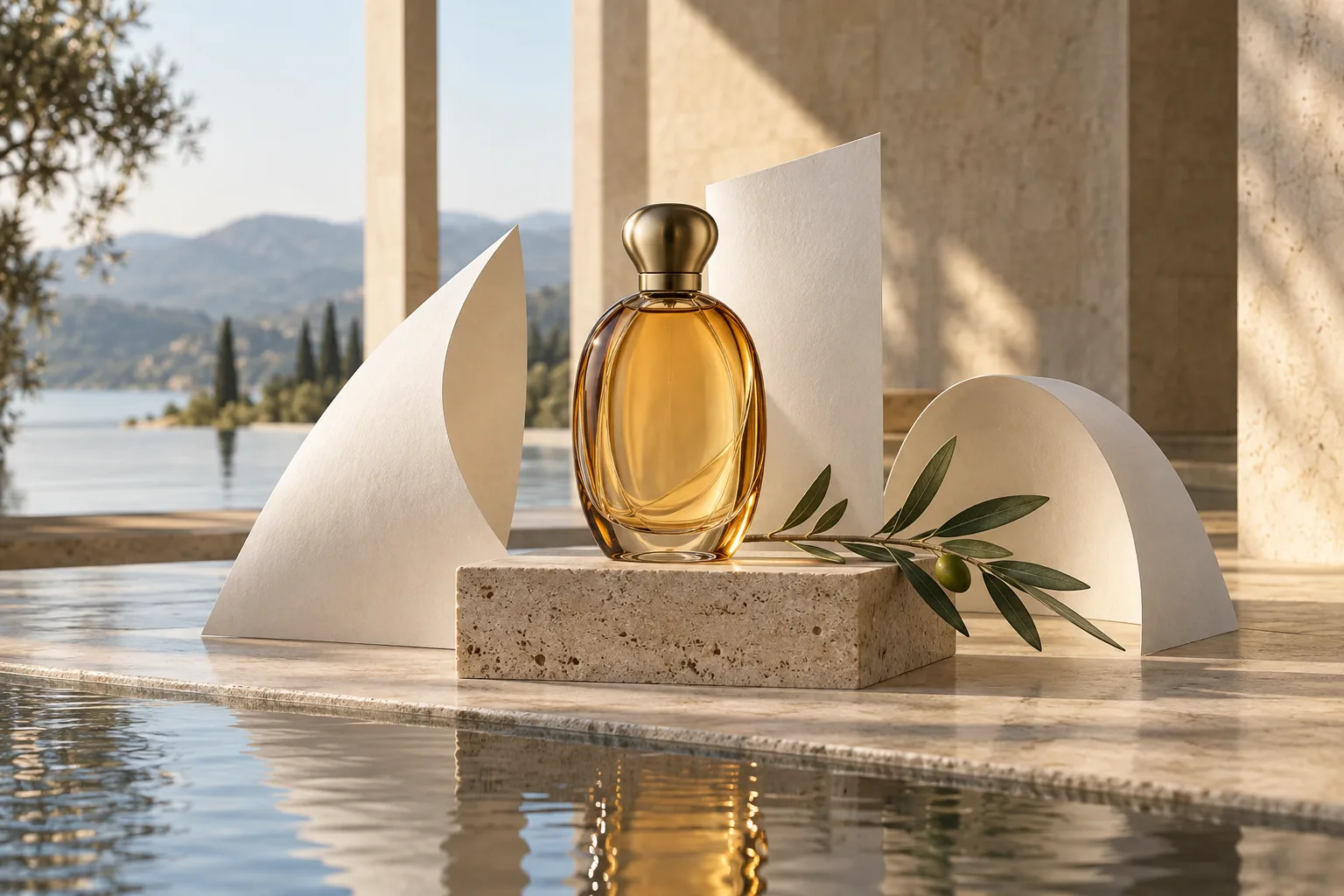
Keep identity stable across a sequence
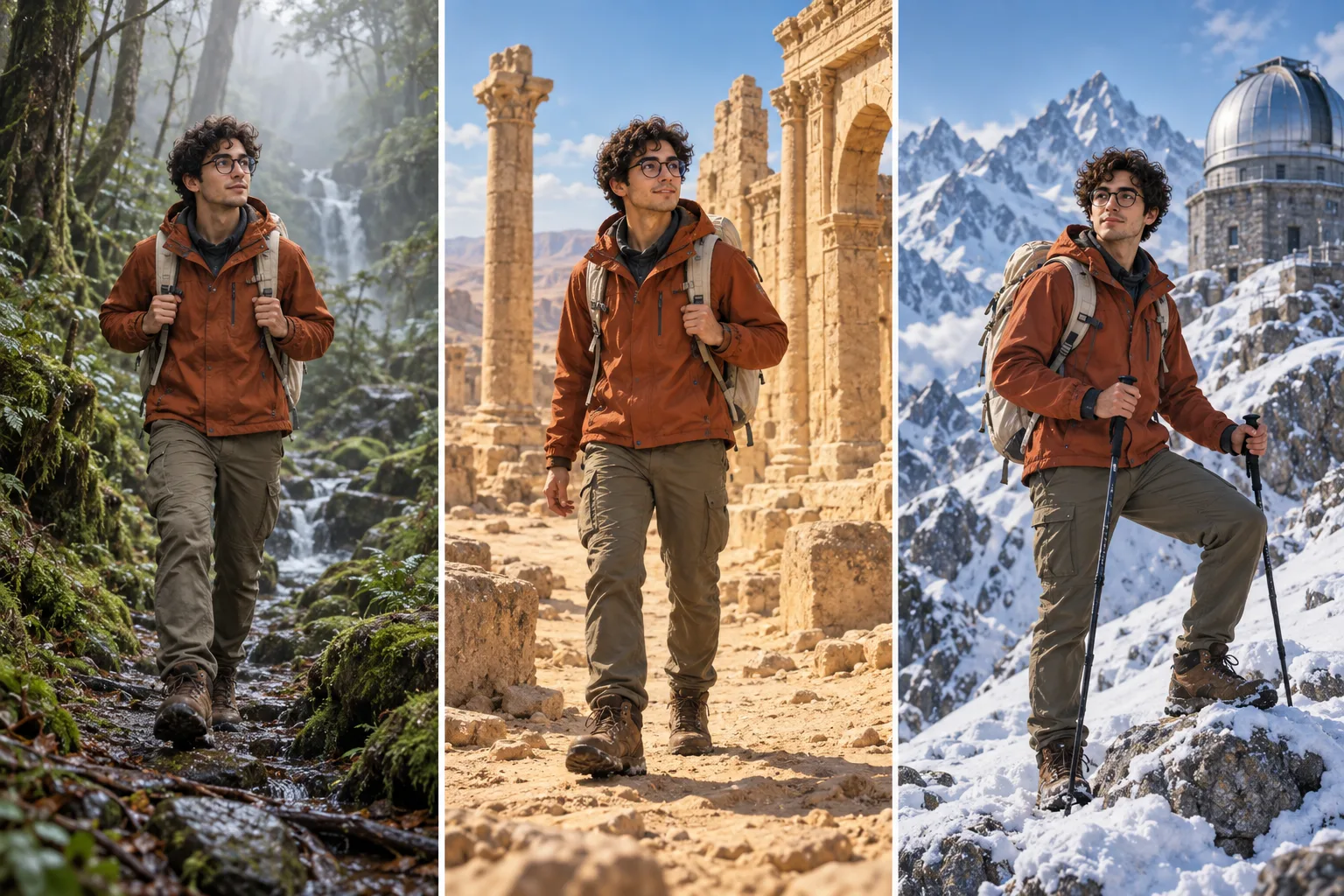
Anchor a recognizable character, product, or visual language, then carry it into new environments without rebuilding its defining traits for every image.
- Develop connected story and campaign frames
- Preserve identity as setting and lighting change
- Expand one approved direction into a cohesive set
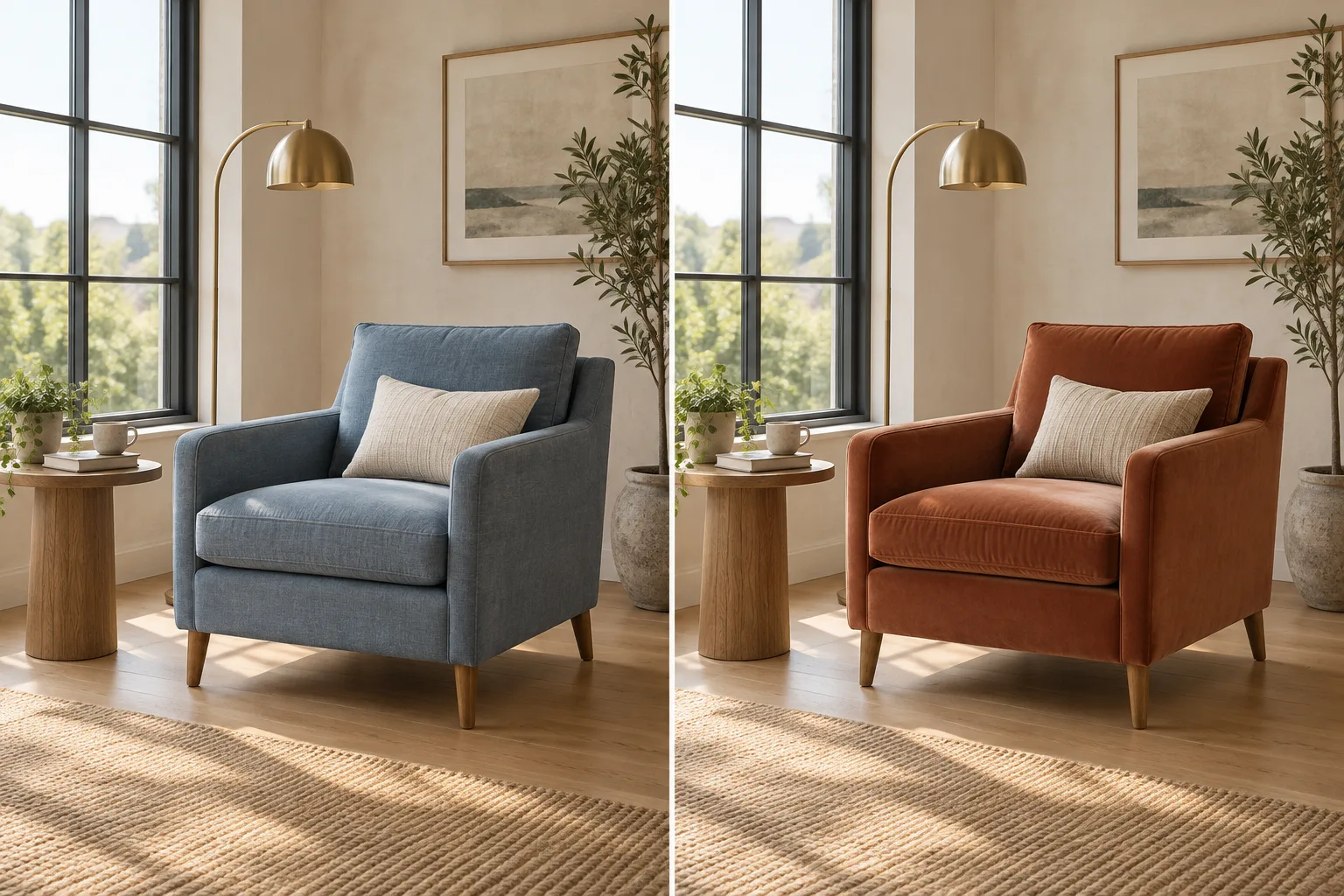
Change one detail without losing the scene
Describe a focused edit in natural language so the selected object changes while composition, lighting, perspective, and untouched elements remain coherent.
- Replace materials, colors, or individual objects
- Protect the surrounding layout and visual identity
- Refine an image through short conversational changes
Create and Refine Nano Banana 2.1 Images in Four Steps
Turn a creative brief and reference images into a result, then refine the details with Nano Banana 2.1.
Select Nano Banana 2.1
Nano Banana 2.1 is already selected. Choose text-to-image or image-to-image, then set your aspect ratio and resolution.
Write a complete creative brief
Describe the subject, composition, style, materials, light, exclusions, and intended final use.
Add reference images
Upload visual anchors when a face, product, palette, layout, or existing scene needs to remain recognizable.
Generate, review, and refine
Inspect the result against your constraints, make one focused change at a time, and download the strongest version.
Six Creative Workflows for Nano Banana 2.1
An iterative model update matters when it makes repeatable creative work more controlled, consistent, or efficient.
Product campaign sets
Place the same product in coordinated studio, lifestyle, and seasonal scenes while protecting its shape, materials, and visual identity.
Character storyboards
Carry a recognizable character through sequential frames for comics, pitch boards, campaign stories, and narrative concepts.
Posters and social graphics
Turn structured briefs into layout-led visuals with clear image hierarchy, intentional text areas, and adaptable crops.
Localized campaign variants
Adapt one approved creative direction for different markets while keeping the surrounding imagery and composition recognizable.
Focused visual edits
Replace, remove, restyle, or relight selected details without unnecessarily rebuilding the rest of the image.
Multi-reference concepts
Combine separate subjects, products, environments, and style cues into one directed scene with a coherent finish.
Nano Banana 2.1: Release, Features, and Access
Answers about Nano Banana 2.1 features, release, and access on this page.
Has Nano Banana 2.1 been released?
Yes. Nano Banana 2.1 was released on October 6, 2026.
Is Nano Banana 2.1 the new name for Nano Banana 2.5?
Nano Banana 2.1 is the released model name. Its relationship to the earlier Nano Banana 2.5 Flash name has not been established.
Can I use Nano Banana 2.1 in this generator?
Yes. Nano Banana 2.1 is available here and selected by default. Generate from text or upload up to 14 reference images to edit existing visuals.
What features does Nano Banana 2.1 offer?
Nano Banana 2.1 improves visual design, mask-based editing, subject consistency, and the natural look of generated images.
How does Nano Banana 2.1 differ from Nano Banana 2?
Nano Banana 2.1 improves visual design, editing precision, and subject consistency for more natural-looking images.
When was Nano Banana 2.1 released?
Nano Banana 2.1 was released on October 6, 2026.
How much does Nano Banana 2.1 cost?
Nano Banana 2.1 costs 2 credits per 1K image, 3 credits per 2K image, and 5 credits per 4K image. The generator shows the cost before you generate.
Start a Better Image Workflow for Nano Banana 2.1
Turn a detailed brief and visual references into a polished result with Nano Banana 2.1, then refine and download your image.