
Nano Banana Try On — Preview Clothes and Accessories
Upload a photo of yourself and the items you want to wear. Nano Banana fuses them into a single realistic image, preserving your face, pose, and body shape. Try on everything from full outfits to engagement rings without leaving your screen.
Ready to generate
Your generated image will appear here
See AI Virtual Try-On in Action
Nano Banana combines your photo with clothing or accessories to produce photorealistic try-on results. Every detail — fabric drape, fit, and lighting — is handled automatically.
AI Virtual Clothes Try-On — Full Outfit Styling
Upload a full-body photo and separate images of a top, pants, and shoes. Nano Banana dresses the person in the exact items while keeping their identity and pose intact.
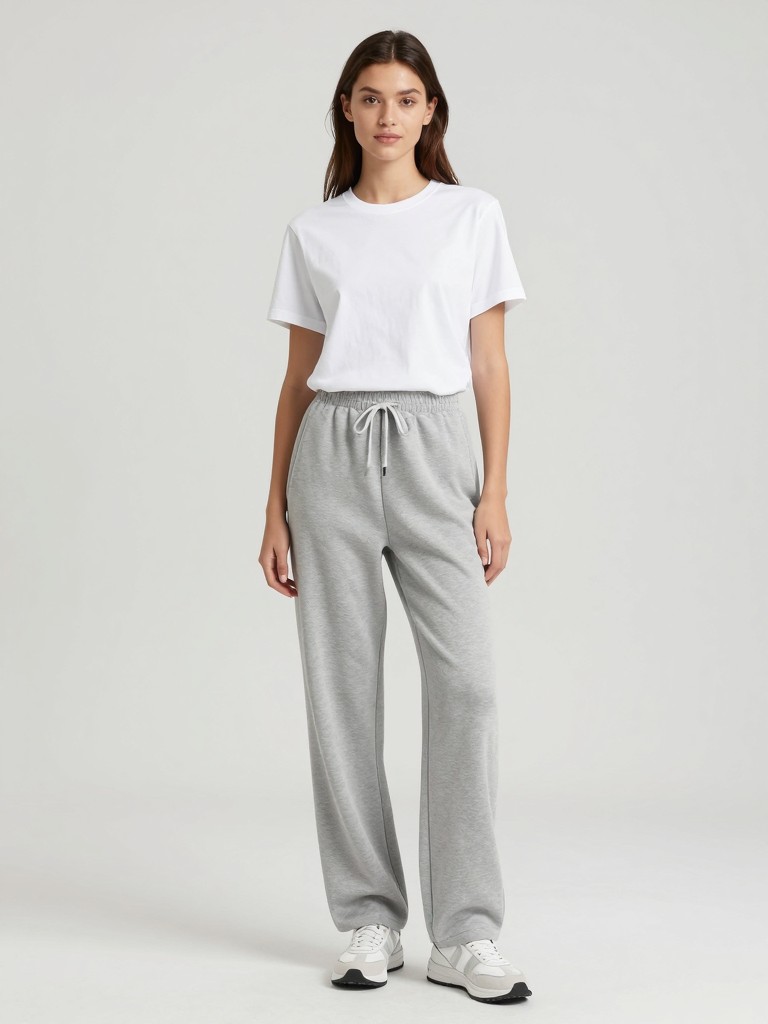 Your Photo
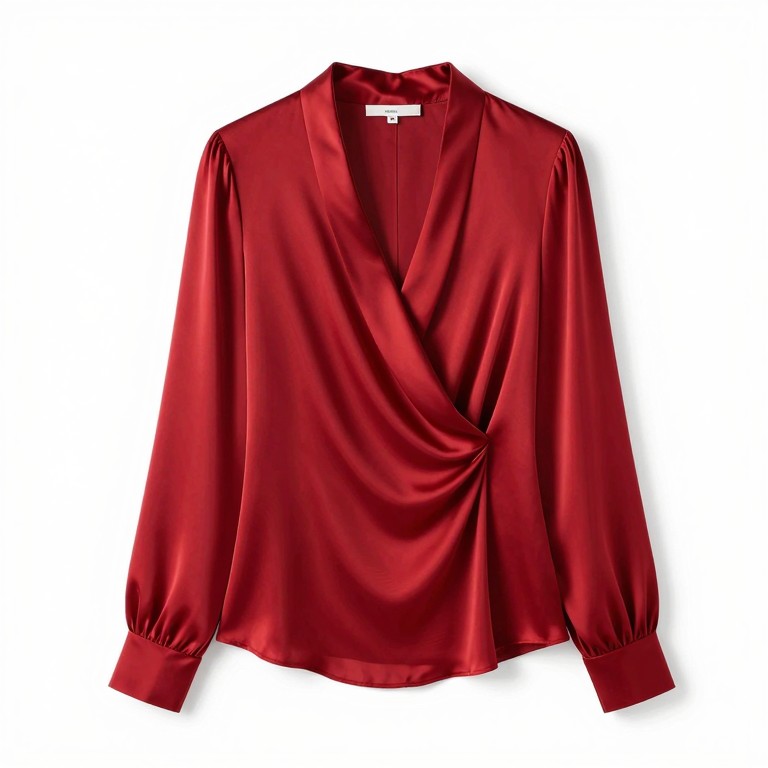 Top
Top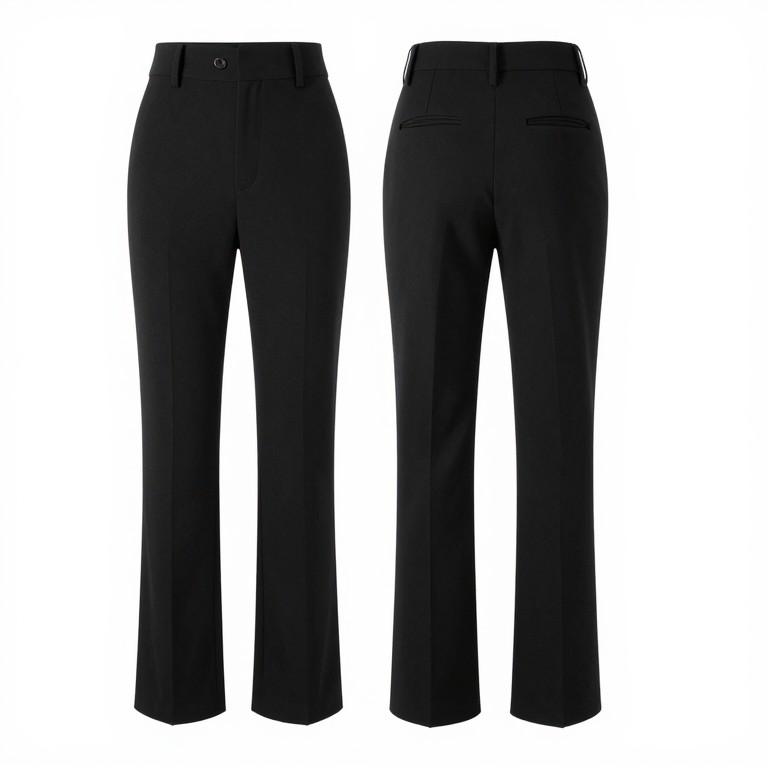 Pants
Pants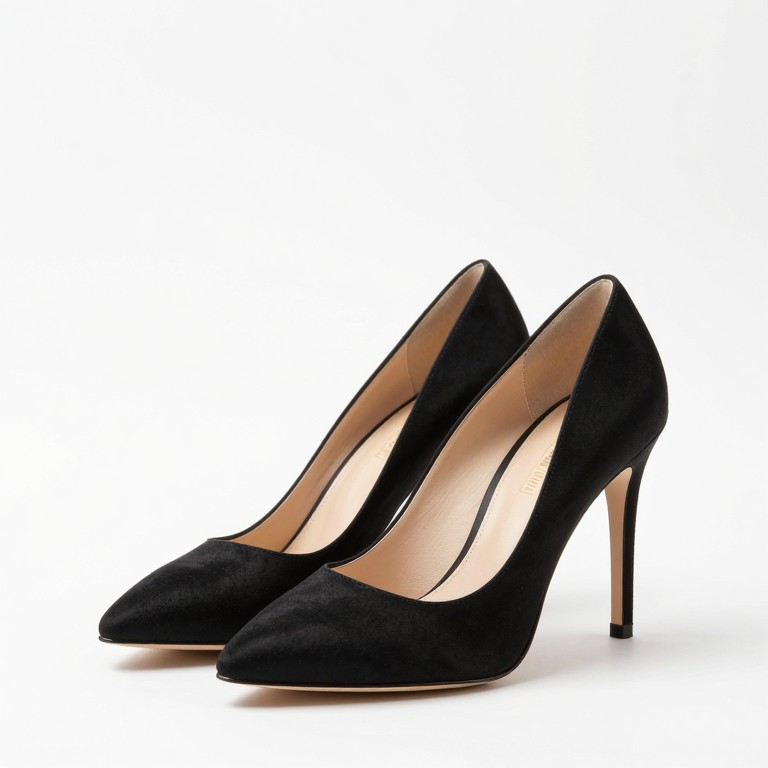 Shoes
Shoes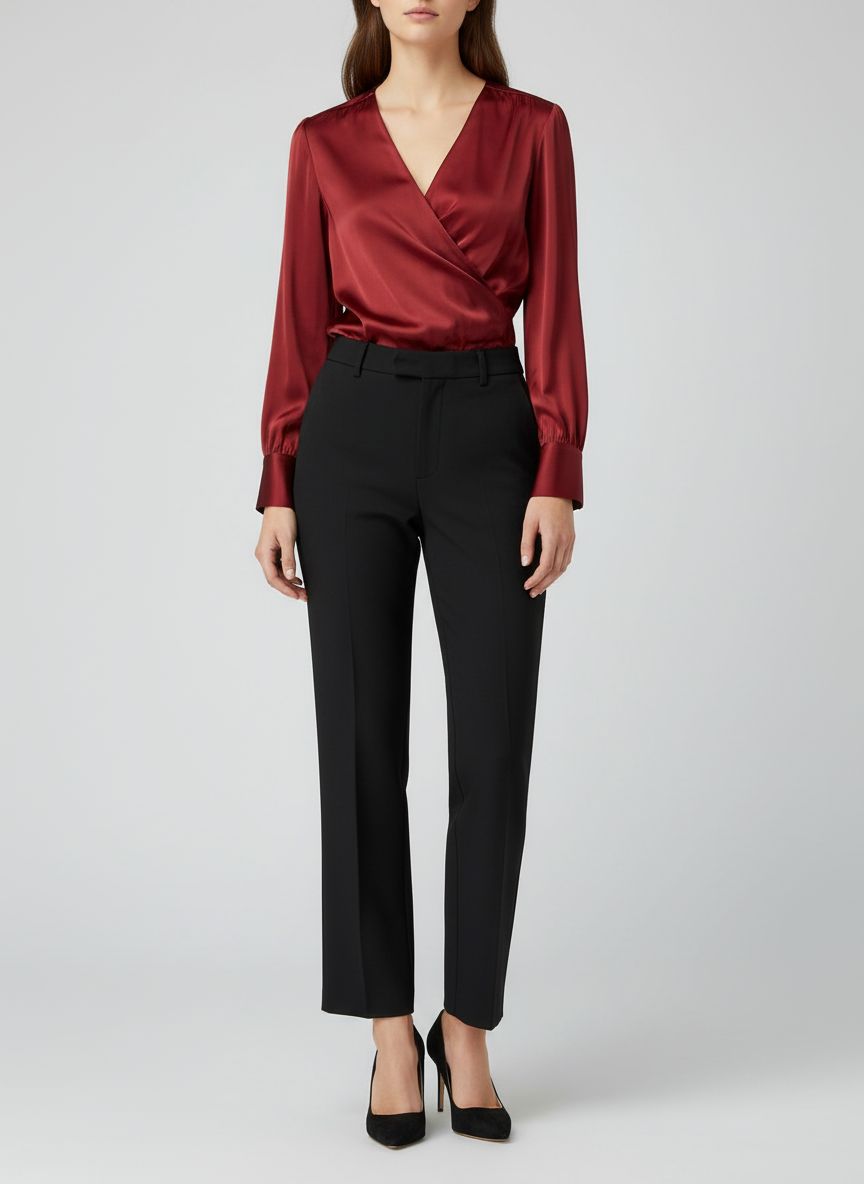 Result
Dress this woman in these exact clothes: put the red silk blouse as her top, the black high-waist trousers as her pants, and the black stiletto pumps as her shoes. Keep her face, body shape, and pose identical. Make the outfit fit naturally with realistic fabric draping.
Virtual Try-On Glasses, Jewelry & Engagement Rings
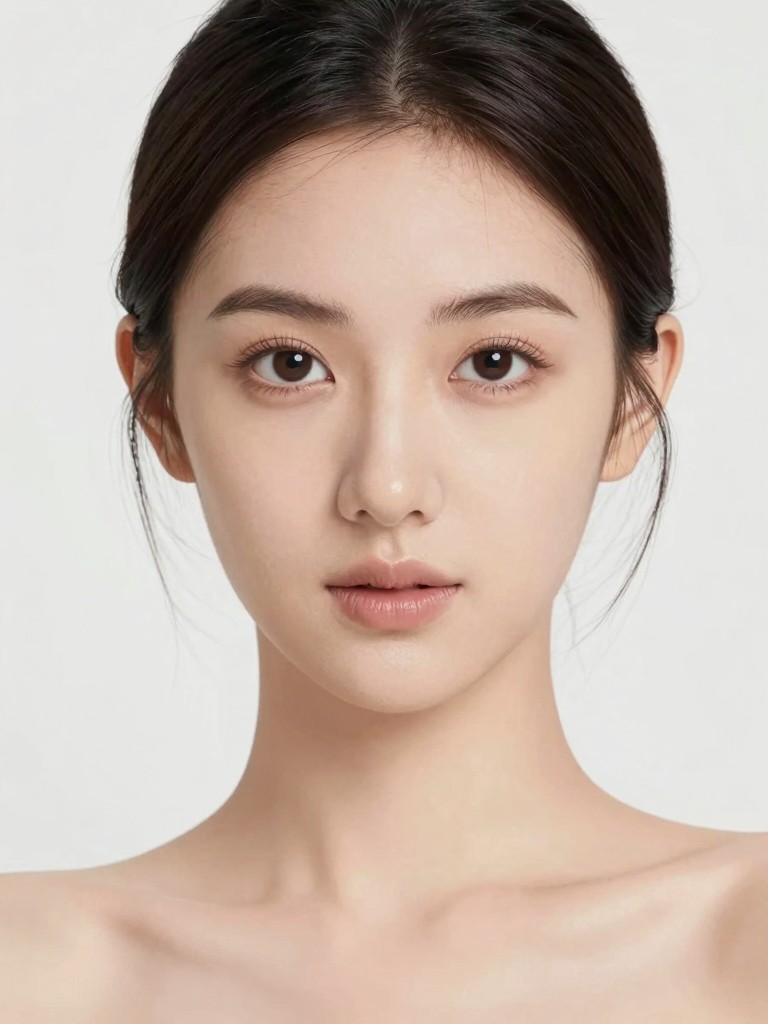
See how glasses, necklaces, and rings look on you before you buy. Upload a portrait and the accessories — Nano Banana places each item naturally while preserving your appearance.
 Your Photo
 Glasses
 Necklace
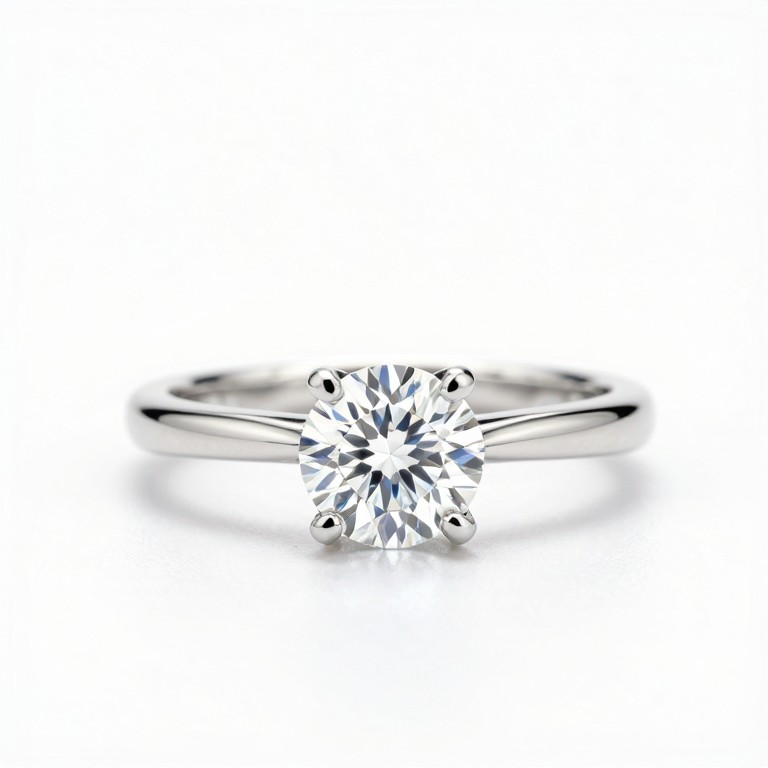 Ring
Ring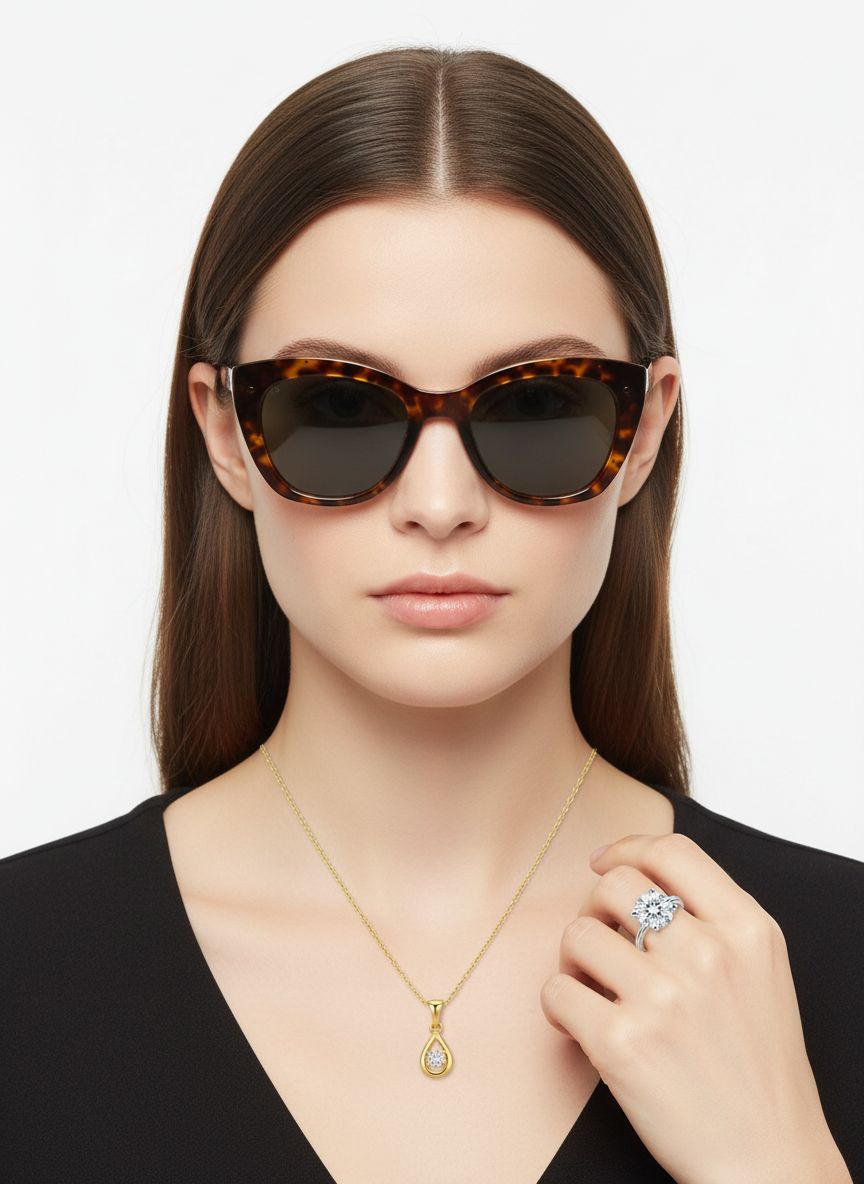 Result
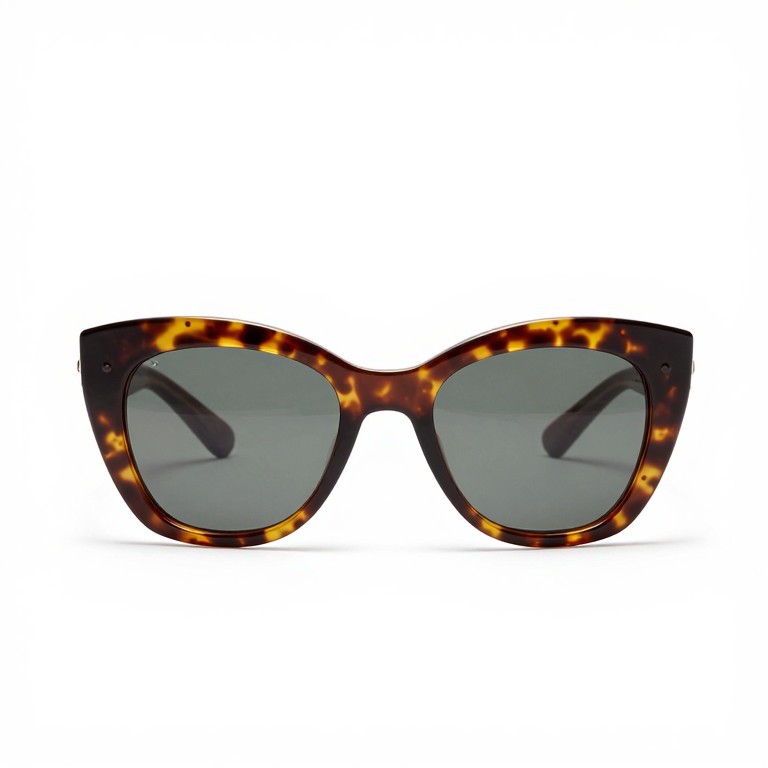
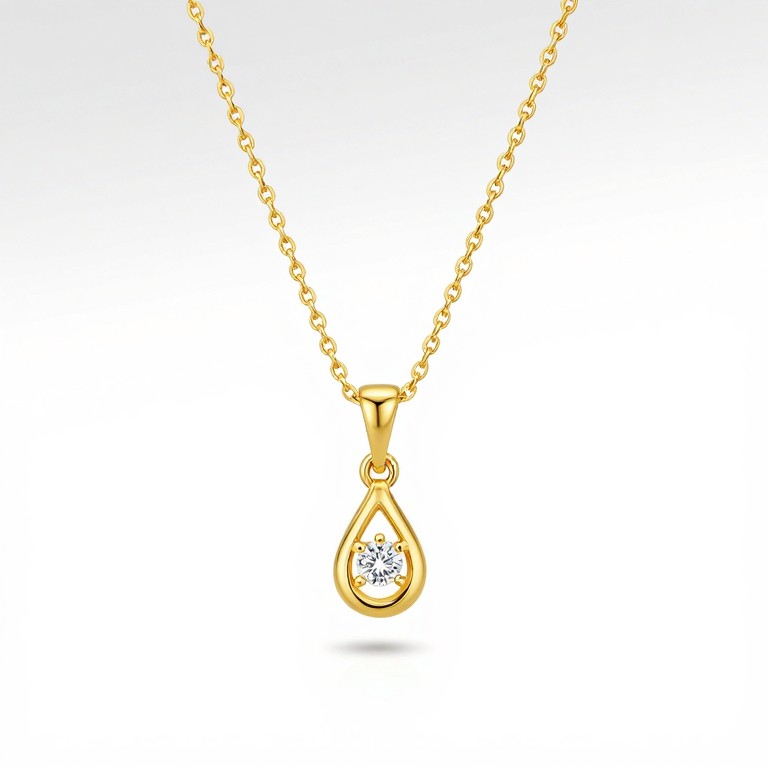
Put these accessories on this woman: wear the tortoiseshell cat-eye sunglasses on her face, the gold pendant necklace around her neck, and the diamond engagement ring on her left ring finger. Keep her face, hairstyle, and pose identical. Make the accessories look natural.
AI Virtual Try-On in 3 Simple Steps
No downloads, no sign-ups required to get started. Upload, describe, and generate — your virtual fitting room is ready.
Why Nano Banana Delivers the Best AI Virtual Try-On
Powered by advanced multi-image fusion and deep visual reasoning, Nano Banana produces try-on results that look genuine — not pasted on.
Your Face and Pose Stay Unchanged
Nano Banana locks in your facial features, body proportions, and stance. The only thing that changes is what you wear — exactly as it should be for a trustworthy ai virtual try on experience.
Combine Up to 9 Items in One Shot
Upload a person photo along with multiple garments or accessories. The model blends them into one coherent image, handling layer order, fabric overlap, and occlusion automatically.
Understands Fit, Drape, and Scale
Nano Banana uses deep world knowledge to reason about how fabric falls on shoulders, how rings fit fingers, and how glasses sit on noses. Results feel real because the AI actually understands spatial relationships.
Generate Try-On Images in Seconds
No waiting for renders. Upload your images, write a prompt, and get a polished virtual try-on result almost immediately. Perfect for fast browsing and comparison shopping.
Refine Results with Natural Language
Not quite right? Ask Nano Banana to adjust the fit, change the lighting, or swap one item — all through simple follow-up prompts. No need to restart from scratch.
Your Photos Are Not Stored
Images are processed and delivered to you, then discarded. Nano Banana respects your privacy so you can try on anything without concern.
Who Benefits from AI Virtual Try-On
From personal shoppers to fashion retailers, this tool saves time and eliminates guesswork when choosing what to wear or sell.
Online Shoppers
See exactly how a dress, jacket, or pair of shoes looks on your body before adding to cart. Reduce returns and buy with confidence using ai virtual clothes try on.
Eyewear Buyers
Finding the right frames is personal. Use virtual try on glasses to preview dozens of styles on your own face in minutes, from prescription lenses to fashion sunglasses.
Engaged Couples
Choosing a ring online is nerve-wracking. With virtual engagement ring try on, see exactly how a solitaire, halo, or vintage setting looks on your hand before committing.
E-Commerce Retailers
Integrate AI try-on into your product pages. Let customers visualize items on themselves, driving higher conversion rates and fewer returns.
Fashion Designers
Test garment concepts on real body types without sewing a prototype. Evaluate silhouette, color palette, and styling combinations at the speed of a prompt.
Stylists & Influencers
Create styled lookbook images for clients or social content. Mix and match pieces from different brands to build outfit inspiration boards instantly.
AI Virtual Try-On FAQ
Answers to common questions about using Nano Banana for virtual try-on.
How does AI virtual try-on work?
You upload a photo of yourself and images of the items you want to try on. Nano Banana uses multi-image fusion to combine them into a single photorealistic image, preserving your identity while naturally fitting the items onto your body.
What can I virtually try on?
Anything visual — clothing (tops, pants, dresses, shoes), eyewear (virtual try on glasses and sunglasses), jewelry (necklaces, earrings), and rings (including virtual engagement ring try on). If you can photograph the item, you can try it on.
Is this AI virtual try-on free?
Nano Banana is a premium model that requires credits. You receive free credits upon signing up, so you can test the virtual try-on experience before purchasing additional credits.
Do I need a specific type of photo?
For best results, use a well-lit photo with a clear view of your body. Full-body shots work best for ai virtual clothes try on, while head-and-shoulders portraits are ideal for glasses and jewelry.
Will the result look realistic?
Yes. Nano Banana uses visual reasoning to understand fabric drape, accessory scale, and lighting consistency. The model doesn't just paste items onto your photo — it generates a new coherent image where everything fits naturally.
Can I try on items from online stores?
Absolutely. Save the product image from any retailer, upload it alongside your photo, and describe how you want to wear it. This makes it easy to preview purchases before buying.
How many items can I try on at once?
You can upload up to 9 images per generation — one of yourself plus multiple items. This means you can try on a complete outfit including top, pants, shoes, glasses, and jewelry all in one go.
Can I adjust the result after generating?
Yes. Nano Banana supports conversational editing. If a sleeve looks off or you want different lighting, describe the adjustment in a follow-up prompt and regenerate.
Try On Any Outfit Right Now
Upload your photo, add the items you love, and see yourself wearing them in seconds. No fitting room needed.