
Nano Banana Passport Photo Maker
Upload a clear photo and use Nano Banana Pro to prepare a centered, passport-style portrait without changing the face that identifies you. Choose the background, crop, physical size, or print-sheet layout in your prompt, then compare the result with the original and your issuing authority's current photo rules before using it.
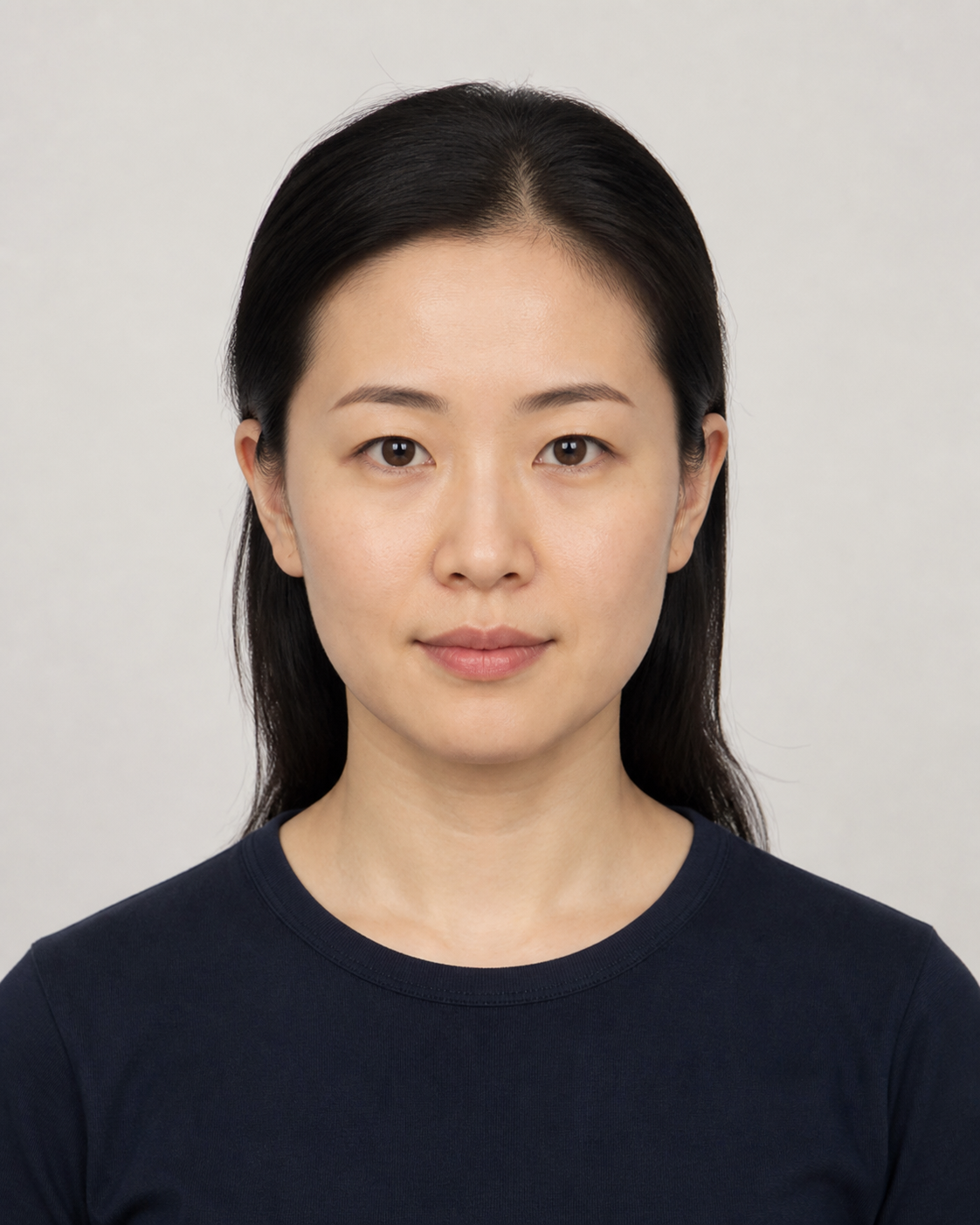
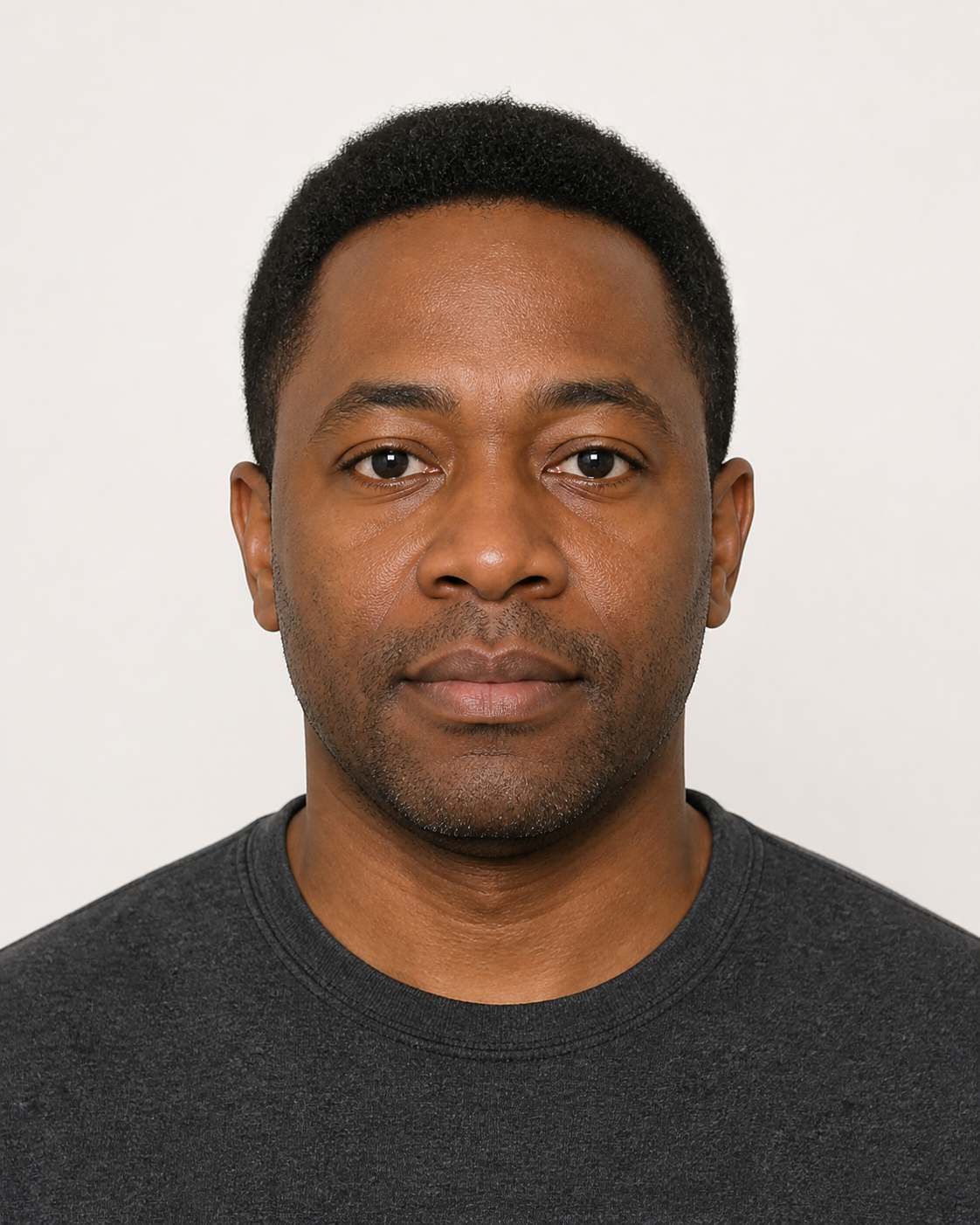
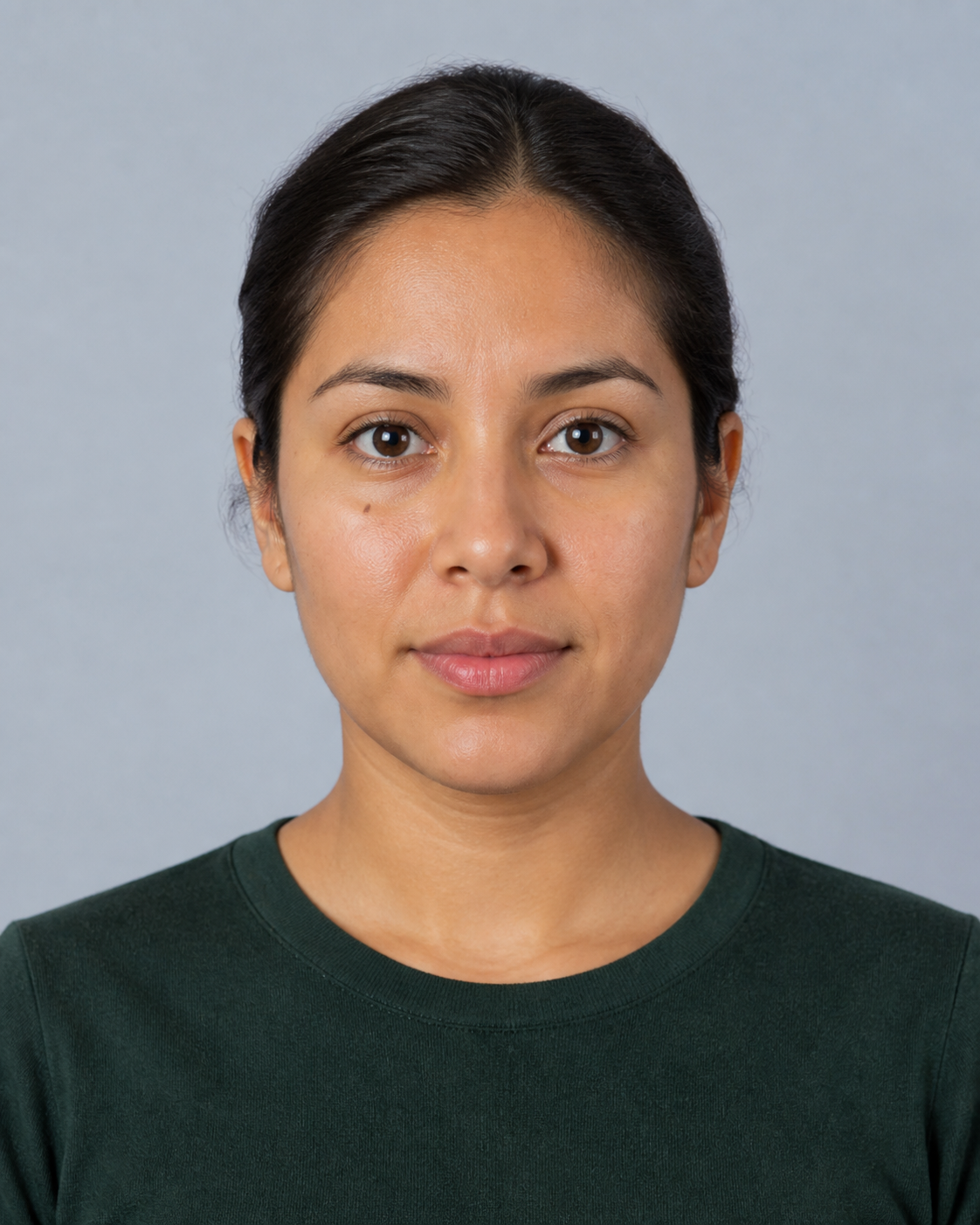
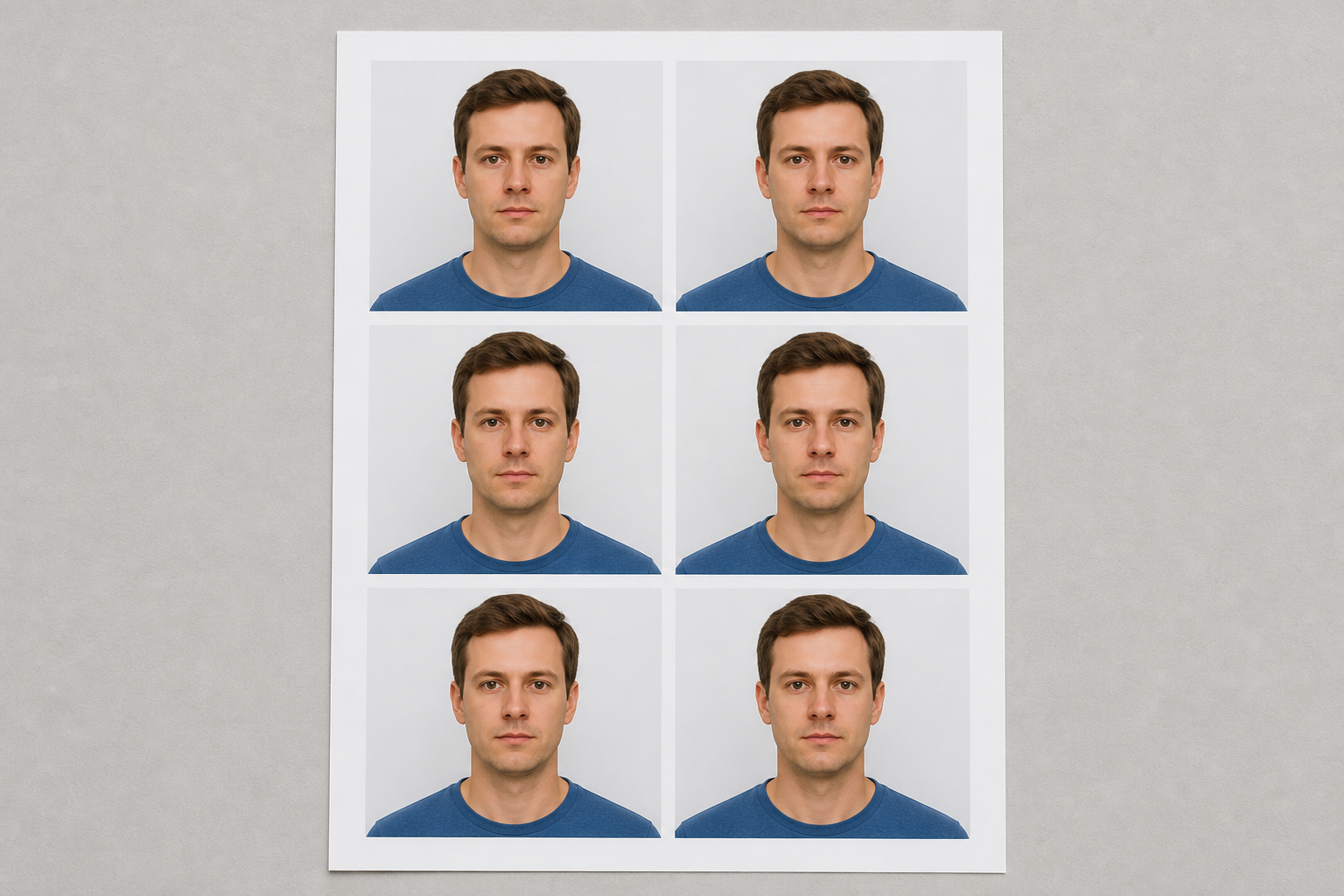
Example results — your generated image will appear here
Gemini Passport Photo Prompt Examples
Start with a prompt for an off-white, gray, or pale blue background, or arrange an already checked portrait on a print sheet. Replace every size and color with the exact requirements for your document.
“Convert the uploaded photo into a centered passport-style head-and-shoulders portrait on a plain off-white background. Preserve the person's exact face shape, eyes, nose, mouth, ears, skin tone, age, hairline, and identifying marks. Keep a neutral closed-mouth expression, level head, open eyes, natural skin texture, even frontal lighting, and clear separation around the hair and shoulders. Do not reshape, beautify, smooth, recolor, or add clothing details. No shadows on the background, no text, no logo, and no watermark. I will verify the final crop and rules with the issuing authority.”
“Prepare the uploaded photo as a square 2 x 2 inch passport-style portrait with a plain white or off-white background. Preserve every identifying facial feature exactly as photographed. Center the head and shoulders, keep the camera straight, use a neutral closed-mouth expression and even natural color, and leave enough space for a final official crop. Do not retouch skin, change facial geometry, alter hair, add formal clothing, or simulate a different person. No text, border, logo, or watermark. Do not claim compliance; I will compare the exported image with the current official requirements before submission.”
“Create a 35 x 45 mm ID-photo preview from the uploaded portrait using a flat pale blue-gray background. Keep the person's identity unchanged, including facial proportions, eyes, nose, mouth, ears, skin tone, age, hairstyle, and permanent identifying marks. Use straight-on framing, a level head, neutral expression, natural skin texture, even light, and a clean silhouette. Change only the background and crop. Do not beautify, reshape, smooth, add makeup, replace clothing, or add text, logos, borders, or watermarks. I will confirm whether this size and background color are permitted for my document.”
“Use the already reviewed passport-style photo as the only source and place six exact, unchanged copies on one landscape 4 x 6 inch print sheet in a two-column by three-row grid. Preserve the source pixels, identity, crop, color, and background exactly. Add even white cutting gutters and keep every copy the same physical size. Do not regenerate the face, retouch the image, change proportions, add labels, add measurements, add a border around the sheet, or add a watermark. I will set the printer to 100 percent scale and verify the measured print dimensions before use.”
How to Make a Passport-Style Photo with Nano Banana
Prepare a careful edit, measure the output, and treat official acceptance as a separate final check.
Upload a Clear, Permitted Photo
Use a recent, sharp photo you own or have permission to edit, with the full face visible and the camera close to eye level.
Avoid strong shadows, filters, wide-angle distortion, hair across the eyes, and low-resolution screenshots.
Start with the expression, eyewear, head covering, and clothing allowed by your document authority.
Set the Crop and Background
Copy the closest prompt, replace its size and background with your official specification, and tell the model not to alter any identifying feature.
Specify physical dimensions, head position, background color, lighting, and output layout separately.
Ask for a single portrait first; create a print sheet only after that portrait passes your review.
Inspect, Measure, and Verify
Compare the result side by side with the original, measure the exported or printed photo, and check the issuing authority's latest rules.
Reject any output that changes facial geometry, age, skin tone, identifying marks, or natural appearance.
AI-prepared or digitally edited photos may be prohibited even when the crop looks correct; use an approved photo service when required.
Prepare the Details a Passport Photo Needs
Direct the edit with explicit instructions for the background, framing, dimensions, identity, and final print arrangement.
Identity-Preserving Edit
Lock face shape, eyes, nose, mouth, ears, skin tone, age, hairline, and permanent marks so the prompt changes presentation, not identity.
Plain Background
Replace a distracting setting with the exact white, off-white, gray, or blue tone requested by the relevant document rules.
Centered Crop
Ask for level eyes, visible head and shoulders, balanced space, and a straight-on composition before applying the final measurements.
Document Dimensions
Describe the target in pixels, millimeters, or inches, but verify the actual exported size rather than trusting prompt text alone.
Print-Sheet Layout
Arrange an approved single portrait into repeat copies with cutting gutters, then print at 100 percent scale and measure the result.
Rule-by-Rule Review
Check background, head size, expression, shadows, image age, editing restrictions, file format, and print quality against the official source.
Why Use Nano Banana Pro for Passport Photo Prep
Detailed image-editing instructions make it easier to control what changes and state clearly what must stay untouched.
Edit Only What You Name
Separate the allowed background, crop, and lighting edits from the facial details that must remain identical to the source.
Prompts Ready to Adapt
Begin with complete examples for common backgrounds, portrait sizes, and print sheets, then substitute your authority's exact rules.
Human Review Stays Final
The workflow puts comparison, measurement, and official-rule verification after generation instead of presenting an AI result as guaranteed compliant.
Nano Banana Passport Photo FAQ
Answers about Gemini prompts, face preservation, backgrounds, sizing, printing, and official acceptance.
Can I use Nano Banana to make a passport photo?
Nano Banana can help prepare a passport-style crop, plain background, and print layout. Whether the result can be submitted depends on the issuing authority. Some authorities restrict digital alteration or AI editing, so read the current official rules before using any generated result.
What is a good Gemini passport photo prompt?
A useful prompt names the required background, crop, physical dimensions, expression, pose, and lighting, then lists every identifying detail that must remain unchanged. It should also prohibit beauty retouching, facial reshaping, added accessories, text, logos, and watermarks. The examples above are ready to adapt.
How do I stop Gemini from changing my face?
Upload a sharp, recent, straight-on photo and explicitly preserve face shape, eyes, nose, mouth, ears, skin tone, age, hairline, and permanent marks. Ask it to change only the background, crop, or lighting. AI can still drift, so compare the result carefully and do not submit it if identity details changed.
What background color should I use?
There is no universal background color. White or off-white is common, while some IDs use light gray or blue. Use the exact color stated by the authority for your passport, visa, residence permit, license, school ID, or other document.
Can the maker create a 2 x 2 inch or 35 x 45 mm photo?
You can request either size in the prompt and select a suitable output aspect ratio, but prompted dimensions are not a measurement guarantee. Check pixel dimensions after export and measure physical dimensions after printing at 100 percent scale.
How do I print multiple passport photos on one sheet?
First approve one correctly cropped portrait. Then use the print-sheet prompt to duplicate that exact image into a grid with cutting gutters. Print without fit-to-page scaling, measure one copy with a ruler, and confirm the printer did not crop or resize the sheet.
Does this tool guarantee that my photo will be accepted?
No. It prepares a visual draft and cannot verify every country's rules, application type, printer, file, or reviewing officer. Check the issuing authority's current instructions and use an authorized photo service when AI editing is not allowed or when acceptance is critical.
What source photo works best?
Use a recent high-resolution image with a clear, unobstructed face, level camera, neutral light, and minimal lens distortion. Avoid social-media filters, portrait-mode blur across hair, harsh side light, compressed screenshots, and photos taken from above or below.
Prepare a Passport-Style Photo with Nano Banana
Upload a permitted portrait, adapt a careful prompt, and keep identity preservation and official rule checks at the center of the workflow.