
Nano Banana Product Photo Generator
Upload a product photo and build a complete ecommerce shoot with Nano Banana Pro. Create clean white-background packshots, natural lifestyle scenes, controlled studio lighting, and channel-ready aspect ratios while instructing the model to preserve your product's exact shape, materials, logo, label, and packaging text.
Example results — your generated image will appear here
Nano Banana Product Photography Prompts
Start with a complete prompt for a white-background packshot, lifestyle scene, studio campaign image, or marketplace listing. Upload your own product and keep the preservation instructions intact.
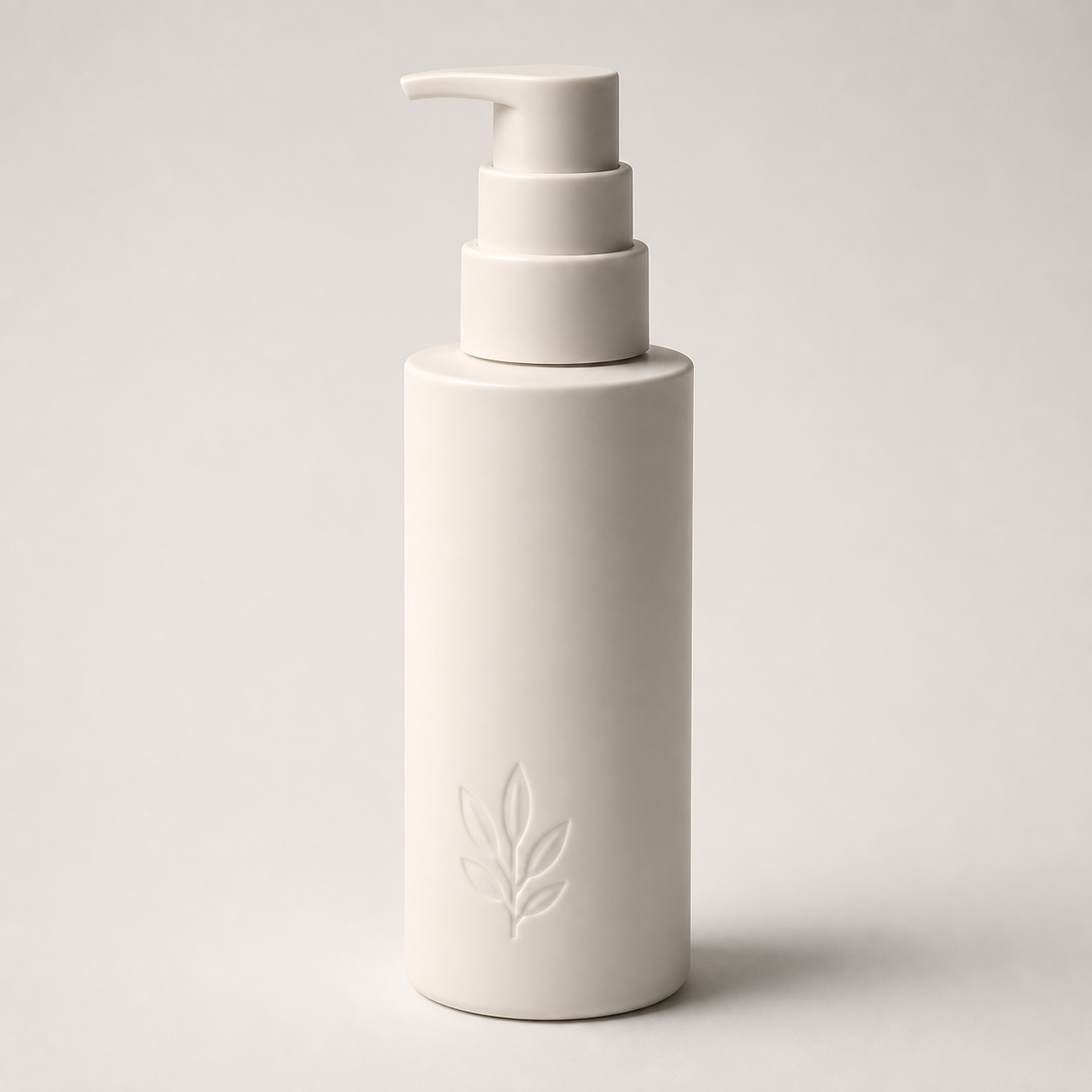
“Turn the uploaded product into a clean ecommerce packshot on a seamless white background. Preserve its exact silhouette, dimensions, cap or pump geometry, materials, colors, logo, label placement, and every character of packaging text. Show the full product in a centered three-quarter view with a large softbox key light, even fill, and a soft natural contact shadow. Keep edges crisp and the front label readable. Change only the background, camera framing, and lighting. No redesign, invented text, warped logo, extra props, duplicate product, hands, or watermark.”
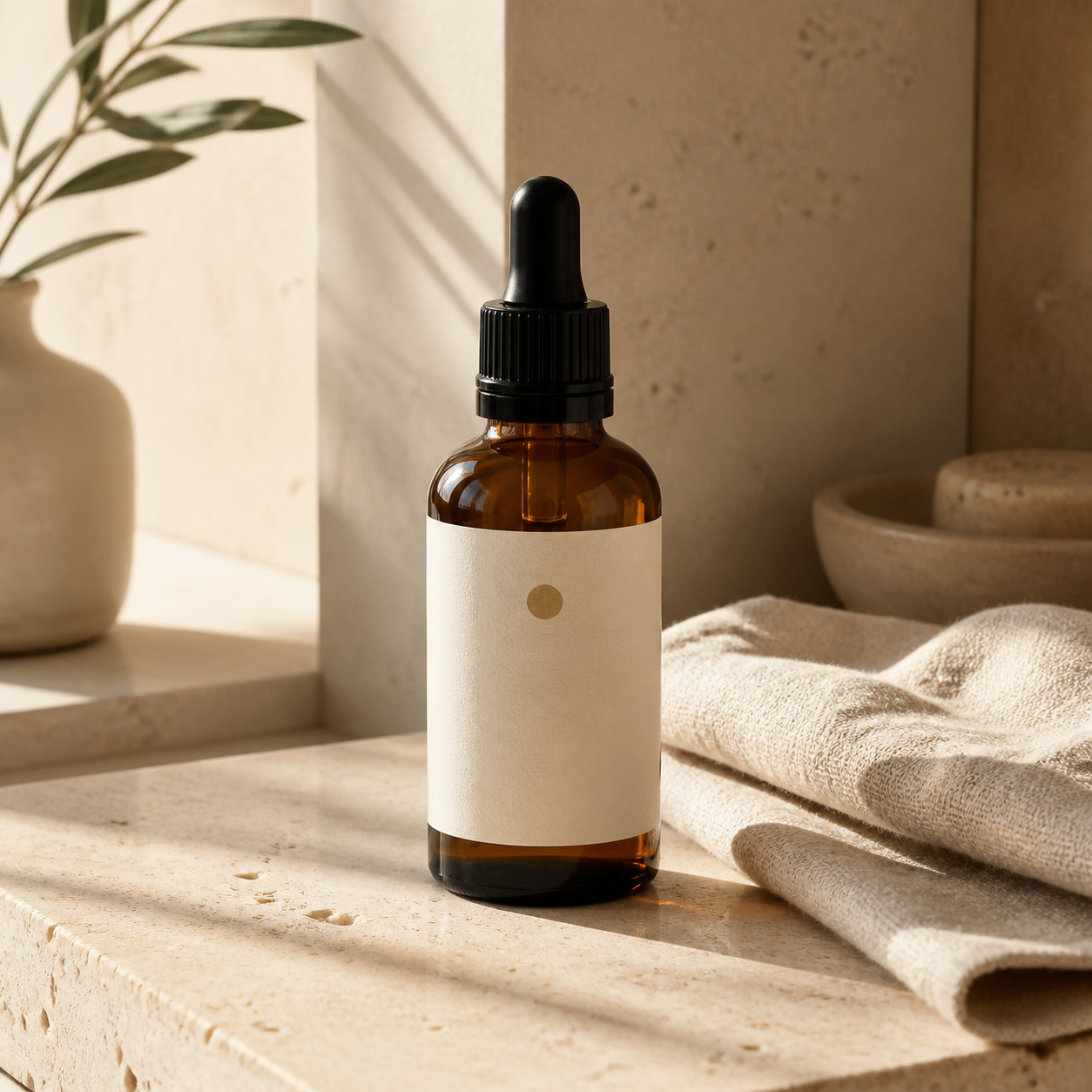
“Place the uploaded skincare product in a calm premium bathroom scene on pale travertine beside folded natural linen. Preserve the bottle's exact geometry, glass color, dropper, label dimensions, logo, and packaging text character for character. Use soft morning window light, realistic reflections, a gentle directional shadow, and a square editorial ecommerce composition. Keep the product dominant and fully visible. Change only the setting and lighting. No label redesign, misspelled text, extra bottles, hands, people, or watermark.”
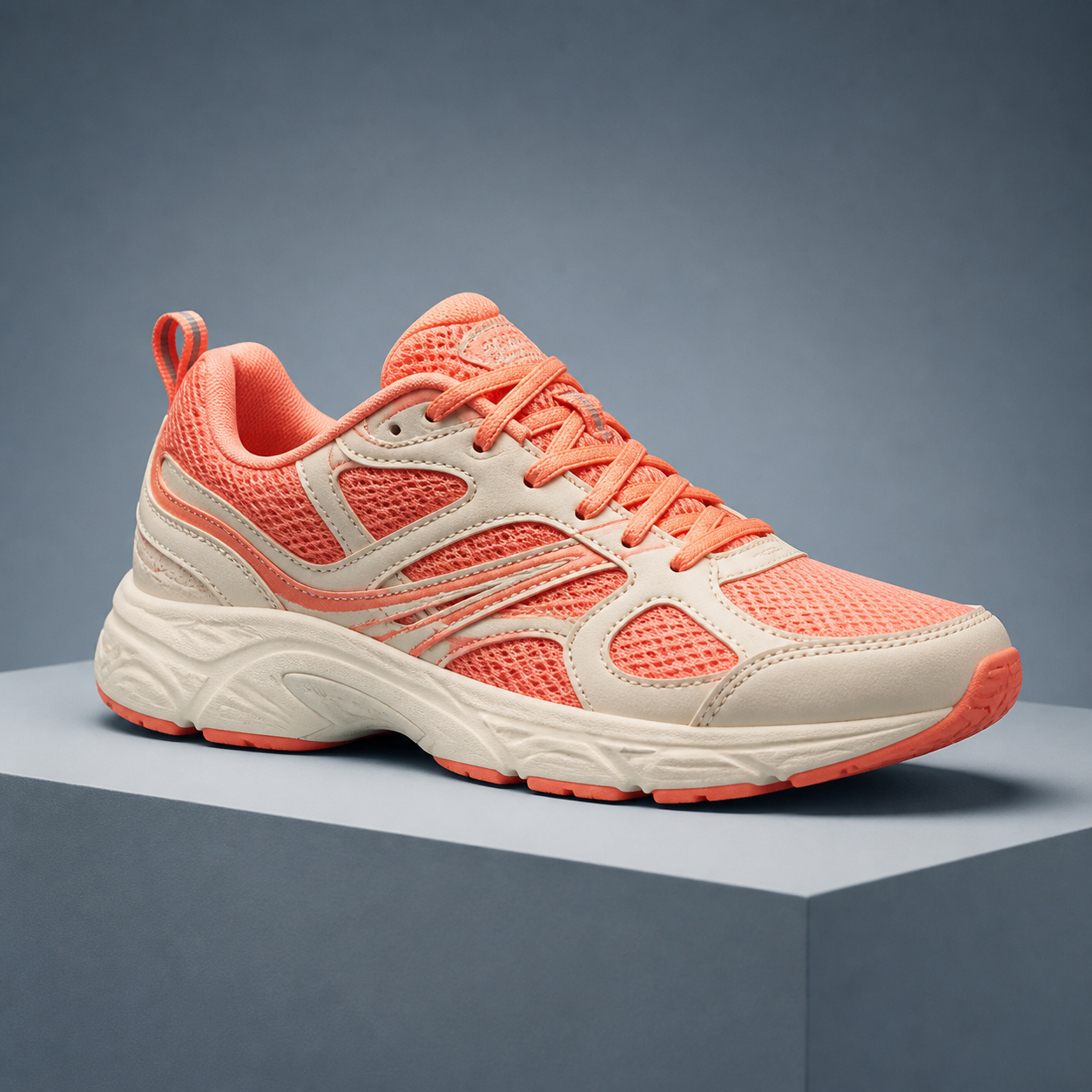
“Create a dynamic studio product photo from the uploaded shoe image. Preserve the exact outsole profile, upper silhouette, panel shapes, stitching, mesh texture, lace pattern, colors, logo position, and any printed text. Place one shoe on a low blue-gray geometric pedestal in a side three-quarter view with crisp softbox lighting, subtle rim light, and a grounded shadow. Show the entire shoe in a square crop. Do not alter construction details, mirror the design, add a second shoe, invent branding, add a person, or add a watermark.”
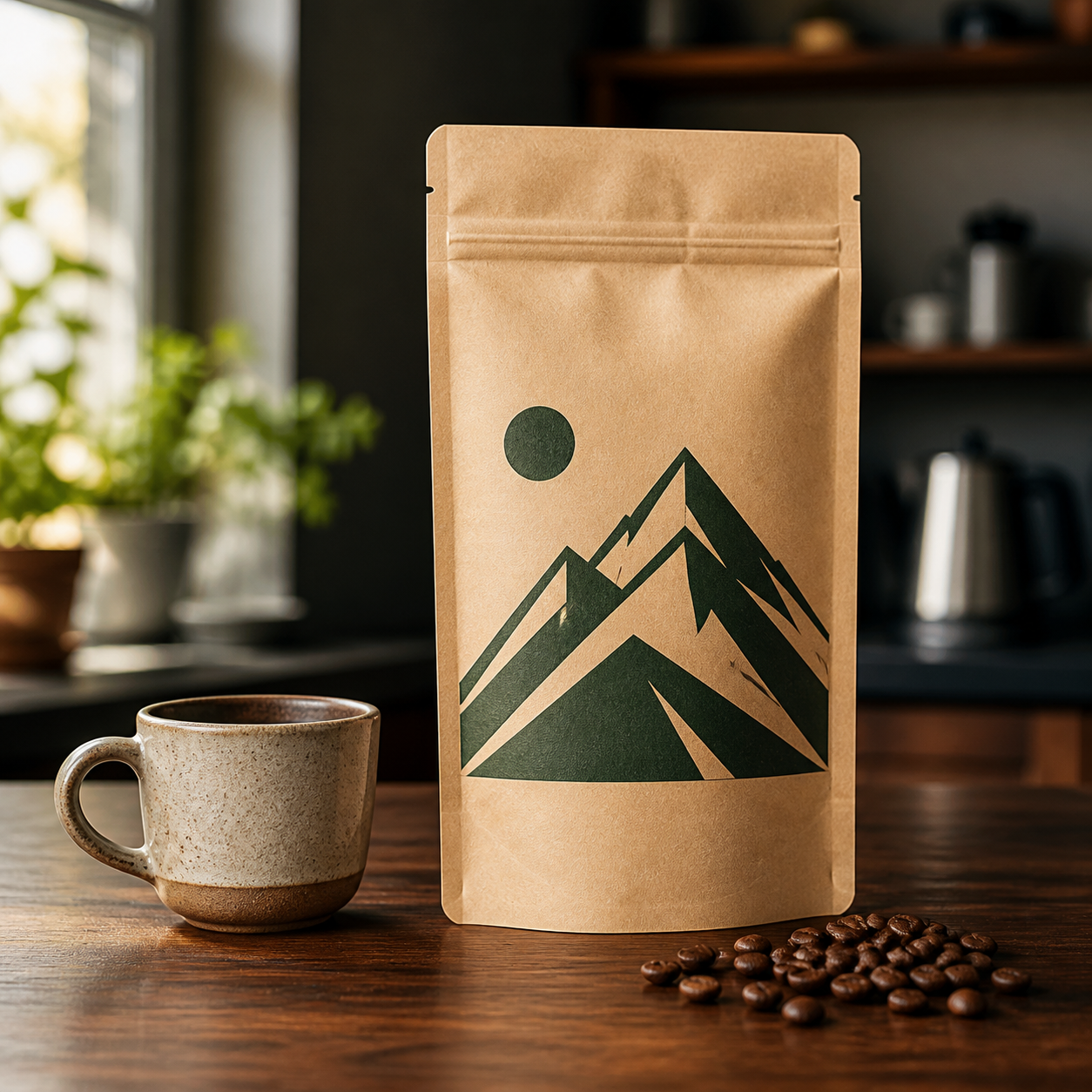
“Place the uploaded coffee package on a dark walnut counter in a softly blurred morning café setting with a small ceramic cup and a few coffee beans. Preserve the pouch's exact shape, seams, material, colors, illustration, logo, label layout, and every character of printed packaging text. Keep the front panel straight, undistorted, fully visible, and readable. Use natural side light and realistic contact shadows in a square ecommerce composition. No redesigned artwork, invented text, duplicate package, people, or watermark.”
How to Create Product Photos with Nano Banana
Start with one accurate source image, define the new shoot, and review every product detail before publishing.
Upload a Clear Product Photo
Choose a sharp image you own or are authorized to use, with the full product visible and important labels large enough to inspect.
Use even light and avoid hands, glare, heavy shadows, or objects covering the silhouette.
Add more reference views when the back, side, closure, or material details matter.
Choose a Scene and Aspect Ratio
Copy the closest prompt, then specify the background, lighting, camera angle, props, mood, and dimensions required by your store or campaign.
Use 1:1 for many marketplace listings, 4:5 for social commerce, or a wide crop for banners.
Name only a few supporting props so the product remains the clear visual priority.
Generate and Check the Packaging
Compare the result with the upload at full size before using it on a product page, marketplace, ad, or social post.
Inspect silhouette, color, material, closures, seams, logo geometry, label alignment, and text spelling.
If one detail drifts, request a focused correction and repeat every feature that must remain unchanged.
Create Ecommerce Product Photos for Every Placement
Turn one reliable product reference into a coordinated set of listing, campaign, and social assets.
White-Background Packshots
Build clean catalog images with a centered product, crisp edges, even exposure, and a natural contact shadow.
Lifestyle Product Scenes
Place the product in a relevant home, outdoor, beauty, food, fashion, or workspace setting with believable scale and light.
Studio Lighting Looks
Direct softbox, rim, backlight, reflection, shadow, and surface choices for polished commercial photography.
Marketplace Ratios
Compose square, portrait, landscape, and banner-ready images with safe space around the product for each sales channel.
Campaign Hero Images
Create bolder seasonal or editorial scenes while keeping the package recognizable and leaving intentional space for ad copy.
Consistent Product Sets
Repeat the same camera, background, and lighting language across several products for a more coherent storefront.
Why Use Nano Banana Pro for Product Photography
Detailed editing instructions help separate the product details that must stay fixed from the scene elements you want to change.
Product Shape Stays Recognizable
Lock proportions, edges, components, materials, stitching, closures, and colors before directing a new background or camera setup.
Protect Logos and Label Text
Tell the model to preserve logo geometry, label alignment, and packaging copy character for character, then verify the result at full size.
Prompts Ready to Adapt
Begin with complete product photography prompts and replace only the product, setting, lighting, props, and output ratio.
Nano Banana Product Photo Generator FAQ
Answers about product photography prompts, source images, packaging preservation, backgrounds, ratios, and ecommerce use.
How do I create product photos with Nano Banana?
Upload a clear product photo, choose Nano Banana Pro, and describe the new setting, camera angle, lighting, props, and aspect ratio. State separately that the product's shape, materials, colors, logo, label layout, and packaging text must remain unchanged.
What is a good Nano Banana product photo prompt?
A strong prompt names the product details to preserve, the exact scene to create, camera view, lighting setup, surface, shadow, aspect ratio, and unwanted changes. The four examples above cover common ecommerce and lifestyle needs and are ready to personalize.
Can Nano Banana preserve my logo and packaging text?
It can follow explicit preservation instructions, especially from a sharp, high-resolution reference, but image models can still distort small logos or text. Compare every character and brand detail with the source before publishing; regenerate or correct any mismatch.
What source photo gives the best result?
Use a high-resolution image with the entire product in focus, minimal glare, neutral perspective, readable packaging, and no occlusion. For complex objects or packaging, add front, side, back, and detail views so the model has more accurate visual evidence.
Can I make Amazon-style white-background product images?
You can generate a clean white-background packshot, but each marketplace has its own current image policies, size requirements, product coverage rules, and restrictions. Check the destination's latest specifications before uploading the result.
Which aspect ratios can I create?
Select the ratio available in the generator that best matches your destination. Square works for many catalogs, 4:5 suits social commerce, portrait supports stories, and landscape fits banners. Leave enough margin to crop safely for each channel.
Can I generate a consistent set for several products?
Yes. Reuse the same background, camera angle, focal length language, light direction, shadow softness, crop, and aspect ratio. Generate each SKU from its own accurate reference and inspect consistency as well as product-specific details.
Can I use the generated images commercially?
Use only product photos, trademarks, packaging, and reference assets you own or are authorized to edit. Your ability to publish or advertise the output also depends on applicable laws, platform policies, model terms, and third-party rights.
Create Ecommerce Product Photos with Nano Banana
Upload one accurate product reference, choose a ready-made prompt, and build polished listing or campaign images with Nano Banana Pro.