
Nano Banana Presentation Generator
Turn a topic, outline, or talking points into structured slide visuals with Nano Banana Pro. Define layout, headings, data, color palette, and slide count to build consistent decks for pitches, reviews, and reports.
Example results — your generated image will appear here
Nano Banana PPT Prompts and Slide Examples
Copy a structured prompt for a pitch deck, quarterly review, product launch, or team intro slide. Replace the sample content while keeping layout rules and text constraints.
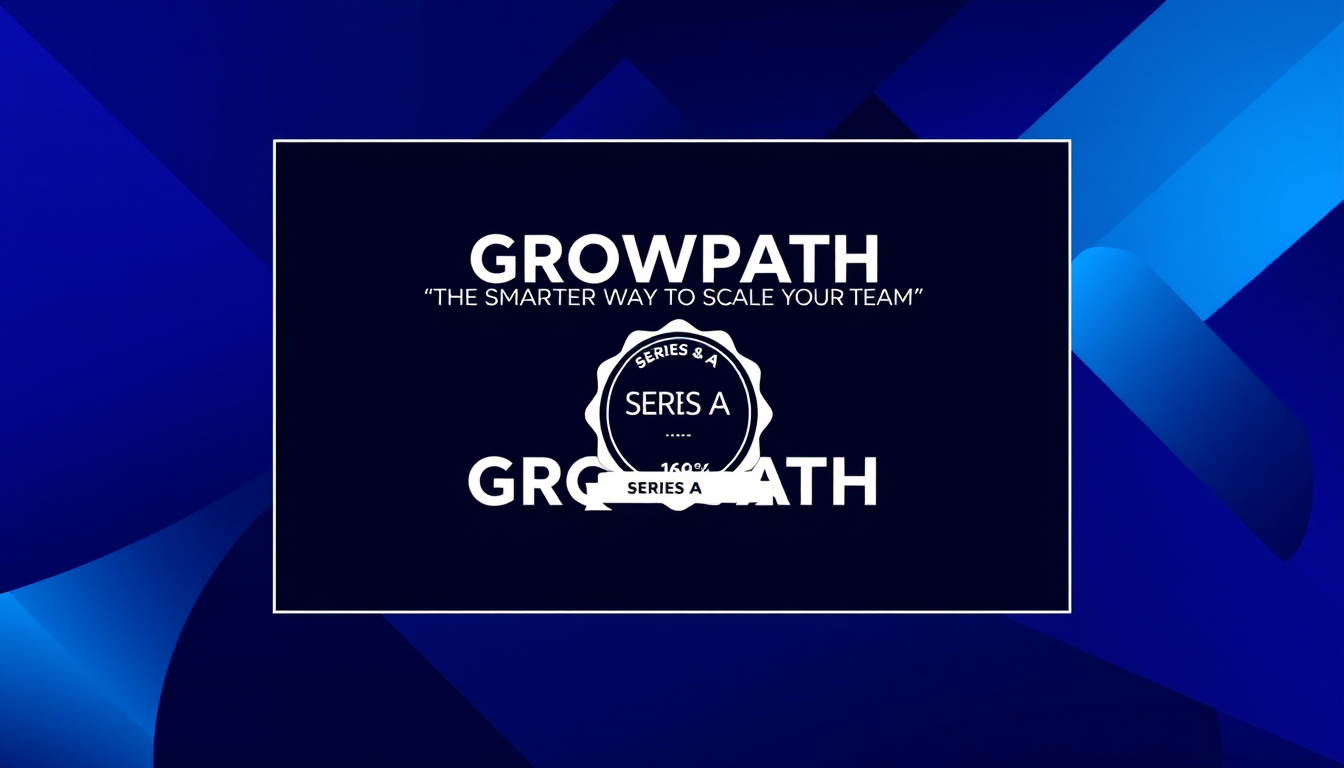
“Create a widescreen 16:9 startup pitch deck cover slide titled 'GROWPATH.' Add the tagline 'The smarter way to scale your team.' Include a SERIES A badge and a minimal geometric background in deep indigo and electric blue with white typography. Render only the supplied text exactly. No logos, photos, watermarks, or additional copy.”
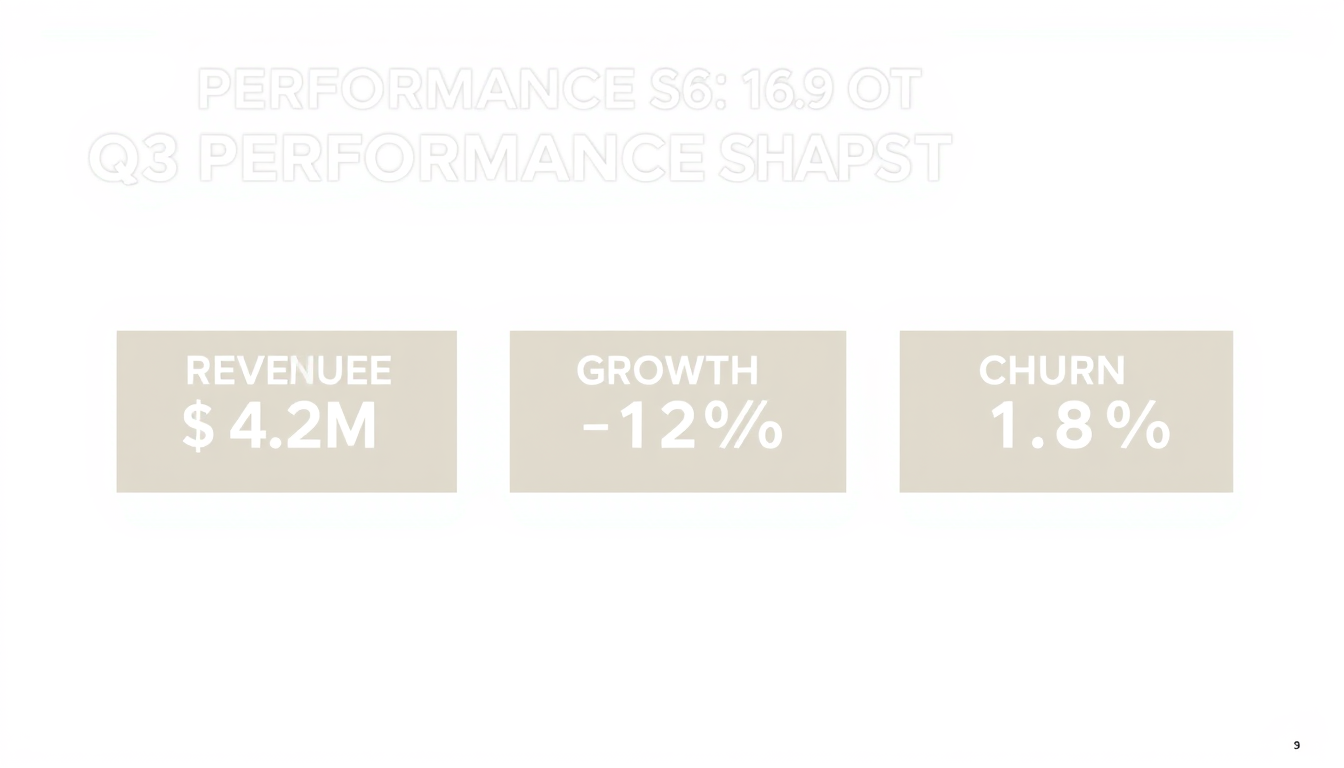
“Design a widescreen 16:9 business review slide titled 'Q3 PERFORMANCE SNAPSHOT.' Show exactly three metric blocks: REVENUE $4.2M, GROWTH +22%, CHURN 1.8%. Use a white background, dark charcoal headings, emerald and amber accent colors, clean dividers, and generous spacing. Render all values exactly as written. No charts, icons, stock art, logos, watermarks, or extra text.”
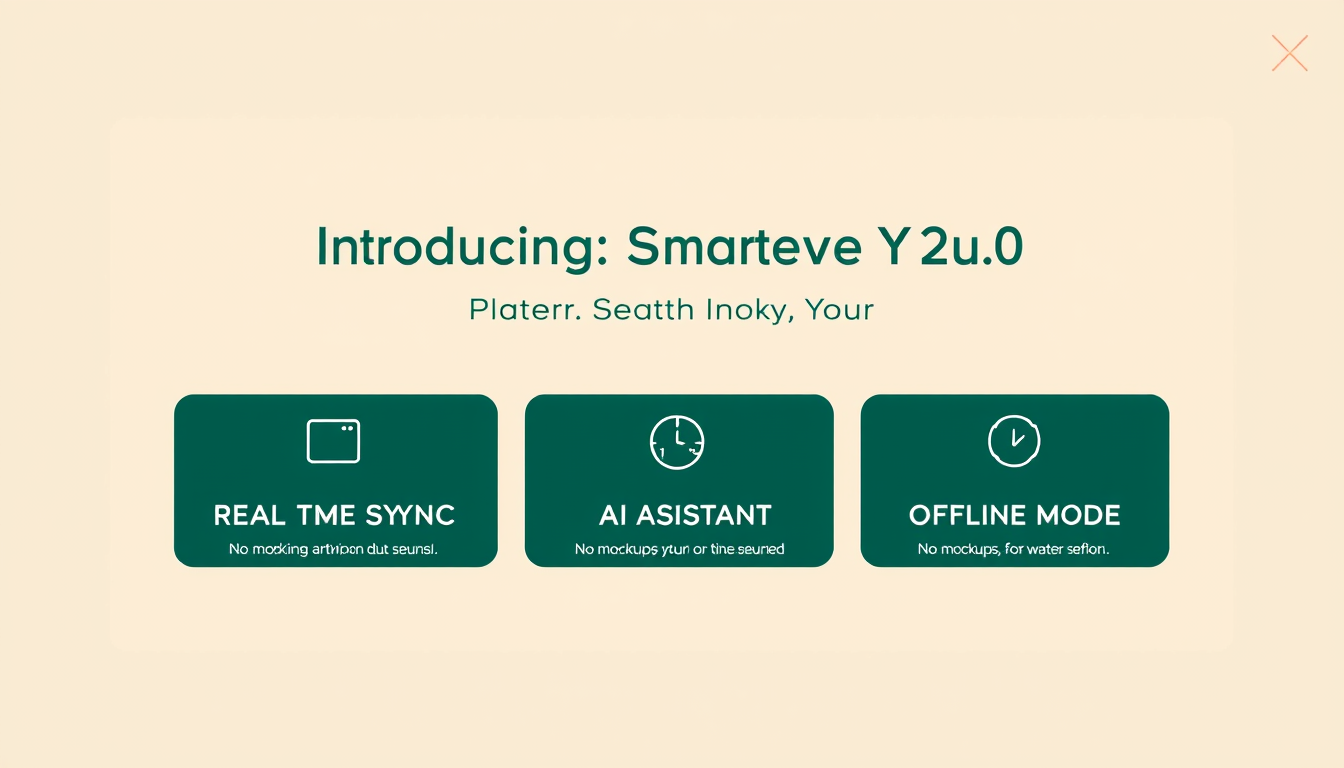
“Create a widescreen 16:9 product launch slide titled 'INTRODUCING NOVA 2.0.' Add the subtitle 'Faster. Smarter. Yours.' List exactly three features in bold: REAL-TIME SYNC, AI ASSISTANT, OFFLINE MODE. Use a warm cream background, deep forest-green typography, and a thin coral accent line. Render all text exactly as supplied. No product mockups, screenshots, icons, logos, or watermarks.”
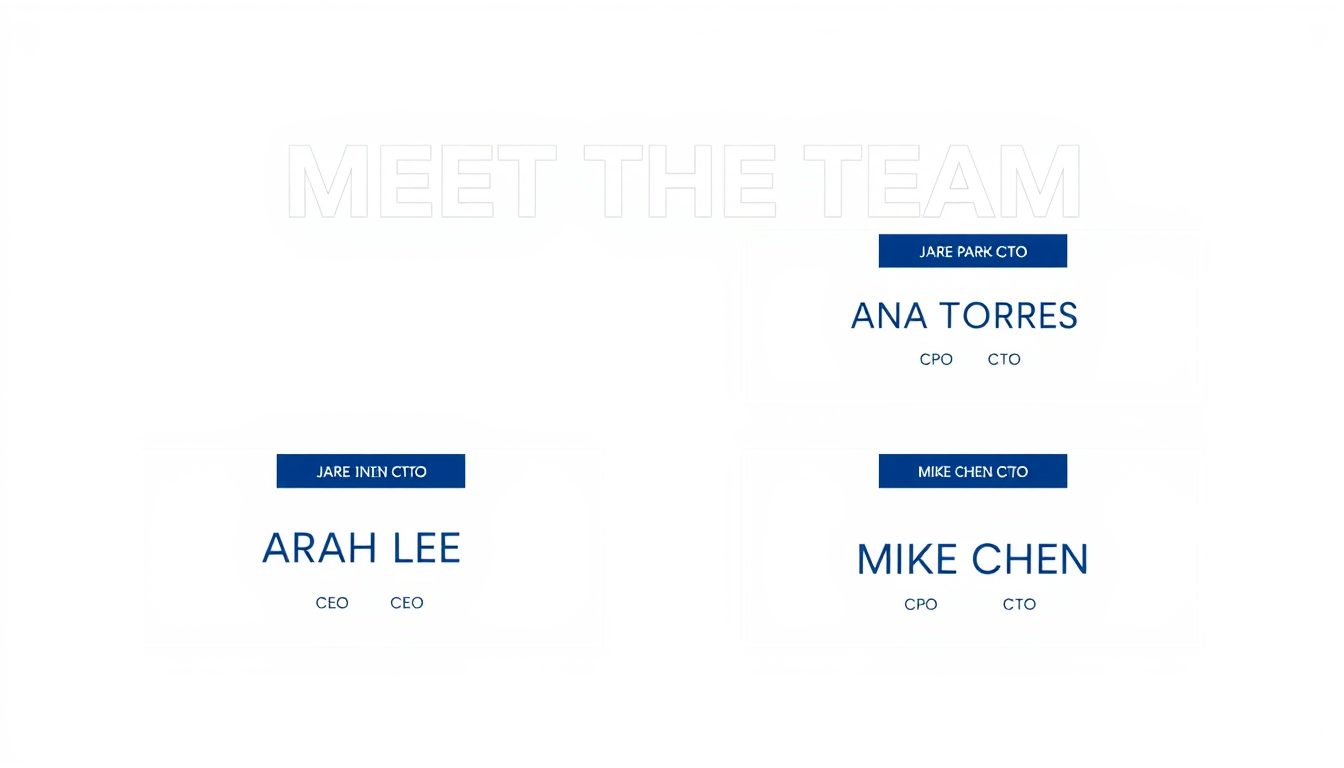
“Design a widescreen 16:9 team introduction slide titled 'MEET THE TEAM.' Show exactly four role cards in a 2x2 grid: SARAH LEE / CEO, JAMES PARK / CTO, ANA TORRES / CPO, MIKE CHEN / CFO. Use a light gray background, navy card surfaces, white name labels, and a cobalt accent stripe per card. Render all names and titles exactly as written. No photos, avatars, icons, logos, or watermarks.”
How to Create Presentation Slides with Nano Banana Pro
Treat each slide prompt as a precise design brief: supply the text, define the layout structure, and state exactly what the slide may display.
Define Your Slide Content
Provide the slide title, key points, metrics, or list items you want displayed — no more than a single slide can communicate clearly.
Write out every headline, label, and value you need rendered exactly.
Limit text to what fits without crowding; remove anything the viewer does not need.
Describe the Slide Layout and Style
Specify aspect ratio, background, typography, color palette, grid, and any structural elements such as dividers or metric blocks.
Reference a consistent color scheme across all slide prompts to maintain a cohesive deck.
Name the section structure (e.g., header bar, three-column grid, two-panel split) so layout is predictable.
Generate, Review, and Refine
Check each slide for text accuracy, layout consistency, and visual hierarchy before assembling the final deck.
Inspect every label, value, and heading against your source material.
Regenerate or refine one slide at a time rather than rewriting the whole deck prompt.
Build Consistent Slide Decks with Nano Banana Pro
Nano Banana Pro combines layout control, in-image typography, and visual structure so one prompt can define both the message and its slide design.
Structured Slide Layouts
Define header bars, two-panel splits, metric grids, full-bleed images, and title-plus-bullets layouts through plain language instructions.
Accurate Text Rendering
Supply exact headings, labels, and values and instruct the model to render them precisely — avoiding invented copy or altered numbers.
Consistent Visual Theme
Apply the same background, font mood, palette, and accent rules across every slide prompt to produce a cohesive deck.
Metrics and Data Blocks
Present KPIs, growth rates, and verified numbers as clean metric cards with explicit values and units.
Prompt-Based Iteration
Refine a single slide by adjusting one instruction at a time — change the color, reorder the points, or simplify the layout without rewriting everything.
Export-Ready Outputs
Generate slides at presentation aspect ratios and resolutions suitable for dropping into PowerPoint, Keynote, or Google Slides.
Slide Types for Every Presentation Need
Match the slide type to its purpose, then keep the content focused enough for a single visual to communicate it clearly.
Pitch Deck Slides
Create cover slides, problem statements, solution overviews, market size, and team pages for investor and sales presentations.
Business Review Slides
Present KPIs, growth metrics, quarterly highlights, and performance comparisons in a clear executive-summary format.
Product Launch Slides
Announce a new product, list key features, show positioning, and highlight the value proposition in a launch-ready visual.
Team Introduction Slides
Introduce leadership, advisors, or project members with consistent role cards, names, and titles in a uniform grid layout.
Roadmap and Timeline Slides
Visualize project phases, product milestones, or quarterly plans as a horizontal roadmap with labeled stages and dates.
Educational and Training Slides
Build lesson summaries, concept explainers, step-by-step tutorials, and knowledge-check slides for learning contexts.
Nano Banana PPT and Presentation Generator FAQ
Answers about slide prompts, text accuracy, deck consistency, formats, and responsible use.
Can Nano Banana Pro generate presentation slides?
Yes. Nano Banana Pro can render structured layouts, in-image text, metric blocks, and consistent visual styles from a written prompt. Results improve when you supply exact text, a specific layout, a consistent color palette, and firm exclusions for unwanted elements.
What should a Nano Banana PPT prompt include?
Include the slide title, all text labels, values or bullet points, layout structure, aspect ratio, background, typography style, palette, and what the slide must not show. Quote every word you want rendered exactly.
How do I keep all slides visually consistent?
Write a shared style block — background color, font mood, accent color, and grid rules — and repeat it in every slide prompt. Consistency comes from prompts that share the same visual constraints, not from a single generation.
Can I generate a full deck from one prompt?
Currently the best approach is to generate one or two slides per prompt, each with an explicit layout, text, and style brief. Generating many slides in one call reduces per-slide accuracy. Assemble the deck after reviewing each slide.
How do I make metric values render accurately?
State each value explicitly and ask the model to render it exactly. After generation, compare every number, unit, and label against your source data. Image models can misread or alter figures, so always verify before presenting.
Can I export the slides to PowerPoint or Google Slides?
Generated images can be saved and inserted into any presentation software as picture slides. For editable text and shapes, use the images as visual references or backgrounds and recreate the text layers natively in your chosen tool.
Can I match an existing brand template?
Describe the brand's approved colors, typography mood, background style, and layout rules in the prompt. You can also upload a reference slide you have permission to use. Avoid asking the model to copy proprietary templates or third-party brand systems exactly.
Can I use AI-generated slides commercially?
Commercial use depends on the applicable model terms, your rights to all inputs, and local law. Verify permissions for all source material, brand elements, and data before publishing or presenting generated slides in a commercial context.
Create Your Nano Banana Presentation Slides
Describe your slide content, layout, and style — Nano Banana Pro handles the visual design.