
Gemini Couple Photo Generator
Upload one clear photo of each person and create a believable photo together. Nano Banana Pro can combine both references into a romantic portrait, wedding scene, retro film frame, or Polaroid-style snapshot while your prompt tells it which facial features must stay unchanged.
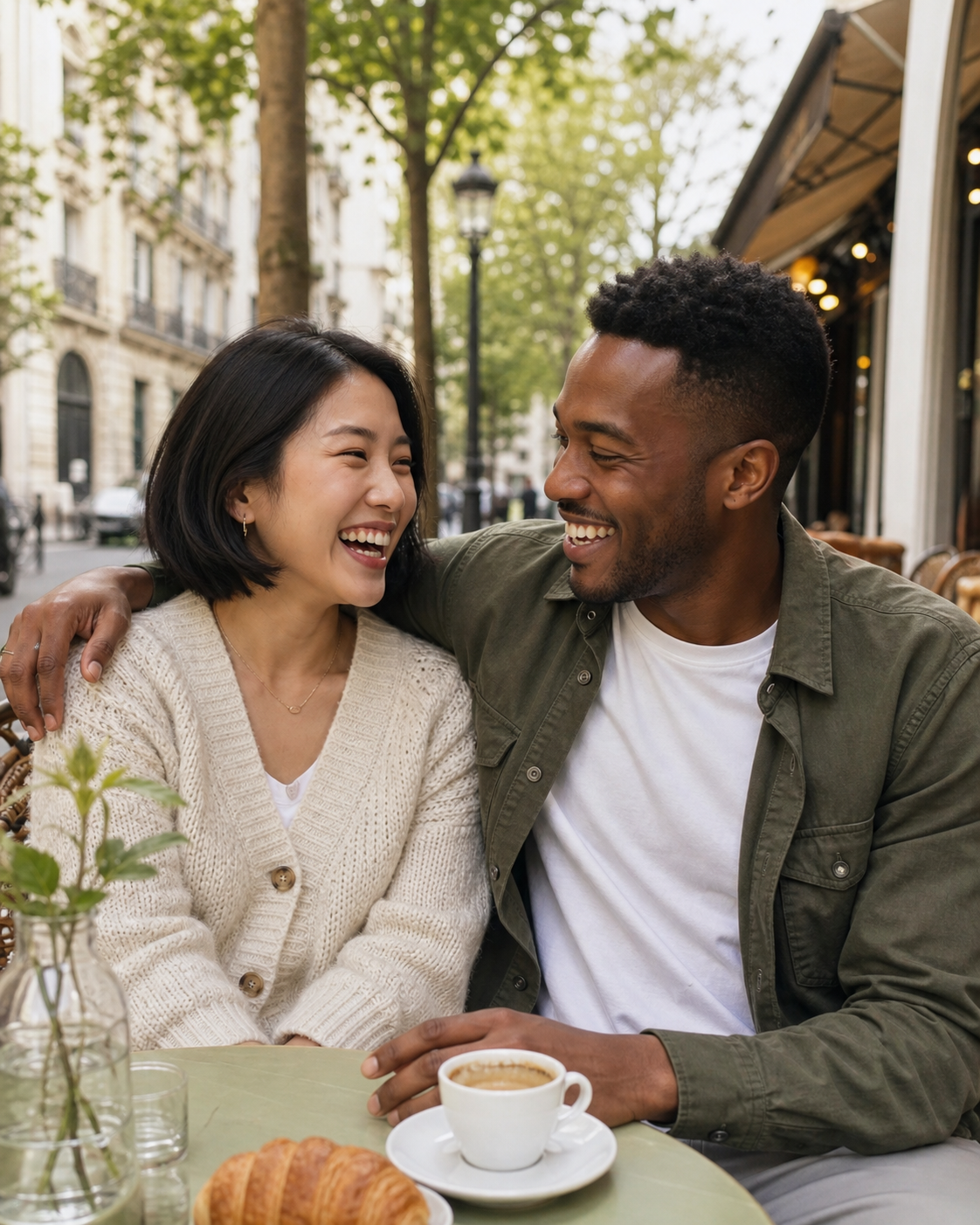
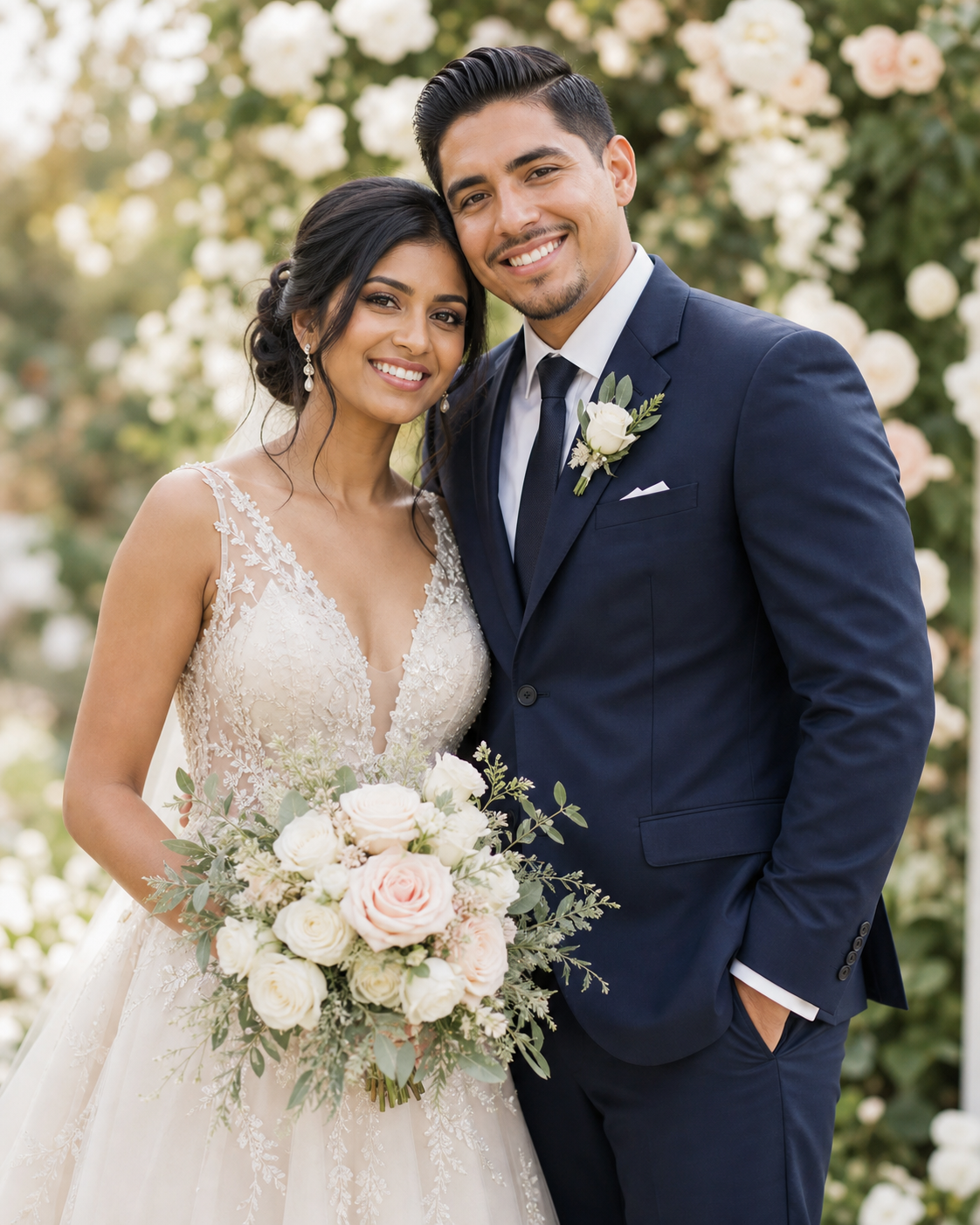
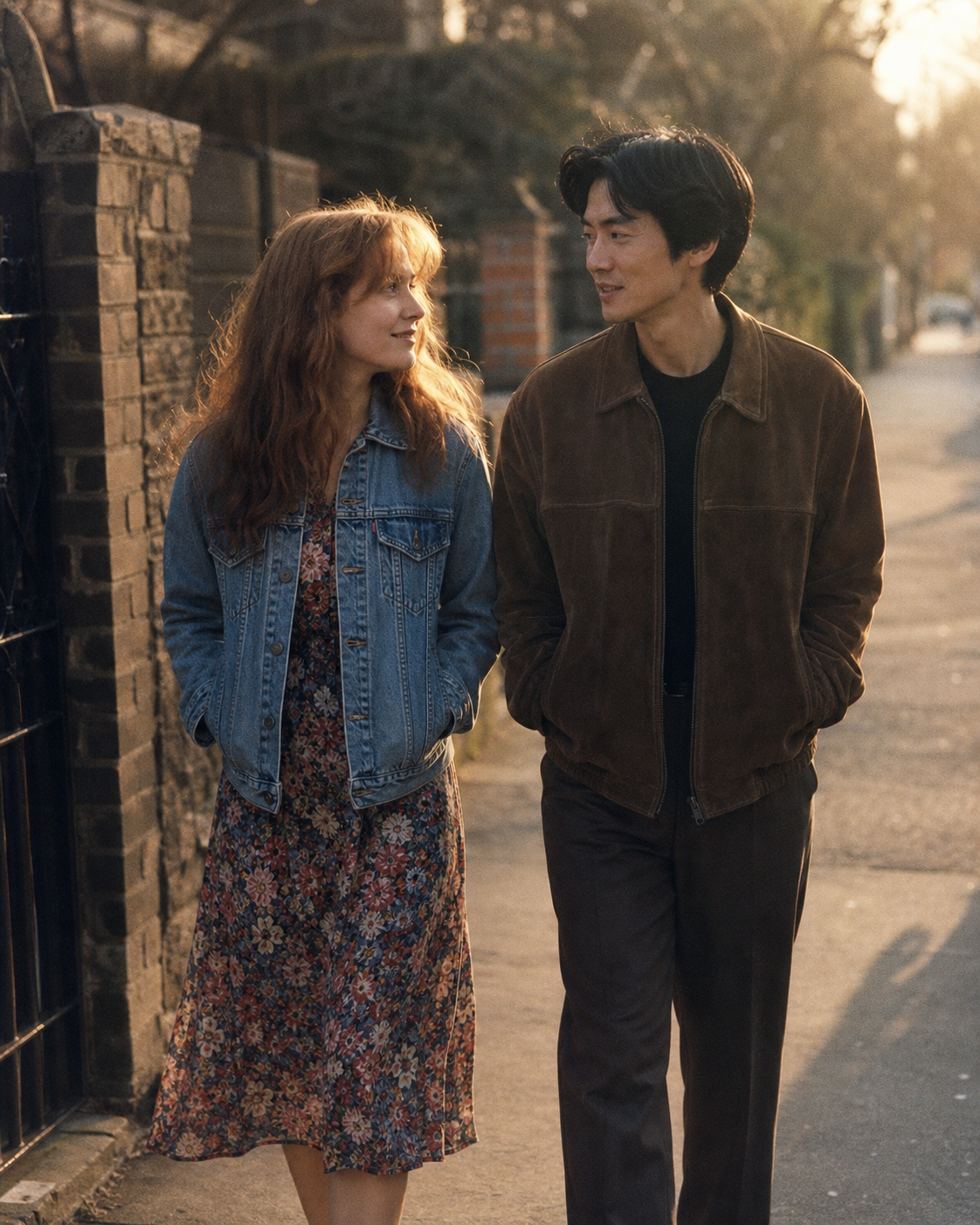

Example results — your generated image will appear here
Gemini Couple Photo Prompt Examples
Choose a complete prompt for a candid date, wedding portrait, retro film photo, or instant-camera snapshot. Upload both reference photos, paste the prompt, and change the scene details you want.
“Use Image 1 as the identity reference for Person A and Image 2 as the identity reference for Person B. Create one realistic candid photo of them laughing together at a leafy outdoor café. Preserve each person's face shape, eyes, nose, mouth, skin tone, hairstyle, age, and defining features without blending their identities. Match camera angle, scale, perspective, and daylight across both people. Show relaxed, natural body language and anatomically correct hands. Exactly two adults, both faces visible, no text, no logo, and no watermark.”
“Combine the two uploaded people into an elegant garden wedding portrait. Keep Person A's identity only from Image 1 and Person B's identity only from Image 2, preserving their individual facial proportions, skin tones, hairstyles, and ages. Dress them in coordinated wedding attire and place them together before softly blurred flowers in clean natural daylight. Use professional three-quarter portrait framing, realistic fabric, natural smiles, coherent shadows, and correct hands. Do not merge facial features. Exactly two adults, no text, no brand logos, and no watermark.”
“Create a realistic 1990s romantic film photo using the two uploaded identity references. Preserve each person's recognizable facial features, skin tone, hairstyle, and body proportions separately. Show the couple walking beside an old brick wall at golden hour, glancing at each other naturally in understated vintage clothing. Add authentic 35mm color-negative grain, mild halation, slightly imperfect focus, and restrained scan texture. Keep both faces clear and consistent, with matched perspective and lighting. Exactly two adults, no face blending, no text, and no watermark.”
“Turn the two uploaded reference photos into one joyful instant-camera style couple snapshot at a casual apartment celebration. Preserve Person A and Person B as two distinct identities, including face shape, eyes, nose, mouth, skin tone, hairstyle, and age. Pose them shoulder to shoulder with natural smiles under direct camera flash and warm room lights. Use realistic instant-film grain, a gentle color shift, and candid framing, but do not add a physical white border. Exactly two adults, correct anatomy, no face blending, no text, no logo, and no watermark.”
How to Make a Couple Photo in Gemini
Give the model two useful identity references, describe one shared scene, and check both people before downloading.
Upload Two Clear Photos
Add one well-lit reference for each consenting adult, with the face unobstructed and close enough to inspect.
Similar head angles and image quality make a convincing composite easier.
Use only photos you own or have permission to edit.
Choose and Personalize a Prompt
Copy the closest example, then change the setting, wardrobe, pose, era, or lighting while keeping the identity instructions.
Refer to each upload separately as Person A and Person B.
Ask for exactly two people and state that faces must not blend.
Generate and Check Both Faces
Create the photo, then compare each face, hairstyle, skin tone, hands, and body proportions with the correct reference.
If one identity drifts, simplify the scene and repeat the features that must stay unchanged.
Refine one detail at a time so a successful face or pose is less likely to change.
Create Couple Photos for Every Shared Moment
Use the same two references to explore realistic occasions and visual eras without losing who each person is.
Romantic Portraits
Create a natural close portrait, sunset walk, café date, or quiet at-home moment with believable expressions and body language.
Wedding Photos
Preview an elegant ceremony, engagement, or anniversary portrait with coordinated clothing, flowers, and professional lighting.
Retro Couple Photos
Recreate a 1970s, 1980s, or 1990s film look with period styling, authentic grain, gentle halation, and restrained color shifts.
Polaroid-Style Snapshots
Make a casual direct-flash moment with instant-film texture, soft color variation, and the imperfect charm of a personal keepsake.
Travel Memories
Place both people in a beach, mountain, city, or road-trip scene with consistent scale, perspective, weather, and light.
Seasonal Celebrations
Create a birthday, holiday, festival, or milestone portrait while keeping cultural details and each person's appearance specific.
Why Use Nano Banana Pro for Couple Photos
Multi-image understanding and precise editing instructions help two separate references feel like one coherent photograph.
Two Distinct Identities
Assign one reference to each person and list the facial traits that must remain separate to reduce identity blending.
One Coherent Scene
Match perspective, scale, shadows, skin tones, pose, and eye direction so the composite reads as a single camera capture.
Prompts Ready to Use
Start with complete identity, composition, lighting, and quality instructions instead of building a long prompt from scratch.
Gemini Couple Photo Generator FAQ
Answers about combining two photos, writing prompts, preserving faces, and using the results responsibly.
How do I ask Gemini to create a couple photo?
Upload one clear photo for each person, choose Nano Banana Pro, and use a prompt that assigns each upload to a separate identity. Describe the shared scene, pose, lighting, and style, then list the facial details that must remain unchanged.
How do I combine two photos in one Gemini prompt?
Label the first upload Person A and the second Person B. Tell the model to place them in one scene while preserving each person's features separately, matching their scale, camera angle, perspective, shadows, and color temperature.
How can I make a couple photo without changing either face?
Use sharp, front-facing references and explicitly preserve face shape, eyes, nose, mouth, skin tone, hairstyle, and age for each person. Avoid crowded scenes or extreme angles. AI results can still drift, so compare both faces and regenerate when necessary.
What is a good Gemini AI retro couple photo prompt?
Specify a decade, period clothing, one location, a film stock look, lighting, grain, and restrained artifacts. Keep the identity-preservation instructions separate from the style request. The retro example above is ready to copy and personalize.
Can I create wedding and Polaroid couple photos?
Yes. The prompt examples include a garden wedding and an instant-camera party photo. You can change attire, location, season, pose, film character, and lighting while retaining the instructions for both identities.
What photos work best as references?
Use recent, high-resolution images with one person per photo, even lighting, minimal occlusion, and a clear view of the face. References with similar head angles and image quality are generally easier to combine convincingly.
Can I upload photos of anyone?
Only use photos you own or have permission to edit, and get consent from the people shown. Do not create deceptive, intimate, harassing, or impersonating images. Review the result before sharing it.
Create a Couple Photo with Gemini
Upload two permitted reference photos, copy a ready-made prompt, and bring both people into one believable scene with Nano Banana Pro.