
Nano Banana Face Swap for Realistic Photo Edits
Upload a clear face photo and a target photo, then use Nano Banana Pro to replace the face while preserving the target pose, expression, clothing, lighting, and background. Only use photos you own or have permission to edit.
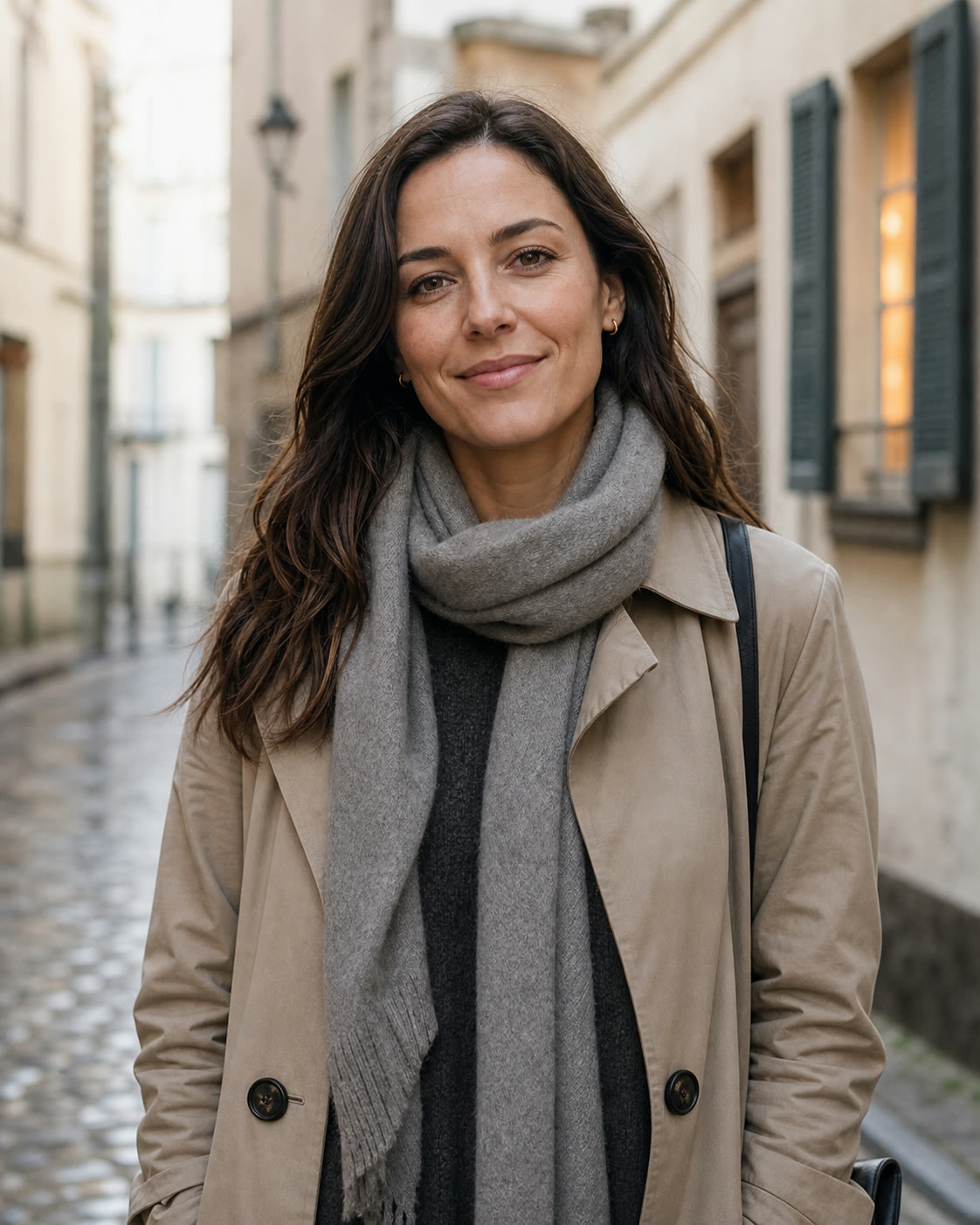

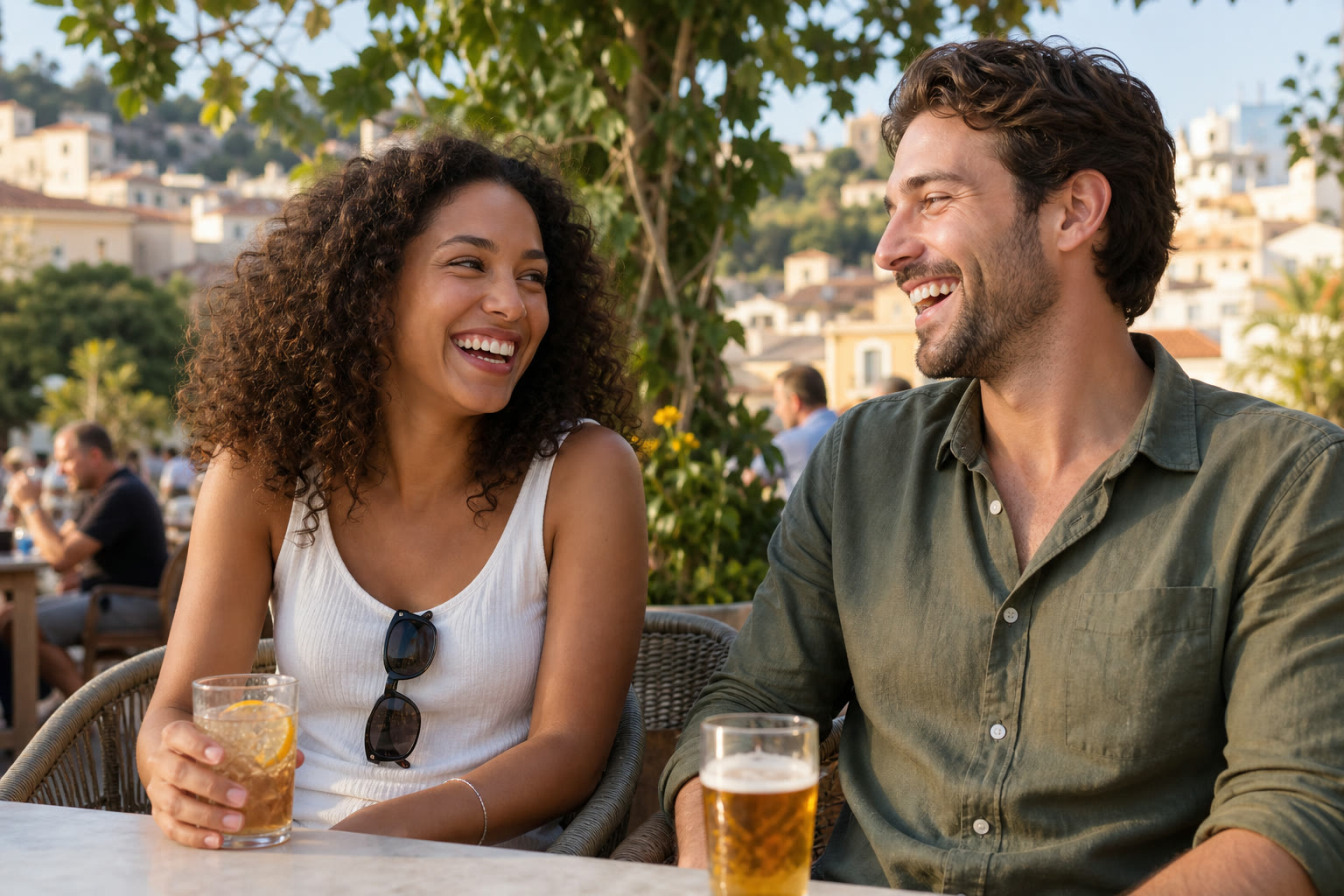
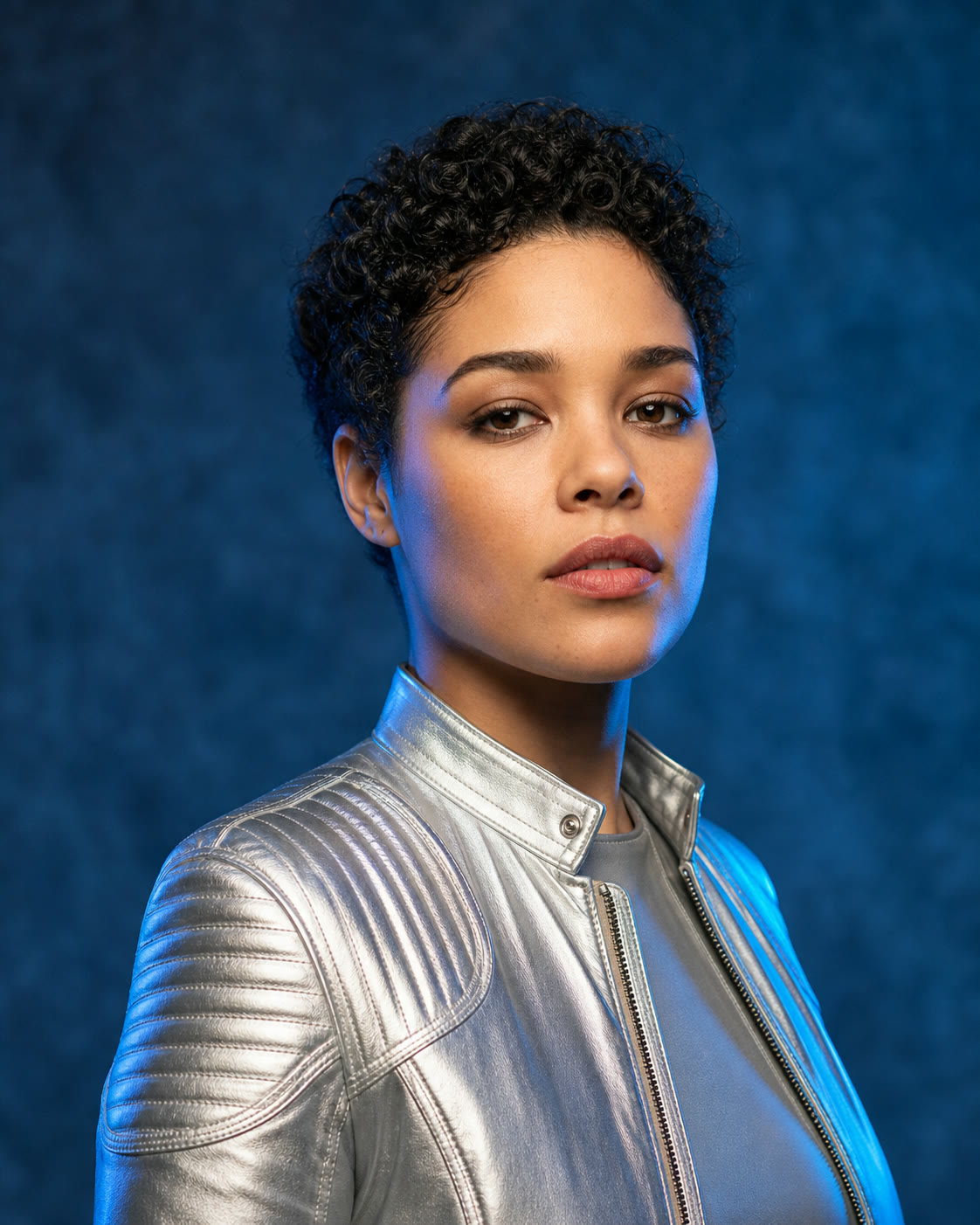
Example results — your generated image will appear here
Nano Banana Face Swap Prompts for Realistic Results
Start with a prompt matched to your scene, then replace the image labels or subject details to fit your own authorized photos.
“Use Image 1 as the identity reference and Image 2 as the target travel photo. Replace only the target person's face. Keep the target pose, trench coat, scarf, hair, street background, framing, and overcast light unchanged. Match skin tone, head angle, focus, and shadows for a seamless editorial portrait.”
“Place the person from Image 1 into the person position in Image 2. Preserve the dark suit, body angle, gallery setting, camera crop, and warm directional lighting from Image 2. Keep the identity from Image 1 recognizable while matching perspective, skin texture, hairline, and depth of field.”
“In Image 2, replace only the face of the person on the left with the identity from Image 1. Do not change the person on the right. Preserve both bodies, expressions, clothing, hands, table, cafe background, sunlight, and composition. Blend the new face with matching gaze, skin tone, shadow, and sharpness.”
“Use Image 1 only as the identity reference for the model in Image 2. Keep Image 2's short curls, silver jacket, head angle, expression, crop, blue studio background, and colored edge light. Replace only the face and match the original perspective, skin texture, highlights, shadows, and lens sharpness.”
How to Face Swap with Nano Banana Pro
Label each photo clearly in your prompt so the model knows which identity to use and which scene to preserve.
Upload Two Authorized Photos
Add a well-lit identity reference first, then the target photo whose pose, clothing, and setting you want to keep.
Choose sharp photos where the face is not hidden by hair, glasses, or heavy shadows.
Only upload photos you own or have explicit permission to edit.
Describe the Swap
Identify Image 1 as the face reference and Image 2 as the target, then list everything that should remain unchanged.
Specify pose, expression, hairstyle, clothing, framing, lighting, and background.
For group photos, identify the exact person by position or clothing.
Generate and Review
Create the edit, inspect facial proportions and edge blending, then refine the instruction if a detail drifted.
Ask to match skin tone, shadow direction, focus, and camera perspective.
Download only after checking that the result is respectful and not misleading.
Why Use Nano Banana Pro for Face Swapping
Multi-image understanding gives you precise control over identity, scene details, and the visual cues that make an edit believable.
Strong Identity Reference
Use a separate portrait to guide facial structure and recognizable features instead of relying on a vague text description.
Target Scene Preservation
Tell the model to retain the target pose, expression, body, clothing, crop, and background while changing only the requested face.
Natural Light Matching
Prompt for consistent skin tone, highlight direction, shadows, sharpness, and color temperature so the replacement belongs in the scene.
Controlled Group Edits
Identify a person by position or clothing to edit one face in a group photo without changing everyone else.
High-Resolution Output
Choose 1K, 2K, or 4K output when the final image needs extra detail for portraits, campaigns, or print layouts.
Consent-First Workflow
The tool is intended for authorized creative edits. Avoid impersonation, deception, harassment, and photos you do not have the right to use.
Creative Ways to Use an AI Face Swap
Use face replacement for clearly authorized personal and production workflows where identity consistency saves retouching time.
Portrait Variations
Place your own face into an authorized portrait setup to compare outfits, locations, and editorial directions before a shoot.
Previsualization
Mock up casting and character placement for internal storyboards or pitch concepts with the subject's permission.
Campaign Concepts
Create approved talent variations for early campaign exploration while keeping the art direction and scene composition consistent.
Nano Banana Face Swap FAQ
Practical answers about photos, prompts, realism, consent, and common face replacement problems.
How do I face swap with Nano Banana Pro?
Upload a clear identity reference as Image 1 and the target scene as Image 2. In the prompt, ask Nano Banana Pro to replace only the face in Image 2 while preserving its pose, expression, hairstyle, clothing, lighting, camera angle, and background.
What is the best Nano Banana face swap prompt?
A strong prompt assigns a role to each image, names the exact person to edit, lists the details that must stay unchanged, and requests matched skin tone, perspective, focus, and shadows. Copy one of the examples above and adapt it to your scene.
What photos produce the most realistic results?
Use sharp, well-lit photos with visible facial features. Similar head angles and image quality make blending easier. Avoid tiny faces, extreme blur, heavy occlusion, or source images with conflicting light directions.
Can I swap one person in a group photo?
Yes. Identify the target precisely, such as 'the person on the left wearing a white shirt,' and explicitly say not to change the other people. Review every face in the output before using it.
Why did the pose or background change?
Repeat the preservation constraints and reduce unnecessary creative instructions. State that Image 2 controls the body, pose, clothing, crop, lighting, and background, while Image 1 provides identity only.
Can I use any person's photo?
No. Use photos you own or have explicit permission to edit. Do not create deceptive impersonations, non-consensual intimate content, harassment, fraud, or misleading political and commercial material.
Does the tool support high-resolution face swaps?
Yes. Nano Banana Pro supports 1K, 2K, and 4K output options. Higher resolution can preserve more detail, but a clear source image and precise prompt remain essential.
Create Your Nano Banana Face Swap
Upload two authorized photos, label the identity and target clearly, and generate a natural-looking edit with Nano Banana Pro.